How to Add a 3D Animated Character to a Website
By the Charmotion team · Updated · How we write guides
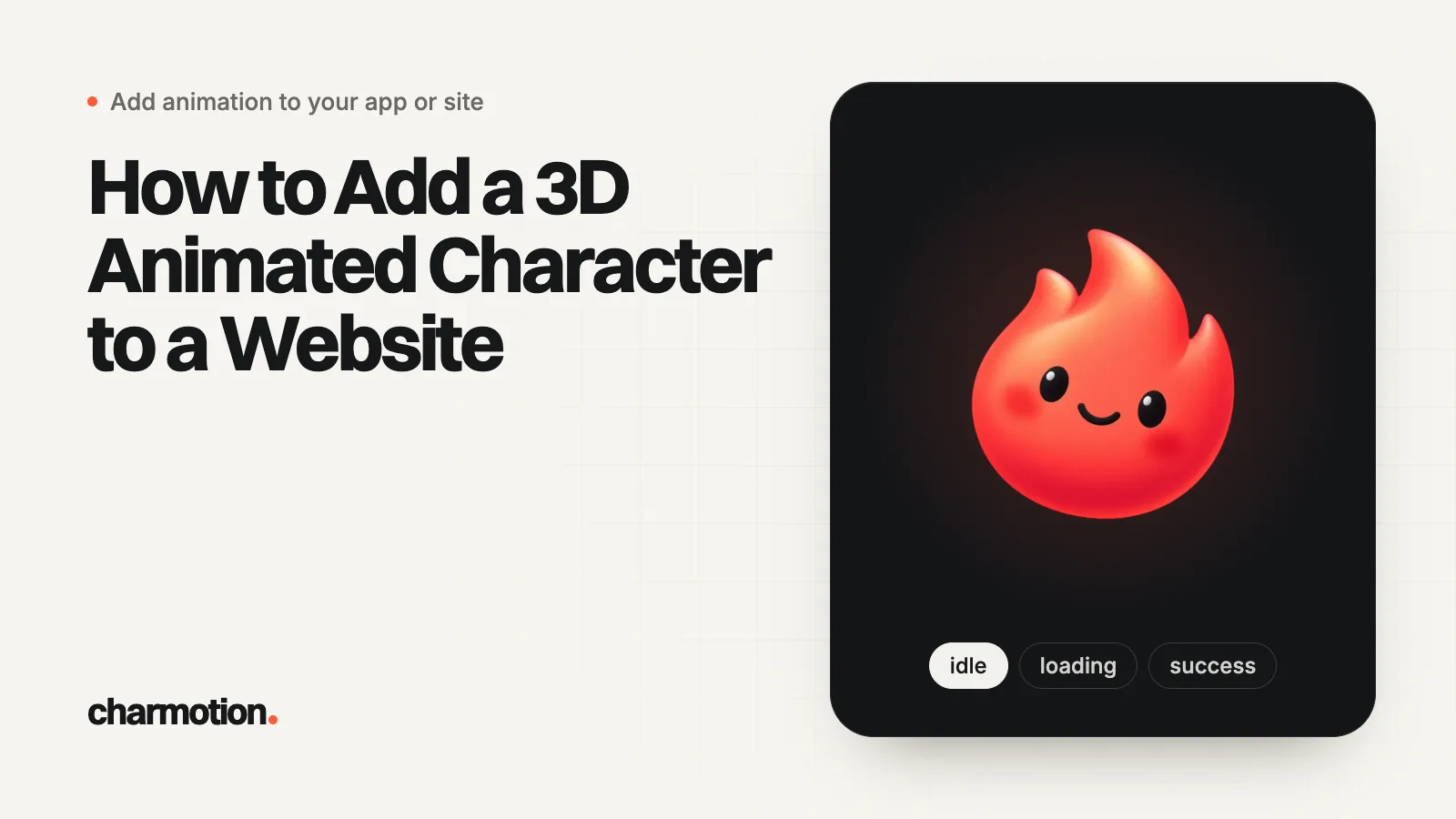
To put a 3D animated character on a website, get a rigged model with its animations as a glTF (GLB) file, compress it, then display it with Google's model-viewer web component or three.js. Show a poster image first and pause rendering off screen. If visitors never rotate the character, a rendered video loop is lighter.
Key takeaways
- glTF (a .glb file) is the web format for 3D characters; the three.js manual recommends it.
- Mixamo auto-rigs and animates bipedal humanoid characters free with an Adobe ID; Blender exports the result to GLB.
- glTF Transform's optimize command can compress geometry and textures in one step.
- model-viewer plays a named animation with two attributes; three.js gives full control through AnimationMixer.
- If the character never rotates or reacts, a video loop or a 2D animation is smaller and simpler.
Already have a character or logo? See examples in real app screens: splash, onboarding, loading and empty-state screens, with the animation that plays in each.
What are the ways to add a 3D animated character to a website?
| Method | Good for | Trade-off |
|---|---|---|
| <model-viewer> web component | A character that plays animations and can be rotated, with almost no code | Less control over lighting and scene than raw three.js |
| three.js | Custom scenes, pointer tracking, scroll effects | You write and maintain the render loop |
| Spline | Designers building the scene and interactions visually | Scene lives in Spline's format and viewer |
| Rendered video loop | A 3D look with no interaction | Cannot rotate or react; transparency needs two files |
| 2D animation (Rive, Lottie) | Mascots that idle, wave and react in the UI | Not a real 3D model |
Real-time 3D is worth it when the visitor gets something from the depth: turning the character around, a product in its hands, or a scene that follows the pointer. For the same idea applied to logos, see interactive 3D logo for a website, and for the tool comparison, Rive vs Spline.
Where do I get a rigged, animated 3D character?
- Commission or build one in Blender. Blender's glTF exporter writes the mesh, skeleton and animations (actions) into one .glb file.
- Auto-rig a humanoid with Mixamo. Adobe's FAQ says Mixamo is free with an Adobe ID, that the auto-rigger and animation library are for bipedal humanoids, and that characters and animations can be used royalty-free in commercial projects. Download the animated character as FBX, import it into Blender, and export GLB.
- Animals, blobs and creatures are outside Mixamo's scope. They need a custom rig in Blender or a tool that supports non-humanoid rigs.
Name each animation clearly in Blender (for example Idle, Wave, Jump). Both model-viewer and three.js select clips by those names.
What to ask an artist to deliver
- One .glb file with every clip inside it, rather than one file per animation.
- Real-world scale and orientation. The glTF specification uses meters, +Y as up, and says the front of an asset faces +Z. A character built that way appears upright, facing the camera, at a sensible size.
- The origin at the feet, so the model stands on the floor and rotates around its own center line.
- Loops that join up: the last frame of
Idleshould match the first. - A texture budget, for example 1024 or 2048 px maps, agreed before texturing starts.
- A still poster render from the same camera angle you will use on the page.
How do I make a 3D character file small enough for the web?
Character files from modeling tools are often several megabytes, mostly textures. glTF Transform's CLI inspects and compresses them:
npx @gltf-transform/cli inspect mascot.glb
npx @gltf-transform/cli optimize mascot.glb mascot-web.glb \
  --compress meshopt --texture-compress webp
The inspect report shows whether the file is texture-heavy or geometry-heavy. Then reduce what matters: texture resolution first (a character shown at 400 px rarely needs 4K maps), then polygon count. Meshopt or Draco compression requires a decoder in the viewer; model-viewer includes it, and in three.js you register it on the loader, as in the next section's snippet.
How do I show an animated character with model-viewer?
model-viewer is a single script and a tag. This plays the Idle clip, lets visitors drag to rotate, and plays Wave once on click before returning to idle:
<script type="module"
  src="https://ajax.googleapis.com/ajax/libs/model-viewer/4.4.0/model-viewer.min.js"></script>

<model-viewer id="buddy" src="/mascot-web.glb" poster="/mascot-poster.webp"
  alt="Our mascot, a round blue robot" autoplay animation-name="Idle"
  camera-controls disable-zoom touch-action="pan-y" loading="lazy"
  shadow-intensity="1" style="width: 360px; height: 420px"></model-viewer>

<script type="module">
  const mv = document.querySelector("#buddy");
  if (matchMedia("(prefers-reduced-motion: reduce)").matches) {
    mv.removeAttribute("autoplay");
  }
  mv.addEventListener("click", () => {
    mv.animationName = "Wave";
    mv.play({ repetitions: 1 });
  });
  mv.addEventListener("finished", () => {
    mv.animationName = "Idle";
    mv.play();
  });
</script>
The finished event fires when a play({ repetitions: 1 }) run completes, which is how the model-viewer examples chain clips. touch-action="pan-y" keeps vertical page scrolling working on phones while the model is under a finger.
How do I play a 3D character animation with three.js?
With a bundler such as Vite, after npm install three:
import * as THREE from "three";
import { GLTFLoader } from "three/addons/loaders/GLTFLoader.js";
import { MeshoptDecoder } from "three/addons/libs/meshopt_decoder.module.js";

const canvas = document.querySelector("#character");
const renderer = new THREE.WebGLRenderer({ canvas, alpha: true, antialias: true });
renderer.setPixelRatio(Math.min(devicePixelRatio, 2));
renderer.setSize(canvas.clientWidth, canvas.clientHeight, false);

const scene = new THREE.Scene();
scene.add(new THREE.HemisphereLight(0xffffff, 0x445566, 3));
const camera = new THREE.PerspectiveCamera(35, canvas.clientWidth / canvas.clientHeight, 0.1, 100);
camera.position.set(0, 1.2, 4);
camera.lookAt(0, 1, 0);

const timer = new THREE.Timer();
let mixer;
new GLTFLoader().setMeshoptDecoder(MeshoptDecoder).load("/mascot-web.glb", (gltf) => {
  scene.add(gltf.scene);
  mixer = new THREE.AnimationMixer(gltf.scene);
  const idle = THREE.AnimationClip.findByName(gltf.animations, "Idle");
  mixer.clipAction(idle).play();
});

renderer.setAnimationLoop((time) => {
  timer.update(time);
  mixer?.update(timer.getDelta());
  renderer.render(scene, camera);
});
THREE.Timer replaces THREE.Clock, which is deprecated since r183. To switch clips, call clipAction for the new clip and use crossFadeTo for a smooth blend. Stop the loop with renderer.setAnimationLoop(null) when the canvas scrolls out of view (an IntersectionObserver works well for this).
How do I keep a 3D character fast and accessible?
- Poster first. Show a still render immediately; model-viewer's
posterandloading="lazy"do this for you. - Cap the pixel ratio at 2, as in the snippet, so high-density phones do not render four times the pixels.
- Render only when visible and pause when the tab is hidden.
- Respect reduced motion by not autoplaying, and avoid camera moves the visitor did not start.
- Describe it. Give the element an
altoraria-label, and never put essential information only inside the 3D scene.
Do I actually need real-time 3D for a website character?
Often not. If the character only idles and waves in a corner, a rendered loop or a 2D state animation gives the same impression for far less weight and work. Spline is the comfortable middle ground when a designer wants to build and tweak the 3D scene without code: its viewer is a web component you paste into the page.
Disclosure: Charmotion is our product. We list it where it fits and say where other tools are better; every other fact links to its source.
Charmotion is one 2D option: it animates one finished image of a front-facing character in its own artwork (idle, launch, happy, wave and loading) and exports a .riv file with web code, plus MP4, transparent WebM and MOV. It does not create 3D models, so the result cannot be rotated, and it is the wrong tool if you need a turnable 3D character.
Frequently asked questions
What file format should a 3D character for the web use?
glTF, usually as a single binary .glb file that holds the mesh, materials, skeleton and animations. three.js, model-viewer and Spline imports all support it. FBX from Mixamo or other tools should be converted to GLB, for example in Blender.
How large can a 3D character file be on a website?
There is no fixed limit, but every megabyte delays the first interaction on mobile. Inspect the file, shrink textures to the display size and compress geometry, then test load time on a mid-range phone over a cellular connection.
Can a 3D website character follow the mouse?
Yes, with three.js you can rotate the head or whole model toward the pointer each frame, eased over time. model-viewer's camera-controls rotate the camera instead. Keep the rotation to a few degrees so it looks alive rather than twitchy.
Can I use Mixamo animations commercially on my site?
Adobe's Mixamo FAQ says characters and animations can be used royalty-free in personal, commercial and nonprofit projects. Read the current terms yourself before launch, since terms can change.
Quick answers from this guide
Sources
- Loading 3D models, three.js manual
- AnimationMixer, three.js docs
- Timer, three.js docs
- <model-viewer> documentation, Google (model-viewer)
- Animation examples, Google (model-viewer)
- glTF 2.0 import and export, Blender Manual
- glTF Transform CLI, glTF Transform
- Mixamo: common questions, Adobe
- Exporting as Spline Viewer, Spline docs
- glTF 2.0 specification (coordinate system and units), Khronos Group