Tools That Turn a Static Character Into Animation (2026)
By the Charmotion team · Updated
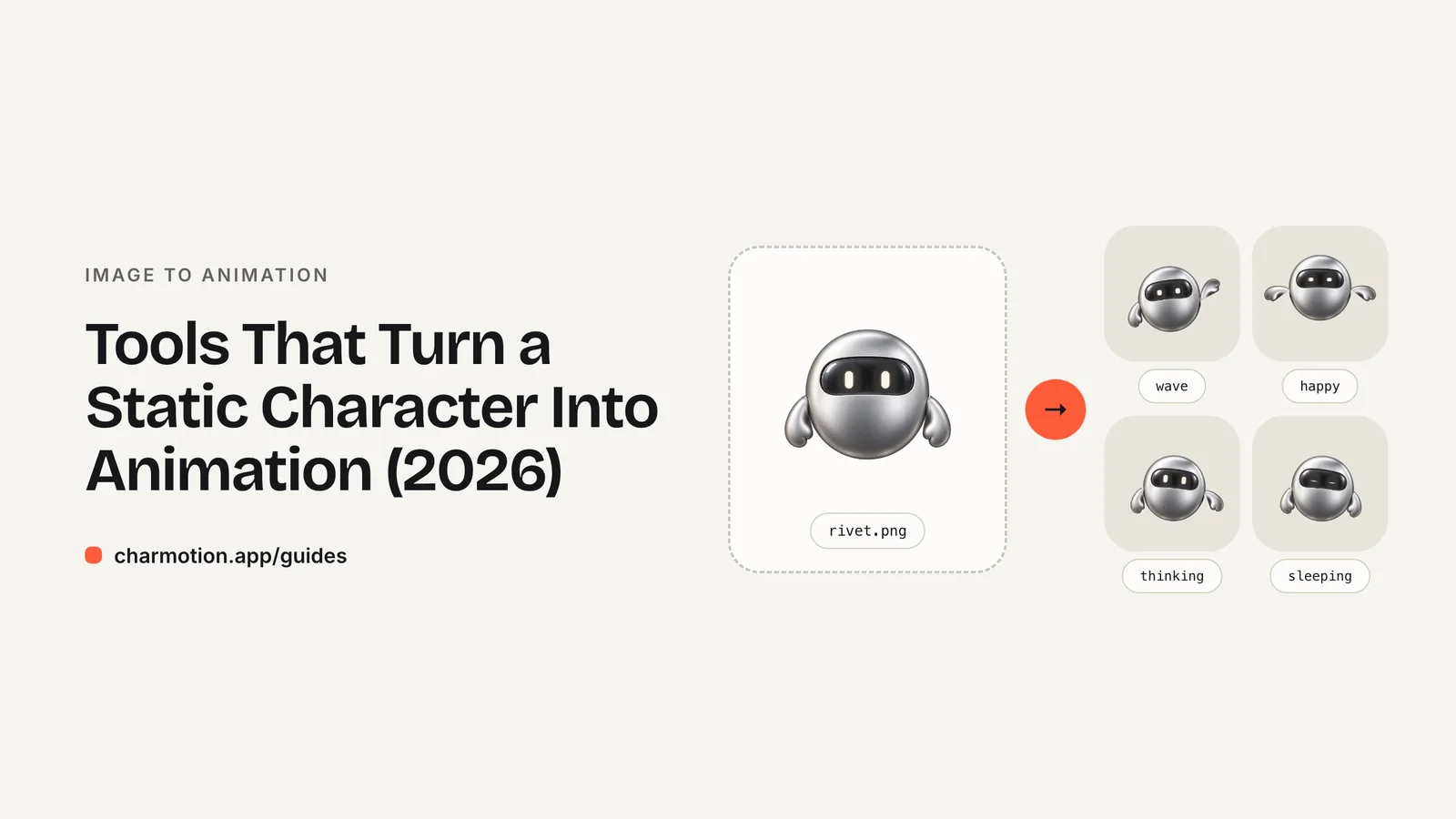
Yes — several tools turn a static character into animation, and they differ in what they need. Charmotion animates one image into 17 app-ready states; Adobe Character Animator, Live2D and Spine animate layered or separated artwork; Meta's Animated Drawings animates human-like drawings; and AI image-to-video models such as Runway generate short clips that redraw the character.
Key takeaways
- Decide first what you need: interactive states for an app, a performance for video, a game rig, or a one-off clip.
- Character Animator, Live2D and Spine expect artwork split into layers or parts; Charmotion and Animated Drawings start from a single image.
- Rig-based tools keep your exact artwork; generative image-to-video redraws every frame, so details can drift.
- Only Charmotion and hand-built Rive files give you an interactive file your app can switch between states at runtime.
Already have a character or logo? Preview your own character animated in splash, onboarding, loading and empty-state screens — free, in your browser, nothing uploaded.
Static character to animation: the tools compared
Disclosure: Charmotion is our product. We list it where it genuinely fits and say where other options are better; every other fact here links to its source.
| Tool | Starts from | Keeps your exact art | Output | Best for |
|---|---|---|---|---|
| Charmotion | One PNG, JPEG or WebP | Yes | Rive file with state machines, MP4, transparent WebM/MOV, GIF, code | App and website mascots |
| Adobe Character Animator | Layered Photoshop or Illustrator file | Yes | Video of a live performance | Webcam- and voice-driven videos, streams |
| Live2D Cubism | Layered illustration | Yes | Live2D model for apps, games, VTubing | Expressive 2D characters, VTubers |
| Spine | Art separated into parts | Yes | Spine runtime data, GIF, image sequences, video | 2D games |
| Animated Drawings (Meta) | A drawing of a human-like figure | Yes | MP4, transparent GIF | Children's drawings, experiments |
| AI image-to-video (e.g. Runway) | One image + a motion prompt | No — frames are generated | 2–10 s video clips | Social clips, concept shots |
Tools that start from a single image
Charmotion rigs and keyframes your own pixels or traced shapes — it never redraws the character — and delivers 17 animations for the moments products use: idle, loading, success, error, empty states, greetings, listening and talking. Flat, front-facing art works best. See image to character animation.
Animated Drawings, from Meta's FAIR team, detects and rigs a drawing and applies motion-capture data; it targets "drawings with two arms and two legs." The code is MIT-licensed, but the repository was archived on September 3, 2025, so it is no longer maintained.
AI image-to-video models take one image and a prompt describing motion. Runway's guidance is that prompts "should focus on describing the desired motion," with clips of 2 to 10 seconds. Great for a social clip; less suited to brand mascots, because the model generates new frames and loops rarely match.
Tools that need layered or separated artwork
Adobe Character Animator builds a puppet from "a multi-layered Photoshop or Illustrator file" whose layers represent the head, eyes, mouth shapes and so on, then animates it from your webcam and voice. Ideal for performed videos; it doesn't produce an interactive app file.
Live2D Cubism "directly animates drawn illustrations," and is "widely used in mobile apps, console games, VTuber streaming, and animations." It needs a carefully layered illustration and real modelling time.
Spine is "an animation tool that focuses specifically on 2D animation for games," attaching images to bones; its runtimes support "19 game toolkits and 7 programming languages."
Which one should I use?
- A mascot inside your app or website that reacts to what happens: Charmotion, or hand-built in the Rive editor.
- A talking character in YouTube videos or streams: Adobe Character Animator or Live2D.
- A game character: Spine or Live2D.
- A quick social clip from one picture: an image-to-video model.
Frequently asked questions
Can I animate a character without separating it into layers?
Yes, with tools that start from one image: Charmotion for app and website animation sets, Animated Drawings for human-like drawings, or an image-to-video model for short generated clips.
Which tools keep the character exactly as drawn?
Rig-based tools — Charmotion, Character Animator, Live2D, Spine and Animated Drawings — move your own artwork. Generative image-to-video models redraw each frame, so details can change.
Is Meta's Animated Drawings still maintained?
No. The GitHub repository was archived on September 3, 2025 and is read-only, though the MIT-licensed code is still available.
Quick answers from this guide
Sources
- How Charmotion works — Charmotion
- Create and edit puppets — Adobe
- About Live2D — Live2D
- Spine in depth — Esoteric Software
- AnimatedDrawings (GitHub) — Meta FAIR
- Creating with Gen-4.5 — Runway
- Getting Started with Generative Video — Runway
- Meshes — Rive