Best PNG to Rive Animation Tools in 2026
By the Charmotion team · Updated
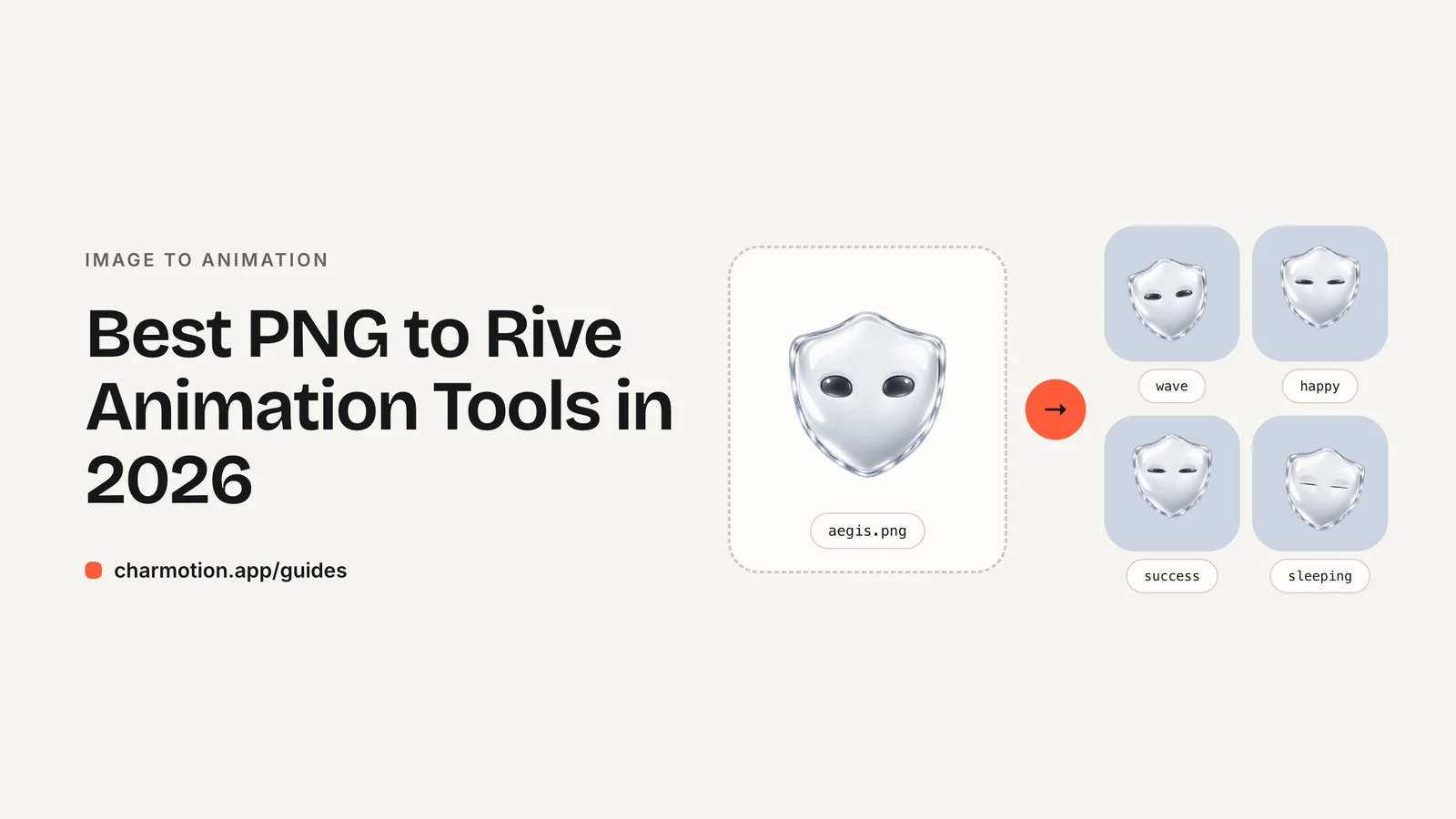
The main ways to turn a PNG into a Rive animation in 2026 are: rig it yourself in the Rive editor with meshes and bones, generate a ready .riv with a tool such as Charmotion, or hire a Rive Expert. The editor gives full control, a generator is fastest for standard app states, and an expert suits bespoke acting.
Key takeaways
- The Rive editor imports PNG, JPEG and WebP; meshes plus bones make the pixels bend. Full control, but you build every animation and state machine yourself.
- Rive's AI Agent (Cadet, Voyager and Enterprise plans) generates scripts, layouts, data models and animation from prompts; Rive's docs don't describe it rigging an imported image.
- Charmotion generates a .riv with 17 animations and ready state machines from one image, usually in 1–2 hours, on its $29/month Studio plan.
- Rive Experts are freelancers and studios verified by the Rive team, hired through Contra; best for custom scenes and unusual art styles.
Already have a character or logo? Preview your own character animated in splash, onboarding, loading and empty-state screens — free, in your browser, nothing uploaded.
PNG to Rive tools compared
Disclosure: Charmotion is our product. We list it where it genuinely fits and say where other options are better; every other fact here links to its source.
| Option | What you do | What you get | Typical time | Cost (Oct 2026) |
|---|---|---|---|---|
| Rive editor, by hand | Import, mesh, rig, keyframe, wire state machine | Exactly the animation you build | Hours to days per character | Free plan exports show a Rive splash; Cadet $9, Voyager $32, Enterprise $120 per seat/month |
| Rive AI Agent | Prompt inside the editor | Generated scripts, layouts, data models, animation | Minutes per prompt, plus your editing | Included in Cadet, Voyager and Enterprise |
| Charmotion | Upload one image | .riv with 17 animations, Data Binding + classic state machine, video, GIF, code | Usually 1–2 hours | Studio $29/month (3 sets); hand-finished $499 |
| Rive Expert (via Contra) | Brief a freelancer or studio | Custom animation to your brief | Agreed per project | Contra cites $25–$150/hour, $500–$2,000 for simple UI animation |
| Lottie import | Import an existing Lottie into Rive | A Rive file from motion you already have | Minutes, then clean-up | Plan-dependent; Rive's docs say Enterprise |
1. The Rive editor (do it yourself)
Rive imports PNG, JPEG and WebP as bitmaps and converts SVG into editable vectors. To make a PNG bend, add a mesh — Rive describes meshes as enabling "natural, organic deformations to raster graphics" — and bind its vertices to bones. Then keyframe each animation and connect them in a state machine. It is the most flexible route and the most time-consuming; our PNG to Rive guide walks through it.
Best for: designers who want full control, or one-off hero animations.
2. Rive's AI Agent
Rive's editor includes an AI Agent that, in Rive's words, "helps you write code, design, and animate," generating "scripts, responsive layouts, data models, and even animation." It is available on the Cadet, Voyager and Enterprise plans. Rive's documentation does not describe it turning an imported character image into a rigged animation set, so treat it as an assistant inside the editor rather than a PNG converter.
Best for: people already working in the Rive editor who want to speed up scripting and setup.
3. Charmotion (generate the .riv)
Charmotion takes one PNG, JPEG or WebP of a character and produces a .riv with 17 animations — 10 looping moods selected by a mood number, 6 one-shot triggers and a launch intro — wired both as a Data Binding view model and as a classic state machine, plus MP4, transparent WebM and MOV, GIF and React and SwiftUI code. Flat art is traced into vector parts; 3D or detailed art keeps its exact pixels. The .riv is on the Studio plan ($29/month).
Best for: app and product teams who need the standard set of states fast. Not for: photos, side views or custom story scenes. See PNG to Rive or inspect a sample .riv.
4. Rive Experts and 5. Lottie import
Rive Experts are "verified contractors, studios, and agencies," reviewed by the Rive team and badged on Contra. Contra's hiring page cites $25–$150 an hour, $500–$2,000 for simple UI animations and $3,000–$15,000 or more for complex interactive systems. Hire one when you need bespoke acting or an art style a rig can't handle.
Lottie import only helps if your character already exists as a Lottie animation. Rive's docs list Lottie import for Enterprise plans while its pricing page lists it on paid tiers, so check on your own account first.
Which PNG to Rive tool should I choose?
- You want full creative control and have time: the Rive editor.
- You need idle, loading, success, error and similar app states this week: a generator such as Charmotion.
- You need a custom scene, lip-sync to a script or an unusual style: a Rive Expert.
- Your animation already exists as Lottie: try Rive's Lottie import.
Frequently asked questions
Is there a free PNG to Rive converter?
Rive's Free plan lets you import a PNG and animate it by hand, but exported .riv files show a Rive splash screen. Automated generators and experts are paid.
Can Rive's AI Agent animate my PNG character?
Rive documents the Agent generating scripts, layouts, data models and animation from prompts. Its docs don't describe rigging an imported character image, so expect to set up meshes and bones yourself.
How long does it take to turn a PNG into a .riv?
By hand, from a few hours for a single loop to days for a full state set. A generator like Charmotion usually takes one to two hours for 17 animations.
Quick answers from this guide
Sources
- Importing assets — Rive
- Meshes — Rive
- Bones — Rive
- AI Agent — Rive
- Rive pricing — Rive
- Lottie import — Rive
- Rive Experts on Contra — Contra
- Hire Rive animators — Contra
- Charmotion pricing — Charmotion