
Free
$0forever
Try it with your own logo and character.
- Logo animation ideas (3 concepts)
- App-screen preview of your character
- No card needed
- 2 AI designs (logos or characters)
- Works from Claude, Cursor, Codex
- Email support
Upload your mascot or logo and get an avatar for your AI chatbot or voice agent with the states a conversation needs: idle, listening, thinking, loading and talking loops, plus success, error, yes and no reactions. Your code sets one mood number and fires triggers as agent events arrive, and the whole character ships as one small .riv.
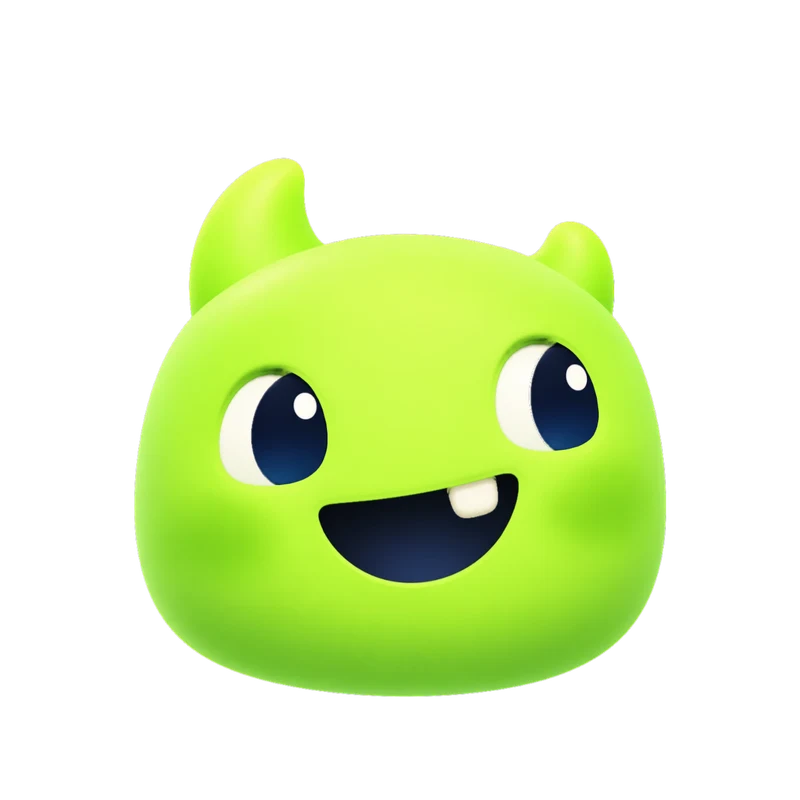 Live Rive file
This is the actual .riv our engine delivers, playing in your browser. It's the same state machine you drive from your app with one number input and a trigger per one-shot.
| Agent event | Avatar state | Input |
|---|---|---|
| Chat opens, session connects | enter, then idle | trigger, then mood 0 |
| User starts speaking or typing | listening | mood 6 |
| User stops, model is working | thinking | mood 3 |
| Tool call or retrieval running | loading | mood 5 |
| Reply streams or audio plays | talking | mood 7 |
| Task completed | success | trigger |
| Request failed | error | trigger |
| Confirm or decline | yes, no | trigger |
| Nobody has typed for a while | sleeping | mood 8 |
| Session ends | exit | trigger |
// One Character view model: number "mood" + triggers
const MOOD = { idle: 0, thinking: 3, loading: 5, listening: 6, talking: 7 };
const vm = r.viewModelInstance;
const mood = (m) => (vm.number("mood").value = MOOD[m]);

// Event names are examples: use your SDK's own.
agent.on("user_speech_started", () => mood("listening"));
agent.on("user_speech_stopped", () => mood("thinking"));
agent.on("tool_call_started",   () => mood("loading"));
agent.on("audio_started",       () => mood("talking"));
agent.on("audio_finished",      () => mood("idle"));
agent.on("task_done",  () => vm.trigger("success").trigger());
agent.on("error",      () => vm.trigger("error").trigger());
The delivered web and React code sets up the Rive instance; you connect your agent's events. Guides for OpenAI Realtime and ElevenLabs list the exact event names.
What you get
A .riv with the Character view model (number mood 0–9 and one trigger per reaction), the same graph as classic inputs, a launch intro, transparent WebM and MOV of every state, and web, React and SwiftUI code. Flat artwork is about 40 KB for all 17 animations.
What this isn't
MP4 Every set
1080 × 1080 at 60 fps. Here: Gummo’s wave, from a delivered set.
Transparent WebM & MOV Every set
Alpha channel included, so the checkerboard shows through. MOV is HEVC with alpha for Apple apps and editors.
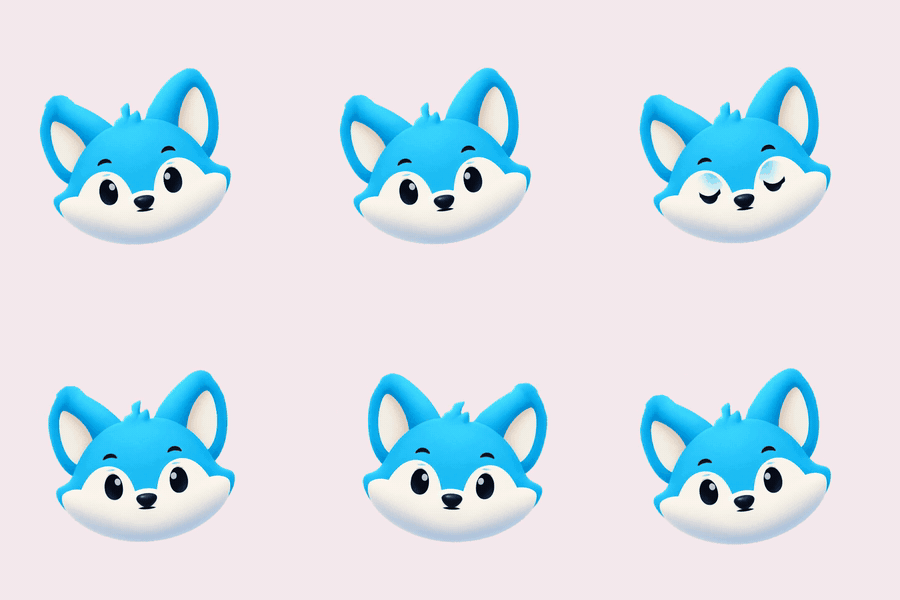
GIF Every set
Light previews for docs, email and chat. Kiko’s “thinking” loop.
9:16 launch video Every set
1080 × 1920 for stories and splash screens. Sizzle’s launch intro.
kiko.riv · 150 KB
Rive state machine Every set
One small file instead of 17 videos. It’s what powers the demo at the top of this page.
import { useRive, useStateMachineInput } from "@rive-app/react-canvas";

export function Kiko({ mood = 0 }) {
  const { rive, RiveComponent } = useRive({
    src: "/kiko.riv",
    stateMachine: "CharacterStateMachine",
    autoplay: true,
  });
  const input = useStateMachineInput(rive, "CharacterStateMachine", "mood");
  if (input) input.value = mood; // 0 idle · 1 happy · 2 wave · 3 thinking · 4 sad · 5 loading …
  return <RiveComponent style={{ width: 320, height: 320 }} />;
}
Paste-ready code Every set
Web, React and SwiftUI components named after your character.
| Format | Specs | Best for | Starter & All in one |
|---|---|---|---|
| MP4 | 1080 × 1080, 60 fps, all 17 animations | Apps, socials, decks, product videos | Included |
| 9:16 launch video | 1080 × 1920 MP4 | Stories, Reels, splash screens | Included |
| GIF | 480 px previews, solid background | Docs, email, chat, README | Included |
| Rive (.riv) | Vector; Data Binding view model + legacy inputs: mood for loops, triggers for one-shots, launch machine | Interactive apps and sites (web, iOS, Android, Flutter) | Included |
| Transparent WebM | VP9 with alpha, 1080 × 1080 | Web overlays on any background | Included |
| Transparent MOV | HEVC with alpha | Final Cut, Keynote, iOS, Safari | Included |
| Code | Web (HTML), React and SwiftUI components | Paste in and ship | Included |
| Download all (.zip) | Rive file, code, README and posters in one archive | Hand-off to your team | Included |
| Video export | MP4, GIF, transparent WebM and MOV, 9:16: pick formats and animations on the set page, ready in about a minute | Only the videos you need | Included |
| AI assistants (MCP) | Claude, Cursor, VS Code and Codex | Design, animate and get download links in the chat | Included |
Switching states live needs the .riv and code, which are in every paid plan, from Starter ($20/month). Every set also has MP4 and GIF clips of each state, enough for a demo video or a static help page. Prices in USD; tax is calculated at checkout by Creem.
$0forever
Try it with your own logo and character.
$20/month
For one app or website.
$100/month
For teams and several brands.
No. The talking state is a loop you play while audio is playing, and you can switch it on and off with the voice level for a natural feel. Mouth shapes per phoneme (visemes) are not part of the set. Our guide on lip-sync vs amplitude explains when that is enough.
Listen to the SDK's events and set the mood number. With OpenAI Realtime, input_audio_buffer.speech_started means listening and speech_stopped means thinking; ElevenLabs' onModeChange reports speaking or listening; Vapi's web SDK emits speech-start and speech-end. Fire success or error as triggers when a task finishes.
In your own launcher or chat UI, yes: the avatar is a canvas or video element you control. Intercom and Crisp draw their messenger in their own frame, so it can't animate inside their message list. What works is hiding their default launcher and opening the messenger from your own button that holds the animated avatar.
The .riv for flat artwork is about 40 KB for all 17 states; 3D art in Motion mode keeps its pixels and is larger (about 1 MB for our Aegis demo). The bigger cost is the Rive web runtime, about 373 KB brotli for the canvas-lite build, so load it when the chat opens rather than with the page.
Nobody mistakes a drawn character for a person, so it sets honest expectations. It looks identical in every state, carries your brand into the chat and plays from a small file instead of streamed video. Photoreal talking heads are a different product, and Charmotion doesn't make them.
Check prefers-reduced-motion: reduce and, when it is set, keep the avatar on idle or pause it. Never let the state depend on motion alone: show text such as "Thinking…" in a role="status" element so screen readers hear it too.
Free, in your browser. Your image stays on your device unless you ask for the short animated clip.