Free
$0forever
Try it with your own logo and character.
- Logo animation ideas (3 concepts)
- App-screen preview of your character
- No card needed
- 2 AI designs (logos or characters)
- Works from Claude, Cursor, Codex
- Email support
Say who your character is in a few words, then pick its kind, personality, look and colours. Our AI draws a flat, front-facing design made to be rigged. Keep the one you like and that exact image becomes 17 animations: 10 moods, 6 reactions and a launch intro. One design is animated, not redrawn per state, so your mascot looks the same in every animation.
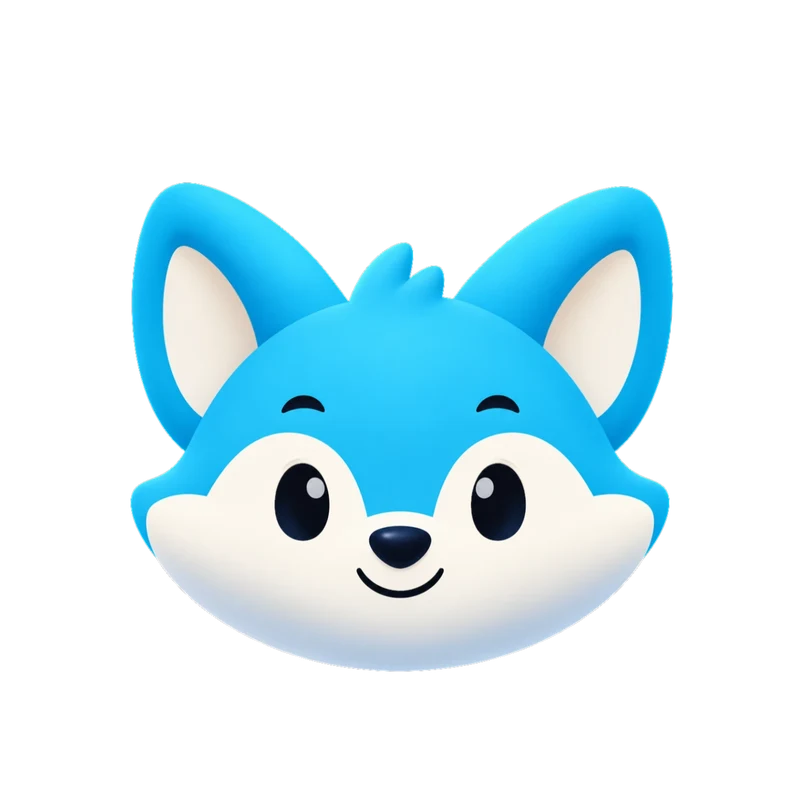 Live Rive file
This is the actual .riv our engine delivers, playing in your browser. It's the same state machine you drive from your app with one number input and a trigger per one-shot.
1. Answer five questions
Choose Create, A character, then Design it with AI. Say who your character is in up to 300 characters, such as "a round teal robot with a big smile and antenna", then pick its kind, a look and, if you like, up to two personality traits and three colours. Every description is checked by a moderation service first; blocked or failed attempts aren't counted.
2. Keep the one you like
The AI draws a flat, front-facing character with solid colors and a clearly separated head, body and arms, the kind of artwork that gets the fullest motion: arm waves, expressions and blinks. Not quite right? Try again or change one answer; each new attempt uses one AI design.
3. Animate it
Choose Animate this character and name the set. The design goes through the same engine as an upload and uses one character set, from Starter. A few minutes later you have all 17 animations in the formats your plan includes.
Already have a mascot?
Skip the generator and upload it. Your own artwork is animated and stays on-model. See the AI mascot animator page for that route, or check how your image works in the free preview.
What it won't do
MP4 Every set
1080 × 1080 at 60 fps. Here: Gummo’s wave, from a delivered set.
Transparent WebM & MOV Every set
Alpha channel included, so the checkerboard shows through. MOV is HEVC with alpha for Apple apps and editors.
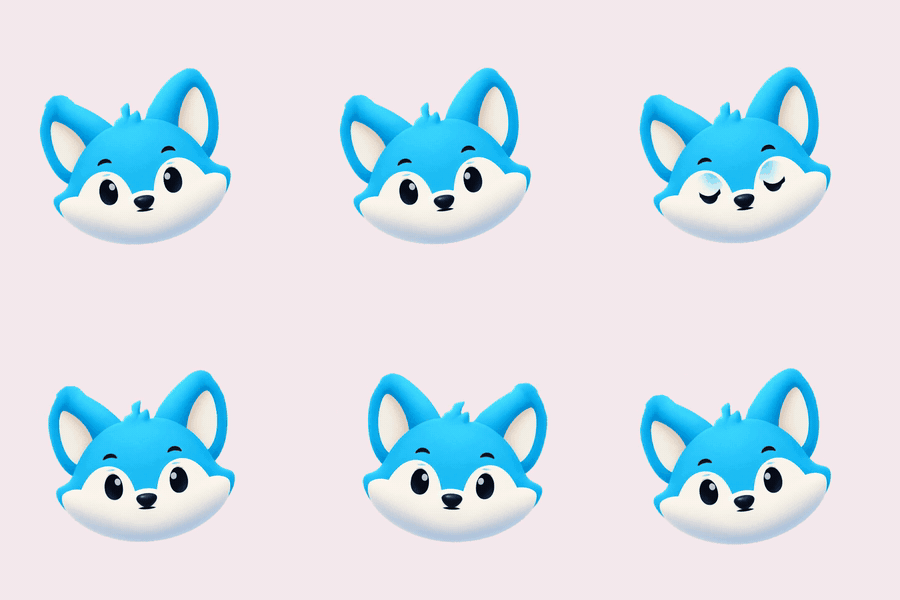
GIF Every set
Light previews for docs, email and chat. Kiko’s “thinking” loop.
9:16 launch video Every set
1080 × 1920 for stories and splash screens. Sizzle’s launch intro.
kiko.riv · 150 KB
Rive state machine Every set
One small file instead of 17 videos. It’s what powers the demo at the top of this page.
import { useRive, useStateMachineInput } from "@rive-app/react-canvas";

export function Kiko({ mood = 0 }) {
  const { rive, RiveComponent } = useRive({
    src: "/kiko.riv",
    stateMachine: "CharacterStateMachine",
    autoplay: true,
  });
  const input = useStateMachineInput(rive, "CharacterStateMachine", "mood");
  if (input) input.value = mood; // 0 idle · 1 happy · 2 wave · 3 thinking · 4 sad · 5 loading …
  return <RiveComponent style={{ width: 320, height: 320 }} />;
}
Paste-ready code Every set
Web, React and SwiftUI components named after your character.
| Format | Specs | Best for | Starter & All in one |
|---|---|---|---|
| MP4 | 1080 × 1080, 60 fps, all 17 animations | Apps, socials, decks, product videos | Included |
| 9:16 launch video | 1080 × 1920 MP4 | Stories, Reels, splash screens | Included |
| GIF | 480 px previews, solid background | Docs, email, chat, README | Included |
| Rive (.riv) | Vector; Data Binding view model + legacy inputs: mood for loops, triggers for one-shots, launch machine | Interactive apps and sites (web, iOS, Android, Flutter) | Included |
| Transparent WebM | VP9 with alpha, 1080 × 1080 | Web overlays on any background | Included |
| Transparent MOV | HEVC with alpha | Final Cut, Keynote, iOS, Safari | Included |
| Code | Web (HTML), React and SwiftUI components | Paste in and ship | Included |
| Download all (.zip) | Rive file, code, README and posters in one archive | Hand-off to your team | Included |
| Video export | MP4, GIF, transparent WebM and MOV, 9:16: pick formats and animations on the set page, ready in about a minute | Only the videos you need | Included |
| AI assistants (MCP) | Claude, Cursor, VS Code and Codex | Design, animate and get download links in the chat | Included |
AI designs never use up a set: 2 to try on Free, 12 a month on Starter ($20/month) and 40 on All in one ($100/month). Animating a design uses one set, like any upload, and character sets start at Starter. The app screen preview at /try is free. Prices in USD; tax is calculated at checkout by Creem.
$0forever
Try it with your own logo and character.
$20/month
For one app or website.
$100/month
For teams and several brands.
You can try it: the free plan includes 2 AI designs (logos or characters), once per person. Animating a design needs a character set, which starts at Starter. Paid plans include 12 a month on Starter ($20/month) and 40 on All in one. Blocked or failed attempts aren't counted. The app screen preview is free and shows an image you already have in real app screens.
No. The AI designer works from your answers only. If you already have a sketch or a mascot, upload it instead: your own artwork is animated and stays on-model.
You may use the design, and every set made from it, on the same terms as your own uploads: commercially, worldwide and after your plan ends. Because the image comes from a third-party AI model, similar images may be generated for others and we can't guarantee it's free of third-party rights, so check it before registering it as a trademark. Details are in the terms.
Yes, on Starter or All in one. Choose Animate this character and name the set: it goes through the same engine as an upload and usually comes back in a few minutes with all 17 animations. Animating it uses one character set; the free plan has no sets, so you'd upgrade first.
Flat, front-facing characters with solid colors and a clearly separated head, body and arms get the fullest motion, including arm waves and expressions. That's the look the AI designer aims for; the four looks (soft and rounded, flat vector, bold outline cartoon, minimal) change the feel within it. Soft and rounded comes closest to our own characters.
Not inside Charmotion: designs come as-is, with no in-place editing. Change one answer and generate again, which uses one design from your allowance, or upload your own reworked artwork as a new set. Once a set is animated, a change means a new set.
Free, in your browser. Your image stays on your device unless you ask for the short animated clip.