
Free
$0forever
Try it with your own logo and character.
- Logo animation ideas (3 concepts)
- App-screen preview of your character
- No card needed
- 2 AI designs (logos or characters)
- Works from Claude, Cursor, Codex
- Email support
Upload one image of your mascot and get its expression set as animations: happy, sad, thinking, sleeping, talking and five more moods, plus success, error, yes, no, enter and exit reactions. Each one moves your own artwork, so the face, colors and proportions never drift from one expression to the next, as they often do when an AI image tool redraws the character.
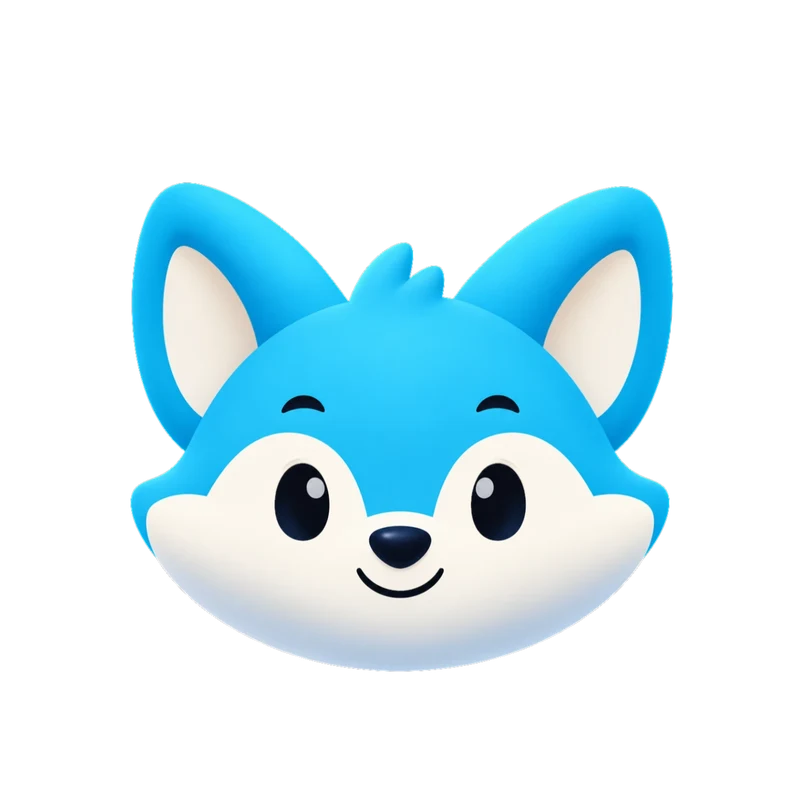 Live Rive file
This is the actual .riv our engine delivers, playing in your browser. It's the same state machine you drive from your app with one number input and a trigger per one-shot.
| Expression | Type | Typical use |
|---|---|---|
| idle | loop | Resting state, home screen |
| happy, wave | loop | Welcome, onboarding, good news |
| thinking, loading | loop | Working on something, waiting |
| sad | loop | Failed state, lost streak |
| listening, talking | loop | Chat and voice assistants |
| sleeping | loop | Empty screens, nothing yet |
| attention | loop | Tips, reminders, notifications |
| success, error | one-shot | Saved, paid, or something went wrong |
| yes, no | one-shot | Answers, confirmations |
| enter, exit | one-shot | Appearing and leaving |
| launch | intro | About 2.6 s, ends on idle |
Why nothing drifts
AI image tools generate each expression as a new picture, so eyes, colors and accessories shift between them. Here every expression is keyframed from the same uploaded image, and any face your drawing lacks is added in its style for you to approve. Flat, front-facing artwork gets facial expressions and arm waves; 3D or detailed art keeps its exact pixels in Motion mode and shows mood through squash, tilt, hops and blinks. More in why AI animation keeps changing your character.
Not in the sheet
MP4 Every set
1080 × 1080 at 60 fps. Here: Gummo’s wave, from a delivered set.
Transparent WebM & MOV Every set
Alpha channel included, so the checkerboard shows through. MOV is HEVC with alpha for Apple apps and editors.
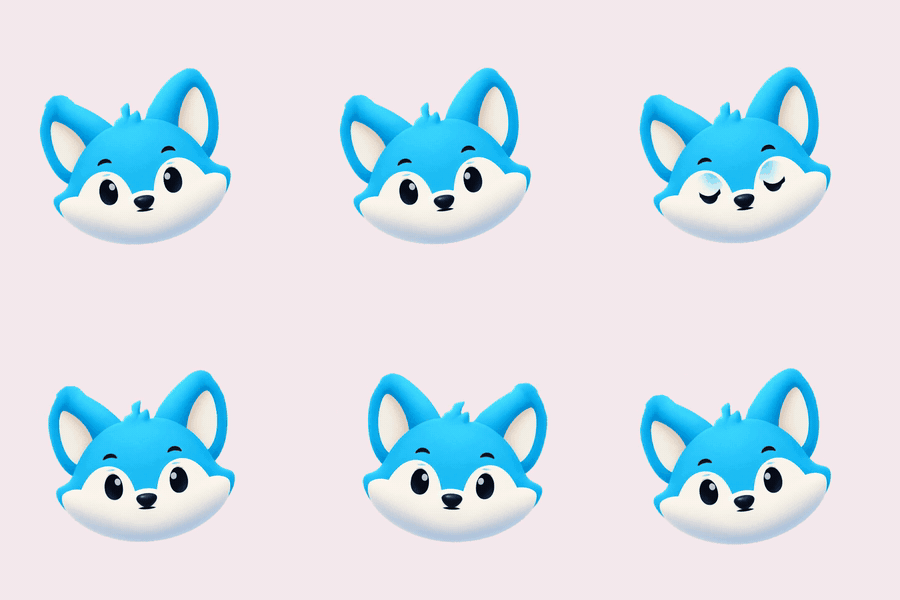
GIF Every set
Light previews for docs, email and chat. Kiko’s “thinking” loop.
9:16 launch video Every set
1080 × 1920 for stories and splash screens. Sizzle’s launch intro.
kiko.riv · 150 KB
Rive state machine Every set
One small file instead of 17 videos. It’s what powers the demo at the top of this page.
import { useRive, useStateMachineInput } from "@rive-app/react-canvas";

export function Kiko({ mood = 0 }) {
  const { rive, RiveComponent } = useRive({
    src: "/kiko.riv",
    stateMachine: "CharacterStateMachine",
    autoplay: true,
  });
  const input = useStateMachineInput(rive, "CharacterStateMachine", "mood");
  if (input) input.value = mood; // 0 idle · 1 happy · 2 wave · 3 thinking · 4 sad · 5 loading …
  return <RiveComponent style={{ width: 320, height: 320 }} />;
}
Paste-ready code Every set
Web, React and SwiftUI components named after your character.
| Format | Specs | Best for | Starter & All in one |
|---|---|---|---|
| MP4 | 1080 × 1080, 60 fps, all 17 animations | Apps, socials, decks, product videos | Included |
| 9:16 launch video | 1080 × 1920 MP4 | Stories, Reels, splash screens | Included |
| GIF | 480 px previews, solid background | Docs, email, chat, README | Included |
| Rive (.riv) | Vector; Data Binding view model + legacy inputs: mood for loops, triggers for one-shots, launch machine | Interactive apps and sites (web, iOS, Android, Flutter) | Included |
| Transparent WebM | VP9 with alpha, 1080 × 1080 | Web overlays on any background | Included |
| Transparent MOV | HEVC with alpha | Final Cut, Keynote, iOS, Safari | Included |
| Code | Web (HTML), React and SwiftUI components | Paste in and ship | Included |
| Download all (.zip) | Rive file, code, README and posters in one archive | Hand-off to your team | Included |
| Video export | MP4, GIF, transparent WebM and MOV, 9:16: pick formats and animations on the set page, ready in about a minute | Only the videos you need | Included |
| AI assistants (MCP) | Claude, Cursor, VS Code and Codex | Design, animate and get download links in the chat | Included |
Every set includes the .riv and code, and exports each expression as MP4, GIF, a 9:16 video and transparent WebM and MOV on demand, from Starter ($20/month). Prices in USD; tax is calculated at checkout by Creem.
$0forever
Try it with your own logo and character.
$20/month
For one app or website.
$100/month
For teams and several brands.
Yes. Every expression is animated from the same uploaded image, so colors, outlines, proportions and accessories stay as drawn. If your drawing lacks a face the set needs, such as sad, talking or asleep, we add a matching mouth or closed eyes in its style, and you approve them first. Image generators make each expression as a new picture, which is why characters drift between them.
PNG files aren't part of the set, but you can take a still from any frame of the MP4 or GIF, for example with ffmpeg -ss 1 -i happy.mp4 -frames:v 1 happy.png. On a paid plan, decode the transparent WebM with -c:v libvpx-vp9 before -i for a still with no background.
Not today. Every set has the same 17 animations, which keeps the price fixed and the code contract identical for every character. If you need custom emotions, contact us, or brief a freelance animator.
No. The set animates the pose in your image, facing the viewer; it doesn't invent new poses, side views or a turnaround sheet. If your mascot needs those, draw them first. Side and three-quarter views also animate less well than a front view.
They follow your artwork: nothing is recolored or restyled, so if the image matches your guidelines, so does every expression. Motion style isn't tuned per brand; for strict guidelines, contact us before you order.
Free, in your browser. Your image stays on your device unless you ask for the short animated clip.