Logo animation
A website hero and a launch animation, built from the parts of your own logo. Point at it, tap it.
Charmotion v5 is live. Every animation is now planned, tuned and checked for your character.
Charmotion animates your own logo or character without redrawing it: interactive animations for your website and app, and video for everything else.

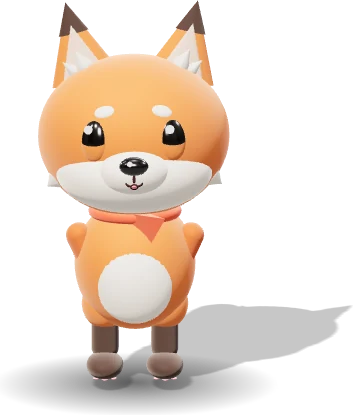
Your logo and your character, from the files you already have.
A website hero and a launch animation, built from the parts of your own logo. Point at it, tap it.
Pick the animations your app needs from one image: a launch intro, happy, wave and loading. Idle comes free, and you can add more later.
Idle4.0 sAlways on screen: breathing and blinking
One upload gives you live files for your site and app, and video for everything else.
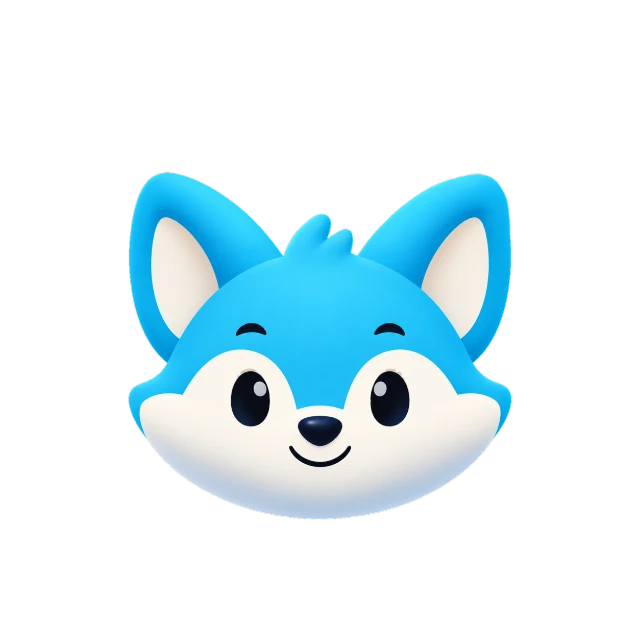
<canvas id="kiko" width="320" height="320"></canvas>
<script src="https://unpkg.com/@rive-app/canvas"></script>
<script>
  const kiko = new rive.Rive({
    src: "kiko.riv",
    canvas: document.getElementById("kiko"),
    stateMachines: "CharacterStateMachine",
    autoplay: true,
    onLoad: () => kiko.resizeDrawingSurfaceToCanvas(),
  });
  // mood: 0 idle · 1 happy · 2 wave · 5 loading
  const input = (name) => kiko
    .stateMachineInputs("CharacterStateMachine")
    .find((i) => i.name === name);
  button.onclick = () => (input("mood").value = 1);
</script>
import { useRive, useStateMachineInput } from "@rive-app/react-canvas";
export function Kiko({ mood = 0 }) {
const { rive, RiveComponent } = useRive({
src: "/kiko.riv",
stateMachines: "CharacterStateMachine",
autoplay: true,
});
const input = useStateMachineInput(rive, "CharacterStateMachine", "mood");
if (input) input.value = mood; // 0 idle · 1 happy · 2 wave …
return <RiveComponent style={{ width: 320, height: 320 }} />;
}import RiveRuntime
import SwiftUI
struct Kiko: View {
@StateObject private var kiko = RiveViewModel(
fileName: "kiko",
stateMachineName: "CharacterStateMachine"
)
var body: some View {
kiko.view()
.frame(width: 320, height: 320)
.onTapGesture {
kiko.setInput("mood", value: 1.0) // happy
}
}
}Is the build done?
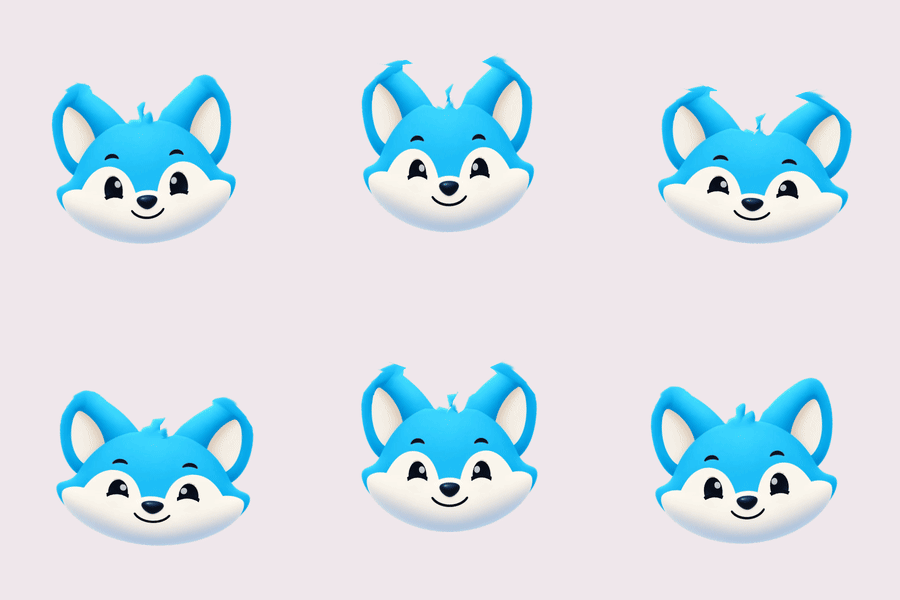
A PNG, JPEG or WebP of your character, or your logo (SVG works too). Nothing yet? Design it with AI in the app.
The engine rigs your drawing as one soft piece, redraws blinks and smiles in its style and acts out the animations you picked. Every one is checked before you see it.
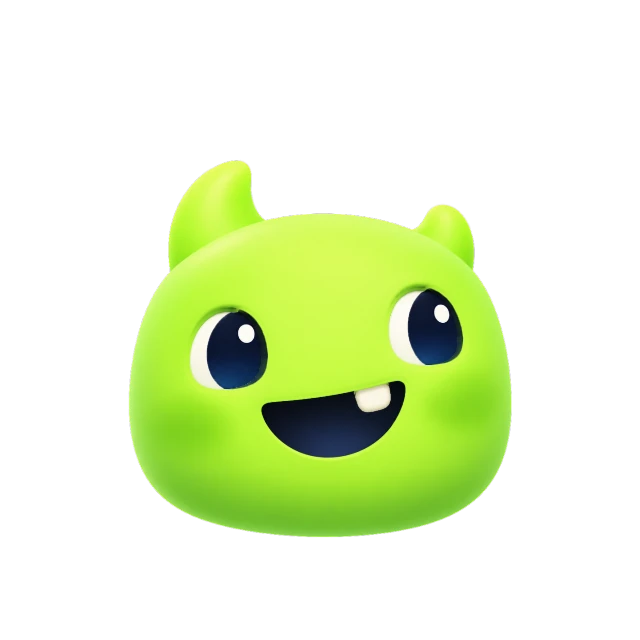
Preview it in the browser, copy the code and download the files. Need videos or more animations? Add them from the character page.
The short answers. The rest is on the full FAQ.
The animations you pick for it: a launch intro that ends on idle, happy, wave and loading, plus idle, which every character gets for free. Each animation uses one credit, and you can add more to the same character later (only the new ones use credits). You get one interactive Rive file with a state machine (a mood number switches the loops: idle 0, happy 1, wave 2, loading 5, through Data Binding and as legacy state machine inputs, and the numbers never change when you add animations), ready-to-paste web, React and SwiftUI code, a README, notes for AI coding assistants and a still poster of each animation. Videos (MP4, GIF, transparent WebM and MOV, a 9:16 launch video) are exported on demand from the character page, in about a minute. Characters made before animations could be picked keep their 17 animations.
Usually a few minutes after you pick the animations: the Rive file, code and a poster of each animation. It can take a little longer when the queue is busy. You can watch each stage live on the character page, and we email you when it is ready. Videos are exported on demand from the character page, in about a minute.
One finished, coloured character facing you, with visible eyes and a mouth, on a plain or transparent background. Flat, cel-shaded, 3D, clay and glossy styles all work. PNG, JPEG or WebP, at least 512 × 512 px and up to 10 MB (for a logo animation, SVG works best). Right after you pick an image we check that it can be animated well; pencil or pen sketches, photos, groups of characters and busy scenes are turned away before anything is used. Photos of real people are not supported.
Yes. In the app, choose Create → A character → Design it with AI, answer five quick questions (who it is, what kind of character, personality, look and colours) and press Generate. Our AI draws it as a compact, front-view mascot, the way our engine animates best. A logo works the same way: Create → A logo → Design it with AI. An AI design (a logo or a character) costs 1 credit from your balance (Free includes 2 free credits for designs); attempts that fail or are refused give it back. When you like it, press Animate this character and pick its animations: each costs 1 credit, on Starter and All in one. Describe an original character: we can’t create existing characters, brands or real people.
Your character stays on-model. The engine animates your artwork's own pixels: it lifts the character off its background, finds the eyes and mouth with AI-assisted checks, and moves the whole drawing as one soft piece (squash, bounce, tilt, ears, arms and leaves swinging). Blinks and the happy face are redrawn in your character's own style by an image model, so they match. Logos are never redrawn. What you download is your character, moving, not a lookalike. Generative AI is also used for the optional Design it with AI step.
Rive is a runtime for interactive vector animation on the web, iOS, Android, Flutter, React and game engines. Instead of a separate video per animation you ship one small file and switch states in code: mood = 1 plays happy, mood = 2 waves and mood = 5 shows loading. It stays sharp at any size and blends between states smoothly.
Free: 2 free credits for AI designs (logos or characters), and free ideas for your logo; character and logo animations start at Starter. Starter ($9 a month): 40 credits a month, every format and support tickets. All in one ($100 a month): 175 credits a month, cinematic 3D video, priority builds and priority support. One balance pays for everything: a character animation costs 1 credit (idle is free), an AI design 1 and a logo animation 5. Unused credits don’t roll over; they reset at the start of each billing period. Cancel any time and keep everything you’ve downloaded. Details on the pricing page.
One finished animation of your logo, made in Motion Studio: an interactive website hero that reacts to the mouse, or a launch animation for your app, site or video that ends on your logo. You upload your logo (or design one with AI), pick one of three free concepts, and get the files plus copy-paste code for web, iOS, Android, Flutter and React Native. Builds that fail or that you stop never count.
It is stored privately, animated on our own machines, and never used to train AI models. Before a character or logo animation starts, a copy is sent to Anthropic (Claude) for a quick check that it can be animated. To build a character, the image is also sent to fal.ai, which separates it into parts and redraws its blink and happy faces, and Claude directs its animations; none of them train on it. You can download or delete your data at any time from your account; deleting your account permanently removes your uploads and outputs. Details are in the privacy policy.
Still wondering? Write to us. A person reads every message. Contact us
Start free with AI designs and logo ideas. Upgrade to animate. Cancel any time.