
Free
$0forever
Try it with your own logo and character.
- Logo animation ideas (3 concepts)
- App-screen preview of your character
- No card needed
- 2 AI designs (logos or characters)
- Works from Claude, Cursor, Codex
- Email support
Upload your mascot and embed it as a Rive canvas whose mood your page sets on hover, scroll, form focus or a finished checkout. Where you only need motion, the transparent WebM with an HEVC MOV fallback plays over your page in Chrome, Firefox, Edge and Safari.
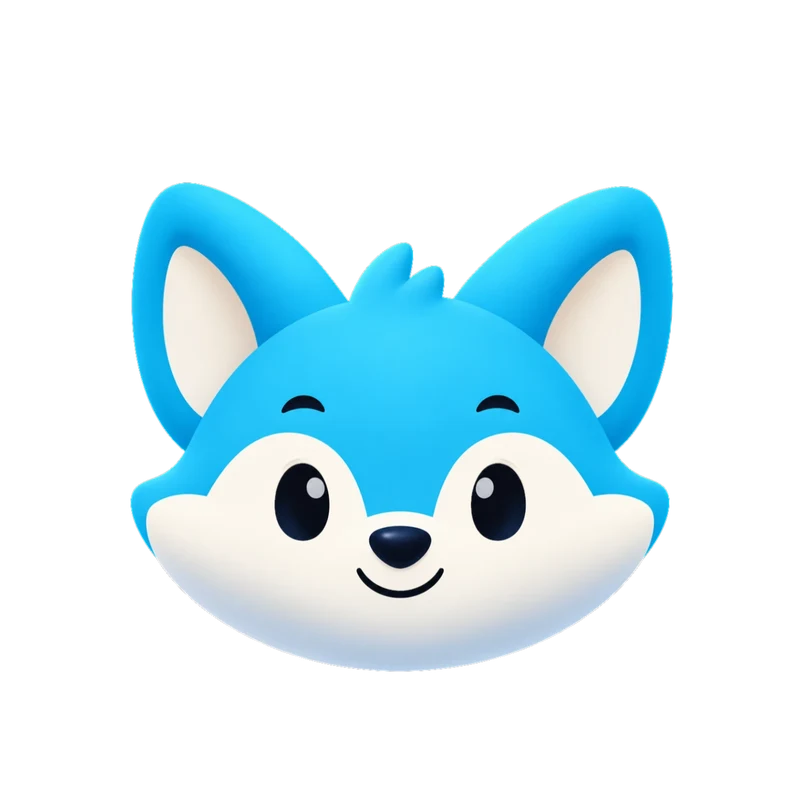 Live Rive file
This is the actual .riv our engine delivers, playing in your browser. It's the same state machine you drive from your app with one number input and a trigger per one-shot.
| Page event | Mascot | Input |
|---|---|---|
| Page loads | enter, then idle | trigger, mood 0 |
| Hover on a call to action | wave or happy | mood 2 or 1 |
| Pricing scrolls into view | attention | mood 9 |
| Form field gets focus | listening | mood 6 |
| Form is submitting | loading | mood 5 |
| Signed in, message sent | success | trigger |
| Wrong password | error or no | trigger |
| No search results | sad or sleeping | mood 4 or 8 |
const vm = r.viewModelInstance;       // after onLoad
const mood = (n) => (vm.number("mood").value = n);

cta.addEventListener("mouseenter", () => mood(2));   // wave
cta.addEventListener("mouseleave", () => mood(0));   // idle
email.addEventListener("focus", () => mood(6));      // listening
form.addEventListener("submit", () => mood(5));      // loading

// when your API answers:
vm.trigger(ok ? "success" : "no").trigger();
The delivered web embed and React component (with a mood prop and play()) set up the Rive instance.
Where it runs
Webflow has a native Rive element and Framer an official Rive plugin. WordPress and Shopify take the .riv through an embed, or the transparent video in a video block. See adding animation to a website.
Honest limits
MP4 Every set
1080 × 1080 at 60 fps. Here: Gummo’s wave, from a delivered set.
Transparent WebM & MOV Every set
Alpha channel included, so the checkerboard shows through. MOV is HEVC with alpha for Apple apps and editors.
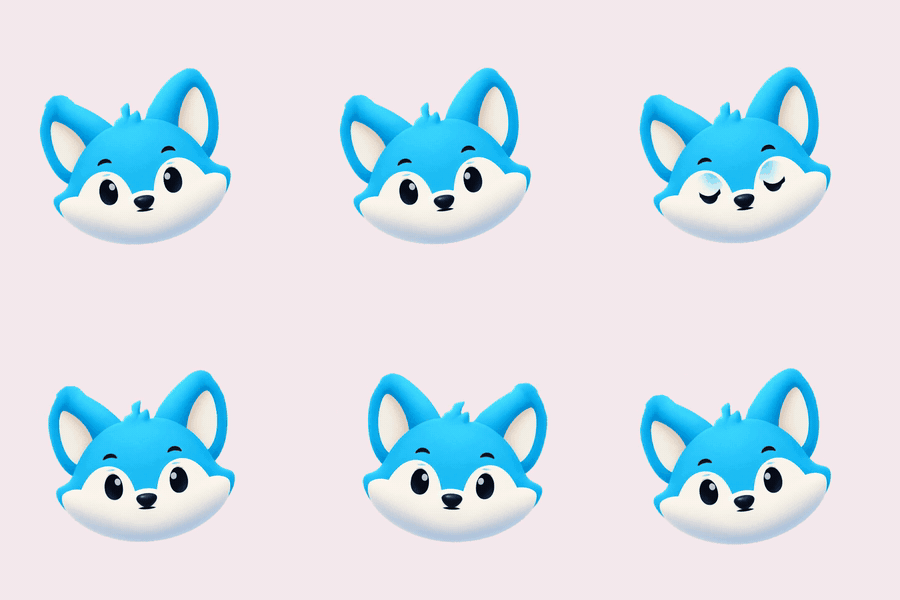
GIF Every set
Light previews for docs, email and chat. Kiko’s “thinking” loop.
9:16 launch video Every set
1080 × 1920 for stories and splash screens. Sizzle’s launch intro.
kiko.riv · 150 KB
Rive state machine Every set
One small file instead of 17 videos. It’s what powers the demo at the top of this page.
import { useRive, useStateMachineInput } from "@rive-app/react-canvas";

export function Kiko({ mood = 0 }) {
  const { rive, RiveComponent } = useRive({
    src: "/kiko.riv",
    stateMachine: "CharacterStateMachine",
    autoplay: true,
  });
  const input = useStateMachineInput(rive, "CharacterStateMachine", "mood");
  if (input) input.value = mood; // 0 idle · 1 happy · 2 wave · 3 thinking · 4 sad · 5 loading …
  return <RiveComponent style={{ width: 320, height: 320 }} />;
}
Paste-ready code Every set
Web, React and SwiftUI components named after your character.
| Format | Specs | Best for | Starter & All in one |
|---|---|---|---|
| MP4 | 1080 × 1080, 60 fps, all 17 animations | Apps, socials, decks, product videos | Included |
| 9:16 launch video | 1080 × 1920 MP4 | Stories, Reels, splash screens | Included |
| GIF | 480 px previews, solid background | Docs, email, chat, README | Included |
| Rive (.riv) | Vector; Data Binding view model + legacy inputs: mood for loops, triggers for one-shots, launch machine | Interactive apps and sites (web, iOS, Android, Flutter) | Included |
| Transparent WebM | VP9 with alpha, 1080 × 1080 | Web overlays on any background | Included |
| Transparent MOV | HEVC with alpha | Final Cut, Keynote, iOS, Safari | Included |
| Code | Web (HTML), React and SwiftUI components | Paste in and ship | Included |
| Download all (.zip) | Rive file, code, README and posters in one archive | Hand-off to your team | Included |
| Video export | MP4, GIF, transparent WebM and MOV, 9:16: pick formats and animations on the set page, ready in about a minute | Only the videos you need | Included |
| AI assistants (MCP) | Claude, Cursor, VS Code and Codex | Design, animate and get download links in the chat | Included |
The interactive .riv, transparent video and web code are in every paid plan, from Starter ($20/month). The MP4 and GIF have a solid background, which only blends in on a matching page color. Prices in USD; tax is calculated at checkout by Creem.
$0forever
Try it with your own logo and character.
$20/month
For one app or website.
$100/month
For teams and several brands.
Yes. Webflow's Rive element and Framer's Rive plugin can drive inputs from interactions. WordPress needs a Rive plugin or a Custom HTML block. Shopify has no Rive section, so upload the file and embed it with Custom Liquid, or use the transparent video in a theme video section.
Yes, if you list both files. Safari ignores VP9 alpha, so put the HEVC-alpha MOV first with type='video/quicktime; codecs="hvc1.1.6.H120.b0"' and the WebM second. Safari picks the MOV; Chrome, Firefox and Edge take the WebM. The .riv is transparent in every browser.
Not if it loads after your main content. The flat-art .riv is about 40 KB, but the Rive web runtime adds about 373 KB brotli (canvas-lite), so lazy-load it when the mascot scrolls into view. Give the canvas a fixed width and height so nothing shifts while it loads.
Yes. Set the mood when a field gets focus, while the form submits and as sections scroll into view (an IntersectionObserver works well), then fire success, error, yes or no with the result. The login form mascot guide walks through the wiring.
No. The set has no gaze or pointer input, so the mascot switches between its 17 animations rather than tracking the pointer. Eye tracking needs a custom Rive rig from an animator. Switching mood on hover still makes the mascot feel responsive.
Check matchMedia('(prefers-reduced-motion: reduce)'); when it matches, keep the mascot on idle or pause the Rive instance, and don't autoplay the video loops. Under WCAG 2.2, looping motion that lasts more than five seconds next to other content also needs a pause control.
Free, in your browser. Your image stays on your device unless you ask for the short animated clip.
Other ways people use Charmotion