See it in your app.
Our house characters, live in real app screens and product moments. Pick a screen to see what plays and when.
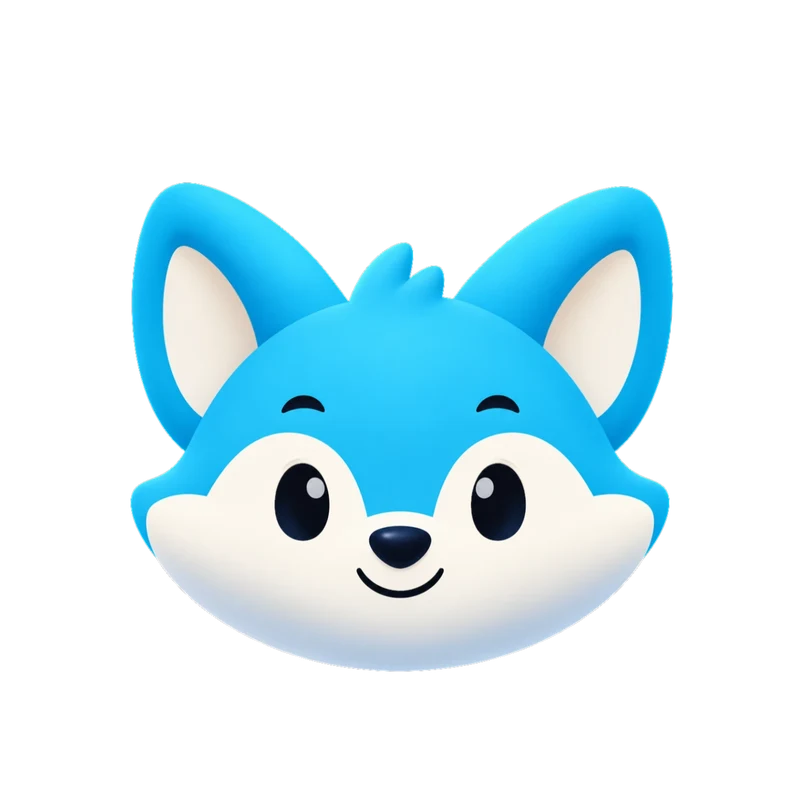
Launch: an intro, then idle
The launch intro plays once while your app opens, about 2.6 seconds, and ends on the resting pose. Then the character idles until the first screen is ready.
What plays
Launch intro, then idle (mood 0)
Splash screen animation guide
Welcome aboard
Let’s set things up together.
Onboarding: a wave hello
The wave loop greets new people on the first screens. When they finish a step, switch to happy so progress feels like a small win.
What plays
Wave (mood 2), happy (mood 1) after each step
Mascots in onboarding
Syncing your data…
Loading: the wait feels alive
The loading loop runs while data syncs, so a wait never looks frozen. For waits under a second, show nothing at all.
What plays
Loading (mood 5), success when it is done
Loading animation guide
Website hero: a face next to your headline
The character waves while people read your headline, and it can react to the page: happy when someone signs up, thinking on the pricing table.
What plays
Wave (mood 2), success on sign-up
Website mascot animation
No messages yet
When someone writes to you, it shows up here.
Empty state: nothing here yet
An empty inbox or list gets a sad or sleeping loop and one clear next step. It reads as calm, not as an error.
What plays
Sad (mood 4) or sleeping (mood 8)
Mascots in empty statesSecure VPN

Connecting…
London · UK
A VPN connecting
Loading while it connects, then the success reaction plays once and a happy loop stays while you are protected.
What plays
Loading (mood 5), success, then happy (mood 1)
Security app mascots
Searching…
A search finishing
Thinking while results load, then the success reaction when they arrive. One number and one trigger from your code.
What plays
Thinking (mood 3), then success
Mascot animation states$250.00
to Alex Morgan
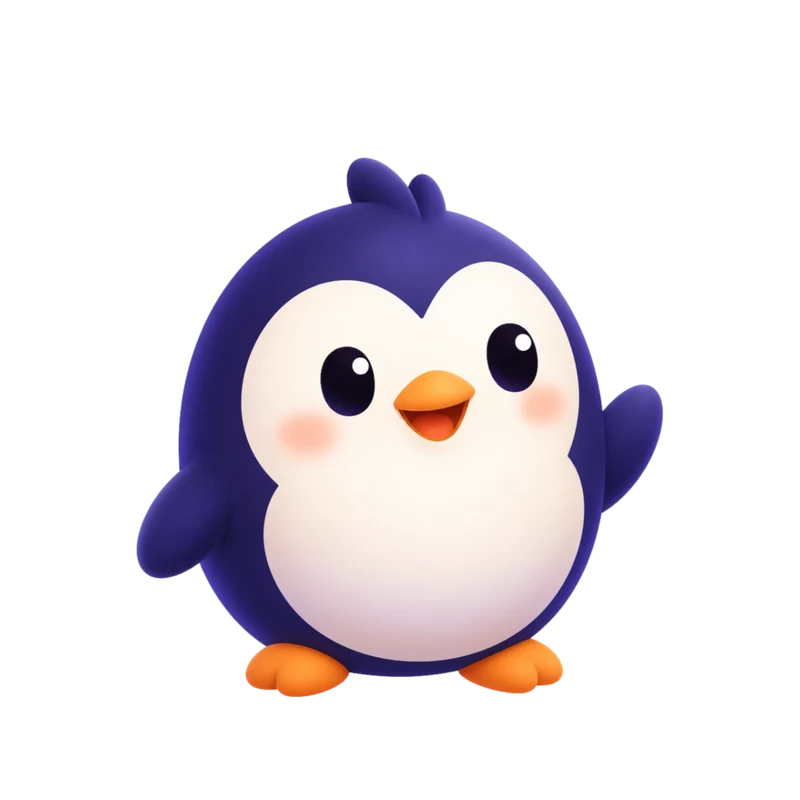
Sending…
A transfer that fails
Loading while the money moves. If it fails, the error reaction plays once and a sad loop stays until the person tries again.
What plays
Loading (mood 5), error, then sad (mood 4)
Fintech app mascots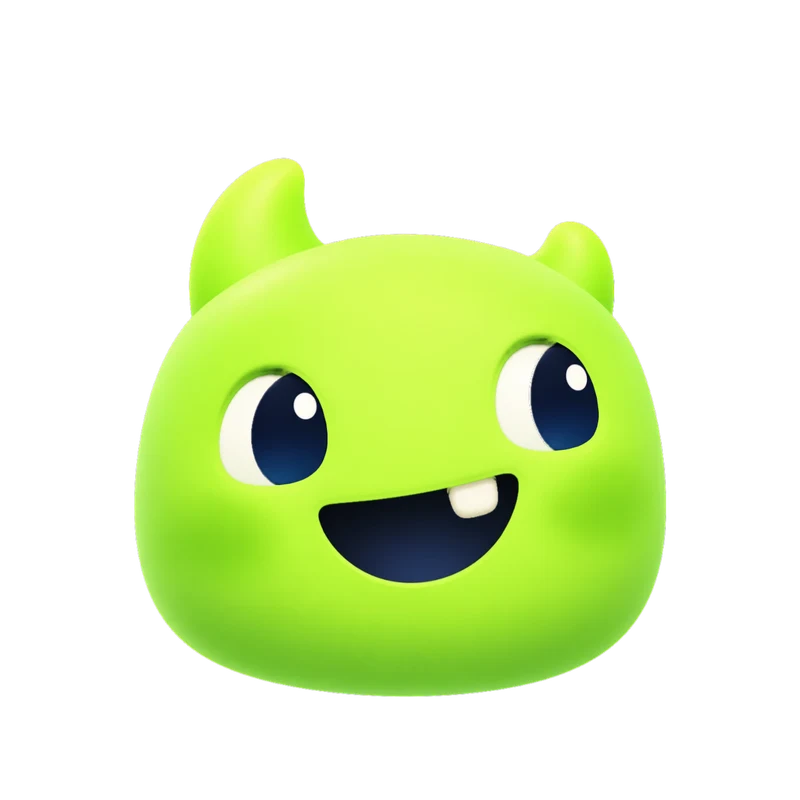
Listening…
An AI assistant replying
Listening while the person types, thinking while the model works, talking while the answer streams, then a yes nod when it is done.
What plays
Listening (6), thinking (3), talking (7), then yes
AI assistant avatarsLogos that move.
Live files, not videos: move your pointer over them, or tap one. Each one is built from the parts of its own logo.


Make your own.
How it works- 01
Add your character or logo
Upload a PNG, JPEG or WebP (SVG for logos), or design one with AI in the app.
- 02
We animate it
The engine finds its parts and builds every animation from your own artwork, never redrawn.
- 03
Paste it into your app
Get the Rive file, code for your platform and videos. Wire the moods to your screens, like the examples above.
Questions
The short answers. Full FAQ
Are these real animations?
Yes. Each screen plays the Rive file a character set includes, driven by the same mood numbers and triggers your own code would use. Nothing is a mock video.
Who are these characters?
Kiko, Sizzle, Pebble and Gummo are Charmotion house characters. They were animated by the same engine that animates yours, from one image each.
How do I get this with my own character?
Upload your drawing in the app, or design a character with AI (2 AI designs are free). Character sets start at Starter and each one has all 17 animations.
What files do I get?
One .riv file with every animation and a state machine, code for web, React and SwiftUI, and MP4, GIF and transparent WebM or MOV videos exported when you need them.
Make it move.
AI designs and logo ideas are free to try. No card needed.