How to Design a Character: A Step-by-Step Guide (With and Without AI)
By the Charmotion team · Updated · How we write guides
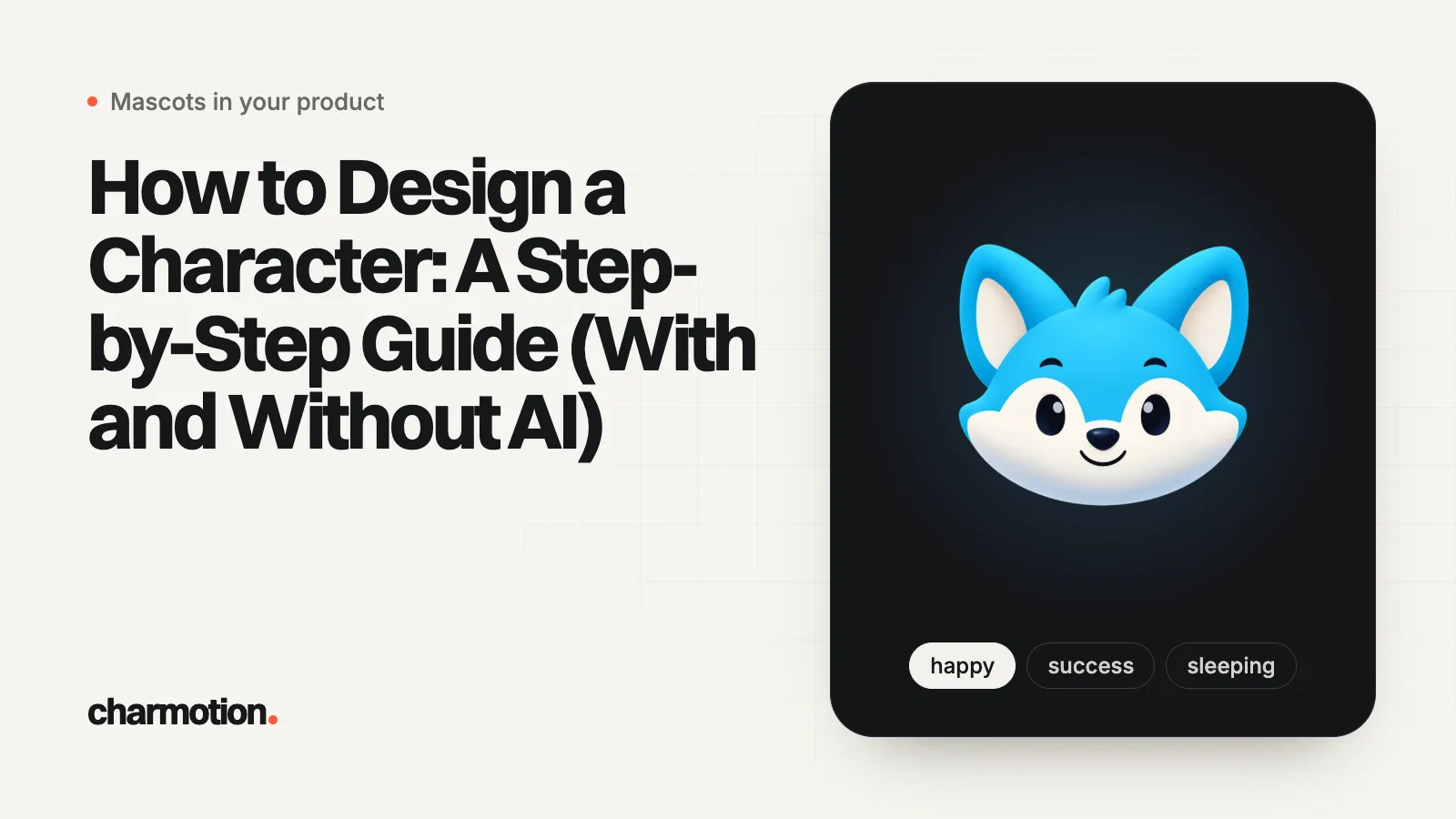
To design a character, write a short brief of its purpose and personality, build it from simple shapes, check that its silhouette reads in solid black, then settle color, proportions and style. Record the result on a character design sheet with a turnaround and expressions. AI tools speed up concepts; keeping the character consistent is the hard part.
Key takeaways
- Start with who the character is and where it will appear, not with drawing.
- Shape language and a readable silhouette carry personality before any detail does.
- A character design sheet (turnaround, expressions, poses, colors) is what keeps a character the same across artists and images.
- If the character will move, design it for animation from the start: separable parts, limited detail, a steady line weight.
- AI image tools are fast for concepts, but consistency needs saved references, and the same image is never redrawn exactly.
Already have a character or logo? See examples in real app screens: splash, onboarding, loading and empty-state screens, with the animation that plays in each.
What should you decide before you draw a character?
Character design is the work of deciding how a character looks so that the look tells the audience who it is. That means the drawing comes second. Write a one-page brief first:
- Purpose: a story lead, a game class, a brand mascot, a sidekick in an app. Where will it appear, how big, and for how long?
- Personality: three traits you can see (curious, clumsy, proud) and one it never shows.
- Wants and needs: Pixar in a Box's storytelling course on Khan Academy builds characters from what they want, what they need, their obstacles and their arc.
- Internal and external features: the same course separates external features ("the clothes, design or look of a character") from internal ones ("the personality, beliefs or drive"). Your design job is to make the external features hint at the internal ones.
- Audience and medium: a children's app, a horror game and a fintech brand need different shapes, colors and levels of detail.
Collect references at this stage too: real animals, objects, people and clothing that share the traits you want. For a book-length treatment, Tom Bancroft, who designed Mushu in Disney's Mulan, wrote Creating Characters with Personality (Watson-Guptill, 2006). If the character is a brand mascot, the job and channels decide even more; see how to create a brand mascot.
What is shape language, and how do you use the silhouette test?
Shape language is the idea that basic shapes carry feelings. The Walt Disney Family Museum's teaching sheet describes it as a way to "tell a story, show personality, and illicit an emotional response in the viewer without using any words," and lists what each shape suggests:
| Base shape | Reads as | Typical use |
|---|---|---|
| Circle | Soft, squishy, harmless, approachable, changeable | Friendly leads, cute mascots, kids' characters |
| Square | Solid, sturdy, strong, supportive, reliable, inflexible | Protectors, mentors, stubborn types |
| Triangle | Sharp, directional, dynamic, dangerous, unpredictable | Villains, rivals, energetic or clever heroes |
The same sheet calls these "general guidelines" and says "it's okay to mix shapes together": a round body with a few sharp accents reads as friendly but mischievous. It also warns that too many points "can take away from what you are trying to communicate."
The silhouette test
Fill the character in solid black. If you can still tell who it is and roughly what it feels, the design works. Valve's GDC 2008 talk on Team Fortress 2 lists the character silhouette as step one of character creation, ahead of interior shapes and the model sheet, and describes it as the "building block of character design," "identifiable at first read." In that game the team is read from color and the class from "distinctive silhouettes," body proportions and weapons. Duolingo's designers made the same point when they redrew their owl: if the overall shape is not appealing, the details inside it cannot rescue it.
Practical version: draw ten tiny thumbnail silhouettes before any line art, pick the two that read best, and only then add a face and costume.
How do you choose a character's colors, proportions and style?
Proportions
Character designers usually measure proportions in heads. Clip Studio's model sheet tutorial notes that proportions are "usually established in units of numbers of heads." Fewer heads (a big head on a small body) reads as young, cute and comic; more heads reads as adult, heroic or elegant. Exaggerate the one proportion that says the most about the personality (huge hands for a strong worker, long legs for a nervous runner) and keep the rest plain.
Color
- Start in grayscale. If the values (light and dark) separate the head, body and props, color will only help.
- Limit the palette. One dominant color, one secondary and one accent are easier to remember and to reproduce.
- Use color to group. In Team Fortress 2, color tells players which team a character is on before anything else.
- Check context. Test the character on the backgrounds it will actually sit on, light and dark.
Style
Pick a style the whole project can sustain: line or no line, flat or shaded, how detailed the face is. A style you cannot repeat a hundred times is the wrong style, even if one illustration looks great. For a brand mascot, how simple the design is also decides how well it works at icon size.
What goes on a character design sheet (model sheet)?
A character design sheet, also called a model sheet, is the reference that lets other artists (or your future self, or an AI tool) draw the same character. Clip Studio's guide by character designer Julio Robledo describes it as a series of sheets "used especially in animation production." A complete set usually has:
| Sheet | What it shows |
|---|---|
| Construction sheet | The basic shapes and proportions, measured in heads |
| Turnaround | At least front, three-quarter, profile and back views, lined up on the same horizontal guides |
| Expression sheet | "At least the basic range of emotions and reactions": happy, sad, angry, surprised, thinking |
| Pose sheet | The character's "typical postures" in full-length view |
| Color sheet | Every color used on the character, ideally with codes |
| Details | Props, hands, logos on clothing, what is symmetric and what is not |
A simple character design template: one landscape page with the turnaround across the top, six to eight expressions below, and a color strip and notes at the side. For a mascot used inside a product, the expressions that matter are the moments it appears in (welcome, waiting, success, error), not a full acting range; see mascot animation states. If you want those expressions to move, our animated mascot expression sheet shows what that looks like.
How do you design a character for animation?
A character that will move has extra constraints. Decide early whether it will be drawn frame by frame, rigged in 2D, or built in 3D (the options are compared in character animation: types, principles and software), then design for it:
- Separable parts. Rigged 2D characters are cut into pieces. Spine works by attaching images to bones; Adobe Character Animator auto-tags a puppet when the Photoshop or Illustrator layers are structured and named in its expected way. Keep arms, head, eyes and mouth as clean, overlapping parts, not merged into one painted shape.
- Limited detail. Every stripe, button and strand of hair has to be drawn again or deformed on every frame. Fewer, bigger shapes animate better and read better small.
- Consistent line weight. If lines vary wildly in a still, they will flicker or stretch oddly in motion. Pick one or two weights and stick to them, or drop outlines.
- Mouth and eye shapes. Talking characters need a set of mouth shapes. Duolingo's team found "each character needed their own set of shapes for each viseme," and that the critical test was whether they "looked believable when animated."
- Room to deform. Rive's meshes deform raster art "by moving vertices instead of transforming the image as a flat rectangle." That works best when limbs are drawn apart from the body, with a little overlap at the joints.
Test the design by roughing out one idle loop and one big emotion before you finalize it. Problems show up in motion that never show up in a still.
Can AI design a character for you?
Disclosure: Charmotion is our product. We list it where it fits and say where other tools are better; every other fact links to its source.
AI image tools are useful for the concept stage: exploring shapes, costumes and color directions in minutes. The hard part is keeping one character consistent across many images, because each generation is a new drawing. Current tools handle this with references:
- ChatGPT Images lets you save an image as a reference and call it with
@namein later prompts; OpenAI says its 2.6 model "does a better job of keeping details consistent from one edit to the next." - Ideogram recommends adding "one to five clear images of the character" and notes that "shots of the face from a few angles work best."
So treat AI as a fast sketchbook. Pick one direction, then make a design sheet from it, ideally redrawn or cleaned up by hand, and feed that sheet back in as the reference for every new image. If the details still drift, see why AI keeps changing your character, and compare tools in best AI mascot generators.
Charmotion's AI mascot generator is narrower: it takes a short description, a kind, one of four looks (soft, flat, outline, minimal), up to two traits and three colors, and draws one compact, front-view mascot made to be rigged. An AI design costs 1 credit, and the free plan includes 2 credits once. On a paid plan that one design is animated rather than redrawn, so it looks the same in each animation. It does not make turnarounds, other views or full design sheets; for a story or game character with many angles, a human designer or a general image tool fits better.
Design a character step by step
- Write the brief. Note the character's purpose, where it appears, its audience, three visible personality traits, and what it wants.
- Gather references. Collect real animals, objects, people and clothing that share the traits you want the character to show.
- Pick a shape language. Choose a dominant base shape (circle, square or triangle) that matches the personality, with a few accents from another shape.
- Thumbnail silhouettes. Draw many small solid-black silhouettes and keep the ones you can recognize at first glance.
- Set proportions, color and style. Decide the head-to-body ratio, test values in grayscale, then add a limited palette and a style you can repeat.
- Make the design sheet. Draw a turnaround, an expression sheet, key poses and a color sheet so anyone can redraw the character on-model.
- Test it in motion and in context. Rough out one idle loop and one strong emotion, and place the character at its real size on its real backgrounds before finalizing.
Frequently asked questions
What are the basics of character design?
A clear personality brief, a dominant base shape that suits it, a silhouette that reads in solid black, deliberate proportions, a limited color palette and a style you can repeat. A design sheet then records all of it so the character stays consistent.
What is a character design sheet?
It is a reference page or set of pages that shows a character from several angles (a turnaround), with its expressions, typical poses, colors and construction. Animation teams use it so every artist draws the same character, and it is also the best reference image for AI tools.
How many views does a character turnaround need?
At least front, three-quarter, profile and back. More complex characters add a three-quarter back view, and all views should line up on the same horizontal guides for the eyes, shoulders, waist and feet.
Can I design a character with AI for free?
Several AI image tools have free tiers or free credits, and they are good for exploring concepts. Check each tool's terms for commercial use, and expect to spend time keeping the character consistent across images by reusing reference images.
What makes a character design memorable?
Usually a strong, simple silhouette and one or two exaggerated features that match the personality. Valve calls the silhouette the building block of character design, and Duolingo's designers say details cannot save an unappealing overall shape.
Quick answers from this guide
Sources
- Glossary: Character (Pixar in a Box, The art of storytelling), Khan Academy and Pixar
- Tips and Techniques: Shape Language, The Walt Disney Family Museum
- Stylization with a Purpose: The Illustrative World of Team Fortress 2 (GDC 2008), Valve
- Reshaping Duo, Duolingo Blog
- Model Sheets for Character Designers, Clip Studio (Celsys)
- Creating Characters with Personality (Tom Bancroft, introduction by Glen Keane), Watson-Guptill (Penguin Random House)
- Spine in depth, Esoteric Software
- Prepare artwork in Adobe Character Animator, Adobe Help Center
- Art meets technology: the next step in bringing our characters to life, Duolingo Blog
- Meshes, Rive
- Images in ChatGPT, OpenAI Help Center
- Reference Images, Ideogram
- AI mascot generator, Charmotion
- Charmotion pricing, Charmotion