Faceless YouTube Channel Character: Design, Animation and Monetization Rules
By the Charmotion team · Updated · How we write guides
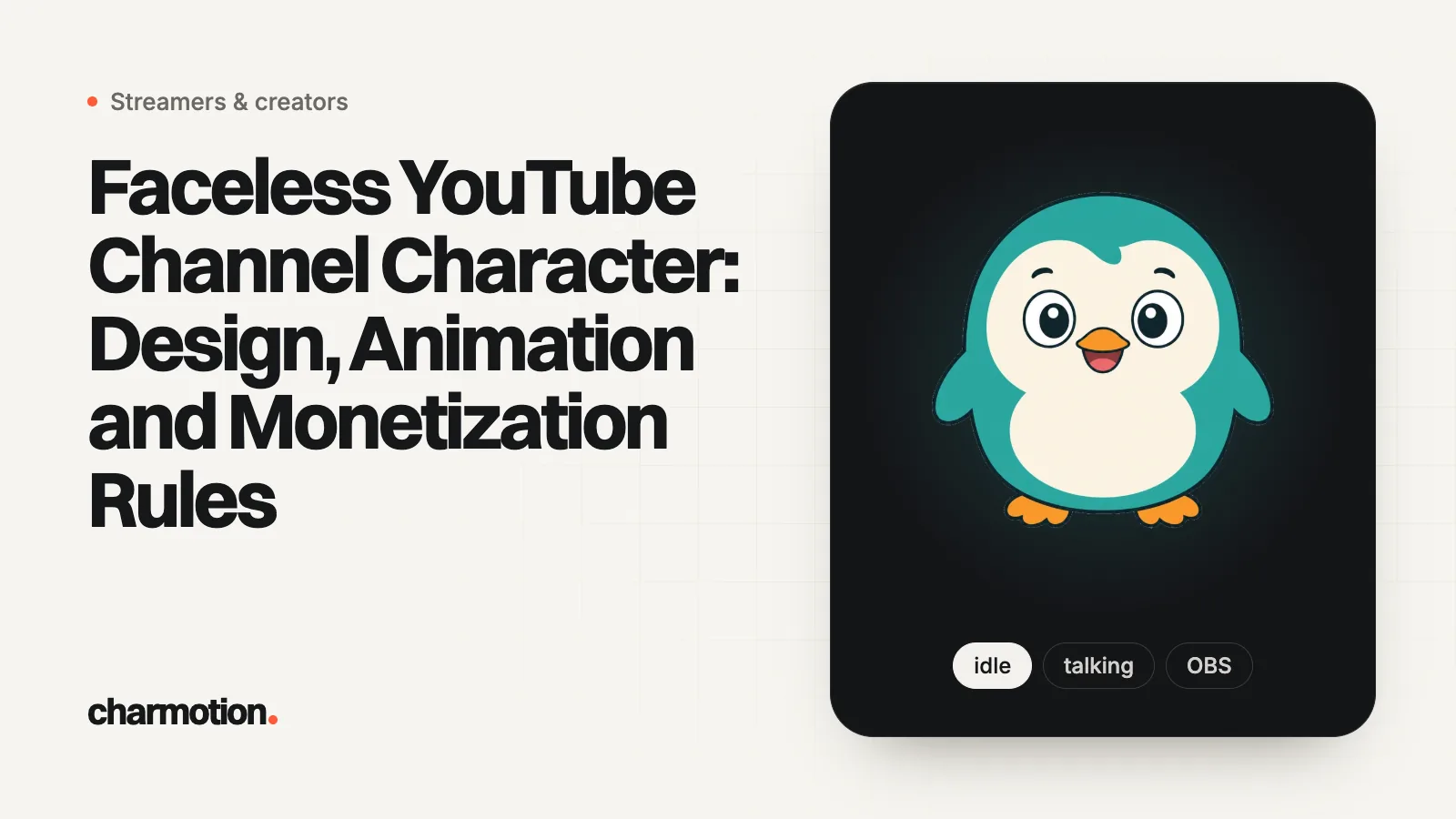
A faceless YouTube channel character is a mascot that stands in for you on camera. Design one simple, front-facing character that reads at 98 px, animate it with a method that matches your format (mouth-swap, lip-sync or short loops), and add your own script and voice so the channel does not look mass-produced under YouTube's inauthentic content policy.
Key takeaways
- YouTube renders the profile picture at 98×98 px and does not allow animated GIFs there.
- YPP needs 1,000 subscribers plus 4,000 watch hours in 12 months or 10 million Shorts views in 90 days.
- Since July 2025, mass-produced and template content, including generic AI videos, is labelled inauthentic and cannot be monetized.
- Fully animated AI content does not need YouTube's altered or synthetic label; realistic scenes and people do.
- End screens appear in the last 5 to 20 seconds of videos at least 25 seconds long.
Already have a character or logo? See examples in real app screens: splash, onboarding, loading and empty-state screens, with the animation that plays in each.
Why give a faceless YouTube channel a character?
A faceless channel competes on voice, script and visuals, and a recurring character gives viewers a face to recognise without showing yours. It ties thumbnails, intros and channel art together, and it can react to what you say so explainers feel hosted rather than narrated over stock footage. Mascot-led formats suit explainers, finance and tech tips, kids' learning, gaming commentary and story channels.
The character is also a brand asset: you will see it hundreds of times, so make it something you own. Design an original character rather than using a recognisable existing one.
How do I design a channel character that works at small sizes?
- Silhouette first. It should be recognisable as a black shape. Big head, simple body, one or two distinctive features (ears, hat, colour).
- Readable face. Large eyes and a clear mouth carry emotion in thumbnails and at 98 px.
- Front-facing master pose. Almost every animation method works best from a front view with arms apart from the body.
- Limited palette. Two or three main colours that contrast with your thumbnail backgrounds.
- Expression sheet. Happy, surprised, thinking, sad and pointing poses cover most thumbnails. A mascot expression sheet keeps them consistent.
YouTube's branding specs to design for, from its help centre: profile picture rendered at 98×98 px, up to 15 MB, JPG, GIF, BMP or PNG but not animated; banner at least 2048×1152 px (2560×1440 recommended) with a 1235×338 px safe area, up to 6 MB; video watermark at least 150×150 px, square, up to 1 MB.
How do I animate a faceless channel character?
| Method | Tools | Good for | Effort |
|---|---|---|---|
| Mouth-swap to your voice | veadotube mini or PNGTuber Plus, recorded through OBS | Commentary, gaming, podcasts | Low: 2 to 4 drawings |
| Lip sync from a voiceover | Adobe Character Animator, Cartoon Animator, Rhubarb Lip Sync | Explainers where the character speaks | Medium: a layered puppet with mouth shapes |
| AI talking video from one image | Hedra Character 3, Kling Lip Sync | Short talking clips | Low, paid per second; the design can drift |
| Short reaction and idle loops | Rive, After Effects, single-image loop tools | Corner reactions, intros, end screens | Low to medium |
| Full scene animation | Traditional 2D or 3D animation | Story channels | High |
Most channels combine two: a talking method for the host role and a few loops for intros, transitions and end screens. Details on lip sync are in talking character animation.
Can a faceless channel with a character be monetized?
Yes. Nothing in YouTube's rules requires showing your face. You need the YouTube Partner Program thresholds: 1,000 subscribers plus either 4,000 public watch hours in the last 12 months or 10 million public Shorts views in the last 90 days, and then a review of the channel as a whole.
The risk is the monetization policy. In July 2025 YouTube renamed "repetitious content" to inauthentic content, covering videos that are repetitive or mass-produced. Its examples of what cannot be monetized include videos where characters face the same situation with the same outcome, image slideshows or scrolling text with minimal narrative or commentary, and AI-generated content on generic templates that lacks the creator's own insight. The reused content policy separately targets compilations and readings of material you did not write. YouTube also does not monetize AI personas presenting as experts on sensitive topics such as health, legal, finance or politics.
A recurring character is fine; a recurring template is the problem. Write your own scripts, vary the stories, and use the character to add commentary, not to cover for its absence.
Do I have to label an AI-made character on YouTube?
Usually not. YouTube requires disclosure for realistic altered or synthetic content: a real person saying or doing something they did not, altered footage of real events, realistic scenes that never happened, or AI music as the main focus. Its list of content that does not need disclosure includes AI-generated animation in a fully animated video, AI help with scripts, thumbnails and titles, and cloning your own voice for voiceovers.
So a cartoon mascot generally needs no label, but a photorealistic AI "presenter" does. When you do disclose, the label appears in the expanded description, or on the player for photorealistic content and AI music.
How do I keep the character consistent across videos?
- Lock one master file. Keep a layered, front-facing master and export every pose from it rather than redrawing from memory.
- Write down the rules. A one-page sheet with colour codes, proportions, outline weight and what the character never does saves arguments with future editors and artists.
- Prefer methods that move your artwork. Puppets, PNG swaps and rigged loops reuse your exact drawing. Generative video recreates frames, so check every clip for changed details before publishing.
- Build a reusable library. Export your reactions and loops once as transparent video, and drag them into every edit instead of regenerating them.
Where should the character appear in each video?
- Thumbnail: the character's expression tells viewers the video's emotion before they read the title.
- Cold open: one or two seconds of the character, then straight into content.
- Corner reactions: a small looping reaction over B-roll when a point lands.
- End screen: YouTube end screens run in the final 5 to 20 seconds of videos at least 25 seconds long, with up to four elements on 16:9 videos. A waving loop beside the subscribe element works well.
- Watermark: a simple head icon at 150×150 px or larger.
Can I use Charmotion for a channel mascot?
Disclosure: Charmotion is our product. We list it where it fits and say where other tools are better; every other fact links to its source.
For the loops, yes; for talking, no. Charmotion animates one finished, front-facing character image (or one it designs from a text description) in its own artwork, so the mascot looks identical in every video. You get idle, launch, happy, wave and loading animations, exported as MP4, vertical 9:16 MP4, transparent WebM, MOV with alpha (transparent on Apple devices and in Safari) and GIF. Those fit intros, end screens and corner reactions.
It has no talking, lip-sync, walking or custom motions, so pair it with one of the talking methods above. Character animations start on Starter at $9 a month as of November 2026. See example characters.
Frequently asked questions
Can I use AI to design my channel character?
Yes. YouTube does not require disclosure for AI help with thumbnails or for fully animated AI content. Check the image tool's terms for commercial use, and make the design original rather than a lookalike of an existing character.
Can my channel profile picture be animated?
No. YouTube's channel branding page accepts JPG, GIF, BMP or PNG for the profile picture but does not allow animated GIFs. Use a strong static frame of your character instead.
Is a text-to-speech voice allowed for a mascot?
YouTube's monetization policy does not ban synthetic voices, but it targets mass-produced and templated videos. A TTS voice reading generic scripts is the risky combination; your own writing and perspective are what reviewers look for.
How many animations does a channel mascot need?
Start with five: idle, talking, happy, surprised and a wave for the end screen. Add more only when a format repeatedly needs one.
Quick answers from this guide
Sources
- Manage your channel branding, YouTube Help
- YouTube Partner Program overview and eligibility, YouTube Help
- YouTube channel monetization policies, YouTube Help
- Disclosing use of altered or synthetic content, YouTube Help
- Add end screens to videos, YouTube Help
- veadotube mini, olmewe on itch.io
- Adobe Character Animator, Adobe
- Hedra Character 3, Hedra
- How Charmotion works, Charmotion