YouTube Intro & Animated Logo Best Practices
By the Charmotion team · Updated
Keep a YouTube intro to a few seconds. YouTube's own creator advice says the first few seconds decide whether viewers stay, and suggests a cold open or a clear promise of what the video covers. Put your animated logo or mascot in a short branded sting, and use the 150×150 video watermark for persistent branding.
Key takeaways
- YouTube publishes no official intro length; its blog stresses the first few seconds.
- Hook first, then a 1–3 second branded sting, then the content.
- Video watermark: at least 150×150, square, under 1 MB; shown for the last 15 seconds, from a custom time, or for the whole video.
- The channel profile picture cannot be an animated GIF; it renders at 98×98.
- Banner: minimum 2048×1152, recommended 2560×1440, safe area 1235×338, up to 6 MB.
Already have a character or logo? Preview your own character animated in a phone splash, a website hero and an empty state — free, in your browser, nothing uploaded.
How long should a YouTube intro be?
Short. YouTube does not publish an official maximum, but its creator blog says "the first few seconds of any video are critical to getting your viewers' attention." A long animated logo spends exactly those seconds on something viewers have not asked for yet.
Third-party creator tools give numbers. vidIQ, for example, recommends keeping intros to 10 seconds or less. That is a rule of thumb from a creator-tools company, not a YouTube requirement.
A structure that respects both:
| Time | What happens | Mascot or logo role |
|---|---|---|
| 0–5 s | Hook: a question, a result or a cold open | Optional; the character can react to the hook |
| ~5–8 s | Branded sting, 1–3 seconds | Logo or mascot animation with a sound cue |
| After the sting | The content you promised | Watermark in the corner, if you use one |
The sting length is a suggestion, not a YouTube spec. What matters is that the brand moment is short and comes after viewers know why they should keep watching.
What does YouTube recommend for the first seconds?
YouTube's "Four tips to hook your viewers" post gives four techniques for openings:
- Ask a question that the video answers.
- Brand with a bang: make branding part of the opening instead of a long standalone sequence.
- Tell viewers what they will see, within about the first five seconds.
- Use a cold open: start in the middle of the action, then introduce the channel.
An animated mascot fits the "brand with a bang" idea well. Instead of a 10-second logo reveal, the character can appear for a beat during the hook, react to what is happening, and hand off to the content. Viewers learn your brand from repetition across videos, not from the length of each intro.
Check retention in YouTube Studio after you change your intro. If the audience retention graph drops sharply during the sting, shorten it or move it later.
What are the YouTube video watermark specs?
The video watermark is a small image that appears in the corner of your videos and lets signed-in viewers subscribe from the player. YouTube's branding help page lists these requirements:
| Asset | Official spec |
|---|---|
| Video watermark | Minimum 150×150, square, under 1 MB |
| Watermark timing | End of video (last 15 seconds), custom start time, or entire video |
| Profile picture | Renders at 98×98; up to 15 MB; no animated GIFs |
| Banner image | Minimum 2048×1152 (16:9), recommended 2560×1440, up to 6 MB |
| Banner safe area | 1235×338, visible on all devices |
Watermarks do not appear on videos set as made for kids. A simple, high-contrast mark works best because YouTube shows it small and semi-transparent over your footage.
To pull a crisp still of your mascot for the watermark from an MP4:
ffmpeg -ss 1 -i idle.mp4 -frames:v 1 -vf scale=300:300 watermark.pngIf you have a transparent VP9 WebM, force the libvpx decoder so FFmpeg keeps the alpha channel: ffmpeg -c:v libvpx-vp9 -i idle.webm -frames:v 1 -vf scale=300:300 watermark.png.
Can the watermark, profile picture or banner be animated?
No. YouTube's help page explicitly says no animated GIFs for the profile picture, and the watermark and banner are uploaded as still images. Channel branding on YouTube is static.
The places where your animation can actually move are inside videos:
- The intro sting after the hook.
- Transitions between chapters, where a 1-second mascot reaction separates sections.
- The end screen area in the last seconds, where a character can point toward the subscribe or next-video elements you add in YouTube Studio.
- Shorts, which use a vertical frame. See the 9:16 video specs guide.
Use a still frame from the same animation for the profile picture and watermark, so the static branding matches what viewers see moving in the video.
What size is the YouTube channel banner?
YouTube requires a banner of at least 2048×1152 pixels in a 16:9 ratio and recommends 2560×1440, with a file size of 6 MB or less. Only the center 1235×338 safe area is guaranteed to show on every device; the rest may be cropped depending on screen size.
Place anything important, such as the channel name, your mascot and a schedule line, inside that safe area. Use the outer region for background color or pattern only.
On a 2560×1440 canvas, the safe area is centered: it starts about 662 pixels from the left and 551 pixels from the top. Many design tools let you add guides at those positions before you start laying out. After uploading, use the preview in YouTube Studio's customization screen to check how the banner looks on different devices before publishing.
How do I make a mascot sting for a 16:9 video?
Most character animations are rendered square. To drop one into a 1920×1080 timeline without editing software, pad it to 16:9 with FFmpeg, using a background color that matches the clip:
ffmpeg -i success.mp4 \
  -vf "pad=1920:1080:(ow-iw)/2:(oh-ih)/2:color=white" \
  -c:v libx264 -pix_fmt yuv420p -crf 18 -movflags +faststart sting-16x9.mp4
pad centers the 1080×1080 clip on a 1920×1080 canvas, yuv420p keeps the file compatible with players and editors, and +faststart moves the index to the front of the file.
In an editor, a transparent version is more flexible because the character can sit over your footage. Check that your editor reads the alpha channel of the file you have; ProRes 4444 is the most widely supported alpha format in editing software, and HEVC with alpha works on Apple platforms.
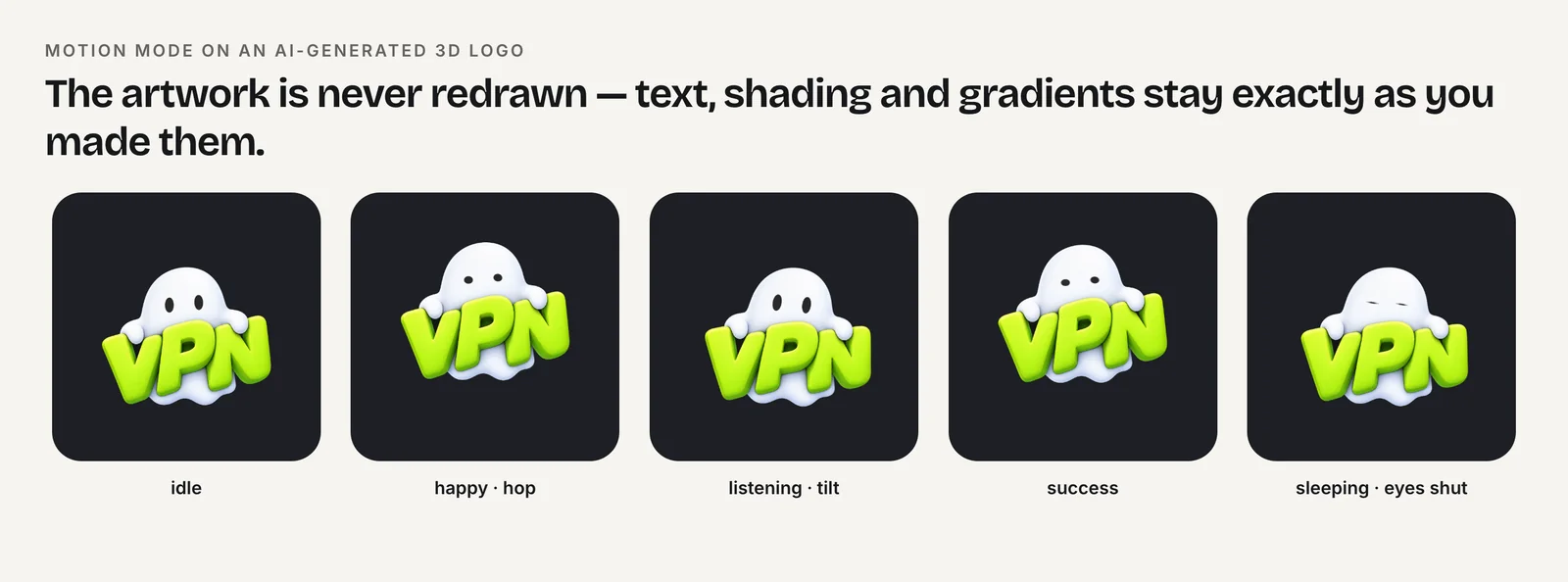
Charmotion generates 17 animations from one character image in about 1–2 hours, including a success reaction and attention loop that suit stings. The Starter plan ($4.99/month) gives 1080×1080, 60 fps MP4s; the Studio plan ($29/month) adds transparent WebM and MOV for compositing over footage.
How to brand a YouTube video with an animated mascot
- Open with a hook. Start with a question, result or cold open and say what the video covers within about five seconds.
- Add a short sting. Insert a 1–3 second mascot or logo animation after the hook, padded or composited into the 16:9 frame.
- Set the watermark. Upload a square image of at least 150×150 under 1 MB in YouTube Studio and choose when it appears.
- Match static branding. Use a still frame of the same character for the profile picture and inside the banner's 1235×338 safe area.
- Check retention. Review the audience retention graph and shorten or move the sting if viewers drop during it.
Frequently asked questions
Is there an official YouTube intro length?
No. YouTube's creator blog stresses that the first few seconds are critical and recommends hooks, cold opens and integrated branding, but sets no maximum. Third-party sources such as vidIQ suggest 10 seconds or less. Shorter is safer, especially before viewers know what the video offers.
Can I use an animated GIF as my YouTube profile picture?
No. YouTube's branding help page says animated GIFs are not allowed for the profile picture. Use a still image, ideally a frame from your mascot or logo animation, and keep it readable at 98×98, the size at which YouTube renders it on channel pages.
Why isn't my watermark showing?
Watermarks do not appear on videos set as made for kids. Also check the timing option in YouTube Studio: it can be set to the last 15 seconds, a custom start time, or the entire video, so it may simply not have started yet.
What file should I use for an intro animation?
An MP4 (H.264) works in every editor and in YouTube uploads. If the mascot needs to sit over footage, use a format with alpha, such as ProRes 4444 or HEVC with alpha in a MOV, and composite it in your editor before exporting.
Quick answers from this guide
Sources
- Manage your channel's branding — YouTube Help
- Four tips to hook your viewers on your channel — YouTube Official Blog
- YouTube video intros — vidIQ
- FFmpeg filters documentation (palettegen, paletteuse, scale, pad) — FFmpeg