ElevenLabs Agent Avatar With onModeChange
By the Charmotion team · Updated
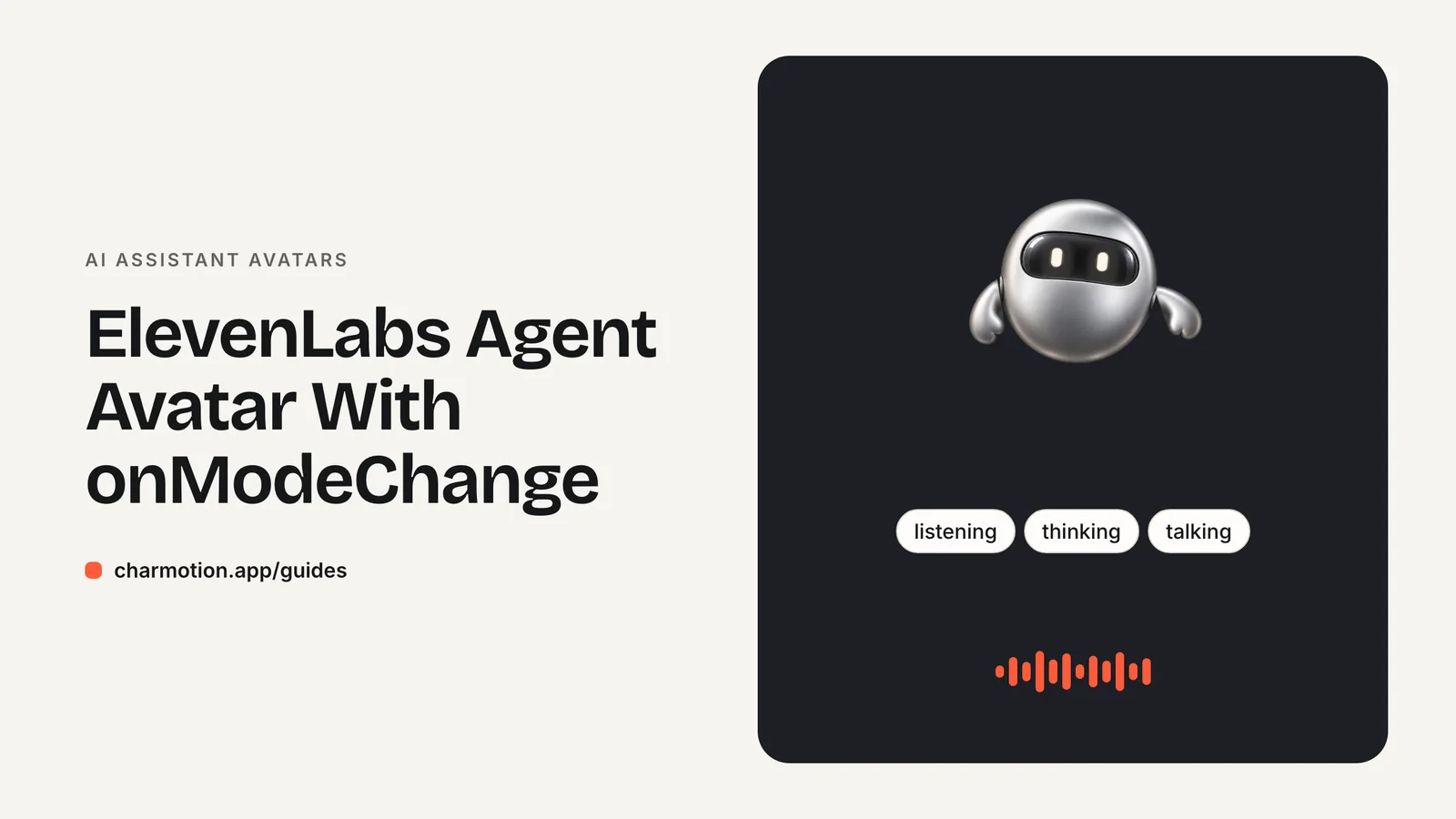
In the ElevenLabs React SDK, useConversation reports the agent's mode as 'speaking' or 'listening' and calls onModeChange when it flips. Map speaking to a talking loop and listening to a listening loop, show a loading state while status is connecting, and play enter and exit reactions on connect and disconnect.
Key takeaways
modeis'speaking'or'listening';isSpeakingandisListeningare boolean shortcuts.- Connection
statusmoves throughdisconnected,connectingandconnected. - Update the avatar from callbacks through a ref, not from React state, so streaming audio doesn't cause extra renders.
getOutputByteFrequencyData()andgetInputVolume()are there for audio-reactive visuals.
Already have a character or logo? Preview your own character animated in a phone splash, a website hero and an empty state — free, in your browser, nothing uploaded.
Which ElevenLabs events tell me the agent is speaking?
The ElevenLabs Agents React SDK centers on the useConversation hook. Its documentation lists the fields and callbacks an avatar needs (ElevenLabs React SDK):
| Field or callback | Values | Use for the avatar |
|---|---|---|
mode | 'speaking' | 'listening' | Talking vs listening loop |
isSpeaking, isListening | Booleans | Same, as flags |
onModeChange | Called when mode changes | Set the mood imperatively |
status | disconnected | connecting | connected | Loading while connecting |
onConnect, onDisconnect | Session start and end | Enter and exit reactions |
onStatusChange | Called when status changes | Alternative to the two above |
onError | Error details | Error reaction |
getInputVolume(), getOutputByteFrequencyData() | Audio data | Audio-reactive visuals |
Unlike the OpenAI Realtime API, you don't have to infer the speaking phase from raw audio events. The SDK manages playback and tells you when the agent switches between speaking and listening.
There is no separate "thinking" mode in that list. The agent is either speaking or listening; the gap after the user finishes is part of listening. If you want a visible thinking beat, see the section on connection states below for a way to add one without guessing.
How do I map mode and status to avatar moods?
Set the mood directly inside the callbacks. Reach the Rive view model through a ref so the callbacks always see the current instance, even though they were defined on the first render. This is a client component, so in Next.js it starts with "use client".
"use client";

import { useRef } from "react";
import { useConversation } from "@elevenlabs/react";
import { useRive } from "@rive-app/react-webgl2";
import type { ViewModelInstance } from "@rive-app/react-webgl2";

const MOOD = { idle: 0, sad: 4, loading: 5, listening: 6, talking: 7 } as const;

export function AgentAvatar() {
  const { rive, RiveComponent } = useRive({
    src: "/character.riv",
    stateMachine: "CharacterViewModelMachine",
    autoplay: true,
    autoBind: true,
  });
  const vmi = useRef<ViewModelInstance | null>(null);
  vmi.current = rive?.viewModelInstance ?? null;

  const setMood = (m: number) => {
    const p = vmi.current?.number("mood");
    if (p) p.value = m;
  };
  const fire = (name: string) => vmi.current?.trigger(name)?.trigger();

  const conversation = useConversation({
    onConnect: () => {
      fire("enter");
      setMood(MOOD.listening);
    },
    onDisconnect: () => {
      fire("exit");
      setMood(MOOD.idle);
    },
    onModeChange: ({ mode }) => setMood(mode === "speaking" ? MOOD.talking : MOOD.listening),
    onError: () => {
      fire("error");
      setMood(MOOD.sad);
    },
  });

  const start = async () => {
    setMood(MOOD.loading);
    await navigator.mediaDevices.getUserMedia({ audio: true });
    await conversation.startSession({ agentId: "your-agent-id" });
  };

  return (
    <div>
      <div aria-hidden="true" style={{ width: 160, height: 160 }}>
        <RiveComponent />
      </div>
      <button onClick={start} disabled={conversation.status !== "disconnected"}>Talk</button>
      <button onClick={() => conversation.endSession()}>End</button>
      <p role="status">{conversation.status === "connected" ? (conversation.isSpeaking ? "Speaking" : "Listening") : conversation.status}</p>
    </div>
  );
}
Check the SDK reference for the exact startSession options your version needs (agent ID or signed URL, connection type). The mapping logic doesn't change with them.
Can I drive mouth movement from the agent's output audio?
The SDK exposes getOutputByteFrequencyData() for the agent's voice and getInputVolume() for the microphone, and its docs describe them as the way to build audio visualizations (ElevenLabs React SDK). Frequency data follows the same shape as a Web Audio AnalyserNode: byte values from 0 to 255 per frequency bin (MDN).
What you can drive with it depends on the character:
- A mouth-open number in the file: average the bins on each animation frame, smooth the value and write it to that number.
- A talking loop only: you don't need the audio data at all, because
onModeChangealready tells you when to talk. Use the data for a separate visualizer ring if you want extra motion. - Visemes: the frequency spectrum doesn't contain phoneme identity, so it can't produce accurate lip-sync. See lip-sync vs amplitude for when visemes are worth it.
// Optional: a 0–1 level from the agent's voice, sampled once per frame.
function outputLevel(): number {
  const bins = conversation.getOutputByteFrequencyData();
  if (!bins?.length) return 0;
  let sum = 0;
  for (let i = 0; i < bins.length; i++) sum += bins[i];
  return sum / bins.length / 255;
}
Run this inside requestAnimationFrame, not in React state. Calling setState 60 times a second re-renders your component tree for no visual benefit.
How do I show connecting and disconnect states?
Voice sessions take a moment to start: the browser asks for microphone permission, then the SDK opens the connection. During that time status is connecting. Show it, or the user will tap the button again.
- Before
startSession: set a loading mood. The microphone prompt can take seconds if the user reads it. onConnect: play an enter or wave reaction, then rest on listening, since the agent is ready for speech.onDisconnect: play an exit reaction and rest on idle or sleeping.- Permission denied:
getUserMediarejects. Catch it, return to idle and explain in text how to allow the microphone.
Charmotion files include exactly these pieces: a loading mood (5), a listening mood (6), a talking mood (7), sleeping (8), and enter and exit triggers on the Character view model. A mood change never cuts a one-shot, so firing enter and setting listening in the same callback plays the full entrance before the loop starts. Charmotion generates the set from your own character or logo; the .riv comes with the Studio plan ($29/month).
For a thinking beat, you can use the agent's own events rather than guesswork: if your agent calls client tools, set thinking when a tool call starts and return to the mode-driven state when speaking resumes.
Which granular hook avoids extra rerenders?
useConversation returns a lot of state, and a component that reads it re-renders whenever any of it changes. ElevenLabs documents granular hooks for this, including useConversationMode() for just the speaking/listening state, and recommends them to reduce re-renders (ElevenLabs React SDK). Check the reference for the exact set and any provider they require in your SDK version.
For the avatar specifically, the cheapest pattern is the one in the code above: drive Rive from callbacks, not from rendered values. Callbacks such as onModeChange run outside React's render cycle, and writing to a view model property doesn't re-render anything. The Rive canvas updates on its own.
That also protects the canvas. Rive warns that remounting the canvas can restart or blank the animation (Rive React best practices). Keep useRive and RiveComponent in one component that stays mounted for the whole session, and let only the small status text re-render.
Frequently asked questions
How do I detect speaking vs listening with the ElevenLabs React SDK?
useConversation exposes mode, which is 'speaking' or 'listening', plus isSpeaking and isListening booleans and an onModeChange callback. Use onModeChange to set the avatar's mood directly: talking while the agent speaks, listening otherwise. Connection status is reported separately as disconnected, connecting or connected.
Does ElevenLabs send a thinking state?
The React SDK's mode has two values, speaking and listening, so there is no built-in thinking mode. The pause after the user stops talking falls under listening. If your agent uses client tools, you can show thinking while a tool runs and return to mode-driven states afterward.
Can I lip-sync an avatar to an ElevenLabs agent?
Not accurately with the React SDK's audio helpers alone. getOutputByteFrequencyData() gives loudness by frequency, which can open a mouth wider on louder sounds, but it doesn't identify phonemes. For a character with a talking loop, onModeChange is all you need to start and stop talking.
Quick answers from this guide
Sources
- React SDK — ElevenLabs Docs
- Web runtime: Data binding — Rive
- React runtime: Best practices — Rive
- AnalyserNode: getByteFrequencyData() method — MDN Web Docs