How to Add an Animated Mascot to Any App: iOS, Android, Flutter, Web, Unity and More
Published · 13:22
 Play video
Plays from YouTube in privacy-enhanced mode. Nothing loads from YouTube until you press play.
How to add an animated mascot to iOS, Android, Flutter, React Native, Expo, Webflow, Shopify, Lovable, Chrome extensions, Figma, Notion, Unity, Telegram, WhatsApp, Discord, iMessage, OBS and Twitch. 28 short, practical answers with the exact specs and the code-level steps for each platform.
Every character in this video was animated from a single image with Charmotion: 17 animations as a Rive file, transparent video, MP4 and GIF.
Chapters
- 0:00Intro
- 0:27Add animation to a SwiftUI app
- 0:48Add a Rive animation to iOS
- 1:10Animated onboarding mascot in SwiftUI
- 1:42Looping animation in the Dynamic Island?
- 2:07Can you animate the iOS launch screen?
- 2:25Can you animate your app icon?
- 3:03How long should an Android splash be?
- 3:25Which Jetpack Compose animation API?
- 3:50Lottie or Rive in Flutter
- 4:12Does FlutterFlow support Rive?
- 4:32React Native: Animated or Reanimated?
- 4:54Rive not working in Expo Go?
- 5:32Is Framer Motion now called Motion?
- 5:51A Rive mascot in Webflow
- 6:22An animated mascot on Shopify
- 6:45A Rive mascot in a Lovable app
- 7:19Rive in a Chrome extension (MV3)
- 7:53Rive in Figma prototypes
- 8:24Animated Notion page icon
- 8:53A Rive mascot in Unity UI
- 9:29Telegram Mini App loading mascot
- 10:02Telegram video sticker rules
- 10:29WhatsApp animated sticker size
- 10:55Why WhatsApp stickers freeze on frame one
- 11:19Discord animated emoji limits
- 11:45iMessage sticker sizes
- 12:10Mascot overlay in OBS
- 12:37Twitch animated emotes from your mascot
Read more
- Part 1, iOS and SwiftUI
- Part 2, Android, Flutter and React Native
- Part 3, Websites and no-code tools
- Part 4, Chat apps, stickers and streaming
- All guides
See your own character move
Upload one image and get a free animated preview.
More videos
All videos-
 0:18
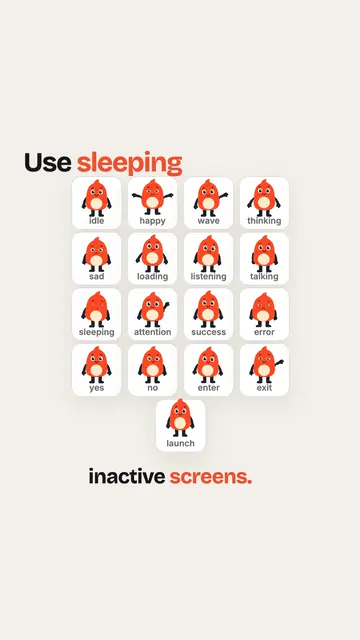
What should an empty screen show? (mascot tip)
-
 0:31
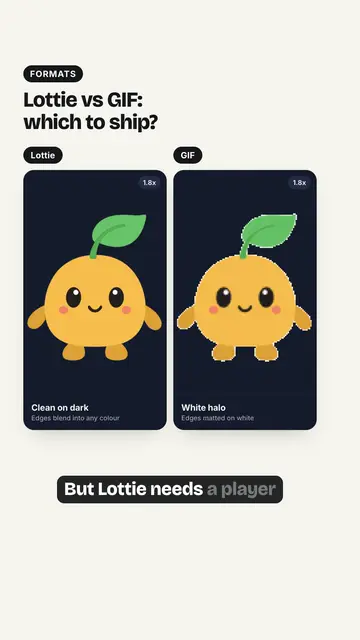
Lottie vs GIF: Which Animation Format Should You Ship?
-
 0:26
How to add a Rive animation to an iOS app
-
 0:27
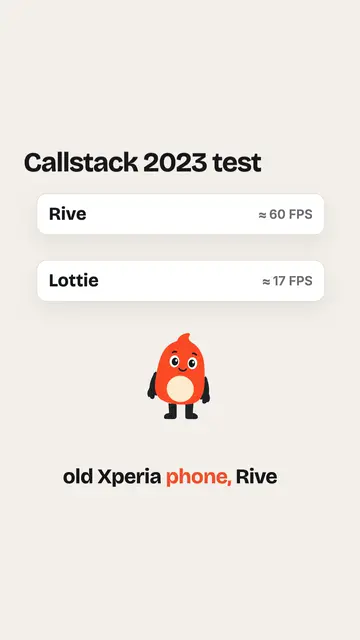
Is Rive faster than Lottie?
-
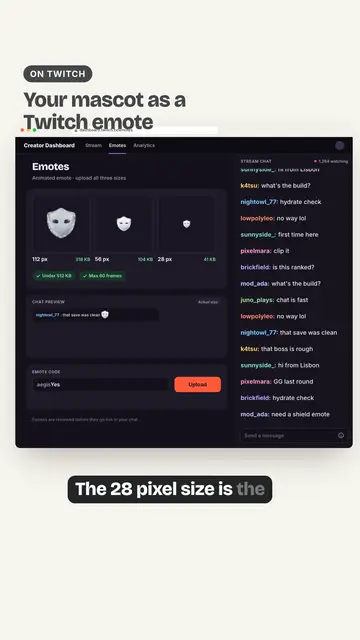 0:38
Twitch Animated Emotes From Your Mascot: Sizes and Specs
-
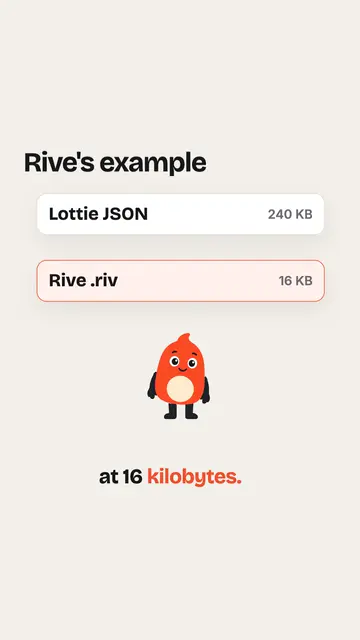 0:29
Rive vs Lottie file size
-
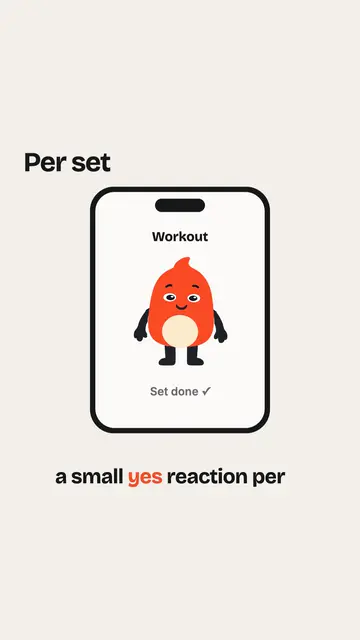 0:25
Should a fitness app mascot celebrate every workout?
-
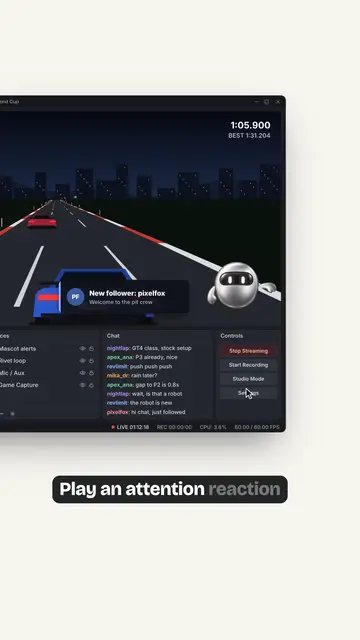 0:34
Animated Mascot Overlay in OBS: Follower Alerts, Subs and BRB
-
 0:23
How to make a video behave like a GIF
-
 0:39
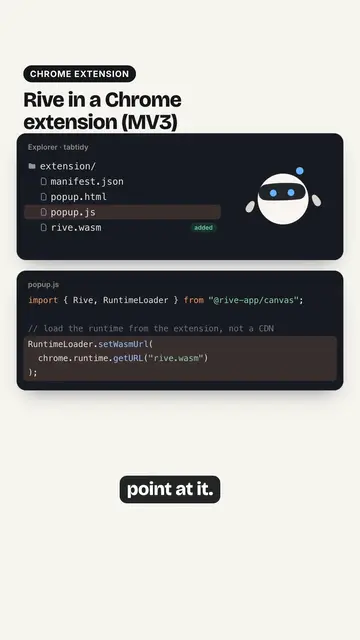
Rive in a Chrome Extension (Manifest V3): Fix the WASM Loading