Telegram Video Stickers From a Character Animation
By the Charmotion team · Updated
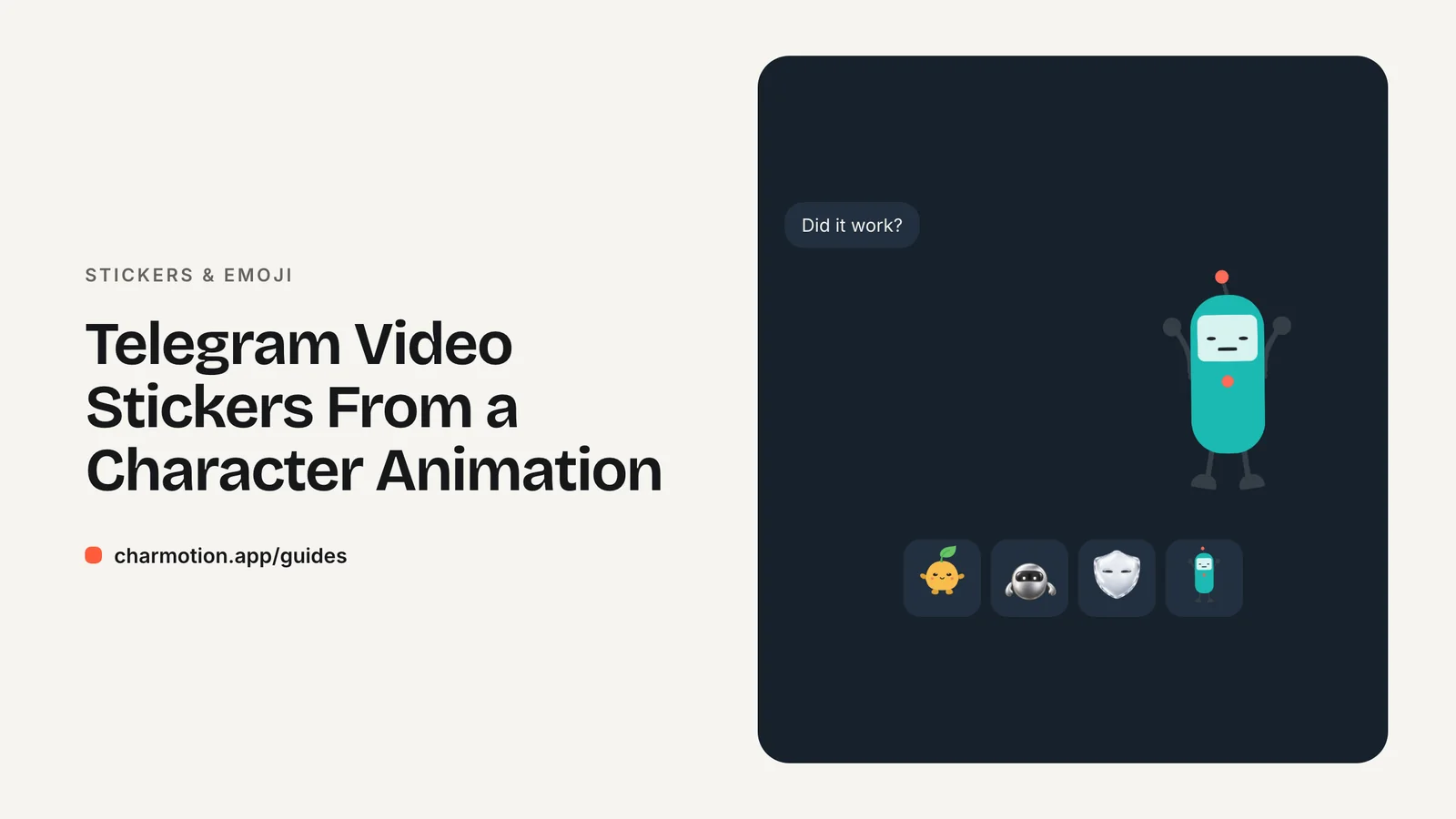
To make a Telegram video sticker, export a .WEBM encoded with VP9, with one side exactly 512 px and the other 512 px or less, no longer than 3 seconds, up to 30 fps, at most 256 KB and with no audio. Convert a transparent character animation with ffmpeg, then upload the set through the @Stickers bot.
Key takeaways
- Video stickers are WEBM with VP9: one side exactly 512 px, at most 3 s, up to 30 fps, at most 256 KB, no audio stream.
- Put
-c:v libvpx-vp9before-i, or ffmpeg's built-in decoder drops the WebM's transparency. - Encode with
-pix_fmt yuva420pand raise-crfuntil the file is under 256 KB. - Custom emoji use the same video rules at exactly 100×100 px.
- .TGS animated stickers are a separate vector format: 512×512, 60 fps, 3 s, 64 KB.
Already have a character or logo? Preview your own character animated in a phone splash, a website hero and an empty state — free, in your browser, nothing uploaded.
What are Telegram's exact video sticker requirements?
Telegram publishes the rules on its stickers page. Video stickers require Telegram 8.5 or higher, and every file must meet all of these at once:
| Requirement | Video sticker | Video emoji |
|---|---|---|
| Container and codec | .WEBM, VP9 | .WEBM, VP9 |
| Dimensions | One side exactly 512 px, the other 512 px or less | Exactly 100×100 px |
| Duration | 3 seconds maximum | 3 seconds maximum |
| Frame rate | Up to 30 fps | Up to 30 fps |
| File size | 256 KB maximum | 256 KB maximum |
| Audio | No audio stream | No audio stream |
| Looping | Should loop | Should loop |
In Telegram's words: "Video duration must not exceed 3 seconds. Frame rate can be up to 30 FPS. Video should be looped for optimal user experience. Video size should not exceed 256 KB." The stickers page also states that the video "must have no audio stream," which is stricter than a muted track. Strip audio entirely with -an.
A square character is the easy case: scale it to 512×512 and both dimension rules are satisfied. Telegram's own VP9 encoding guide covers Adobe Media Encoder settings and notes that "Programs like Handbrake or ffmpeg natively support .WEBM encoding with VP9," but it gives no ffmpeg command, so the one below fills that gap.
How do I export a transparent WEBM that Telegram accepts?
Start from a transparent master. The best source is a VP9 WebM with alpha, because it is already the codec Telegram wants and ffmpeg reads its alpha reliably once you pick the right decoder. This command was run on ffmpeg 7.1.1 against a 1080×1080 transparent WebM and produced a 512×512, 3.000-second file of 27 KB with alpha intact:
ffmpeg -c:v libvpx-vp9 -i character.webm -t 3 -vf "fps=30,scale=512:512:force_original_aspect_ratio=decrease" -c:v libvpx-vp9 -pix_fmt yuva420p -b:v 0 -crf 40 -deadline good -an sticker.webmWhat each part does:
-c:v libvpx-vp9before-iforces the libvpx decoder, which reads the alpha plane.-t 3cuts the output at 3 seconds.fps=30caps the frame rate;scale=512:512:force_original_aspect_ratio=decreasefits the longest side to 512 px.-pix_fmt yuva420pkeeps the alpha channel in the output.-b:v 0 -crf 40is constant-quality mode; a higher CRF makes a smaller file.-anremoves any audio stream.
If your source is a GIF, drop the leading -c:v libvpx-vp9; a GIF only has on/off transparency, so expect hard edges. If it is an HEVC-alpha .mov, ffmpeg's support for decoding that alpha was not verified in these tests, so the transparent WebM is the safer master.
Avoid blindly cutting a 4-second loop at 3 seconds: the jump from the last frame back to the first will show. Prefer a one-shot reaction that already fits, or a loop designed for 3 seconds.
Why did my sticker lose its transparent background?
Almost always because ffmpeg decoded the input with its built-in VP9 decoder, which ignores the alpha channel stored in a WebM. The frames arrive opaque, usually on black, and everything after that is encoded without transparency. Forcing libvpx as the input decoder fixes it: in the local test, decoding with -c:v libvpx-vp9 returned RGBA frames in which 75% of pixels were transparent.
The second cause is the output pixel format. Without -pix_fmt yuva420p, libvpx-vp9 encodes plain yuv420p and discards alpha even if the input had it.
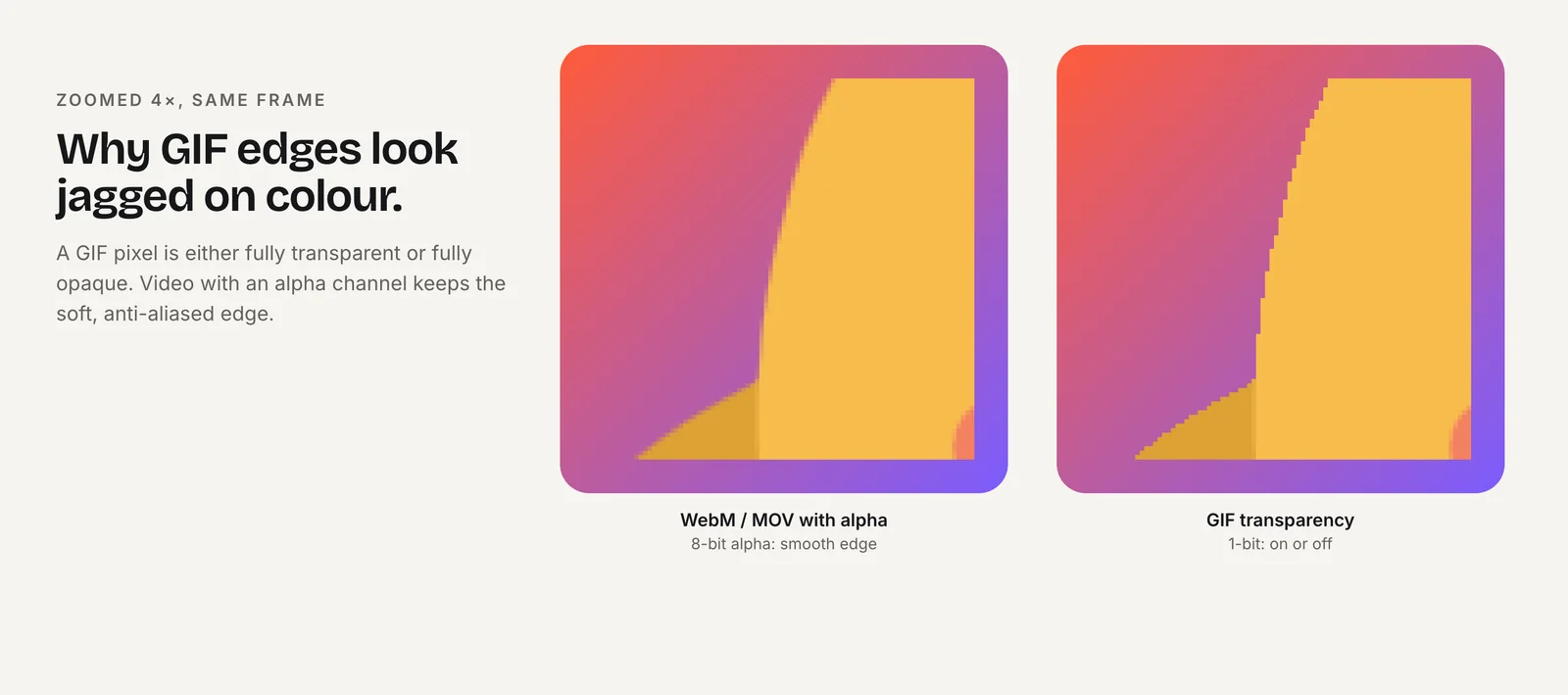
Checking the result is confusing because ffprobe often reports pix_fmt=yuv420p for a WebM that really does have alpha. Look for the ALPHA_MODE=1 tag instead:
ffprobe -v error -show_streams sticker.webm | grep -i alphaIf the tag is missing, the file has no alpha plane. Re-run the conversion with the decoder before -i and the yuva pixel format after it.
How do I get under 256 KB without ruining quality?
256 KB is 262,144 bytes. Check the exact byte count before uploading:
ls -l sticker.webm # must be <=262144 bytes for Telegram; lower -crf → bigger file, raise crf (e.g. 45-50) or fps 24 to shrinkThen work down this ladder, re-checking after each step:
- Raise CRF. Go from 40 to 45, then 50. A higher CRF means fewer bits per frame.
- Lower the frame rate. Change
fps=30tofps=24. Smooth character motion usually survives this. - Shorten the clip. Two seconds of a clear reaction often reads better than three seconds of drift.
- Crop empty space. Transparent margins still cost bits; crop tight, then scale so the longest side is 512 px.
Size outcomes depend on content. A character that only blinks compresses far better than one with a full-body jump, so test each sticker rather than assuming one setting fits the whole pack.
How do I upload the pack (with @Stickers or the Bot API)?
The usual route is Telegram's @Stickers bot. Start a new video sticker set (the bot's command is /newvideo), send each .WEBM file, assign one or more emoji to it, and publish the set with a short name.
To automate it, use the Bot API's createNewStickerSet method. The rules that trip people up:
- Each
InputStickerhas aformat:"static"for .WEBP or .PNG,"animated"for .TGS,"video"for .WEBM. - The set name must end in
_by_<bot_username>and be 1–64 characters. - You can pass 1–50 initial stickers, each with 1–20 emoji in
emoji_list. - "Animated and video stickers can't be uploaded via HTTP URL," so upload the file itself.
sticker_typeis"regular","mask"or"custom_emoji".
The set thumbnail (setStickerSetThumbnail) must match the set's format. A .WEBM thumbnail can be up to 32 KB; a .WEBP or .PNG thumbnail must be exactly 100×100 px and up to 128 KB; a .TGS thumbnail up to 32 KB.
Video sticker vs .TGS animated sticker: which should I use?
.TGS animated stickers are vector animations, a subset of Lottie exported from After Effects with Telegram's Bodymovin-TG plugin. Their limits are different: a 512×512 canvas that objects must not leave, at most 3 seconds, always looped, exactly 60 fps, and no more than 64 KB "after rendering in Bodymovin."
Many After Effects features are forbidden in .TGS, including expressions, masks, layer effects, images, solids, texts, 3D layers, merge paths, gradient strokes, repeaters and time remapping. A character rendered in 3D or painted as pixels cannot become a .TGS at all, because images are not allowed.
| Video (.WEBM) | Animated (.TGS) | |
|---|---|---|
| Source | Any rendered video with alpha | Vector shapes from After Effects |
| Frame rate | Up to 30 fps | 60 fps |
| Max size | 256 KB | 64 KB |
| Max length | 3 s | 3 s |
Use video stickers when you already have a rendered or AI-generated character. Use .TGS only if the character was built as flat vector shapes in After Effects.
How do I make a 100x100 custom emoji from the same animation?
Telegram's rule is short: "For emoji, the video must be exactly 100x100 pixels in size." Everything else matches video stickers. From a square transparent master:
ffmpeg -c:v libvpx-vp9 -i character.webm -t 3 -vf "fps=30,scale=100:100" -c:v libvpx-vp9 -pix_fmt yuva420p -b:v 0 -crf 40 -an emoji.webmAt 100 px, details vanish. Pick an animation where the whole silhouette changes, such as a nod, a jump or a wave, rather than a subtle facial expression. Crop so the character fills the frame.
Create the set with sticker_type set to "custom_emoji" in the Bot API, or through @Stickers. For single-color emoji that should follow the user's theme and text color, Telegram lets you send /adaptive while creating the emoji set; that suits a logo mark better than a full-color character.
How do I start from a Charmotion character animation?
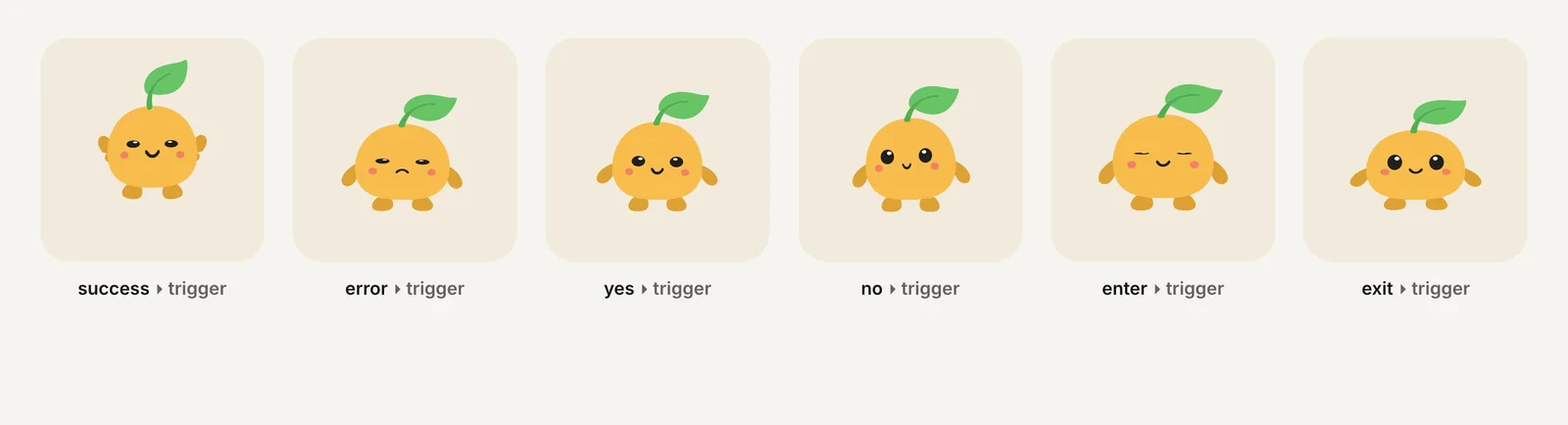
Charmotion turns an uploaded character, mascot or logo into 17 animations in about 1–2 hours, including transparent WebM (VP9 alpha) and MOV (HEVC alpha) at 1080×1080, plus MP4, a 480 px GIF and one .riv file. It does not export ready-made sticker packs. Use the transparent WebM (Studio plan, $29/month) as character.webm in the commands above: one-shot reactions such as success, yes and no are natural stickers, and the -t 3 option trims anything longer to Telegram's 3-second limit.
The 1080×1080 source leaves plenty of headroom: the scale filter brings it down to 512×512 for stickers and 100×100 for emoji without any upscaling. Looping moods are designed as seamless loops of their own length, so if one runs longer than 3 seconds, check the cut point before uploading, or use it only where a longer duration is allowed, such as Discord or WhatsApp.
How to make a Telegram video sticker from a transparent animation
- Pick the clip. Choose a short reaction or a loop that reads clearly within 3 seconds.
- Convert with ffmpeg. Run the tested command with
-c:v libvpx-vp9before-i,-t 3,fps=30, a 512 px scale,-pix_fmt yuva420pand-an. - Check alpha. Run ffprobe and confirm the
ALPHA_MODE=1tag is present. - Check size. Confirm the file is 262,144 bytes or less; raise CRF or lower fps if not.
- Upload. Create a video set in @Stickers, send each WEBM and assign emoji, or call createNewStickerSet with format "video".
- Add a thumbnail. Set a WEBM thumbnail up to 32 KB so it matches the set's format.
Frequently asked questions
Can a Telegram video sticker be longer than 3 seconds?
No. Telegram's stickers page says video duration must not exceed 3 seconds, for both stickers and video emoji. Trim with ffmpeg's -t 3 option, or better, choose an animation that completes within 3 seconds so the loop point stays clean instead of jumping mid-motion.
Does a Telegram video sticker have to be square?
No. One side must be exactly 512 pixels and the other can be 512 pixels or less, so 512×384 is valid. Video emoji are the exception and must be exactly 100×100 pixels. A square character scaled to 512×512 meets the sticker rule without any extra padding or cropping.
Can I convert an MP4 into a Telegram video sticker?
You can convert it to VP9 WEBM, but a standard H.264 MP4 has no alpha channel, so the sticker will have a solid background. For a character that floats over the chat, start from a source with transparency, such as a VP9-alpha WebM or a ProRes 4444 master.
Why does my sticker have black corners?
The alpha channel was lost during conversion. Put -c:v libvpx-vp9 before -i so ffmpeg decodes the WebM's alpha, and encode with -pix_fmt yuva420p. Then confirm the ALPHA_MODE=1 tag with ffprobe before uploading the file to @Stickers again. A GIF source can also cause hard, fringed corners.
Quick answers from this guide
Sources
- Stickers: requirements for static, animated and video stickers — Telegram
- WebM VP9 encoding guide for video stickers — Telegram
- Telegram Bot API: stickers — Telegram
- FFmpeg codecs documentation (libwebp, libvpx) — FFmpeg
- ffmpeg loses WebM alpha with the default VP9 decoder — VideoHelp Forum