One Mascot, Every Sticker Platform
By the Charmotion team · Updated
Make one transparent master per mood, square and at least 618 px, with each clip complete within 3 seconds. Then convert per platform: VP9 WEBM at 512 px for Telegram, 512×512 animated WebP for WhatsApp, APNG at 300–618 px for iMessage, APNG at 320 px or GIF for Discord, and a small GIF for Slack.
Key takeaways
- Telegram's 3-second limit is the shortest duration cap, so design every clip to finish within 3 seconds.
- iMessage's large size (618×618) is the biggest target; a 1080×1080 master covers every platform.
- Each platform wants a different file: WEBM, animated WebP, APNG or GIF.
- Size limits range from 128 KB (Slack guidance) to 512 KiB (Discord stickers).
- Keep scale, padding and frame rate identical across stickers so the pack reads as one set.
Already have a character or logo? Preview your own character animated in a phone splash, a website hero and an empty state — free, in your browser, nothing uploaded.
Which platforms accept animated stickers, and in what format?
Five major chat platforms accept animated stickers or emoji, each with its own format and limits:
| Platform | Format | Dimensions | Max duration | Frame rate | Max file |
|---|---|---|---|---|---|
| Telegram video sticker | WEBM VP9, no audio | One side 512 px, other ≤512 | 3 s | ≤30 fps | 256 KB |
| Telegram video emoji | WEBM VP9 | 100×100 | 3 s | ≤30 fps | 256 KB |
| Telegram animated (.TGS) | Lottie subset via Bodymovin-TG | 512×512 canvas | 3 s | 60 fps | 64 KB |
| Telegram set thumbnail | WEBP/PNG 100×100 ≤128 KB; TGS ≤32 KB; WEBM ≤32 KB | — | — | — | — |
| WhatsApp animated sticker | Animated WebP | 512×512 exact | 10 s | Not specified (frames ≥8 ms) | 500 KB |
| iMessage sticker | APNG or GIF animated; PNG or JPEG static | 300, 408 or 618 px @3x (one size per pack) | — | — | 500 KB |
| Discord emoji | JPEG, PNG, GIF, WebP, AVIF | 128×128 recommended (help page, unverified) | — | — | 256 KiB |
| Discord sticker | PNG, APNG, GIF, Lottie (Lottie: verified or partnered servers) | 320×320 | 5 s | — | 512 KiB |
| Slack emoji | JPG, PNG, GIF | Square (no pixel size stated) | GIF ≤50 frames | — | Under 128 KB |
A dash means the official source sets no limit for that column. WhatsApp also requires 3–30 stickers per pack, no mixing of static and animated, and a static 96×96 tray icon of 50 KB or less.
What size should the master animation be?
At least as large as the biggest target, which is iMessage's large sticker at 618×618 pixels. Everything else is smaller: 512 for Telegram and WhatsApp, 408 or 300 for other iMessage sizes, 320 for Discord stickers and around 128 for Discord and Slack emoji. Scaling down is clean; scaling up blurs.
A 1080×1080 transparent master is comfortable headroom. Keep it square, because WhatsApp, Discord stickers and iMessage all use square dimensions and Slack recommends square images.
Keep real transparency in the master. A VP9-alpha WebM or a PNG sequence lets every output keep smooth edges where the format allows it. Starting from a GIF caps every derivative at on/off transparency, and starting from an opaque MP4 means no transparency at all.
Leave a consistent margin around the character, roughly the same in every clip. Then every scaled version keeps the same framing, and a sticker never clips at the edge mid-jump.
Which moods make good stickers?
Stickers replace a sentence, so each one should map to something people say in chat. A mascot's states map neatly:
| Mood or reaction | Chat meaning | Good as |
|---|---|---|
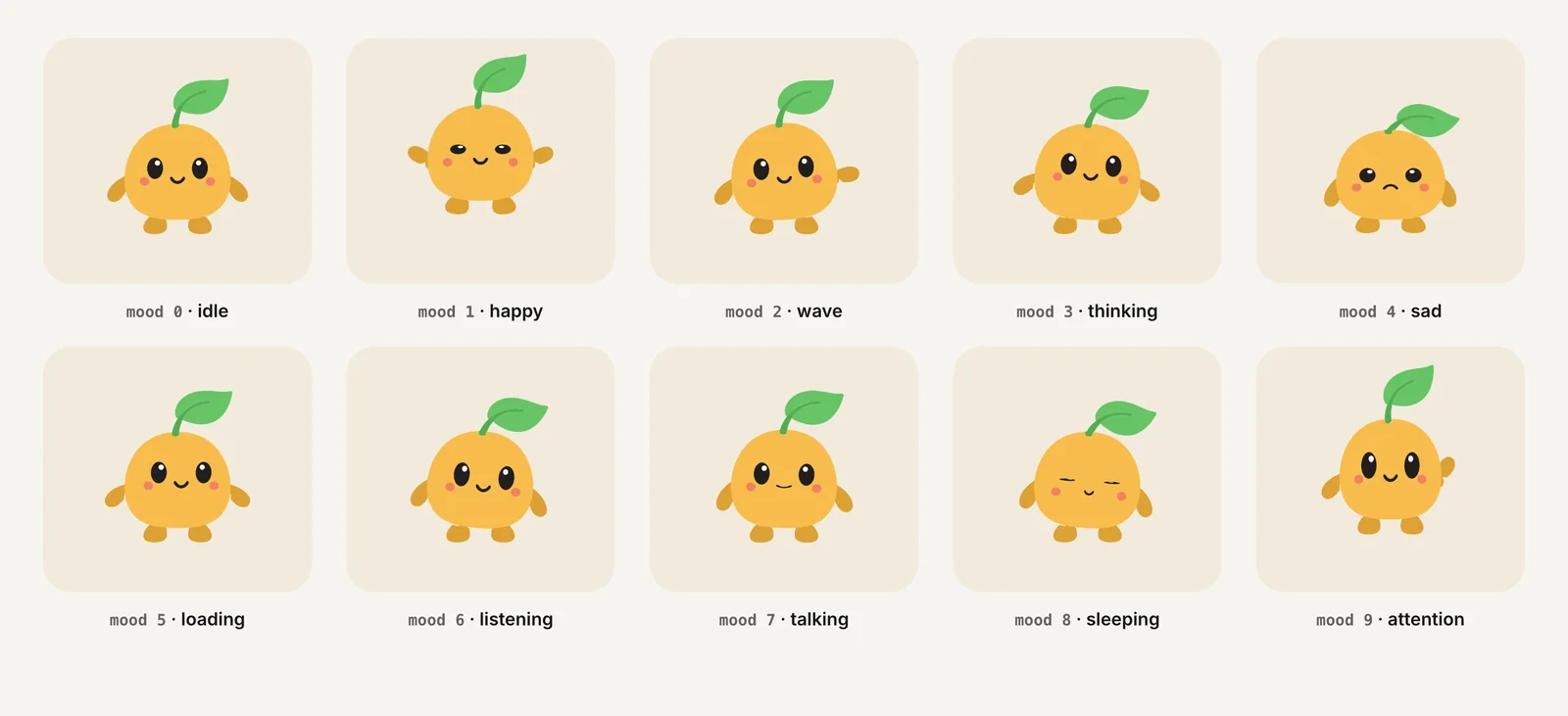
| Idle / wave | Hello, I'm here | Sticker |
| Happy | Love it, great | Sticker or emoji |
| Thinking | Hmm, let me check | Emoji |
| Sad | Sorry, oh no | Sticker |
| Sleeping | Away, good night | Sticker |
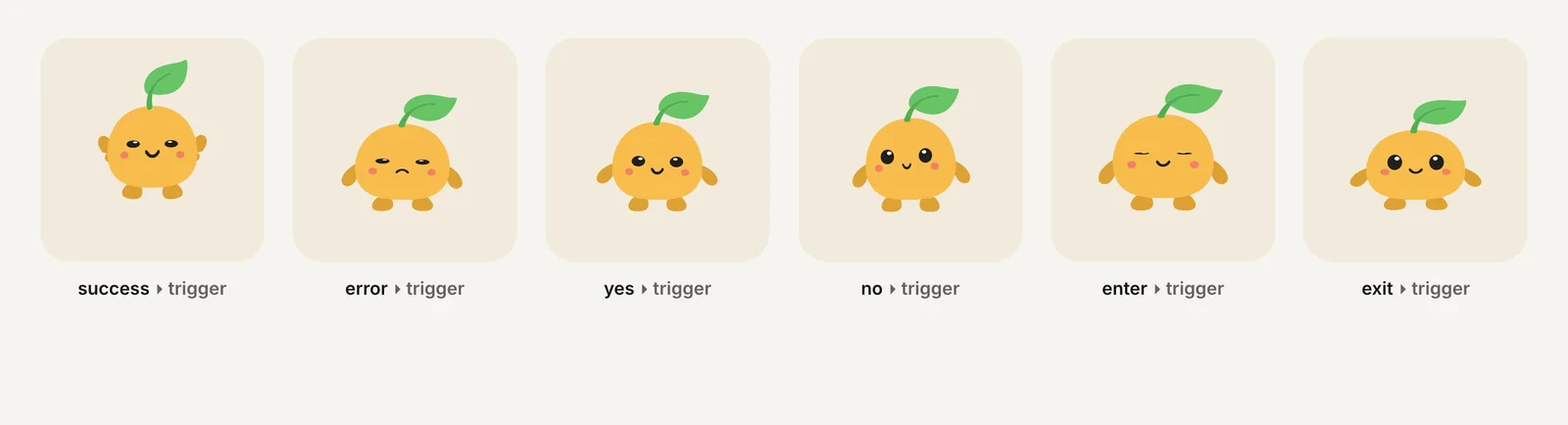
| Success | Done, shipped | Emoji or sticker |
| Error | Oops, broken | Emoji |
| Yes | Agreed, approved | Emoji |
| No | Nope, declined | Emoji |
Short one-shot reactions (success, error, yes, no) read best at emoji size because the whole silhouette moves. Calmer loops (idle, sleeping) need the larger sticker canvas to show their detail.
Skip states that only make sense inside an app, such as loading or listening. They are useful UI feedback but rarely something people want to send to a friend.
How long should each loop be for every platform?
Three seconds or less. Telegram caps video stickers and emoji at 3 seconds, the strictest limit of the five platforms. Discord allows 5 seconds for animated stickers, WhatsApp 10 seconds, and Slack limits GIFs to 50 frames, which is about 4.2 seconds at 12 fps or 3.3 seconds at 15 fps.
A clip designed for 3 seconds therefore works everywhere without re-editing. Cutting a longer loop at 3 seconds usually leaves a visible jump at the loop point, so build the timing in from the start, or pick one-shot reactions that already finish quickly.
Two more timing rules shape the clip. WhatsApp ends the animation on its first frame after looping, so start every clip on a complete, readable pose. Telegram says video stickers should loop, so the last frame should flow back into the first.
How do I keep one pack consistent across platforms?
Convert every platform version from the same masters with the same settings, so the character's scale, framing and timing match everywhere. In practice:
- One master per mood. Transparent, square, same margin, same duration rules.
- One script per platform. Use the tested commands in Convert Transparent WebM to Every Sticker Format and change only the input name.
- Same frame rate per platform. Don't mix 15 fps and 30 fps stickers in one pack; motion feels uneven side by side.
- Same names. Use the mood name in every file name (
yes.webm,yes.webp,yes.gif) and as the Slack or Discord emoji name.
Charmotion turns an uploaded character, mascot or logo into 17 animations in about 1–2 hours, including transparent WebM (VP9 alpha) and MOV (HEVC alpha) at 1080×1080, MP4, a 480 px GIF and a .riv file. It does not export ready-made sticker packs. Use the transparent WebMs (Studio plan, $29/month) as your masters, trim one-shots such as success, yes and no to 3 seconds or less, and scale with the per-platform commands.
Where are the step-by-step guides for each platform?
- Telegram video stickers: VP9 WEBM, 512 px, 3 s, 256 KB, plus 100×100 custom emoji and Bot API upload.
- WhatsApp animated stickers: 512×512 WebP, 500 KB, first-frame rule and tray icon.
- iMessage sticker packs: 300/408/618 px at @3x, APNG vs GIF, Xcode.
- Discord emoji and stickers: 256 KiB emoji, 320×320 stickers, Lottie rules.
- Slack custom emoji: GIF under 128 KB, 50 frames, dark-mode edges.
Each guide covers that platform's rejection reasons and a tested conversion command. If you are converting several moods at once, start with Convert Transparent WebM to Every Sticker Format, which explains why ffmpeg drops alpha by default and how to check every output before you upload it.
For using the same character outside chat, such as on a website, see Transparent Video on Websites and GIF vs WebM vs MP4 vs Lottie vs Rive.
How to make one mascot sticker pack for every platform
- Choose moods. Pick 8–15 moods and reactions that map to common chat messages.
- Make transparent masters. Render each as a square transparent WebM, at least 618 px, finishing within 3 seconds and starting on a readable pose.
- Convert per platform. Run the tested ffmpeg commands for Telegram WEBM, WhatsApp WebP, APNG and GIF with identical settings across the pack.
- Check limits. Verify dimensions, duration, alpha and bytes against each platform's table row.
- Upload and test. Publish each pack and check stickers over light and dark backgrounds on real devices.
Frequently asked questions
Can one file work as a sticker on every platform?
No. Telegram wants VP9 WEBM, WhatsApp wants animated WebP at exactly 512×512, iMessage takes APNG or GIF at its own sizes, Discord stickers need 320×320 PNG, APNG, GIF or Lottie, and Slack takes GIF. Keep one transparent master per mood and convert it for each platform.
What is the smallest file size limit across platforms?
For raster files, Slack's guidance of under 128 KB is the tightest, followed by 256 KB for Telegram video stickers and 256 KiB for Discord emoji. Telegram's vector .TGS format is tighter still at 64 KB. Plan small emoji-sized GIFs for Slack and Discord rather than reusing larger sticker files.
How many stickers should a mascot pack have?
WhatsApp requires 3 to 30 per pack, and Telegram's Bot API accepts 1 to 50 stickers when creating a set. Around 8 to 15 is practical: enough to cover greetings, agreement, thanks and common reactions, while keeping each sticker distinct and the conversion work manageable across platforms.
Sources
- Stickers: requirements for static, animated and video stickers — Telegram
- Telegram Bot API: stickers — Telegram
- WhatsApp stickers: Android README (sticker and pack requirements) — WhatsApp on GitHub
- Human Interface Guidelines: iMessage apps and stickers — Apple Developer
- Emoji resource — Discord API docs on GitHub
- Sticker resource — Discord API docs on GitHub
- Add custom emoji and aliases to your workspace — Slack Help Center
- FFmpeg codecs documentation (libwebp, libvpx) — FFmpeg