Image to Character Animation: What Works and What to Expect
By the Charmotion team · Updated
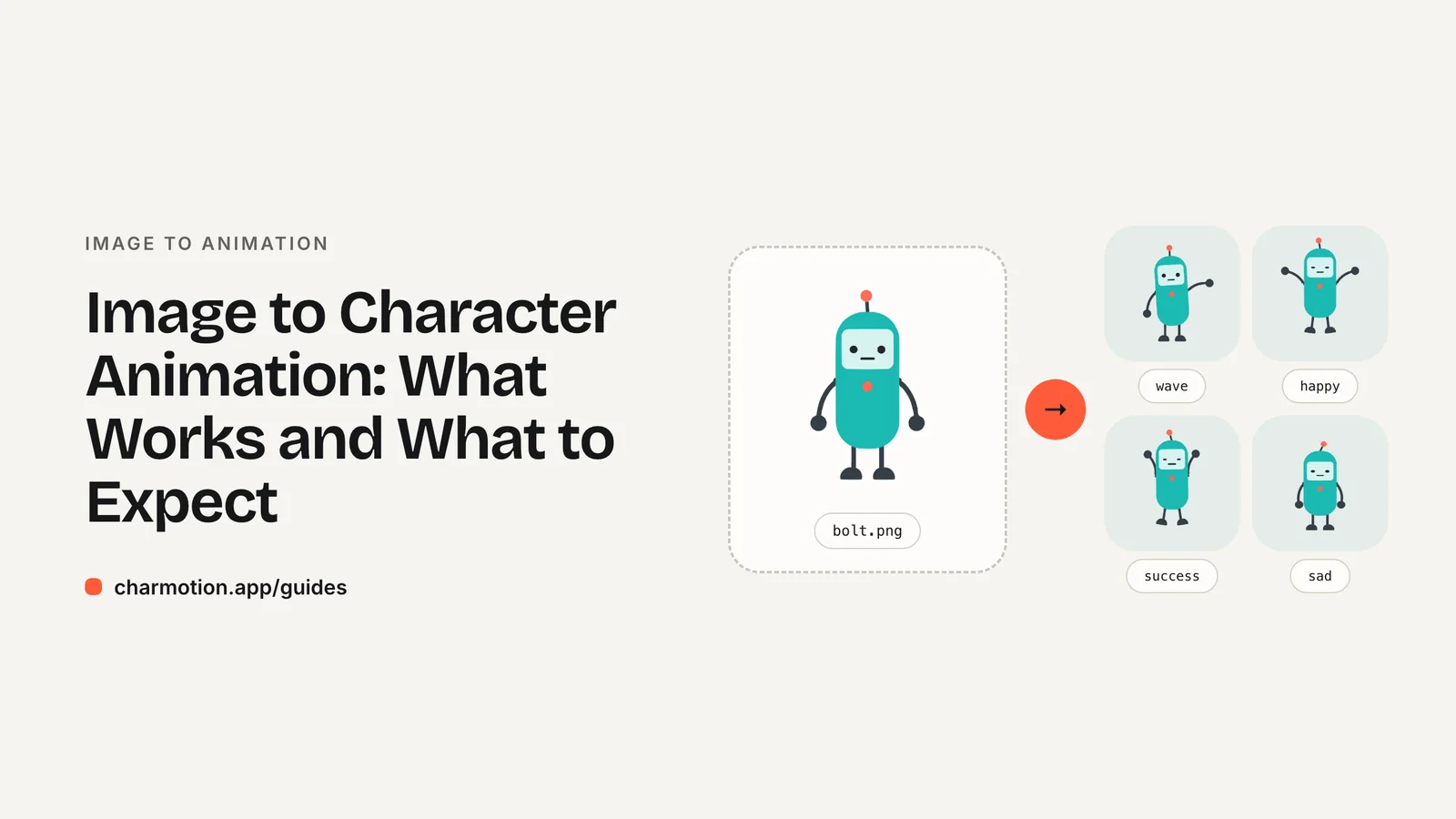
There are two ways to turn an image into character animation: rig the original artwork and keyframe it, which keeps your exact character and gives loopable, controllable states, or generate a video with an AI model, which can invent motion but redraws the character each time. Apps and websites usually need the first kind.
Key takeaways
- Rigging keeps your exact artwork and produces loops and states you can switch in code.
- Generative video is good for one-off clips but can change the character's details between frames and between clips.
- Flat, front-facing characters with separated limbs animate best; photos and side views are hard for any rig.
- For products, ask for a state set (idle, loading, success, error) in interactive and transparent formats, not just one video.
Already have a character or logo? Preview your own character animated in splash, onboarding, loading and empty-state screens — free, in your browser, nothing uploaded.
How do image-to-animation tools work?
Rig and keyframe. The image is separated into parts (or covered with a deformable mesh), given a skeleton, and animated with keyframes. This is how Rive and traditional 2D rigging work. The output is your exact drawing, moving, and it can loop seamlessly and switch states on command.
Generate. A video model takes the image as a reference and produces new frames. Motion can be impressive and free-form, but the model redraws the character on every frame, so logos, outfits and proportions can drift, loops rarely match end to start, and there is no notion of states your app can control.
Both have their place: generation for a social clip, rigging for anything that lives inside a product.
Which images animate well?
- Front-facing characters, so both arms and eyes are visible.
- Clear separation between head, body and limbs.
- Solid colors and clean edges, which trace into vector shapes cleanly.
- A plain or transparent background.
Harder cases: photos of people, painterly or heavily textured art, three-quarter and side views, and characters holding objects across their body. A rig can still add squash, stretch, tilt and blinks to detailed or 3D-rendered art by keeping its pixels, but it won't make a side-view character turn to face you.
What should an animation set include?
One looping video is rarely enough for an app. Ask for the states your screens actually use:
| State | Type | Typical use |
|---|---|---|
| idle | loop | Default on every screen |
| happy, wave | loop | Greeting, onboarding |
| thinking, loading | loop | Waiting on a request |
| sad, sleeping | loop | Errors, empty states |
| listening, talking | loop | Chat and voice assistants |
| success, error, yes, no | one-shot | Reactions to a user action |
| enter, exit | one-shot | Showing and hiding the character |
And ask for formats per destination: a Rive file for interactive use in apps and sites, transparent WebM and HEVC MOV for overlays, MP4 for social and decks, GIF for email and chat.
How does Charmotion turn an image into animation?
Charmotion is a rig-and-keyframe engine, not a video generator. Flat artwork is split into body, face features, limbs and accessories and traced into vector shapes, then rigged for arm waves and expressions. Detailed, 3D or gradient-heavy artwork goes to Motion mode: the background is removed, the eyes are found for blinks, and your exact pixels get a spine rig for squash, stretch, bend and hop. Either way you get the same 17 animations in one .riv with state machines, plus video, GIF and code.
Your uploaded image is never redrawn by a generative model and is never used for training. Try it with your character: the preview runs in your browser and nothing is uploaded.
Frequently asked questions
Can AI animate my character from one image?
Yes, in two different ways. Video models generate new frames from your image but may change details. Rigging tools keep your exact artwork and move it, which is what apps and brand mascots usually need.
Will the animated character look exactly like my image?
With rigging, yes: the parts are your own pixels or traced shapes. With generative video, not guaranteed; details can shift between frames and between clips.
Can I animate a photo of a person this way?
Rig-based character tools are designed for illustrated characters. Photos of real people are a poor fit and raise consent questions; use tools built for that purpose with the person's permission.
Quick answers from this guide
Sources
- Meshes — Rive
- Bones — Rive
- State Machine — Rive
- Importing assets — Rive