Should Your App Have a Mascot? Evidence and Tests
By the Charmotion team · Updated
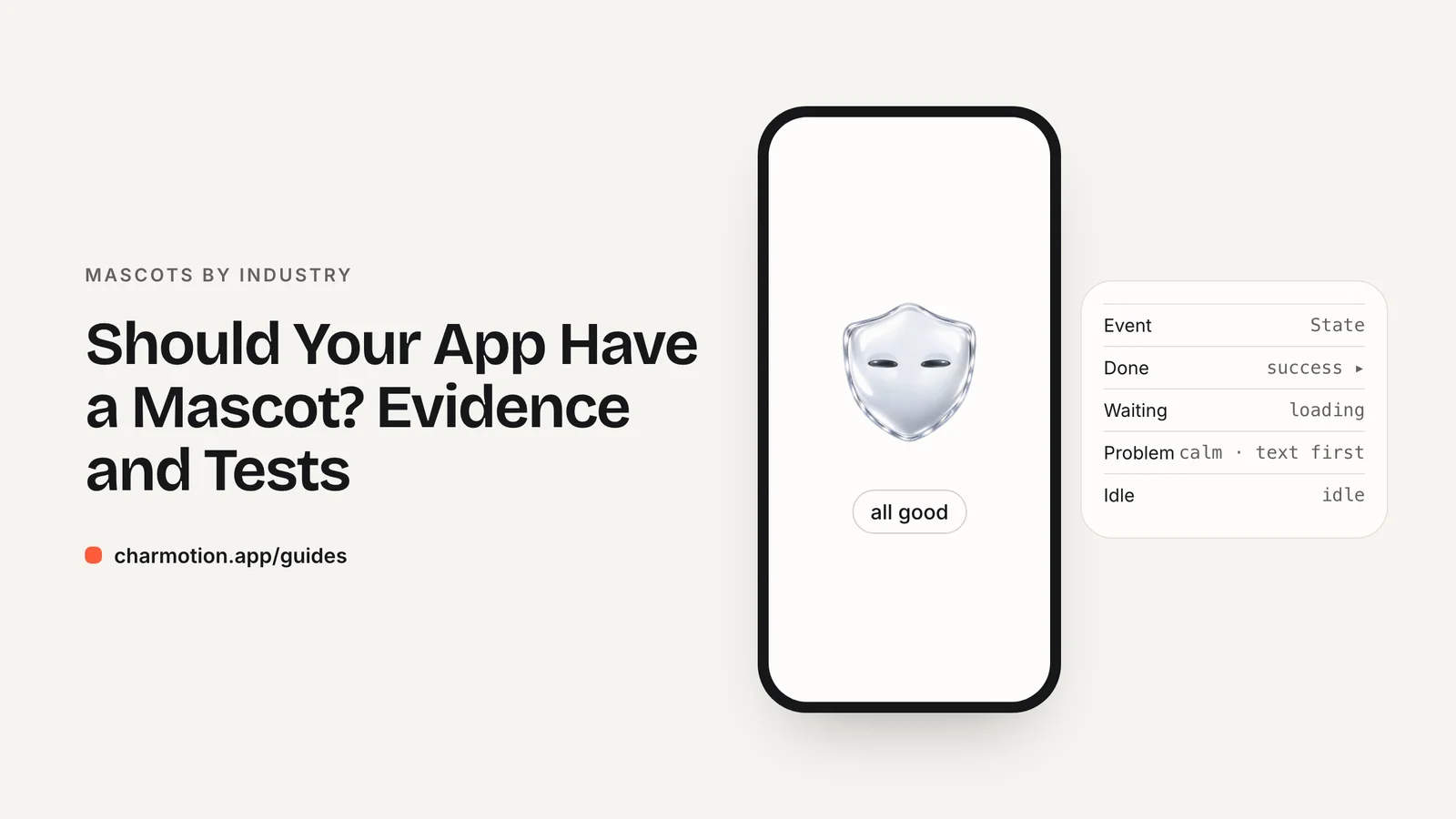
Your app should have a mascot only if the character has a real job, such as guiding onboarding, signaling progress or softening errors. Advertising research credits recurring brand characters with stronger results, but most of it comes from vendors and covers ads, not apps. Start with a few moments and A/B test before rolling it out.
Key takeaways
- The headline brand-character numbers (System1's 73% and 3.8 vs 2.7 stars) are vendor claims about advertising, not in-app mascots.
- In-app evidence is mostly company-reported, such as Duolingo's +1.7% day-7 retention from a streak animation.
- A peer-reviewed 2025 study found avatar human-likeness raised trust only indirectly, through perceived empathy.
- Clippy is the standing warning: a character that interrupts instead of responding to the user's actions.
- Four states on high-traffic screens are enough to test whether a mascot helps.
Already have a character or logo? Preview your own character animated in a phone splash, a website hero and an empty state — free, in your browser, nothing uploaded.
What evidence links brand characters to results?
The evidence exists but comes from different places, with different strengths. It helps to sort it before you use it to justify a mascot.
| Claim | Source | Type | What it covers |
|---|---|---|---|
| Campaigns with a recurring brand character were 73% more likely to report a large profit gain | System1 / Orlando Wood analysis of the IPA databank, via Advertising Week | Vendor claim | Advertising campaigns |
| Super Bowl ads with brand characters averaged 3.8 stars vs 2.7 for celebrity ads | System1, via Advertising Week | Vendor claim | Ad testing scores |
| A new streak animation raised new-learner day-7 retention by 1.7% | Duolingo blog | Company-reported A/B result | One in-app animation |
| More human-like avatars raised perceived empathy, which improved trust and UX | Frontiers in Computer Science, 2025 (n=160) | Peer-reviewed experiment | Chatbot avatars |
| A humorous insurance tone hurt credibility; a conversational bank tone helped slightly | Nielsen Norman Group | UX research | Copy tone, not characters |
Sources: Advertising Week, Duolingo, Frontiers, NN/g.
Taken together, the direction is consistent: characters can help when they fit the context. None of these numbers predicts what a mascot will do for your app.
What does the research not show?
Be careful about stretching any of these findings.
- Ads are not apps. System1's figures describe advertising campaigns, where a character builds recognition across years of media. An in-app mascot is seen in short task-focused moments. The mechanism is different.
- Vendor data is not independent. System1 sells ad testing, so its analysis is useful but not neutral. Label it as its claim when you cite it.
- Company A/B tests are narrow. Duolingo's +1.7% came from one streak animation in one product with a very large user base. It shows an animation can move retention, not that every animation will.
- Correlation is not effect. Duolingo also reports that learners who reach a 7-day streak are 3.6 times more likely to complete their course. That is a correlation; committed learners both keep streaks and finish courses.
- Indirect effects are small and conditional. In the 2025 avatar study, the direct effect of human-likeness on user experience was not significant; it worked through empathy and trust.
Avoid widely shared agency statistics that come without a method, such as claims about what share of mascots become distinctive brand assets. If you cannot see how a number was measured, leave it out of your business case.
Which app categories benefit most and least?
Mascots tend to earn their place where users repeat a habit or wait often, and where a friendly tone lowers anxiety without undermining competence.
- Strong fit: learning, kids, fitness and habit apps. Repetition gives the character many chances to react, and celebration is part of the value. See kids and education and fitness.
- Good fit with restraint: VPN and security apps, where a character makes an abstract technology feel approachable, and AI assistants, where listening, thinking and talking states make response time visible.
- Careful fit: finance and health. Tone research suggests friendliness can help but humor can cost credibility. Keep the mascot to onboarding, waiting and success, away from bad news. See fintech and healthcare chatbots.
- Weak fit: professional tools used in long focused sessions, where any recurring motion competes with the work.
The mascot tone by industry matrix lists which states to use and avoid in each category.
What did Clippy get wrong?
Microsoft's Office Assistant, best known as Clippy, is the standard cautionary example of an interface character. It is widely described as one of the most disliked UI components and is used in research as an example of what not to do (Wikipedia).
The lesson is not "never use a character." It is about who starts the interaction. A character that pops up to offer help the user did not ask for competes with the task. A character that reacts to what the user just did, such as confirming a save, waiting with them during an upload, or filling an empty screen, supports the task.
Practical rules that follow from that:
- Let app events drive the mascot. It should respond, not interrupt.
- Never block content or controls with the character.
- Keep reactions short and return to a calm loop.
- Give users a way to stop motion, and respect reduced-motion settings.
- Do not make the mascot the only way to reach help or information.
Most modern mascots that work well follow these rules without stating them: they appear at the moments the user already pauses and stay quiet the rest of the time.
How do I A/B test a mascot cheaply?
You do not need a full character system to find out whether a mascot helps. Test one or two high-traffic moments against your current design.
- Pick moments with a clear metric. Onboarding completion, upload abandonment during a wait, or empty-state click-through all have obvious numbers.
- Keep everything else identical. Same copy, same layout, same timing. Only the character changes, otherwise you are testing the redesign.
- Use a small state set. Idle, loading, success and error cover most test moments.
- Measure beyond the first session. Novelty can lift early numbers. Duolingo's streak result used day-7 retention, which is a reasonable minimum.
- Watch for negative signals. Support tickets, app reviews mentioning the character, and reduced-motion adoption all tell you something.
If the variant is flat, a mascot may still be worth keeping for brand reasons, but you will know you are paying for brand, not conversion.
How many states does a mascot need, and what does it cost?
Four states are enough to be useful: idle, loading, success and error. Add an empty-state loop such as sleeping, a greeting for onboarding, and attention for notifications next. Chat and voice features need listening, thinking and talking. The full breakdown is in mascot animation states.
Cost depends far more on the number of states and how bespoke the motion is than on the character itself. A hand-animated set from a studio is the most expensive route; rigging it yourself in a tool like Rive costs time instead of money.
Charmotion sits at the low end of cost for a full set. You upload a character, mascot or logo (or describe one; AI design is available on paid plans) and get 17 animations in about 1–2 hours: ten loops, six one-shot reactions and a launch intro, delivered as one .riv, MP4, 9:16 MP4, GIF, transparent WebM and MOV, plus web, React and SwiftUI code. Plans are Starter at $4.99 per month, Studio at $29 per month, and Expert at $499 one-time with hand-finishing and two revision rounds. Uploads are never used to train AI.
Whatever route you take, test the four core states first. Commissioning twenty animations before you know a mascot helps is the expensive mistake.
How to A/B test an app mascot
- Choose a measurable moment. Pick a high-traffic screen with a clear metric, such as onboarding completion or upload abandonment.
- Build a minimal variant. Add the mascot with idle, loading, success and error states and change nothing else on the screen.
- Split traffic. Randomly assign users to the control and the mascot variant using your existing experimentation tool.
- Measure past novelty. Compare the primary metric and day-7 retention, not just first-session behavior.
- Check negative signals. Review support tickets, reviews and reduced-motion usage before deciding to expand the mascot.
Frequently asked questions
Do mascots increase app engagement?
They can, but the best evidence is narrow. Duolingo reported a streak animation raised new-learner day-7 retention by 1.7%, and System1 reports advertising gains for brand characters. Both are self-reported or vendor data, so test a mascot on your own key screens before assuming it will help.
Is the 73% brand character statistic reliable?
It is a vendor claim. System1's analysis of the IPA databank, reported by Advertising Week, found campaigns with a recurring brand character were 73% more likely to report a large profit gain. It covers advertising campaigns, not in-app mascots, and System1 sells ad testing services.
What is the minimum mascot worth testing?
Idle, loading, success and error on one or two high-traffic screens. That is enough to measure an effect on onboarding or waiting behavior. Add empty-state, greeting, attention and conversation states only after the test shows the character is helping rather than distracting.
Why do people hate Clippy-style assistants?
Clippy interrupted users with help they had not asked for. A mascot that reacts to the user's own actions, like confirming a save or waiting during an upload, avoids that problem. Keep reactions short, never block content, and give users a way to stop the motion.
Quick answers from this guide
Sources
- Celebrities v. fluent devices: how recurring brand characters drive lasting consumer connections — Advertising Week
- How Duolingo's streak builds habit — Duolingo Blog
- Anthropomorphism, empathy and trust in chatbot avatars (Ma et al., 2025) — Frontiers in Computer Science
- The Impact of Tone of Voice on Users' Brand Perception — Nielsen Norman Group
- Office Assistant — Wikipedia