How to Write Brand Motion Guidelines (Logo, Mascot and UI)
By the Charmotion team · Updated
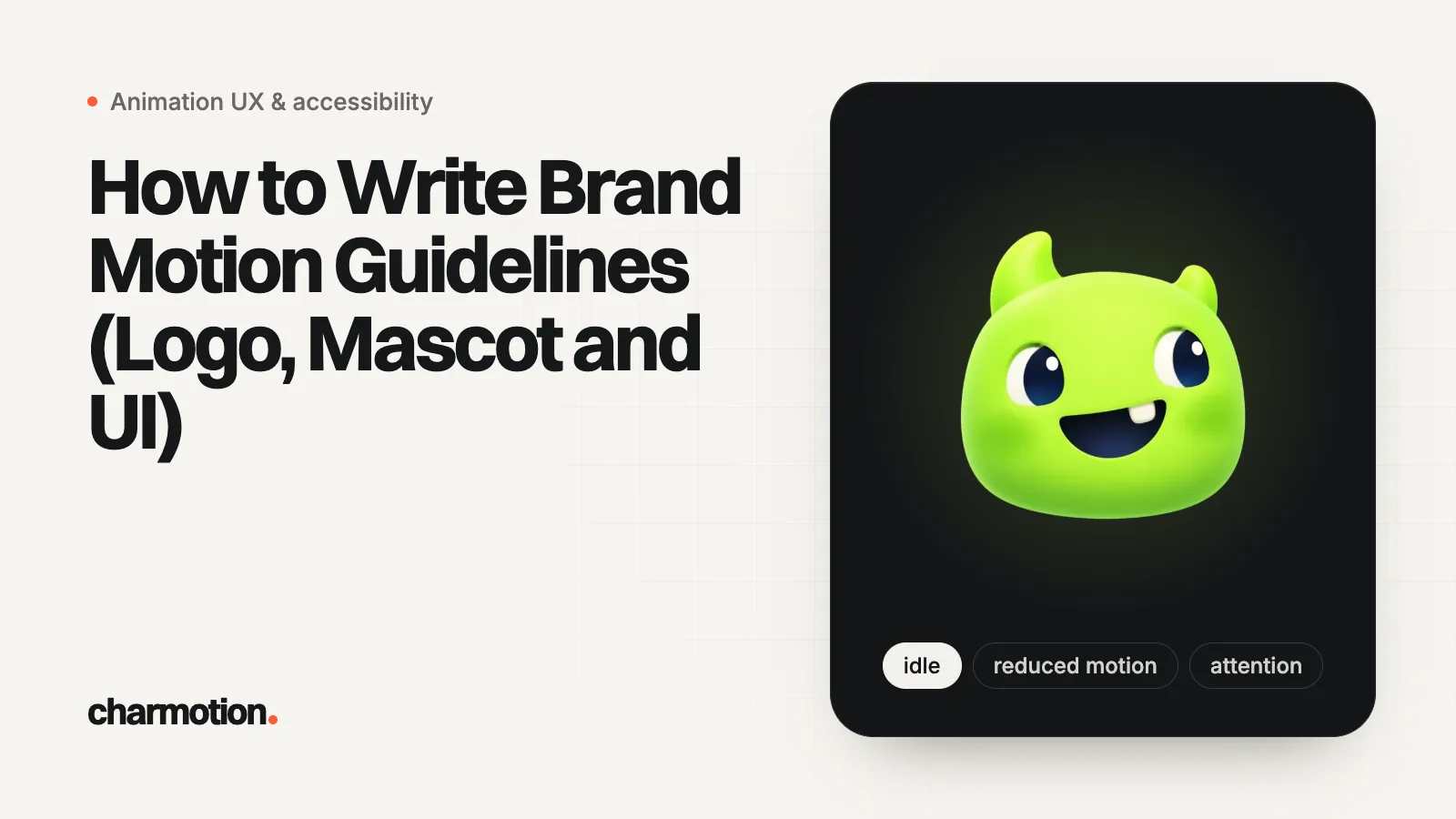
Brand motion guidelines are a short, testable rulebook: a few named duration and easing tokens, what the logo may and may not do when it moves, how the mascot behaves, when motion loops or plays once, how sound and reduced motion are handled, and exactly which files designers hand to developers.
Key takeaways
- Start from tokens, not adjectives: a short list of named durations and easing curves that designers and code share.
- Public systems agree on the shape: IBM Carbon's durations run from 70 ms to 700 ms, Material's from 50 ms to 1000 ms, and both get longer as the moving area grows.
- Logo rules protect the mark: no distortion or recoloring, always end on the approved lockup, and keep clear space around the whole motion, not just the resting logo.
- Every animation in the guidelines needs a stated reduced-motion version and must stay under the three-flashes-per-second limit.
- Specify the handoff: Rive state machine names, video formats, posters and tokens in code are part of the guidelines, not an afterthought.
What belongs in brand motion guidelines?
Anything a designer, developer or agency would otherwise have to guess. A practical outline, short enough that people actually read it:
| Chapter | What it answers | Typical length |
|---|---|---|
| Principles | How should motion feel, in three or four sentences? | Half a page |
| Tokens | Which durations and easing curves exist, and what is each for? | One table |
| Logo in motion | Approved logo animations, what is forbidden, clear space, minimum size | One page plus examples |
| Mascot or character | Personality, allowed states, how often it moves, what it never does | One page |
| Loops, one-shots and sound | When motion repeats, when it stops, when (if ever) it makes noise | Half a page |
| Accessibility | Reduced-motion version of every animation, flashing limits, pause controls | Half a page |
| Files and handoff | Formats, naming, where the source files live, tokens in code | One table |
Principles are the easiest part to write and the least useful on their own. Atlassian's motion foundations show the right size: four principles (Human, Clarity, Accessible, Performant), each one sentence, such as "Motion is a clarifying layer, not decoration." Apple's Human Interface Guidelines put the core idea in one line: "Add motion purposefully, supporting the experience without overshadowing it." Write yours at that length, then spend the rest of the document on rules someone can check.
How do you define duration and easing tokens for motion?
Pick a small, named scale and attach a use to every step. The public systems are good starting points because they are documented and tested at scale:
| IBM Carbon token | Value | Carbon's suggested use |
|---|---|---|
duration-fast-01 | 70 ms | Micro-interactions such as button and toggle |
duration-fast-02 | 110 ms | Micro-interactions such as fade |
duration-moderate-01 | 150 ms | Small expansion, short distance movements |
duration-moderate-02 | 240 ms | Expansion, system communication, toast |
duration-slow-01 | 400 ms | Large expansion, important system notifications |
duration-slow-02 | 700 ms | Background dimming |
Material's theme attributes for Android define 16 durations from motionDurationShort1 (50 ms) to motionDurationExtraLong4 (1000 ms), with the rule that "duration should increase as the area/traversal of an animation increases." Atlassian gives ranges rather than tokens: about 50 to 150 ms for interactions and 150 to 400 ms for transitions.
Easing gets the same treatment. Carbon splits curves into productive ("efficiency and responsiveness, while remaining subtle") and expressive ("enthusiastic, vibrant, and highly visible") sets, each with standard, entrance and exit curves; productive standard is cubic-bezier(0.2, 0, 0.38, 0.9). Material's standard easing is cubic-bezier(0.2, 0, 0, 1), with decelerate curves for elements entering and accelerate curves for elements leaving. Material also defines spring tokens in fast, default and slow speeds, split into "spatial" springs for movement and "effects" springs for color and opacity, which should not overshoot.
That productive and expressive split maps neatly onto a brand: productive tokens for interface feedback, expressive ones reserved for the logo, the mascot and launch moments. Ship the tokens as code so nobody retypes them:
:root {
  --motion-duration-fast: 120ms;     /* hover, press, toggle */
  --motion-duration-moderate: 240ms; /* panels, toasts */
  --motion-duration-slow: 400ms;     /* page transitions */
  --motion-duration-brand: 1200ms;   /* logo intro, mascot reactions */

  --motion-ease-standard: cubic-bezier(0.2, 0, 0, 1);
  --motion-ease-enter: cubic-bezier(0, 0, 0, 1);
  --motion-ease-exit: cubic-bezier(0.3, 0, 1, 1);
}

@media (prefers-reduced-motion: reduce) {
  :root {
    --motion-duration-moderate: 0ms;
    --motion-duration-slow: 0ms;
    --motion-duration-brand: 0ms;
  }
}
The values above are an example scale, not a standard: choose yours, but keep the list short. Four to six durations and three easing curves cover almost every product.
What may an animated logo do, and what is off limits?
A logo animation is still the logo, so the static brand rules carry over, and motion adds a few of its own. A do and don't list is the clearest format:
| Allowed (state the limits) | Not allowed |
|---|---|
| Uniform scale, rotation and position changes, with stated maximums (for example, overshoot up to 8%) | Non-uniform stretching of the mark outside an approved squash and stretch, skewing, perspective tricks |
| Parts of the mark moving along defined paths, then locking into place | Rearranging, re-spacing or swapping letters; animating the wordmark into a different typeface |
| Fades, masks and reveals that end on the full logo | Ending on anything other than the approved lockup |
| Light passes or shine within brand colors | Recoloring the mark, gradients across brand colors, color cycling |
| One approved intro, one idle loop, approved reactions | New logo animations made per campaign without review |
Four rules that static guidelines usually miss:
- Clear space includes the motion envelope. If the mark bounces 10% above its resting height, the clear space is measured from the top of the bounce. Otherwise the animated logo collides with the navigation or the video edge.
- Minimum size for animated versions. Detail that reads at 200 px turns to flicker at 32 px. Set a size below which only the static logo is used (favicons, small avatars, dense headers).
- The last frame is the logo. Every one-shot ends on the approved artwork at rest, because a paused video or a slow device shows whatever frame it stops on.
- A static fallback always exists, identical to the final frame, for email, print, reduced motion and failed loads.
For the vocabulary of reveals, stings and loops, see logo reveal vs sting vs loop.
How should a brand mascot or character behave?
Write the mascot down like a character in a show bible: who it is, what it does in each situation, and what it never does. A one-page version:
- Personality in three words, each with one behavior. For a mascot like Kiko: curious (leans in when the user types), calm (slow breathing idle), encouraging (small nod on success, never a celebration for routine actions).
- A fixed list of states. Idle, loading, success, error, empty, attention, and any assistant states such as listening and talking. New states go through review, like new logo animations. See mascot animation states for a full list.
- Error behavior. The mascot can look concerned, never mocking. It does not laugh at the user, block the error message, or make the user wait for its reaction before retrying.
- Frequency. Apple's guidance applies directly: "generally avoid adding motion to UI interactions that occur frequently," and "let people cancel motion," because nobody should wait for a reaction they have seen twenty times. A good rule is that a mascot reacts to milestones, not to every click.
- Proportions and model sheet. Squash and stretch limits, the poses that are on model, and the angles the character is never drawn from.
- Placement. Where the mascot may appear (onboarding, empty states, loading, celebrations) and where it may not (checkout errors, legal screens, anything urgent).
Apple also asks for "brevity and precision in feedback animations," which for a mascot means short reactions tied to a real event, then back to idle.
When should brand motion loop, and when should it make sound?
Decide per animation and write it in the spec, because it changes both accessibility and file choice.
- One-shot by default. Logo intros, reveals and mascot reactions play once and rest.
- Loops need a reason and a limit. An idle loop beside content that starts automatically and lasts more than five seconds needs a way to pause, stop or hide it under WCAG 2.2 SC 2.2.2 (Level A). Either give the loop a stop after a few cycles, or provide a visible pause control.
- Loops must be seamless. The last frame of a loop flows into the first with no jump in position or color. Put that in the review checklist.
Sound should be off by default and never carry meaning on its own. Apple's guidance is to "make motion optional" and avoid it being "the only way to communicate important information"; the same logic applies to sound. On the web, browsers decide for you anyway: MDN notes that playback of media with audio is generally blocked until the user has interacted with the page, while muted video can autoplay. A useful rule set:
- Interface motion is silent.
- A sonic logo (the sound version of the logo) exists only in video and broadcast, where the viewer chose to play sound.
- Mascot sounds, if any, play only after an action by the user and respect a mute setting.
What should motion guidelines say about reduced motion and flashing?
Give every animation in the guidelines a written reduced-motion version. "Turn it off" is a valid answer for decoration; for anything that carries meaning, specify the replacement. Atlassian's system states its rule plainly: "when reduced motion is active, motion is off and instant," and asks teams to "verify the interface remains fully usable with all motion disabled." IBM Carbon says: "Always provide alternatives for interface state transitions" and "make sure there is always a way to communicate similar messages statically."
| Animation | Default | Reduced motion |
|---|---|---|
| Logo intro | 1.2 s reveal ending on the logo | Static logo, or a short fade |
| Mascot success reaction | Jump and smile | Smiling pose, no movement |
| Page transition | Slide | Instant change or cross-fade |
| Scroll-linked logo | Shrinks with scroll | Resting size, no scroll effect |
On the web, the setting is the prefers-reduced-motion media feature, which MDN describes as the user's preference for an interface that "removes, reduces, or replaces motion-based animations." Implementation details are in accessible animation and reduced motion.
Two more rules belong in every brand guideline:
- Flashing. WCAG 2.2 SC 2.3.1 (Level A): nothing "flashes more than three times in any one second period" unless it stays below the general and red flash thresholds. Fast light sweeps, glitch effects and strobing launch videos need checking.
- Scroll and parallax. SC 2.3.3 (Level AAA) asks that motion triggered by interaction can be disabled; W3C's explanation names parallax scrolling as an often non-essential animation that "can trigger vestibular disorders."
Which files and formats should motion guidelines hand off?
Specify the deliverables by platform, with names, so the developer receives the same animation the designer approved:
| Asset | Format | What the guidelines should fix |
|---|---|---|
| Interactive logo or mascot (web and apps) | Rive .riv | State machine name, view model property names and their values (for example a mood number), trigger names |
| Simple vector UI motion | Lottie or CSS | Which player, frame rate, where the source lives |
| Video, social and presentations | MP4 (H.264) | Sizes and aspect ratios, safe areas, end frame |
| Transparent overlays | WebM (VP9 alpha) plus HEVC MOV with alpha, or ProRes 4444 for editors | Both web formats together, since Safari drops WebM alpha |
| Static fallback | SVG or WebP poster per animation | Identical to the last frame |
| Tokens | CSS custom properties, JSON or platform theme files | One source of truth, generated into each platform |
The Rive row deserves extra care: the names in the state machine are an API. If the guidelines say the mascot has a mood number and a success trigger, every new file must keep those names, or the app code breaks. Treat renaming them like a breaking change.
If you need these files from an existing logo, Charmotion animates the parts of your own logo instead of redrawing it, and character sets come as one Rive file with 17 animations, a state machine and data binding, plus MP4, GIF, transparent WebM and MOV, posters and copy-paste code for web, iOS, Android, Flutter and React Native. That gives your guidelines a concrete, named set to document. Plans are on the pricing page.
How to write brand motion guidelines
- Write the principles. Three or four one-sentence principles that describe how motion should feel and what it is for.
- Define the tokens. Four to six named durations and three easing curves, each with a use, shipped as code.
- Set the logo rules. List approved logo animations, what is forbidden, the clear space including the motion envelope, and a minimum size for animated use.
- Describe the mascot. Personality, the fixed list of states, error behavior, how often it reacts and where it may appear.
- Decide loops and sound. Mark each animation as loop or one-shot, add stop rules for loops over five seconds, and keep interface motion silent.
- Write the reduced-motion column. Give every animation a reduced-motion version and check flashing against WCAG 2.3.1.
- Specify the handoff. List formats per platform, Rive state machine and property names, posters and where the source files live.
Frequently asked questions
How long should a logo animation be in brand guidelines?
Long enough to read, short enough not to delay anything. Most interface motion in Carbon, Material and Atlassian falls between about 50 and 400 ms, with longer values kept for large or full-screen changes. Logo intros run longer because they are brand moments, but keep them to a second or two on the web, end on the static logo, and make them skippable.
Should motion guidelines use easing curves or springs?
Either works if it is named and shared with developers. Carbon and Atlassian publish cubic-bezier curves; Material defines both easing curves and spring tokens, with spatial springs for movement and effects springs for color and opacity. Pick one approach per platform and document the values.
Who should own a brand's motion guidelines?
Usually the design system or brand team, with a developer as co-owner of the tokens and file names. The tokens and Rive property names live in code, so changes need the same review as any API change.
Sources
- Motion, IBM Carbon Design System
- Motion system: easings, durations and springs (Material 3 theme attributes), Material Components for Android on GitHub
- Motion, Apple Human Interface Guidelines
- Motion, Atlassian Design System
- Understanding SC 2.2.2: Pause, Stop, Hide, W3C WAI
- Understanding SC 2.3.1: Three Flashes or Below Threshold, W3C WAI
- Understanding SC 2.3.3: Animation from Interactions, W3C WAI
- prefers-reduced-motion, MDN Web Docs
- Autoplay guide for media and Web Audio APIs, MDN Web Docs
Related guides
- Accessible Animation: Reduced Motion & WCAG
- Logo Reveal vs Sting vs Bumper vs Loop: What Each Is For
- Mascot Animation States: Loading, Success, Error
- Animation Durations & Loading UX Guidelines
- Rive State Machine: Inputs, Triggers & Moods
- Hero Animation and Core Web Vitals: Keep LCP, CLS and INP Green
- Scroll-Driven Logo and Mascot Animation: CSS, Rive and Video