 Play video
Plays from YouTube in privacy-enhanced mode. Nothing loads from YouTube until you press play.
How do I add animation to a SwiftUI app?
Published · 0:26
Wrap a state change in withAnimation or attach .animation(_:value:) to a view, and SwiftUI interpolates the difference. For multi-step motion, use PhaseAnimator or KeyframeAnimator, available from iOS 17. For designer-made characters, add the Lottie or Rive runtime through Swift Package Manager.
Illustrated with our own character, Sparky. Not affiliated with any company or product mentioned.
Read more
See your own character move
Upload one image and get a free animated preview.
More videos
All videos-
 0:18
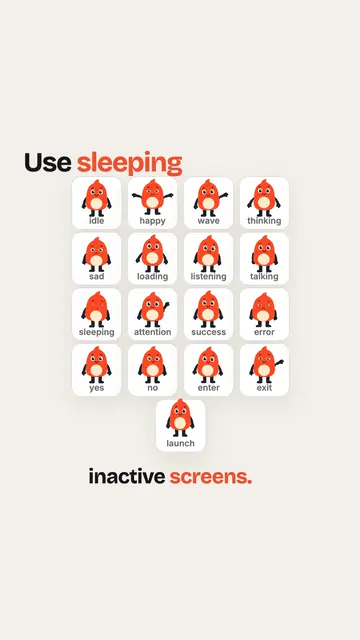
What should an empty screen show? (mascot tip)
-
 0:31
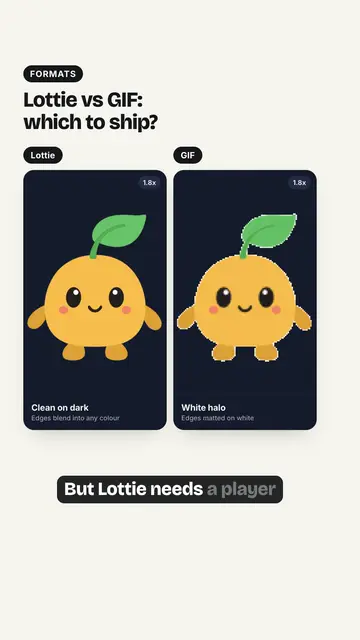
Lottie vs GIF: Which Animation Format Should You Ship?
-
 0:26
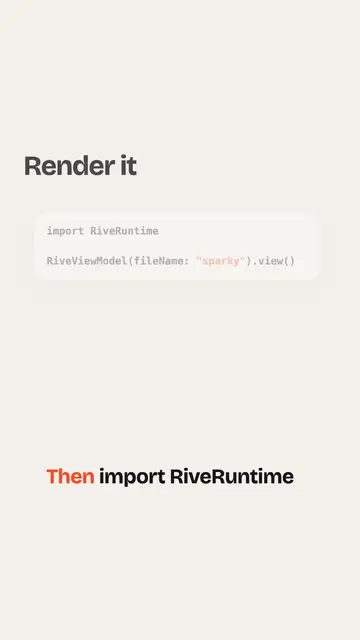
How to add a Rive animation to an iOS app
-
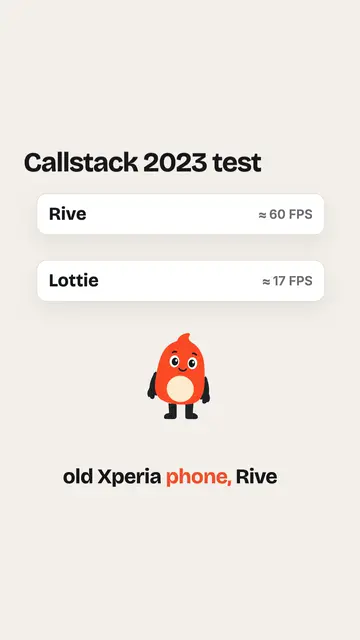 0:27
Is Rive faster than Lottie?
-
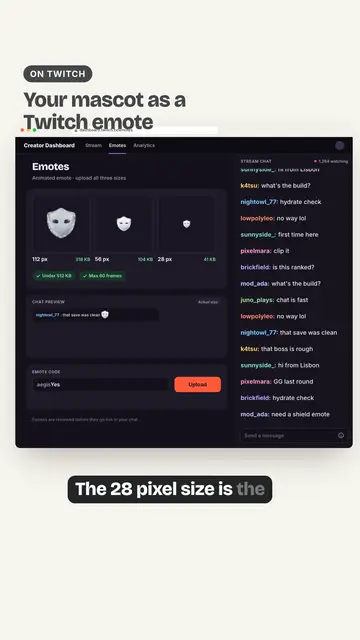 0:38
Twitch Animated Emotes From Your Mascot: Sizes and Specs
-
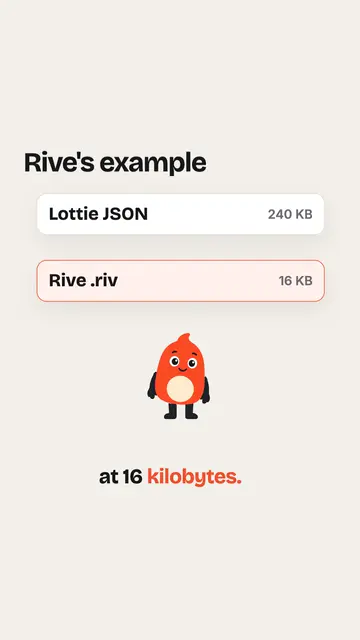 0:29
Rive vs Lottie file size
-
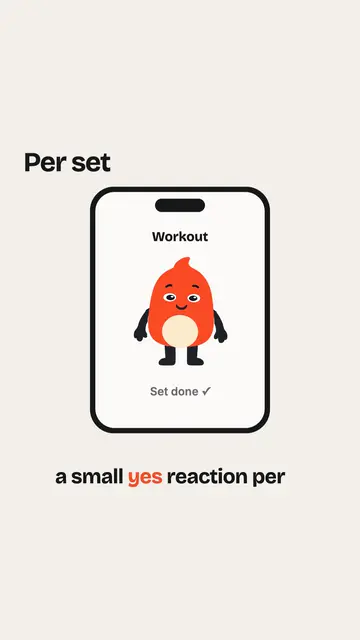 0:25
Should a fitness app mascot celebrate every workout?
-
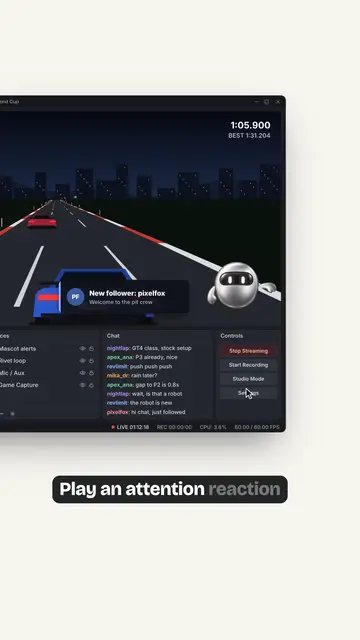 0:34
Animated Mascot Overlay in OBS: Follower Alerts, Subs and BRB
-
 0:23
How to make a video behave like a GIF
-
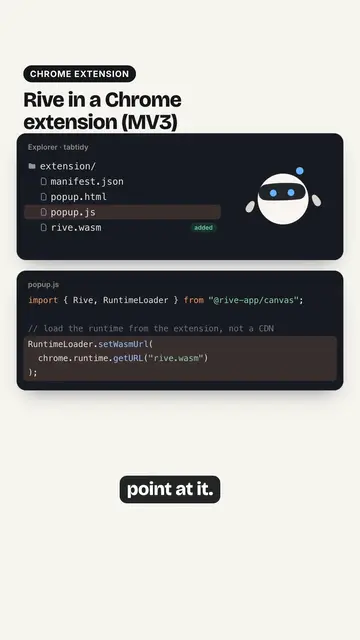 0:39
Rive in a Chrome Extension (Manifest V3): Fix the WASM Loading