 Play video
Plays from YouTube in privacy-enhanced mode. Nothing loads from YouTube until you press play.
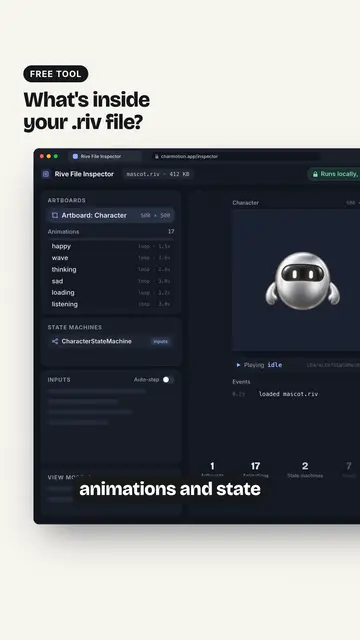
Free Rive File Inspector: See Inputs and State Machines in a .riv
Published · 0:30
Open a .riv in the free Rive File Inspector right in your browser; nothing gets uploaded and it all stays on your machine. It lists the artboards, animations and state machines, the inputs like a mood number and its triggers, plus any Data Binding view models. Change the mood or fire a trigger to test it live.
Read more
See your own character move
Upload one image and get a free animated preview.
More videos
All videos-
 0:18
What should an empty screen show? (mascot tip)
-
 0:31
Lottie vs GIF: Which Animation Format Should You Ship?
-
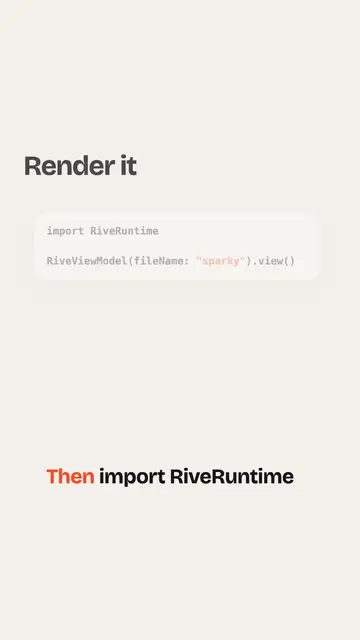 0:26
How to add a Rive animation to an iOS app
-
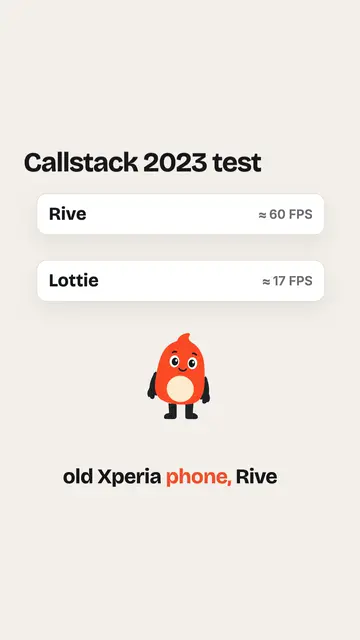 0:27
Is Rive faster than Lottie?
-
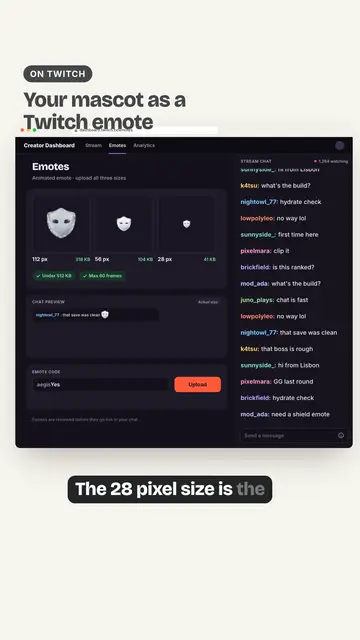 0:38
Twitch Animated Emotes From Your Mascot: Sizes and Specs
-
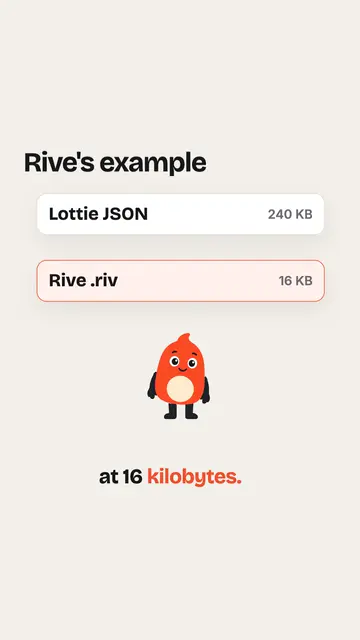 0:29
Rive vs Lottie file size
-
 0:25
Should a fitness app mascot celebrate every workout?
-
 0:34
Animated Mascot Overlay in OBS: Follower Alerts, Subs and BRB
-
 0:23
How to make a video behave like a GIF
-
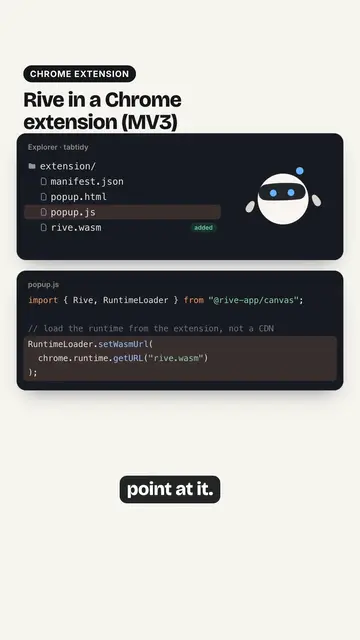 0:39
Rive in a Chrome Extension (Manifest V3): Fix the WASM Loading