Habit Tracker Pet Mascots: Streaks Without Guilt
By the Charmotion team · Updated
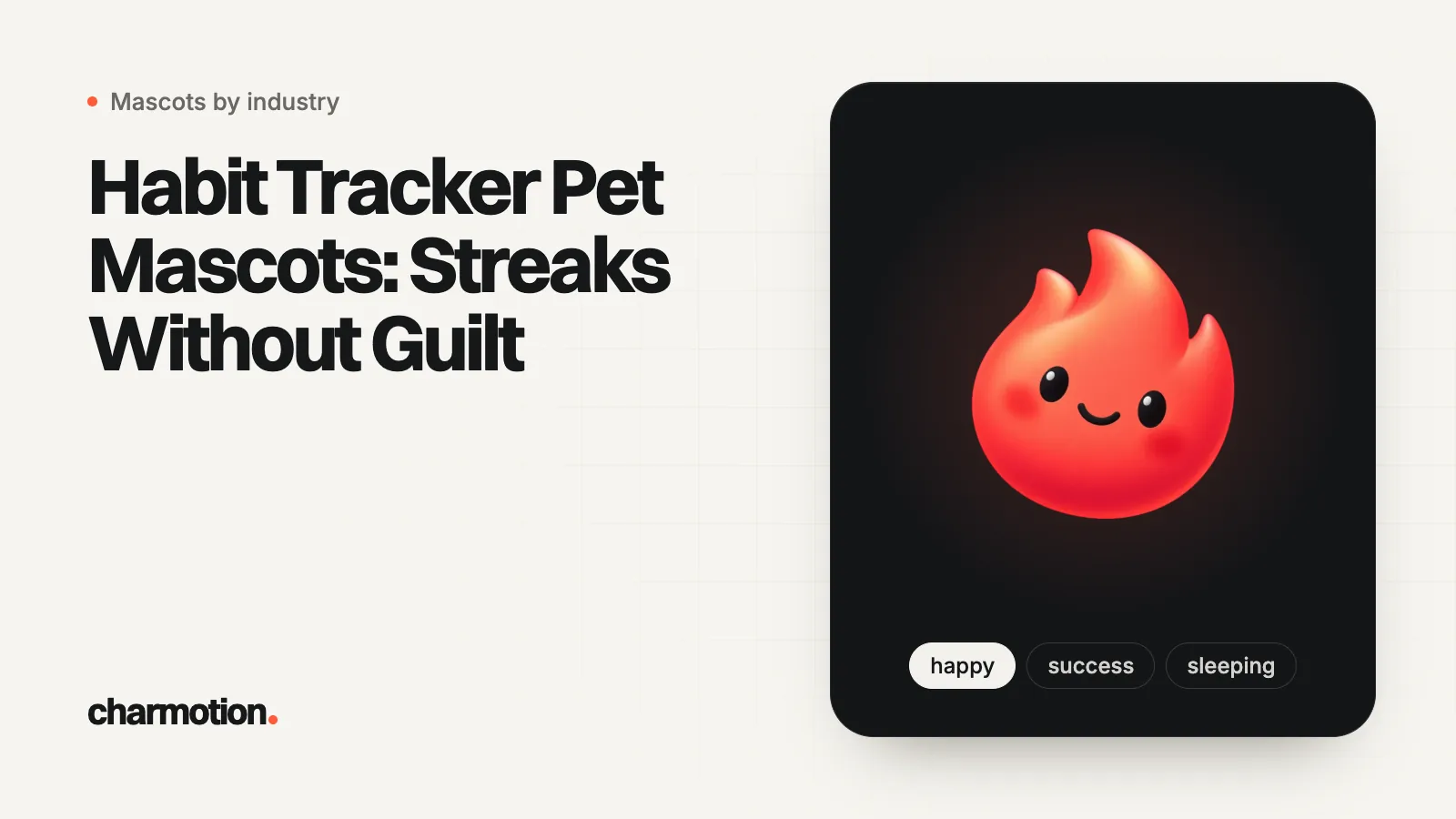
A habit tracker mascot should reward each check-in with a short reaction, mark streak milestones with a bigger one, and greet a missed day with a calm, neutral state instead of sadness. Research on broken streaks shows people often give up after a break, so on that day the pet's job is to make restarting easy, not mourn the streak.
Key takeaways
- Map each habit event to one state: check-in to yes, day complete to success, milestone to success then wave, missed day to idle or wave.
- A 2023 Journal of Consumer Research paper found intact streaks raise engagement and broken ones often end it, so design the restart, not the guilt.
- iOS widgets animate only between timeline updates, for at most two seconds, so plan one still pose per mood.
- iOS notification attachments accept animated GIFs up to 10 MB; the text must still work without the image.
- One character set gives you moods, not growth: the pet won't evolve, change outfits or gain new poses.
Already have a character or logo? See your character in real app screens: splash, onboarding, loading and empty-state screens. It's free, runs in your browser and uploads nothing.
Which states does a habit tracker pet need?
Habit, focus and study apps with a pet companion run on a small set of repeating events. Map each one to a single state before you design anything, so the pet reacts the same way every time and users learn what it means.
| Event | State | Loop or one-shot | Notes |
|---|---|---|---|
| First open of the day | wave (2), then idle (0) | Loop | Greet once, then settle |
| Habit checked off | yes | One-shot | Small and fast; it fires many times a day |
| All habits done today | success, then happy (1) | One-shot, then loop | The daily reward |
| Streak milestone | success, then wave (2) | One-shot, then loop | Keep it rare so it stays special |
| Focus or study timer running | idle (0) or a still pose | Loop | The timer is the focus, not the pet |
| Timer finished | success | One-shot | Pair with the session length in text |
| Writing a reflection note | listening (6) | Loop | While the keyboard is open |
| Syncing or importing | loading (5) | Loop | Only while it actually runs |
| Reminder due (in app) | attention (9) | Loop | Next to the habit name |
| Missed yesterday | idle (0) or wave (2) | Loop | Restart copy, no guilt |
| Bedtime or rest day | sleeping (8) | Loop | Rest is part of the plan |
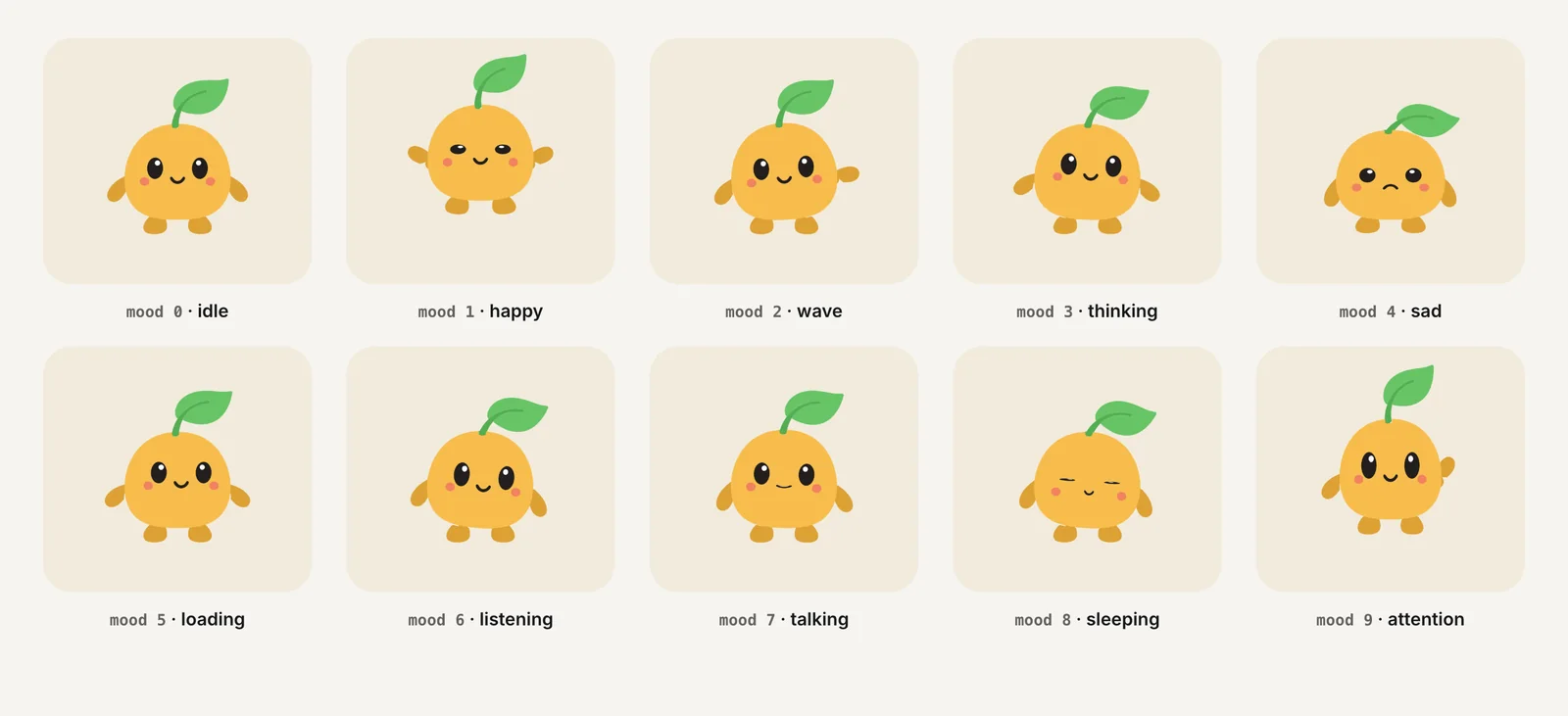
The scale matters more than any single animation. A nod for each check-in, a reward for a full day and a celebration for milestones keeps the big moments meaningful in week six. If every check-in gets the milestone treatment, nothing feels earned. The fitness coach guide uses the same three-level scale for workouts.
What should the pet do when the user misses a day?
Stay friendly and make the next step small. The missed day is the most fragile moment in any habit product, and there is research on why.
In a 2023 paper in the Journal of Consumer Research, Jackie Silverman and Alixandra Barasch found across seven studies that intact streaks shown in behavioral logs increased people's later engagement, and that broken streaks reduced it. The effect depended on how the log displayed past behavior, not on the behavior itself, and it was weaker when people could repair the streak (Silverman and Barasch). In the university's write-up, the researchers say messages that point back to the lapse "typically don't work" and suggest offering a new goal instead (CU Boulder).
That translates into mascot rules:
- No sad face on the lapse. Sad (mood 4) next to "You lost your 40-day streak" turns the user's miss into the pet's grief. Use idle or wave.
- No guilt copy. "Your pet missed you" is a short step from confirmshaming, which uses guilt to push people into acting (Deceptive Patterns).
- Offer a fresh, smaller goal. "Start a new 3-day run?" with a wave works better than a recap of what was lost.
- Be careful with paid repairs. Barasch calls a streak badge that users pay to restore "entirely inconsequential", because it no longer reflects real behavior. Free, limited repairs are a design choice; selling them is a different one.
- Don't punish the pet. A pet that gets sick or sad when the user lapses is a guilt mechanic with a cute face.
How should a focus or study timer use the mascot?
During a focus session the pet should get out of the way. A focus app sells concentration, and a character that keeps moving at the edge of vision works against it.
- Before the session: attention (9) on the start button, or a wave when the user opens the timer.
- During the session: a still pose, or idle at low prominence. Apple's motion guidance warns that gratuitous animation "can distract people" and advises against adding motion to interactions that happen often (Apple HIG).
- Breaks: sleeping (8) reads naturally as "rest now".
- Session complete: one success reaction, then idle.
Accessibility rules point the same way. Under WCAG 2.2.2, moving content that starts automatically, lasts more than five seconds and sits next to other content needs a way to pause, stop or hide it (W3C). A pet looping beside a 25-minute timer qualifies, so give it a hide toggle and a still pose when reduced motion is on. See Reduce Motion in SwiftUI for the iOS side.
What can a pet show in widgets and notifications?
Mostly still images, with one exception for iOS notifications.
- iOS widgets. Apple documents widget animation as transitions when timeline data changes, with "a maximum duration of two seconds", and no animation at all in Always On (Apple). A looping GIF or video is not an option. Ship one still per mood and swap the image when the streak or progress changes. The widget and Live Activity limits guide covers this in depth.
- Android widgets. Widget layouts are built on
RemoteViews, which "doesn't support every kind of layout or view widget" and no custom views (Android Developers). Plan a still image here too. - iOS notifications. A notification attachment can be a JPEG, GIF or PNG up to 10 MB, and Apple notes an image "may contain a static image or an animated image sequence"; video attachments go up to 50 MB (Apple). For remote pushes, a notification service extension downloads the file before display.
- Android notifications.
BigPictureStyleis documented around a bitmap payload, so treat the big picture as a still frame.
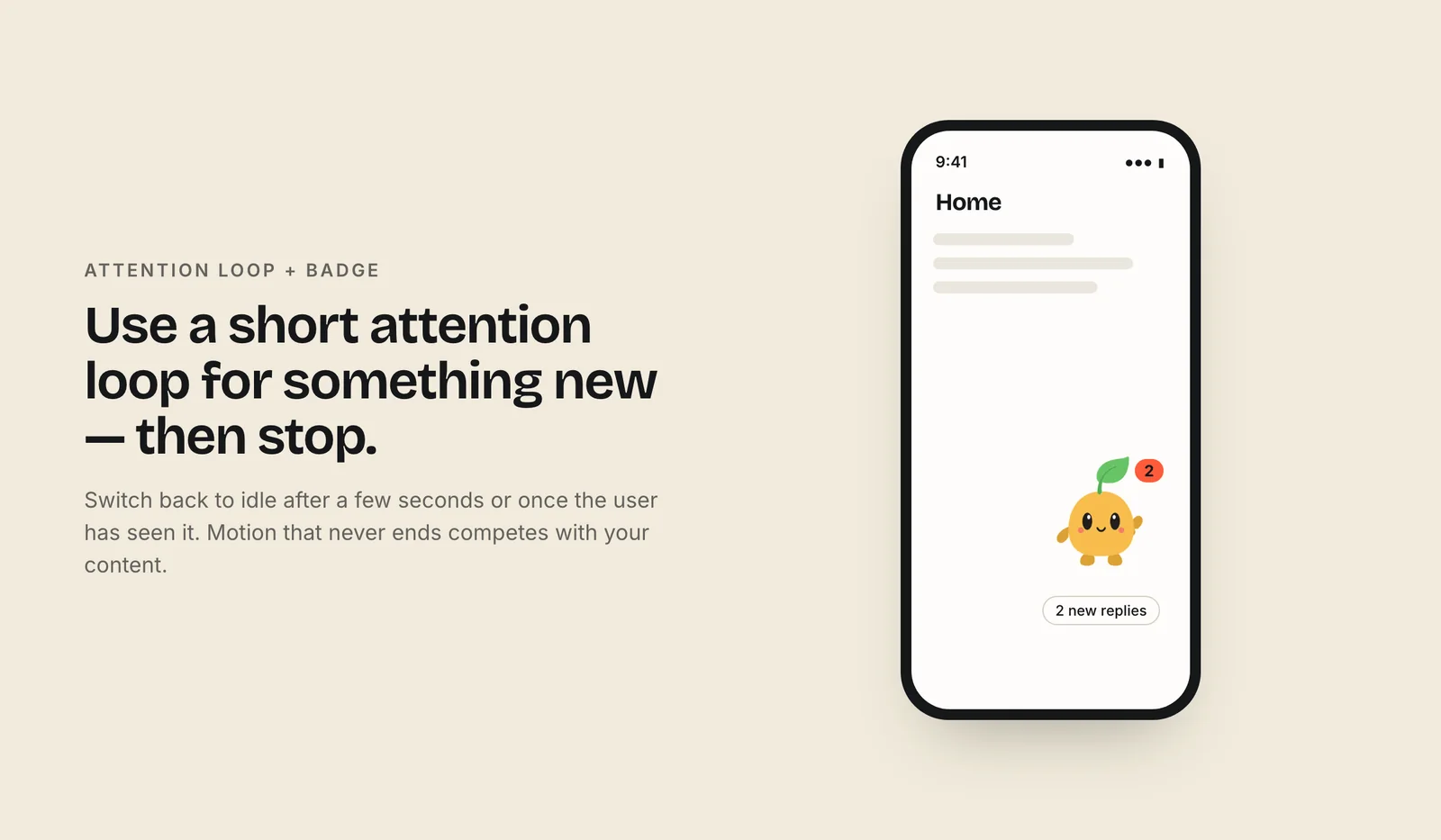
To make the stills, pull one frame from each clip. This was run with ffmpeg 7.1.1 on a demo MP4:
ffmpeg -ss 0.5 -i happy.mp4 -frames:v 1 widget-happy.pngThe MP4 frame keeps the clip's solid background. For a transparent PNG, read the transparent WebM with the VP9 decoder that keeps alpha: ffmpeg -c:v libvpx-vp9 -ss 0.5 -i happy.webm -frames:v 1 widget-happy.png.
Which file goes on which surface?
| Surface | File | Why |
|---|---|---|
| Pet screen and check-in list | Rive .riv (mood number plus triggers) or one MP4 per state | Rive switches states live; video works if you only swap a few clips |
| Home and Lock Screen widgets | PNG stills taken from the clips | Widgets don't loop video or GIFs |
| iOS push notifications | GIF or MP4 attachment | Attachments can animate in the expanded view |
| Weekly recap email | GIF with a meaningful first frame | Some Outlook versions show only the first frame |
| App Store screenshots and social | 9:16 video, square MP4 | Reels, Shorts and TikTok are vertical |
| Reduced motion on | One still per state | Same meaning, no movement |
Keep the streak count, the habit name and the next action in text on every surface. The pet sets the mood; the words carry the facts, for screen readers and for anyone who has hidden the pet.
What can't one character animation set do?
Pet apps like Finch build a whole progression around the character: Internet Matters describes a bird that grows, gains accessories and explores new places as the user earns points (Internet Matters). That takes a dedicated art pipeline, with a new drawing for every stage, outfit and location.
A Charmotion set is a different, smaller thing. You upload one image of your pet and get 17 animations of that same character: ten loops (idle, happy, wave, thinking, sad, loading, listening, talking, sleeping and attention), six one-shot reactions (success, error, yes, no, enter and exit) and a launch intro. It covers every event in the table above. It does not include:
- growth stages or evolution (baby to adult),
- outfits, hats or accessories,
- new poses such as eating, watering a plant or holding a book,
- walk cycles or moving between rooms,
- lip-sync, or a progress bar drawn into the character.
Every set has the MP4s, the 9:16 video and the GIFs, which is enough for widgets, notifications and social, and the .riv for live in-app states (paid plans, from $20/month). If your app's core loop is collecting outfits or evolving the pet, budget for custom art; if it is check-ins and streaks, one set does the job.
Frequently asked questions
Should a habit app pet look sad when a streak breaks?
No. A sad pet next to a lost streak turns the user's miss into guilt, right when they are most likely to quit. Silverman and Barasch found broken streaks often reduce engagement, and the researchers advise offering a new goal instead. Use idle or wave with a small restart prompt.
Can an iOS widget play my mascot's animation?
Not as a loop. Apple documents widget animation as transitions between timeline updates, capped at two seconds, and none in Always On. Export one still per mood and swap images when the data changes. Notifications are different: an iOS attachment can be an animated GIF up to 10 MB.
Do streak repairs help users come back?
They can soften the drop. Silverman and Barasch found the negative effect of a broken streak was weaker when people could repair it. Barasch also cautions that a streak users pay to restore no longer reflects real behavior, so keep repairs limited and honest rather than a paid upsell.
Quick answers from this guide
Sources
- On or Off Track: How (Broken) Streaks Affect Consumer Decisions (Silverman and Barasch, 2023), Journal of Consumer Research
- Research on streaks, marketing and tech (Barasch), University of Colorado Boulder, Leeds School of Business
- Confirmshaming, Deceptive Patterns
- Animating data updates in widgets and Live Activities, Apple Developer Documentation
- Create a simple widget, Android Developers
- UNNotificationAttachment, Apple Developer Documentation
- Motion, Apple Human Interface Guidelines
- Understanding SC 2.2.2: Pause, Stop, Hide, W3C WAI
- Finch: a parent's guide to the self-care pet app, Internet Matters
Related guides
- Fitness Coach Mascots: Streaks, Cheers and Haptics
- Mental Health App Mascots: Calm States and Crisis Rules
- Duolingo-Style Mascot Animation: States, Reactions and Effort
- Live Activity, Dynamic Island & Widget Animation Limits
- Mascot Animation States: Loading, Success, Error
- Reduce Motion in SwiftUI and UIKit