Duolingo-Style Mascot Animation: States, Reactions and Effort
By the Charmotion team · Updated
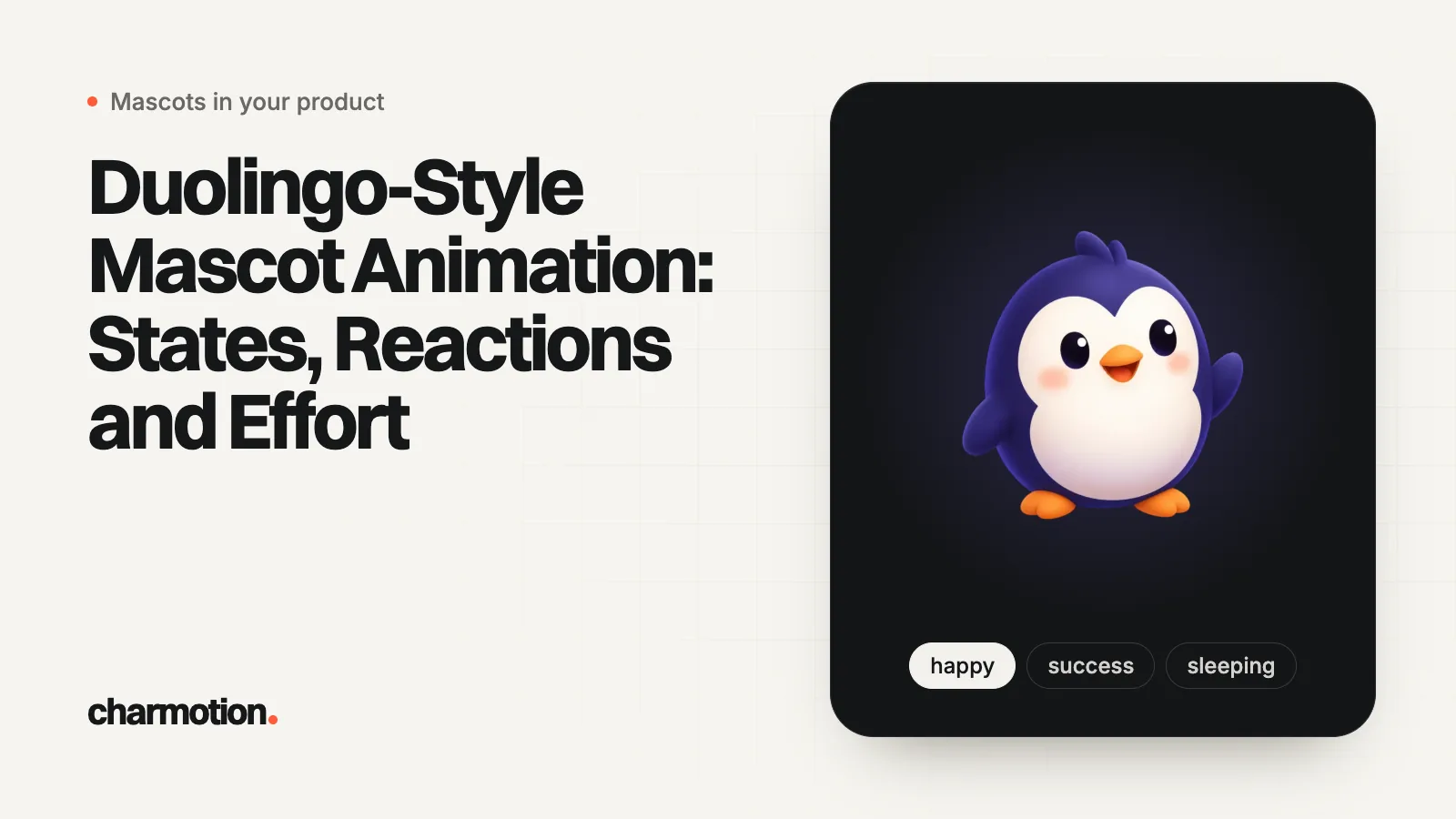
Duolingo animates its characters in Rive, using state machines that let app code choose which animation plays, according to Duolingo's engineering blog. A Duolingo-style mascot needs a few looping moods, such as idle, thinking, happy and sad, plus short one-shot reactions for right and wrong answers that your code fires as triggers before the character returns to idle.
Key takeaways
- Duolingo's blog says its ten World Characters lip-sync in Rive, with 20+ mouth shapes across 40+ languages and 100+ courses.
- The pattern is loops for ongoing moods and one-shot triggers for events such as a correct or wrong answer.
- Make the right-answer reaction bigger than the wrong-answer one, and return to neutral quickly after a mistake.
- Lip-sync, custom scenes and characters interacting with the UI still need an animator.
- Use your own character: Duolingo's characters and artwork belong to Duolingo.
Already have a character or logo? See your character in real app screens: splash, onboarding, loading and empty-state screens. It's free, runs in your browser and uploads nothing.
Does Duolingo use Rive?
Yes, by Duolingo's own account. In a November 2022 post, Duolingo's team describes Rive as "a web-based tool for making real-time interactive animations and designs, similar to a game engine," and says of its state machine: "The State Machine's powerful system is what allowed this project to be feasible on a grand scale." The project was lip-syncing "our ten World Characters" with "a set of 20+ mouths," for "more than 40 languages across more than 100 courses."
Rive's own blog later described Duolingo's Video Call feature, in which the character Lily combines 8 head and 8 body animations into more than 64 idle variations, in a file under 1 MB. That is Rive writing about a customer, so read it as a case study rather than a benchmark.
What to take from it is the architecture: one interactive file per character, with a state machine that the app drives. The app decides what happened (a correct answer, a finished lesson); the file decides how the character moves and blends between states. Nothing here implies any link between Duolingo and the tools mentioned on this page.
Which states does a Duolingo-style mascot need?
A learning flow is a chain of short events, so it mixes loops (play until changed) and one-shots (play once, then return). A practical minimum:
| Moment | State | Type |
|---|---|---|
| Lesson opens | enter, then idle | One-shot, then loop |
| Question on screen | idle or thinking | Loop |
| Learner speaks an answer | listening | Loop |
| Correct answer | yes or success | One-shot |
| Wrong answer | no (or a soft error) | One-shot |
| Lesson complete, streak extended | success, then happy | One-shot, then loop |
| Learner away or nothing due | sleeping | Loop |
| Reminder or new unit | attention or wave | Loop |
Keep the question state calm. The mascot is supporting the exercise, so the loop should be subtle enough to ignore. For a broader list, see mascot animation states; for tone in children's apps, see kids' education app mascots.
How do right and wrong answer reactions work?
In Rive terms, a reaction is a trigger: a one-time signal that plays a one-shot animation from any state and then returns to the current loop. The current loop is a number (or enum) that your code sets. Your answer-checking code only has to fire the right trigger:
// Rive web runtime with Data Binding (autoBind: true)
const vm = rive.viewModelInstance;

function onAnswerChecked(correct) {
  vm.trigger(correct ? "yes" : "no").trigger();
}

function onLessonComplete() {
  vm.trigger("success").trigger();
  vm.number("mood").value = 1; // happy loop after the reaction
}
Both calls return null if the property name doesn't exist in the file, so guard them in production. With older input-based files, you get the trigger input from the state machine and call fire() instead.
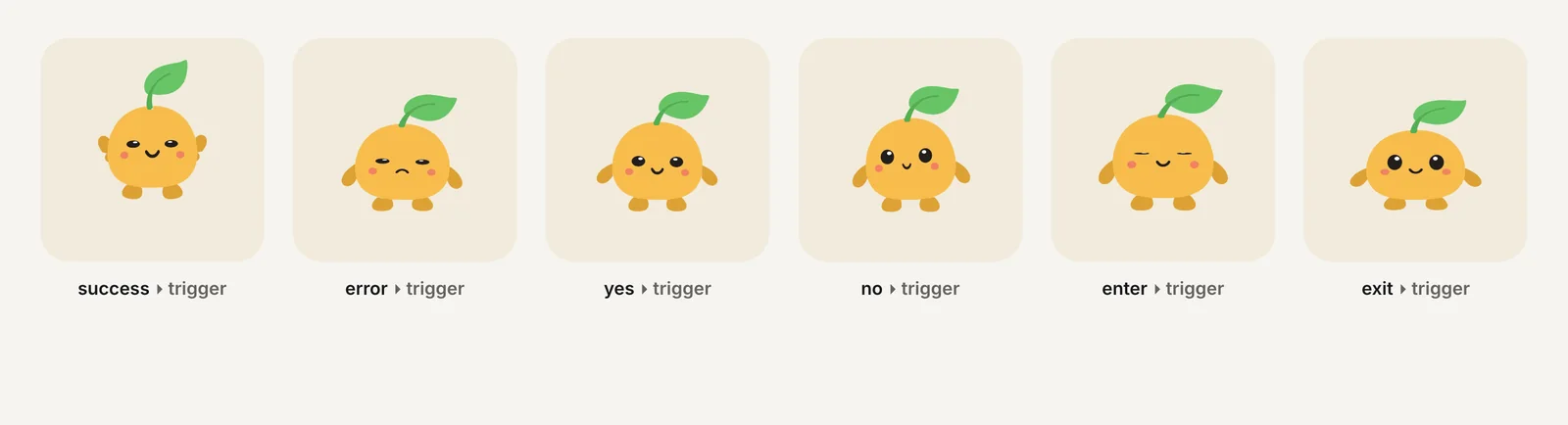
Three design rules from learning apps:
- Asymmetry. Celebrate correct answers more than you react to wrong ones. A small head shake reads as feedback; a big sad animation reads as a penalty.
- Never block input. The learner should be able to tap "continue" while the reaction plays.
- Respect reduced motion. If the system asks for less motion, keep the reaction but make it small, or show a static pose.
How much work is a Duolingo-style mascot?
The work list is the same whoever does it:
- Character design in a rig-friendly pose: front-facing, separated limbs, plain background.
- Rigging: bones or meshes so parts can move without redrawing.
- Loops for each mood, built to start and end on the same pose.
- One-shots for each reaction, built to blend back into any loop.
- The state machine and its inputs or view model, named so developers can use them.
- Integration and testing on real devices, including reduced motion.
Steps 2 to 5 are where an animator's time goes. Rates and timelines for hiring that out are in mascot animation services with Rive export.
Charmotion automates steps 2 to 5 for one image: upload your character and in a few minutes you get 10 loops (idle, happy, wave, thinking, sad, loading, listening, talking, sleeping, attention), 6 reactions (success, error, yes, no, enter, exit) and a launch intro in one .riv, wired to a Character view model with a mood number and one trigger per reaction. The .riv and code come with every paid plan, from Starter ($20/month), along with MP4, GIF and a 9:16 launch video.
What can't you get without an animator?
A generated state set covers the everyday moments. These still need a human animator, or a lot of time in the Rive editor:
- Lip-sync. Duolingo's system maps speech sounds to 20+ mouth shapes. Driving visemes needs mouth artwork for each shape and a pipeline from your speech audio; see lip-sync vs amplitude.
- Custom scenes, such as a character celebrating with props, confetti tied to the UI, or two characters talking to each other.
- New angles and poses the original image doesn't contain, such as turning to the side or walking across the screen.
- Character-specific personality: signature gestures that make a mascot recognizable from its motion alone.
A sensible path is to ship the standard states first, watch which moments users notice, and commission custom work only for those.
Frequently asked questions
Can I use Duo or other Duolingo characters in my app?
No. Duo and the World Characters are Duolingo's own characters. Use the pattern, not the artwork: design your own mascot, then give it loops and reactions wired to your app's events. Avoid imitating their look closely enough to confuse users.
Should a wrong answer play a sad animation?
Usually a small 'no' or head shake is better than a sad loop. It gives clear feedback without making the learner feel punished. Save sad moods for rare moments, and return to idle as soon as the next question appears.
Does a learning-app mascot need lip-sync?
Only if it speaks with recorded or synthesized audio on screen. For tapping and reading exercises, idle, thinking and reaction states are enough. A talking loop without true lip-sync works for short lines but looks off for long speech.
Quick answers from this guide
Sources
- Art meets technology: the next step in bringing our characters to life, Duolingo Blog
- Duolingo's AI-powered Video Call brings Lily to life, Rive Blog
- Data binding (web runtime), Rive
- prefers-reduced-motion, MDN Web Docs