How to Add a Rive Animation to Bubble Without the Old Plugin
By the Charmotion team · Updated
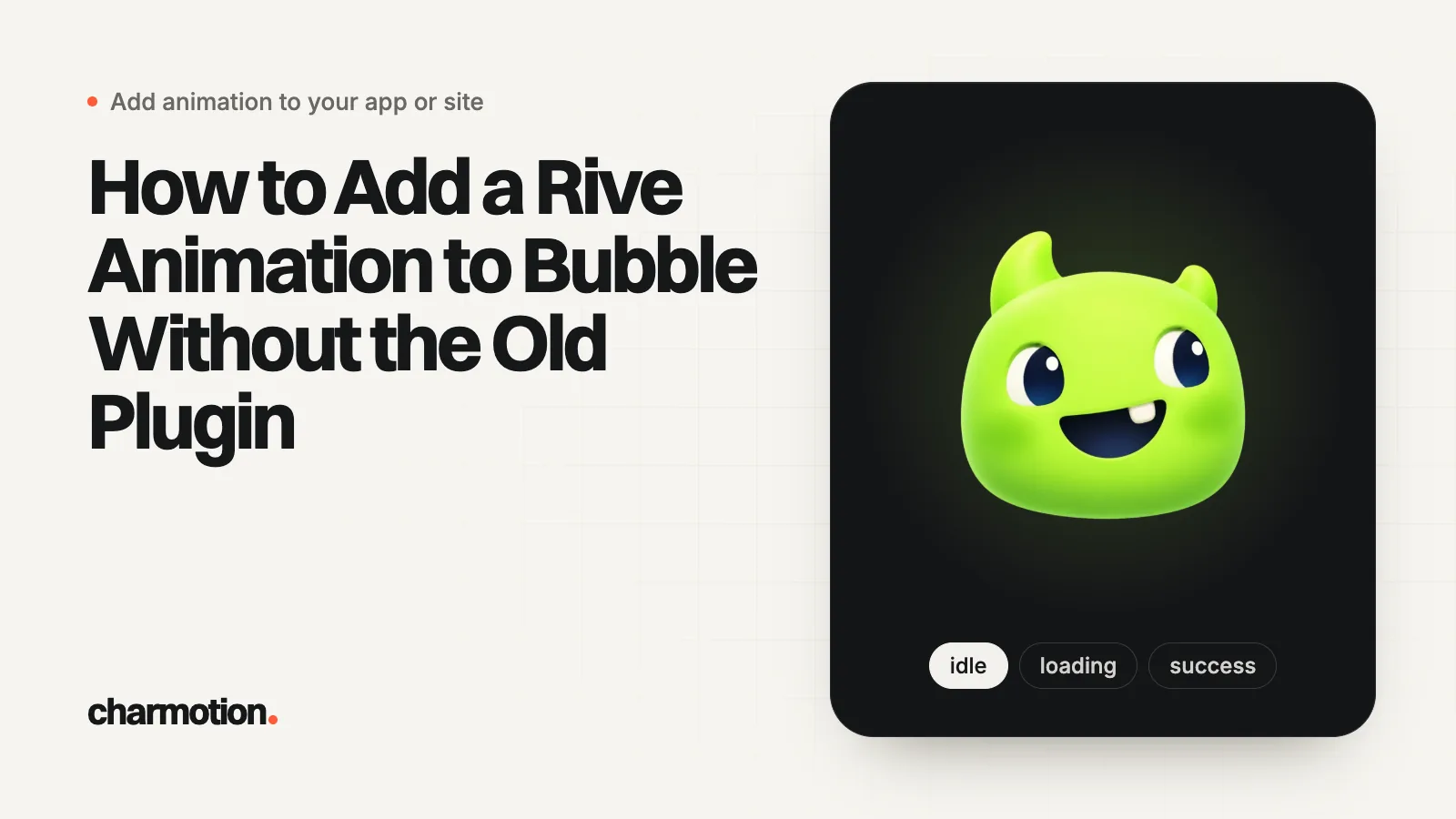
To add a Rive animation to Bubble, place an HTML element on the page, paste a canvas plus a pinned @rive-app/canvas script, and point it at a .riv uploaded to Bubble's file storage. Bubble runs those scripts only in preview and live mode, not in the editor. To change the animation from workflows, run JavaScript with the Toolbox plugin.
Key takeaways
- The 2021 Bubble Rive plugin has no developer reply in its forum thread after launch day; the HTML element with Rive's web runtime is the dependable route.
- Bubble runs script tags in an HTML element only in run mode, so an empty box in the editor is normal.
- Bubble's file CDN returned
access-control-allow-origin: *when we checked it, so a .riv uploaded there can load on your page. Addhttps:if the copied URL starts with//. - Load the runtime with a script element and an onload callback, store the instance on
window, and set themoodfrom Toolbox's Run javascript action. - Size the canvas with CSS and call
resizeDrawingSurfaceToCanvas()after load and on resize so it stays sharp.
Already have a character or logo? See your character in real app screens: splash, onboarding, loading and empty-state screens. It's free, runs in your browser and uploads nothing.
Should I use the Bubble Rive plugin or the HTML element?
Use the HTML element. Rive announced a Bubble plugin on the Bubble forum on August 31, 2021. In the same thread, users reported in 2021 and 2022 that they could not get it working, and in October 2023 someone asked whether it was still supported; a forum regular replied that the original poster had not been seen in the forum for over two years. Nobody from the plugin side answered. The plugin also predates Rive's data binding, which is how current character files expose their controls.
The HTML element has none of those problems. Bubble's manual describes it as an element that "runs HTML on the page," with two details that matter here:
- Scripts run in run mode only. "If the HTML contains script tags, the script tags will only run in run-mode and not in the editor." Test in preview.
- Dynamic data works inside it. You can insert dynamic entries into the HTML, so the .riv URL can come from a database field.
Because you write the script, you pick and pin the Rive runtime version yourself instead of depending on whatever a plugin bundled. For a side-by-side view of Bubble, Wix Studio and Webflow, see Rive and Lottie in no-code builders.
How do I host the .riv file in Bubble?
Upload it in the Data tab's file manager, as forum users describe for the plugin, and copy the file's URL. Bubble file links are often protocol-relative (they begin with //); put https: in front before using one in a script.
The runtime downloads the .riv with a cross-origin request, because your app's domain and Bubble's file CDN are different hosts. That only works if the CDN sends CORS headers. When we checked files on Bubble's CDN on October 25, 2026, responses included access-control-allow-origin: *. Check your own file the same way:
curl -sI -H "Origin: https://yourapp.bubbleapps.io" \
  "https://YOUR-APP.cdn.bubble.io/f1234/character.riv" | grep -i access-control
If the header is missing, host the .riv on a storage bucket or CDN where you control CORS, and keep HTTPS. Two more options are worth knowing:
- Per-user or per-tenant files. Store the .riv in a file field and insert it into the
srcwith Bubble's dynamic data, so each workspace can show its own mascot. - The WASM file. The runtime also fetches
rive.wasm, from unpkg by default. If you need to self-host it, Rive documentsRuntimeLoader.setWasmUrl(), and the WASM version must match the runtime version.
How do I embed the Rive canvas in a Bubble HTML element?
Add an HTML element, leave Display as an iFrame unchecked, and paste the snippet below. With the iframe option off, the code runs in the page itself, which is what lets workflows reach the animation later.
<div style="width: 100%; aspect-ratio: 1 / 1">
  <canvas id="mascot" style="width: 100%; height: 100%"
          role="img" aria-label="Animated mascot"></canvas>
</div>
<script>
(function () {
  function start() {
    if (window.mascot) window.mascot.cleanup();   // HTML element re-rendered
    var reduce = matchMedia("(prefers-reduced-motion: reduce)").matches;
    var r = new rive.Rive({
      src: "https://YOUR-APP.cdn.bubble.io/f1234/character.riv",
      canvas: document.getElementById("mascot"),
      stateMachine: "CharacterViewModelMachine",
      autoplay: !reduce,
      autoBind: true,
      onLoad: function () {
        r.resizeDrawingSurfaceToCanvas();
        window.mascot = r;
      },
    });
  }
  if (window.rive) return start();
  var s = document.createElement("script");
  s.src = "https://unpkg.com/@rive-app/canvas@2.47.1";
  s.onload = start;               // wait for the runtime before using it
  document.head.appendChild(s);
  window.addEventListener("resize", function () {
    if (window.mascot) window.mascot.resizeDrawingSurfaceToCanvas();
  });
})();
</script>
Why it is written this way:
- The runtime is loaded with an onload callback. Bubble forum users have reported that a library loaded by a script tag in an HTML element was not yet defined when the next inline script ran. Creating the script element and starting Rive in
onloadavoids that race. cleanup()before re-creating. If Bubble re-renders the element, for example when a hidden group is shown again, the old instance is released before a new one starts.stateMachineandautoBind: true. Without a state machine name the runtime plays the first timeline it finds and ignores inputs;autoBindbinds the file's default view model so you can set properties.- Reduced motion. If the visitor asks for less motion, the file loads without autoplay.
Replace CharacterViewModelMachine with your file's state machine name if it differs. Pin the runtime version, as above, so an upstream release can't change your app unannounced.
How do I change the animation from a Bubble workflow?
Install the Toolbox plugin and use its Run javascript action. Because the snippet stores the instance as window.mascot, any workflow step can set a view model property or fire a trigger:
// Toolbox "Run javascript" action, step 1 of "Button Save is clicked"
if (window.mascot) window.mascot.viewModelInstance.number("mood").value = 5; // loading

// ...your Bubble steps: Make changes to a thing, API call...

// last step: celebrate, then back to idle
if (window.mascot) {
  var vm = window.mascot.viewModelInstance;
  vm.trigger("success").trigger();
  vm.number("mood").value = 0;
}
A pattern that works well for most apps:
- Before slow steps (API calls, file uploads, backend workflows), set the loading mood.
- After success, fire a one-shot reaction and return to idle.
- On failure, use Bubble's error event for the page to fire
errorand switch to a sad or attention mood.
To go the other way, from the animation to Bubble, Toolbox has a Javascript to Bubble element that exposes a function named bubble_fn_ plus your suffix. Call it from onLoad, for example to set a custom state that hides a placeholder image once the mascot is ready.
If your file uses the older input system instead of data binding, set inputs through r.stateMachineInputs("YourStateMachine"); the state machine guide explains the difference.
Can a Rive mascot be the loading screen of a Bubble app?
It works best for loading inside the app, not for the first paint. The canvas package's rive.js is about 628 KB and rive.wasm about 2.2 MB uncompressed (version 2.47.1 on npm), and both must arrive before the first frame. Bubble's own page assets are loading at the same time, so a Rive loader rarely appears before the page is mostly there.
What works instead:
- Show a static poster image of the character in the same spot while the page loads.
- Swap to the Rive canvas when
onLoadfires (Toolbox's Javascript to Bubble element can flip a custom state). - Use the loading mood for waits that happen after the page is ready: searches, payments, AI calls, uploads.
Keep loops calm and short so long waits don't feel longer; the loading animation guide covers timing.
How do I keep the canvas sharp and responsive in Bubble?
A canvas has two sizes: its CSS size on the page and its drawing buffer. If they differ, the animation looks blurry or squashed. The snippet sets the CSS size (full width of the element, square aspect ratio) and calls resizeDrawingSurfaceToCanvas() after loading and on every window resize, which matches the buffer to the displayed size and screen density.
- In Bubble's responsive settings, give the HTML element a minimum and maximum width rather than a fixed pixel size, and let the wrapper's
aspect-ratioset the height. - Stretch to fit content lets the element grow with its content when it is not in iframe mode; use it if the canvas gets clipped.
- Repeating groups: each cell needs a unique canvas id, for example by inserting the cell's index with dynamic data. Many live canvases in one list is heavy; for long lists, use a GIF or poster per cell and keep one Rive character elsewhere on the page.
Where do I get a .riv that is ready for Bubble?
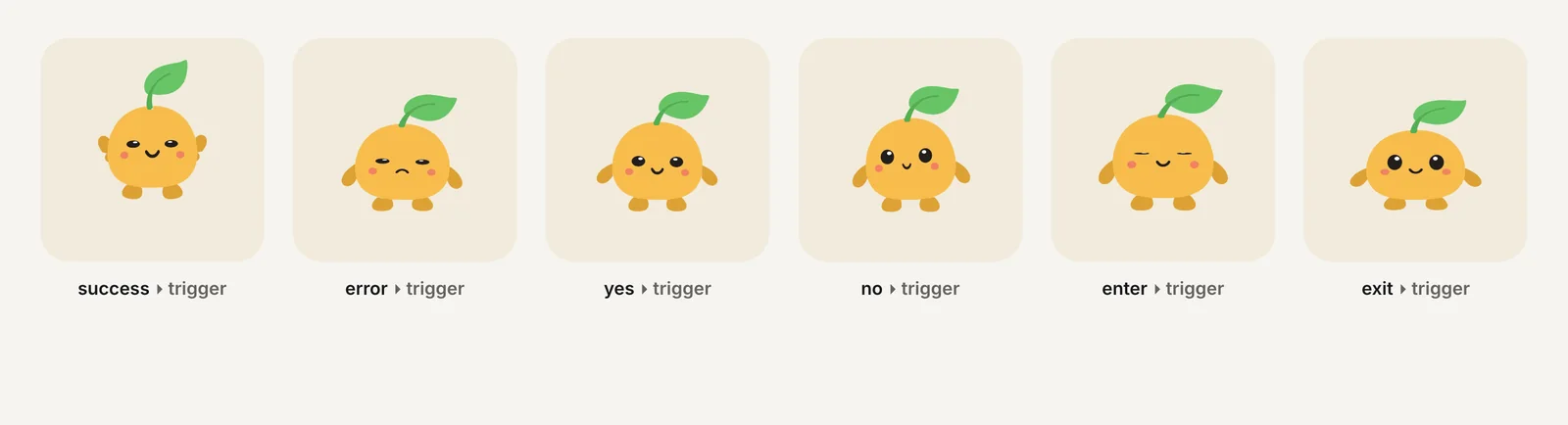
Charmotion turns one character, mascot or logo image into 17 animations: one .riv with a Character view model on CharacterViewModelMachine (a mood number plus success, error, yes, no, enter and exit triggers), the classic CharacterStateMachine inputs, and a short launch intro. The same set includes MP4, 9:16 video, GIF, transparent WebM and HEVC MOV, plus web, React and SwiftUI code. The snippets on this page use its names as-is.
| mood | Loop | Typical Bubble use |
|---|---|---|
| 0 | idle | Default |
| 1 | happy | After a completed form |
| 2 | wave | Welcome screen |
| 3 | thinking | AI or search request |
| 4 | sad | Error state |
| 5 | loading | API calls, uploads |
| 6, 7 | listening, talking | Chat or voice features |
| 8 | sleeping | Empty states |
| 9 | attention | Unread items, nudges |
The .riv and transparent video come with every paid plan (from $20/month), together with MP4, GIF and the 9:16 launch video (solid background), which also work in Bubble through a plain video tag where a reacting character isn't needed.
How to add a Rive animation to a Bubble app
- Upload the file. Upload the .riv in the Data tab's file manager and copy its URL, adding https: if it starts with //.
- Check CORS. Run curl with an Origin header and confirm an access-control-allow-origin header comes back.
- Add an HTML element. Place an HTML element, keep Display as an iFrame unchecked, and paste the canvas and loader snippet.
- Preview. Open the app in preview, since Bubble runs the script only in run mode.
- Install Toolbox. Add the Toolbox plugin and use Run javascript steps to set window.mascot's mood and fire triggers.
- Make it responsive. Set min and max widths, keep the square wrapper and resize the drawing surface on window resize.
Frequently asked questions
Why is my Rive canvas blank in the Bubble editor?
Bubble's manual says script tags in an HTML element only run in run mode, not in the editor. The empty box is expected. Open preview to see the animation, and use the browser console there if it still doesn't appear: a failed .riv request or a script error will be listed.
Does Display as an iFrame stop workflows from controlling the animation?
Yes, in practice. With that option on, Bubble runs the HTML as an independent page, so window.mascot exists inside the iframe while Toolbox's Run javascript action runs in the parent page. Leave the option off for a character you control from workflows.
Why does my Rive animation look blurry in Bubble?
The canvas drawing buffer doesn't match its displayed size. Call resizeDrawingSurfaceToCanvas() in onLoad and again on window resize, and size the canvas with CSS instead of fixed width and height attributes that differ from the element's size.
Can each Bubble user see a different mascot?
Yes. Store a .riv per user, team or workspace in a file field, then insert that field into the snippet's src with the HTML element's dynamic data. Keep the state machine and property names identical across files so the same workflows drive every version.
Quick answers from this guide
Sources
- Visual elements: HTML element, Bubble Manual
- Rive: interactive animations for Bubble, Bubble Forum
- Scripts not loaded synchronously?, Bubble Forum
- Toolbox plugin documentation (Run Javascript, Javascript to Bubble), Toolbox docs
- Web (JS) runtime, Rive
- Rive parameters (web runtime), Rive
- Web runtime: Data binding, Rive
- Preloading WASM, Rive