Rive and Lottie in Bubble, Wix Studio and Webflow
By the Charmotion team · Updated
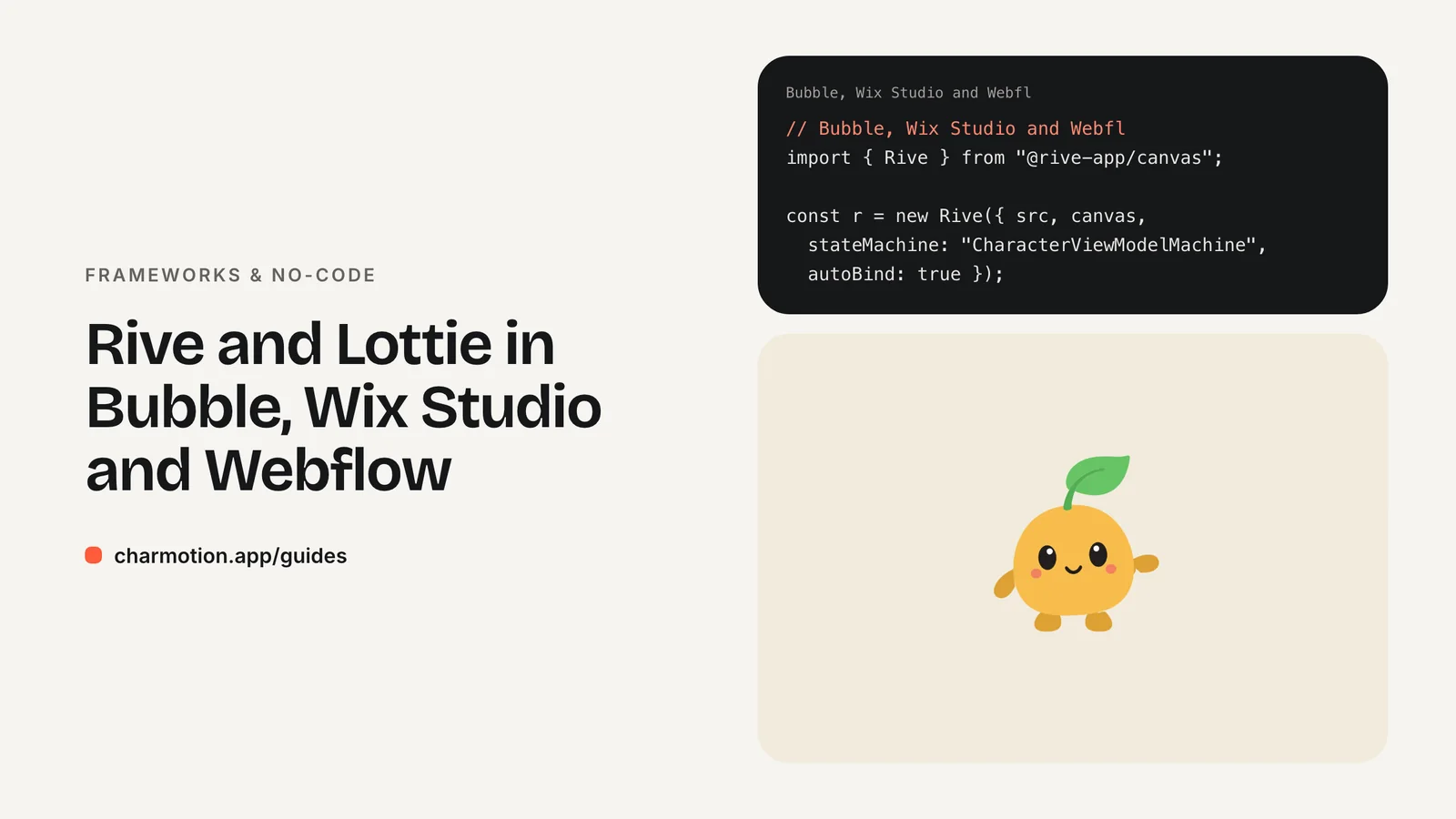
Webflow supports Rive natively, but Bubble and Wix Studio don't. In Wix Studio, use the native Lottie element for Lottie and the HTML iFrame element with Rive's web runtime for Rive. In Bubble, use the official LottieFiles plugin for Lottie and an HTML element with @rive-app/canvas for Rive, since Rive's 2021 Bubble plugin appears unmaintained.
Key takeaways
- Webflow has native Rive and Lottie support; Wix Studio has native Lottie only.
- Wix Studio's Lottie element accepts LottieFiles JSON URLs.
- Rive in Wix runs inside the HTML iFrame element, served over HTTPS.
- Bubble's Rive plugin dates from 2021; the HTML element with the web runtime is more dependable.
- Muted MP4 or transparent WebM video works in every builder without code.
Which no-code builders support Rive natively?
Among the popular builders, Webflow is the one with first-party Rive support; Rive announced native Webflow support on its blog. Framer supports Rive through a marketplace plugin. Bubble and Wix Studio have no native Rive element, but both can run Rive's web runtime through an HTML embed.
| Builder | Lottie | Rive | Fallback |
|---|---|---|---|
| Webflow | Native | Native | Background video |
| Framer | Supported | Rive plugin | Video |
| Wix Studio | Native element (JSON URL) | HTML iFrame embed | MP4 or WebM video |
| Bubble | Official LottieFiles plugin | 2021 plugin (maintenance unclear) or HTML element | GIF or MP4 |
| FlutterFlow | Native widget | Native widget, no documented state machine inputs | Custom widget |
Webflow and Framer have their own guides: Webflow and Framer. FlutterFlow is covered in the FlutterFlow guide. This page focuses on Wix Studio and Bubble.
How do I add a Lottie animation in Wix Studio?
Wix Studio has a native Lottie animation element. Add it from the Add Elements panel, then paste the animation's URL. Wix's help center states that it only supports Lottie URLs in JSON format, so upload the file to LottieFiles (or another host that gives a JSON URL) and copy that link. A .lottie (dotLottie) file won't work in this element.
The element's settings control playback, such as looping and when it starts. Size it in the editor like any other element, and check the mobile breakpoint separately so the animation doesn't crowd text on small screens.
Lottie is the right choice in Wix for a decorative loop: an illustrated hero, a section divider, an icon that animates on load. For a character that reacts to visitors, such as waving on arrival and celebrating after a form submission, you need Rive's state machine, which means an embed.
How do I embed Rive in Wix with the HTML iFrame element?
Add the HTML iFrame (Embed) element, choose the code option, and paste a canvas plus Rive's web runtime. Wix requires HTTPS for embedded code, so host the .riv on a storage service or CDN that serves HTTPS and allows cross-origin requests.
<canvas id="mascot" width="400" height="400"
        role="img" aria-label="Animated mascot"></canvas>
<script src="https://unpkg.com/@rive-app/canvas@2.44.2"></script>
<script>
  const r = new rive.Rive({
    src: "https://cdn.example.com/character.riv",
    canvas: document.getElementById("mascot"),
    stateMachine: "CharacterViewModelMachine",
    autoplay: true,
    autoBind: true,
    onLoad: () => {
      r.resizeDrawingSurfaceToCanvas();
      r.viewModelInstance.number("mood").value = 2; // wave
    },
  });
</script>
Pin the runtime version, as above, rather than loading the latest release, so an update can't change your site unannounced. Size the HTML element to match the canvas, or the character gets cropped.
The embed runs in a sandboxed iframe, so code inside it can't read or change other Wix page elements, and Wix notes that widgets depending on that won't work. Clicks on the canvas itself work normally; add a listener that fires a trigger, such as r.viewModelInstance.trigger("yes").trigger(). To react to events elsewhere on the page, such as a form submission, Wix's Velo developer platform can send messages into an HTML element with postMessage, and a message listener inside the embed can set the mood.
Is the Bubble Rive plugin still maintained?
It doesn't appear to be. Rive announced a Bubble plugin on the Bubble forum on August 31, 2021. By October 2023, users in the same thread were asking whether it was still maintained, and a moderator noted that the developer hadn't been seen in the forum for over two years. It predates Rive's data binding entirely.
A more dependable route is Bubble's HTML element, which renders custom HTML and scripts on the page. Paste the same canvas and script shown in the Wix section, with the .riv hosted on HTTPS. Because the element sits directly in the page rather than in an iframe, you can also call the runtime from Bubble workflows through a JavaScript-running plugin such as Toolbox. Store the instance on window (for example window.mascot = r) and run window.mascot.viewModelInstance.number("mood").value = 5 when a workflow starts.
If the HTML element appears inside a repeating group or a reusable element, give each canvas a unique id so multiple instances don't fight over the same element.
How do I use the LottieFiles Bubble plugin?
LottieFiles publishes an official Bubble plugin, announced on Bubble's blog in February 2023. Install it from the plugin marketplace, drag its element onto the page, and paste the Lottie animation's JSON URL. Bubble describes setup as being as easy as copying and pasting that URL.
The plugin covers the common Lottie jobs: a loader while a workflow runs, a success animation after a payment, or an illustrated empty state. Show and hide the element with Bubble's conditionals, for instance visible only while a custom state such as is_loading is yes.
Lottie's limitation is the same everywhere: one file plays one sequence. If your mascot needs to wave, wait and celebrate, you'll stack several Lottie elements and toggle their visibility, or switch to a single Rive file in an HTML element.
When should I export MP4, GIF or WebM instead?
Use video when the animation doesn't need to react. Every builder can play a muted, looping MP4 without plugins or code, and a transparent WebM (plus an HEVC-alpha .mov for Safari) can sit over a colored background. GIF works almost everywhere, including email, but is larger and limited to 256 colors with hard-edged transparency.
- Video: hero loops, product demos, a character playing one fixed clip.
- Lottie: crisp vector loops where file size matters.
- Rive: a character that changes state with visitor actions.
Charmotion exports all three from one upload: 17 animations of your character or logo in about one to two hours, as MP4, 9:16 MP4, GIF, transparent WebM and MOV, and a single .riv with a Character view model (a mood number from 0 to 9 and success, error, yes, no, enter and exit triggers) plus a ready index.html with data binding. Plans start at $4.99 a month.
The transparent video guide covers the Safari details.
How to add a Rive character to Wix Studio or Bubble
- Host the file. Upload the .riv to a storage service or CDN that serves HTTPS with cross-origin access.
- Add an embed. Add Wix Studio's HTML iFrame element or Bubble's HTML element.
- Paste the snippet. Paste a canvas and the pinned
@rive-app/canvasscript withstateMachine: "CharacterViewModelMachine"andautoBind: true. - Size the element. Match the embed's size to the canvas on every breakpoint.
- Wire events. Fire triggers on canvas clicks, or send messages from Velo or Bubble workflows to set the mood.
- Add a fallback. Use a poster image or a muted MP4 where scripts are not allowed.
Frequently asked questions
Can Wix Studio play .lottie files?
Not in its native element. Wix's help center says the Lottie element only supports Lottie URLs in JSON format. Upload or convert the animation to Lottie JSON, copy its URL from LottieFiles or another host, and paste that into the element. For a .lottie file, use an HTML embed with a dotLottie player instead.
Why doesn't my Rive embed load in Wix?
Check three things: the .riv URL uses HTTPS, the host allows cross-origin requests from the embed, and the HTML element is large enough to show the canvas. Open the browser console on the published site, since errors inside the iframe appear there and usually name the failing request.
Is a Rive embed bad for SEO?
Not in itself. Search engines index your page text and headings, not canvas pixels, so keep important words in real text next to the animation. Give the canvas an aria-label, size it to avoid layout shift, and avoid making a large animation the first thing that must load.
Quick answers from this guide
Sources
- Studio Editor: Adding and customizing Lottie animation files — Wix Help Center
- Studio Editor: Adding an HTML iFrame element — Wix Help Center
- Rive: interactive animations for Bubble — Bubble Forum
- LottieFiles Bubble plugin — Bubble
- Web (JS) runtime — Rive
- Web runtime: Data binding — Rive