How to Add Animation to a Carrd Site
By the Charmotion team · Updated
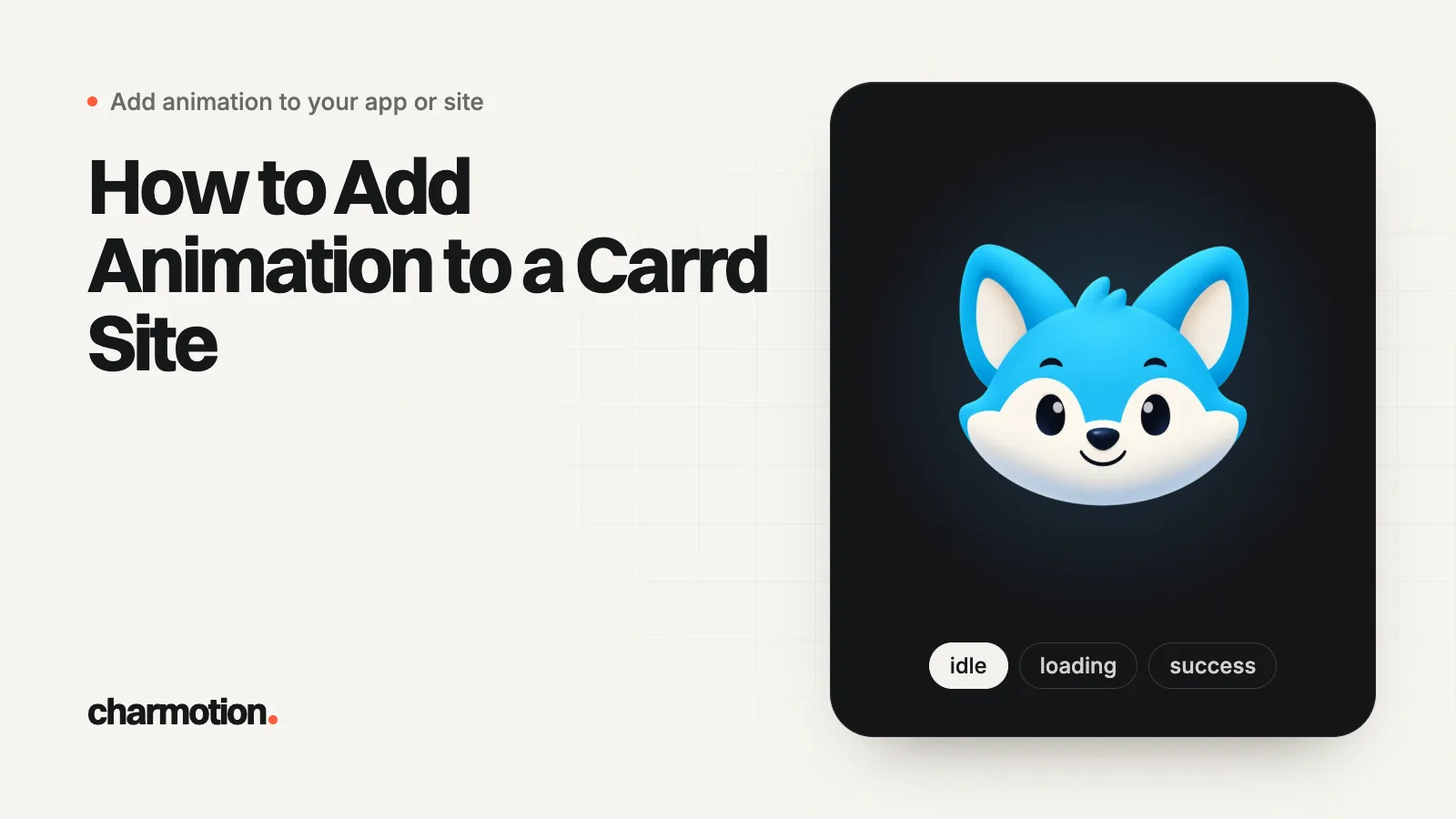
Carrd plays animation three ways: an animated GIF in an Image element, an uploaded H.264 MP4 in a Video element on Pro Lite or higher, and custom code in an Embed element on Pro Standard or higher. A Rive mascot uses an Embed set to Type Code and Style Inline, with the .riv on a CDN that sends CORS headers.
Key takeaways
- Embeds, including script tags, need Pro Standard ($19 a year on carrd.com/pro in October 2026) or higher.
- Pro Lite ($9 a year) adds video uploads but not embeds.
- Uploaded videos must be MP4 encoded in H.264.
- Embeds render nothing in the builder; publish the site to see them.
- Carrd has no general file hosting, so serve the .riv from a CDN with Access-Control-Allow-Origin.
Already have a character or logo? See your character in real app screens: splash, onboarding, loading and empty-state screens. It's free, runs in your browser and uploads nothing.
Which Carrd plan do you need for each kind of animation?
Carrd's plan page and docs split the features like this (prices as listed on carrd.com/pro in October 2026, billed yearly):
| Plan | Animation you can add |
|---|---|
| Basic (free) | Animated GIF in an Image element; videos embedded from YouTube, Vimeo and similar sites (Carrd lists no plan requirement for either). Limited to 50 elements per site. |
| Pro Lite ($9) | Adds video uploads (MP4, H.264), including as the site background; images and GIFs up to 16 MB, videos up to 64 MB |
| Pro Standard ($19) | Adds Embed elements with your own code, including script tags, so Rive and transparent video work |
| Pro Plus ($49) | Same embeds, plus more sites and advanced settings |
Carrd's docs state the Pro Lite and Pro Standard requirements directly; they don't publish the free plan's upload limits, so test a large GIF before you build around it.
How do I add a Rive animation with an Embed element?
- Click Add Element, then Embed.
- Set Type to Code.
- Set Style to Inline, which places the code exactly where the element sits on the page.
- Paste the snippet into Code, with your own .riv URL.
- Publish the site. Carrd says the embed doesn't output anything in the builder.
<div style="width: 100%; max-width: 360px; aspect-ratio: 1; margin: 0 auto">
  <canvas id="mascot" style="width: 100%; height: 100%"
          role="img" aria-label="Animated mascot"></canvas>
</div>
<script src="https://unpkg.com/@rive-app/webgl2@2.47.1"></script>
<script>
  const reduce = matchMedia("(prefers-reduced-motion: reduce)").matches;
  const canvas = document.getElementById("mascot");
  const mascot = new rive.Rive({
    src: "https://YOUR-CDN.example.com/mascot.riv",
    canvas,
    stateMachine: "CharacterViewModelMachine",
    autoplay: !reduce,
    autoBind: true,
    onLoad: () => mascot.resizeDrawingSurfaceToCanvas(),
  });
  // Play the yes reaction when someone clicks the character.
  canvas.addEventListener("click", () => {
    mascot.viewModelInstance?.trigger("yes")?.trigger();
  });
</script>
The wrapper caps the mascot at 360 pixels and keeps it square on phones. Change max-width to suit your layout. If you place several Rive embeds, load the runtime once: put the <script src> line in a separate Embed with Style Hidden and location Head, and keep only the canvas and start-up code inline. Don't use Body End for the runtime: it loads after the inline embeds, so their start-up code would run before rive exists.
Carrd warns that a syntax error in embed code can blank the whole published site. If the page comes up empty after publishing, open the browser console, fix the error, and publish again.
Where do I host the .riv file for Carrd?
Outside Carrd. Uploads in Carrd belong to elements such as Image, Video and Audio, so there's nowhere to upload a .riv and get a link to it. Put the file on a static host and paste its HTTPS URL into src.
The host must allow cross-origin requests, because the runtime fetches the .riv from your Carrd page's domain. GitHub Pages sends access-control-allow-origin: * (checked in October 2026), and object stores such as Cloudflare R2 let you add a CORS policy. Check a URL with:
curl -sI -H "Origin: https://yourname.carrd.co" \
  https://YOUR-CDN.example.com/mascot.riv | grep -i access-control
The runtime itself loads from unpkg in this snippet, along with its WASM file, so you don't host those.
How do I add a looping MP4 or GIF without code?
Video element (Pro Lite and up): upload an MP4 encoded in H.264, then turn on loop playback and turn off player controls so it reads as part of the design. Carrd rejects MP4 files that use other codecs, so re-export from your editor with H.264 if an upload fails.
If a video won't autoplay even with Autoplay checked, Carrd's troubleshooting page names the usual causes: an audio track (mute it, or remove the track entirely), a phone in low-power or data-saver mode, or a browser extension that blocks autoplay. Export animation clips without audio and the first cause disappears.
GIF: add an Image element and upload the GIF. Carrd notes that GIFs made with Ezgif occasionally cause publish failures, so re-export from another tool if publishing fails. Keep GIFs small; they are much larger than an MP4 of the same clip.
Both formats play one fixed loop and can't react to visitors. For a transparent clip over a colored section, use an Embed with a <video> tag and two sources, as in transparent video on a website.
Can the mascot react to clicks or a Carrd form?
Yes, with the Inline embed. Its code runs in the page, so it can listen to the rest of the page. The snippet above already plays the yes reaction when the character is clicked. To celebrate after a form submission, add a listener for the submit event, which bubbles up from every form:
<script>
  // Add below the snippet above: celebrate when any form on the page is submitted.
  document.addEventListener("submit", () => {
    mascot.viewModelInstance?.trigger("success")?.trigger();
  });
</script>
Moods work the same way: set mascot.viewModelInstance.number("mood").value to 5 (loading) while something is pending, or 9 (attention) to draw the eye to a call to action. Publish and test on a phone after each change, since embeds don't run in the builder.
Which files should I export for a Carrd site?
Match the files to the plan: a GIF for Basic, an H.264 MP4 for Pro Lite, and a .riv plus a still poster for Pro Standard and up.
Charmotion makes all of these from one image of your character or logo. Every set covers MP4 at 1080x1080, 9:16 video and GIF, with a solid background. Sets come with the paid plans (from $20 a month), with the .riv with a Character view model (mood 0 to 9 and success, error, yes, no, enter and exit triggers) that the snippets on this page use, plus transparent WebM and HEVC MOV.
Add a Rive mascot to a Carrd site
- Check the plan. Embeds need Pro Standard or higher; Pro Lite only adds video uploads.
- Host the .riv. Upload the file to a static host that sends Access-Control-Allow-Origin, such as GitHub Pages or an R2 bucket with a CORS policy.
- Add an Embed. Click Add Element, then Embed, and set Type to Code and Style to Inline.
- Paste the snippet. Paste the canvas, the pinned Rive web runtime and the start-up script with your .riv URL.
- Publish and test. Publish the site, since embeds render nothing in the builder, then test clicks, forms and a phone.
Frequently asked questions
Why is my Carrd embed blank in the editor?
That is expected. Carrd says the Embed element doesn't output anything in the builder, so you must publish the site to see it. If it is also blank on the published site, check the browser console for a script error or a blocked .riv request.
Can I upload a .riv file to Carrd?
No. Carrd's uploads belong to elements such as Image, Video and Audio, so there is no field for a .riv. Host it on GitHub Pages, an object store with a CORS policy, or another CDN, and paste the HTTPS URL into the embed.
Does Carrd support Lottie?
Not as a built-in element. Like Rive, Lottie needs a player script, which means an Embed element on Pro Standard or higher. On lower plans, convert the animation to an H.264 MP4 or a GIF.
Quick answers from this guide
Sources
- Embedding custom code, Carrd Docs
- Pro plans, Carrd Docs
- Carrd Pro, Carrd
- Adding videos, Carrd Docs
- Troubleshooting, Carrd Docs
- Cross-Origin Resource Sharing (CORS), MDN Web Docs
- Configure CORS, Cloudflare R2 docs
- Web (JS) runtime, Rive
- Web runtime: Data binding, Rive