Animated Splash Screen in Expo and React Native
By the Charmotion team · Updated
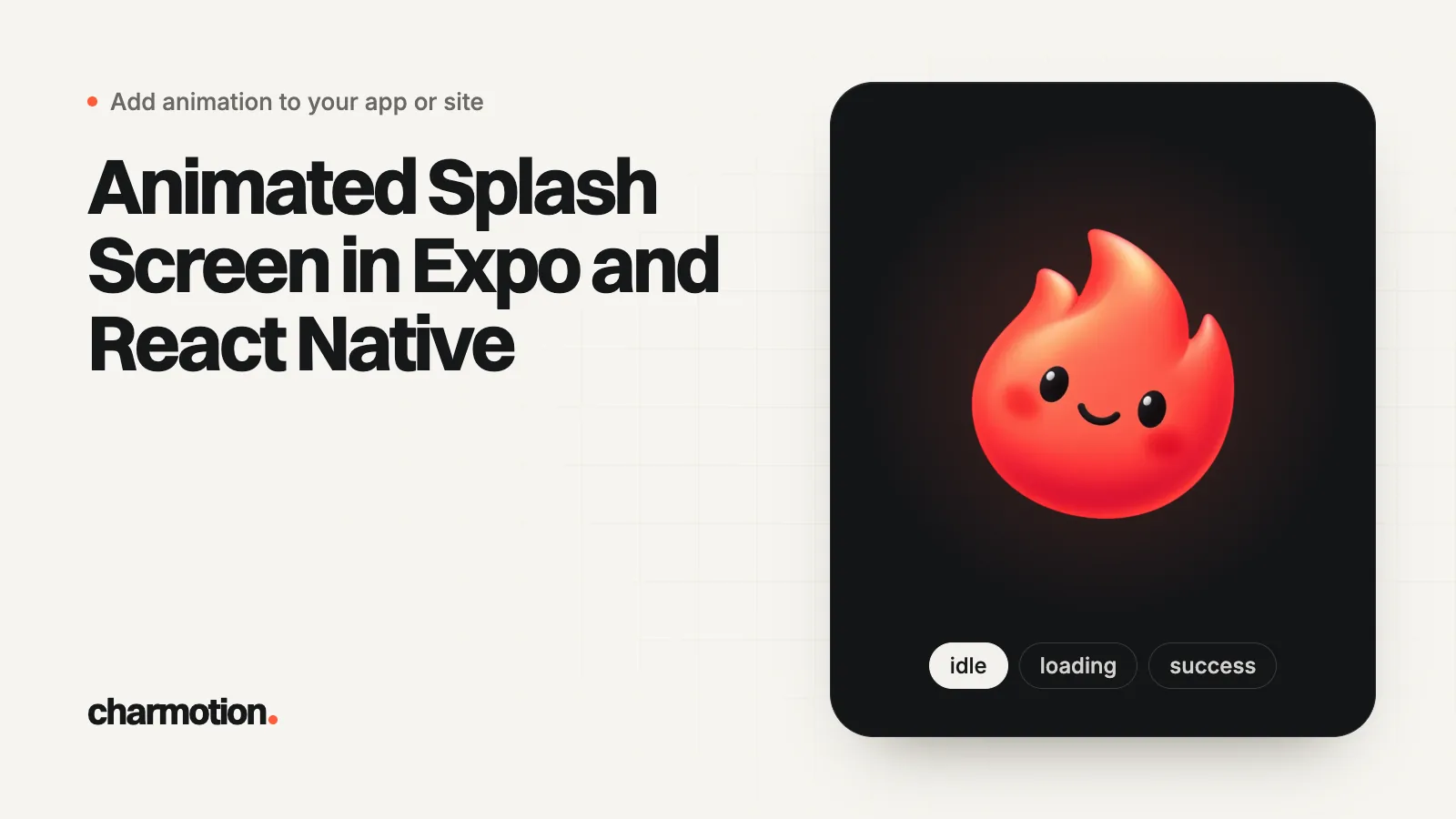
In Expo, keep the native splash screen static, call SplashScreen.preventAutoHideAsync() at startup, render your intro on the same background color, and call hideAsync() once the intro is ready to draw. The intro can be a Rive file, a video or Lottie. Rive needs a development build rather than Expo Go, and Expo recommends checking the splash in a release build.
Key takeaways
- The Expo splash is configured at build time (color, image, width, dark mode) and only has a built-in fade.
- Call
preventAutoHideAsync()in global scope, then hide when your intro's first frame is ready. - Use one hex color for the splash
backgroundColor, the root view and the intro screen. - Rive and other native animation libraries need a development build; Expo Go shows your icon instead of the splash.
- A Charmotion launch file fires no end event: wait 2.6 s, then move on.
Already have a character or logo? See your character in real app screens: splash, onboarding, loading and empty-state screens. It's free, runs in your browser and uploads nothing.
Can the Expo splash screen itself be animated?
No. The native splash is defined through the expo-splash-screen config plugin with a backgroundColor, an image, an imageWidth, a resizeMode and a dark variant, and those settings are compiled into the binary (Expo). Underneath, it is the iOS launch screen and the Android splash screen, with the same limits.
{
  "expo": {
    "backgroundColor": "#0E1116",
    "plugins": [
      ["expo-splash-screen", {
        "backgroundColor": "#0E1116",
        "image": "./assets/icon-rest.png",
        "imageWidth": 160,
        "dark": { "backgroundColor": "#0E1116", "image": "./assets/icon-rest.png" }
      }]
    ]
  }
}
The only motion Expo provides is an exit fade: SplashScreen.setOptions({ duration, fade }), where fade is iOS-only and the default duration is 400 ms. Anything more, such as your icon popping in, has to be a React component that you render right after the splash, which is what Expo's own animated splash examples do (Expo Blog).
How do preventAutoHideAsync and hideAsync work?
preventAutoHideAsync() keeps the native splash visible until you call hideAsync() (or hide()). Expo's docs say to call it in global scope without awaiting, so it runs before your first render. Then hide it at the moment your intro can draw its first frame, not earlier and not after an arbitrary delay.
// app/_layout.tsx (Expo Router)
import * as SplashScreen from "expo-splash-screen";
import { useState } from "react";
import { Stack } from "expo-router";
import { LaunchIntro } from "../components/LaunchIntro";

SplashScreen.preventAutoHideAsync();
SplashScreen.setOptions({ duration: 200, fade: true });

export default function RootLayout() {
  const [showApp, setShowApp] = useState(false);
  if (!showApp) return <LaunchIntro onDone={() => setShowApp(true)} />;
  return <Stack />;
}
Here showApp is your own React state, not an event from the animation file. The intro component decides when to hide the splash and when to call onDone.
How do you avoid the white flash between the splash and the intro?
A white flash means something with a different color drew between the native splash and your intro. Remove every gap:
- One hex everywhere. Use the same value for the splash plugin's
backgroundColor, the app's rootbackgroundColorand the intro container. Expo's app config describes the root color as the background "behind any of your React views", and notes it needsexpo-system-uion iOS (Expo). - Dark mode too. Set the
darksplash options and pick the intro background from the same color scheme. - Hide late enough. Call
hideAsync()after the animation file has loaded, not on mount. If you hide first, you briefly see an empty React tree. - Same position. Render the intro's icon at the splash
imageWidth, centered, so the handoff has no jump.
Evan Bacon's video splash example applies the same rule with black: black app, splash and iOS splash backgrounds, the native splash held until the video is loaded, then the video plays and the splash hides (GitHub).
Should the intro be Rive, video or Lottie?
| Option | Good for | Watch out for |
|---|---|---|
Rive (@rive-app/react-native) | A small vector file whose intro hands off to an interactive mascot (loading, success, error) | Native module: development build required; Rive's Expo guide lists SDK 53+ and iOS 15.1+ |
Video (expo-video) | Detailed, 3D or raster intros; full-screen reveals | Heavier file; no interaction. Simplest with an opaque clip whose background matches the splash color |
Lottie (lottie-react-native) | A linear vector animation a designer already exported | Plays start to end; switching to other states means swapping files or segments |
If the same character should keep living in the app after launch, Rive saves you a second asset. If the intro is a one-off cinematic, video is the least code. Either way the handoff pattern does not change. See Lottie vs Rive vs video for a splash screen for the full comparison and Rive in Expo for the development build setup.
How do you play a Rive launch intro in Expo?
This component holds the native splash until the file has loaded, plays the launch state machine, respects Reduce Motion, and calls onDone after the intro's length. It uses Rive's current React Native runtime (Rive) and React Native's AccessibilityInfo (React Native).
import { useEffect, useState } from "react";
import { AccessibilityInfo, Image, View } from "react-native";
import * as SplashScreen from "expo-splash-screen";
import { RiveView, useRiveFile } from "@rive-app/react-native";

const BG = "#0E1116";      // same hex as the splash backgroundColor
const INTRO_MS = 2600;     // LaunchStateMachine fires no end event

export function LaunchIntro({ onDone }: { onDone: () => void }) {
  const { riveFile } = useRiveFile(require("../assets/launch.riv"));
  const [reduce, setReduce] = useState<boolean | null>(null);

  useEffect(() => {
    AccessibilityInfo.isReduceMotionEnabled().then(setReduce);
    // Safety net: never trap the user if the file fails to load.
    const t = setTimeout(() => { SplashScreen.hideAsync(); onDone(); }, 4000);
    return () => clearTimeout(t);
  }, []);

  useEffect(() => {
    if (reduce === null) return;
    if (reduce) { SplashScreen.hideAsync(); onDone(); return; }
    if (!riveFile) return;
    SplashScreen.hideAsync();
    const t = setTimeout(onDone, INTRO_MS);
    return () => clearTimeout(t);
  }, [reduce, riveFile]);

  return (
    <View style={{ flex: 1, backgroundColor: BG, alignItems: "center", justifyContent: "center" }}>
      {riveFile && !reduce ? (
        <RiveView file={riveFile} stateMachineName="LaunchStateMachine"
          autoPlay={true} style={{ width: 160, height: 160 }} />
      ) : (
        <Image source={require("../assets/icon-rest.png")} style={{ width: 160, height: 160 }} />
      )}
    </View>
  );
}
Register riv as an asset extension in metro.config.js so require works, as described in Rive in Expo. For a video intro, swap the Rive view for an expo-video player (Expo) and hide the splash once the player is ready to play.
A Charmotion set includes this launch file: LaunchStateMachine plays a 2.6-second intro of your icon or mascot once and settles on the resting pose. Charmotion exports Rive and video, not Lottie.
Why doesn't my splash look right in Expo Go or a dev build?
Because neither is the real thing. Expo's docs say Expo Go shows your app icon instead of the splash screen, and that development builds don't fully match the config plugin settings either, so they recommend testing the splash on a release build.
- Expo Go: no custom splash, and no Rive, because Rive's package contains native code (Expo).
- Development build: good for building the intro component; not a faithful splash preview.
- Release or preview build: the only place to judge the color match and the handoff timing. Test a cold start, light and dark mode, and Reduce Motion on.
After changing splash settings in app.json, rebuild the native app (npx expo prebuild --clean for local builds); the splash is baked into the binary and does not update over a JavaScript reload.
How to add an animated splash screen in Expo
- Configure a static splash. Set
backgroundColor,image,imageWidthanddarkin theexpo-splash-screenplugin, and the same rootbackgroundColor. - Hold the splash. Call
SplashScreen.preventAutoHideAsync()in global scope in your root layout. - Render the intro. Show an intro component on the same background with the icon at the splash size, using Rive,
expo-videoor Lottie. - Hide and wait. Call
hideAsync()once the intro can draw, then continue after its length (2.6 s for a Charmotion launch file), with a safety timeout. - Test a release build. Check cold start, dark mode and Reduce Motion in a release or preview build, not Expo Go.
Frequently asked questions
Can I use a GIF as the Expo splash image?
The splash image is shown by the native launch screen, which displays a still image. Use a static PNG for the splash and play any animation, including a GIF, video or Rive file, in the first React screen on the same background color.
Does preventAutoHideAsync work in Expo Go?
The function exists, but Expo Go shows your app icon instead of your configured splash, so you cannot judge the handoff there. Use a release build to check how your splash and intro look together.
How do I know when a Rive launch intro has finished in React Native?
If the file fires its own event, listen for it. A Charmotion LaunchStateMachine fires none: it plays its 2.6-second intro once and settles on the resting pose, so start a 2,600 ms timer when the file has loaded and continue when it ends.
Sources
- SplashScreen (expo-splash-screen), Expo
- app.json / app.config.js reference (backgroundColor), Expo
- How to add an animated splash screen with Expo Custom Assets, Expo Blog
- expo-splash-video-example, Evan Bacon on GitHub
- Introduction to development builds, Expo
- Adding Rive to Expo, Rive
- React Native runtime, Rive
- AccessibilityInfo, React Native
- Video (expo-video), Expo