How to Add a Rive Mascot to a Lovable App
By the Charmotion team · Updated
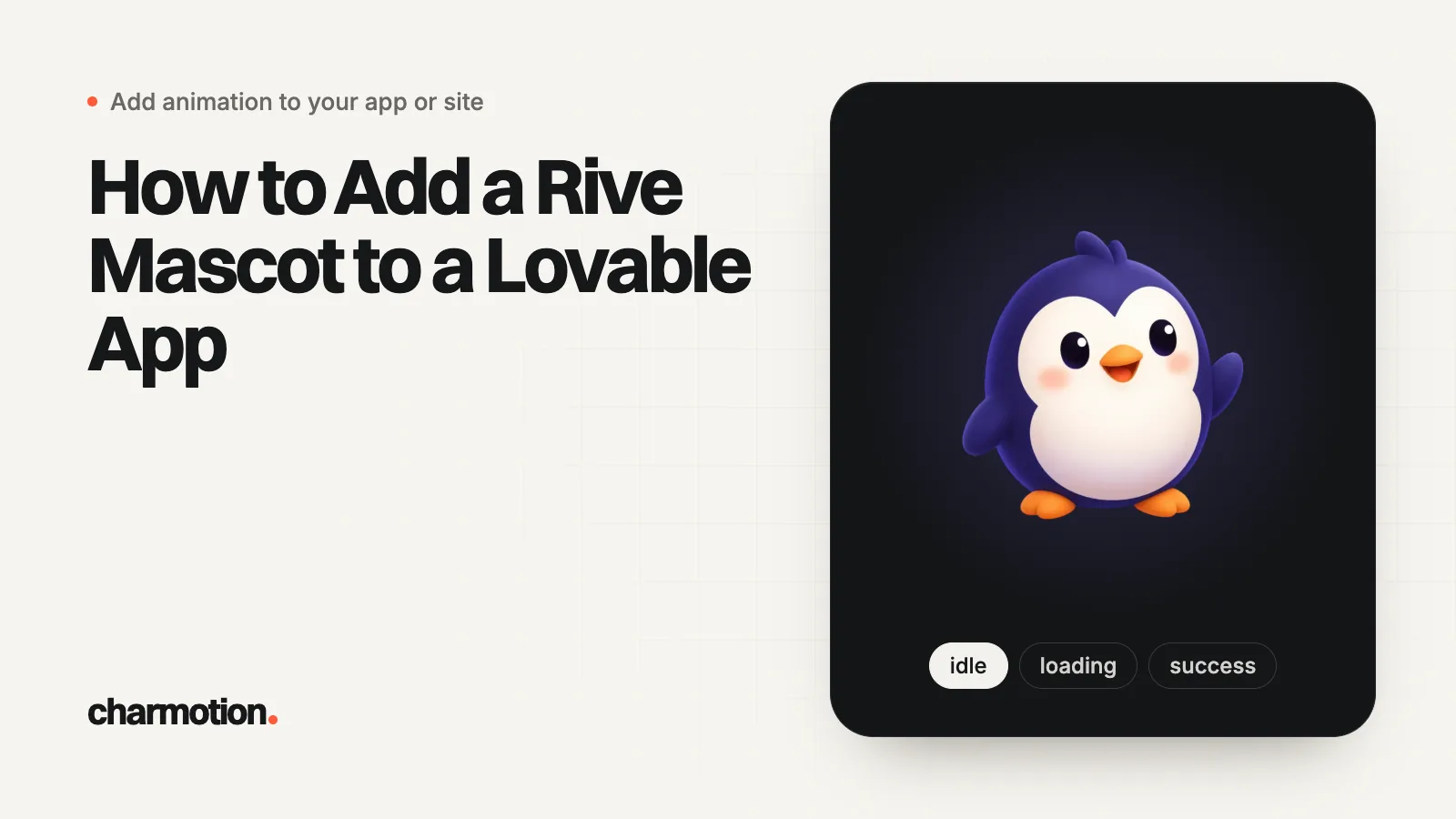
Ask Lovable in chat to install @rive-app/react-webgl2, then add the .riv to the project's public/ folder through GitHub sync, or host it on a CDN and give Lovable the URL. Ask for one fixed-size mascot component that renders only in the browser and takes a mood prop, then have your app set it on loading, success and error.
Key takeaways
- Lovable installs npm packages when you name them in chat; there is no terminal step.
- Files pushed to public/ on the synced GitHub branch appear in Lovable and are served from the site root.
- New Lovable projects use TanStack Start, which renders on the server, so the mascot must render client-only.
- Give Lovable the exact state machine, view model and property names in the prompt.
- Map app events to moods in one place, so every screen uses the same character states.
Already have a character or logo? See your character in real app screens: splash, onboarding, loading and empty-state screens. It's free, runs in your browser and uploads nothing.
Can Lovable install the Rive runtime?
Yes. Lovable's docs say to name the package in the project chat, or describe the feature, and Lovable installs and integrates it; you don't run a terminal or edit package.json. It installs packages with Bun.
Install @rive-app/react-webgl2 and pin the exact version.Rive publishes three React packages with the same API. @rive-app/react-webgl2 is the one Rive's React guide installs and supports every feature. Choose @rive-app/react-canvas if a page will show many animations at once, since browsers limit WebGL contexts per page.
Lovable notes that it can't vouch for third-party packages, so check what it installed: the Rive packages are published by Rive under the @rive-app scope. If you later run the project outside Lovable, install with Bun so the versions stay in sync with bun.lock.
How do I get the .riv file into the project?
The .riv must be served as a static file the browser can fetch. Lovable's docs describe three ways to add media, and one more storage option:
| Route | How | Watch out for |
|---|---|---|
| GitHub sync (most reliable) | Commit public/mascot.riv and push to the branch Lovable syncs | Only the active branch syncs back into Lovable |
| Hosted URL | Upload the .riv to a CDN and paste the URL in chat | The host must send Access-Control-Allow-Origin |
| Chat attachment | Attach the file and ask Lovable to save it as public/mascot.riv | Lovable documents attachments for images and documents; check the file landed in code |
| Lovable Storage bucket | Upload to a public bucket and use Copy URL | Public buckets are blocked until a workspace owner or admin allows them |
With GitHub sync, Lovable says pushes to the active branch, usually main, sync back into the project. Files in public/ are served from the root, so the component loads /mascot.riv, not /public/mascot.riv.
Size is rarely a problem for a .riv, but Lovable can't save files over 10 MB into a project, and GitHub rejects files over 100 MB.
What prompt adds the mascot component?
Generic requests like "add an animated mascot" lead to guessed names and a hand-rolled CSS animation. Give Lovable the file's facts. This prompt assumes a file with a Character view model; rename the properties to match yours:
Add an animated mascot component.

- Install @rive-app/react-webgl2 (pin the exact version you install).
- The file is /mascot.riv (in public/). State machine: "CharacterViewModelMachine".
  Use useRive with autoplay: true and autoBind: true.
- View model "Character": number "mood" (0 idle, 1 happy, 2 wave, 3 thinking,
  4 sad, 5 loading, 6 listening, 7 talking, 8 sleeping, 9 attention) and triggers
  "success", "error", "yes", "no", "enter", "exit".
- Create components/Mascot.tsx with props mood: number and celebrateKey: number.
  Set mood with useViewModelInstanceNumber("mood", rive?.viewModelInstance) in a
  useEffect; fire useViewModelInstanceTrigger("success", ...) when celebrateKey
  increases.
- Wrap RiveComponent in a div with a fixed 240 x 240 px size (no layout shift).
- If prefers-reduced-motion is reduce, render /mascot-poster.webp instead.
- Render it only in the browser (client-only), never during server rendering.
- Do not add Lottie or any other animation library.
The last two rules matter most. Without a fixed-size wrapper, the canvas sizes itself to a parent with no height and shows nothing. Without client-only rendering, a new Lovable project can fail during server rendering (next section).
For a splash screen or loading intro instead of a mascot, use the prompts in AI prompts for an animated splash or loading mascot; they cover Lovable along with Cursor, Claude Code, Bolt and v0.
How do I connect the mood to app events?
Decide the mapping once and keep it in one place, such as a small context or store, so every page agrees on what the character does:
| App event | Mascot |
|---|---|
| Data loading, a request pending | mood 5 (loading) |
| Save or payment succeeded | fire success, then mood 1 (happy) |
| Request failed, form invalid | fire error, then mood 4 (sad) |
| Empty list or no results | mood 8 (sleeping) |
| New feature or unread item | mood 9 (attention) |
Then ask Lovable to wire it:
Create a MascotContext with setMood(n) and celebrate().
Show the Mascot in the dashboard header.
- While any data query is loading: mood 5.
- When a save succeeds: celebrate() and mood 1.
- When a save fails or validation fails: mood 4.
- When the project list is empty: mood 8.
Do not change any other behavior.
The final line keeps the change contained. Check the result in the code view: the mood should be set in effects or event handlers, never during render.
Why is the mascot blank or crashing in a new Lovable project?
Lovable made TanStack Start the default for new projects on May 13, 2026. TanStack Start renders each page to HTML on the server first, and Lovable's own docs warn that some browser-only libraries can break server rendering. Rive draws with a canvas and WebAssembly in the browser, so render the mascot client-only. TanStack Router's ClientOnly component does that, with a fallback while the client loads:
import { ClientOnly } from "@tanstack/react-router";

<ClientOnly fallback={<img src="/mascot-poster.webp" alt="" width={240} height={240} />}>
  <Mascot mood={mood} celebrateKey={cheer} />
</ClientOnly>
Projects created earlier on Lovable's React and Vite template render in the browser only and don't need the wrapper. If the mascot is still blank, check in this order:
- The network tab shows
/mascot.rivloading with status 200, not 404. - The state machine name matches the file exactly, including case.
- The wrapper has an explicit width and height.
- The browser console shows no CORS error for a hosted .riv.
Where can I get a mascot file with these states?
You can build the states in the Rive editor yourself or hire an animator; either way, ask for a mood number and named triggers, since that is what the prompts above expect.
Charmotion generates the set from one image of your character or logo: 17 animations as one .riv with CharacterViewModelMachine and the Character view model used on this page, a classic CharacterStateMachine with a mood input, and a LaunchStateMachine intro, plus MP4, GIF, transparent WebM and MOV, and React code. The .riv and transparent WebM and MOV are on every paid plan (from $20 a month), along with MP4, GIF and the 9:16 launch video on a solid background.
Add a Rive mascot to a Lovable app
- Install the runtime. Ask in chat: install @rive-app/react-webgl2 and pin the exact version.
- Add the .riv. Push public/mascot.riv to the synced GitHub branch, or host it on a CDN with CORS and give Lovable the URL.
- Prompt the component. Paste a prompt with the state machine, view model and property names, a fixed-size wrapper, reduced motion and client-only rendering.
- Wrap for server rendering. In TanStack Start projects, render the mascot inside ClientOnly with a poster fallback.
- Map events to moods. Ask for a MascotContext and map loading, success, error and empty states to moods and triggers.
- Verify. Check the .riv loads with status 200, the names match, and nothing is set during render.
Frequently asked questions
Why does Lovable say it can't find mascot.riv?
Usually the path. Files in public/ are served from the site root, so the component should load /mascot.riv. Also confirm the file reached the project: if you pushed it to GitHub, it must be on the branch Lovable currently syncs, or it won't appear.
Can I use a Lottie file in Lovable instead?
Yes, by asking Lovable to install a Lottie player such as @lottiefiles/dotlottie-react. A Lottie file plays one sequence, though, so a mascot with moods and reactions needs one file per state and code to swap them. A single Rive file with a state machine avoids that.
Will the Rive mascot slow down my Lovable app?
It adds the Rive runtime, a WASM module of several hundred kilobytes compressed, plus the .riv. Load it only on pages that show the mascot, render a small still poster first, and skip the canvas entirely when the visitor prefers reduced motion.
Quick answers from this guide
Sources
- Use npm packages, Lovable Docs
- Using images, Lovable Docs
- Sync your Lovable project with GitHub, Lovable Docs
- Upgrade a project to TanStack Start, Lovable Docs
- Storage, Lovable Docs
- ClientOnly component, TanStack Router
- React runtime, Rive
- React runtime: Data binding, Rive
- Runtime sizes, Rive