How to Animate a Mascot Without After Effects
By the Charmotion team · Updated
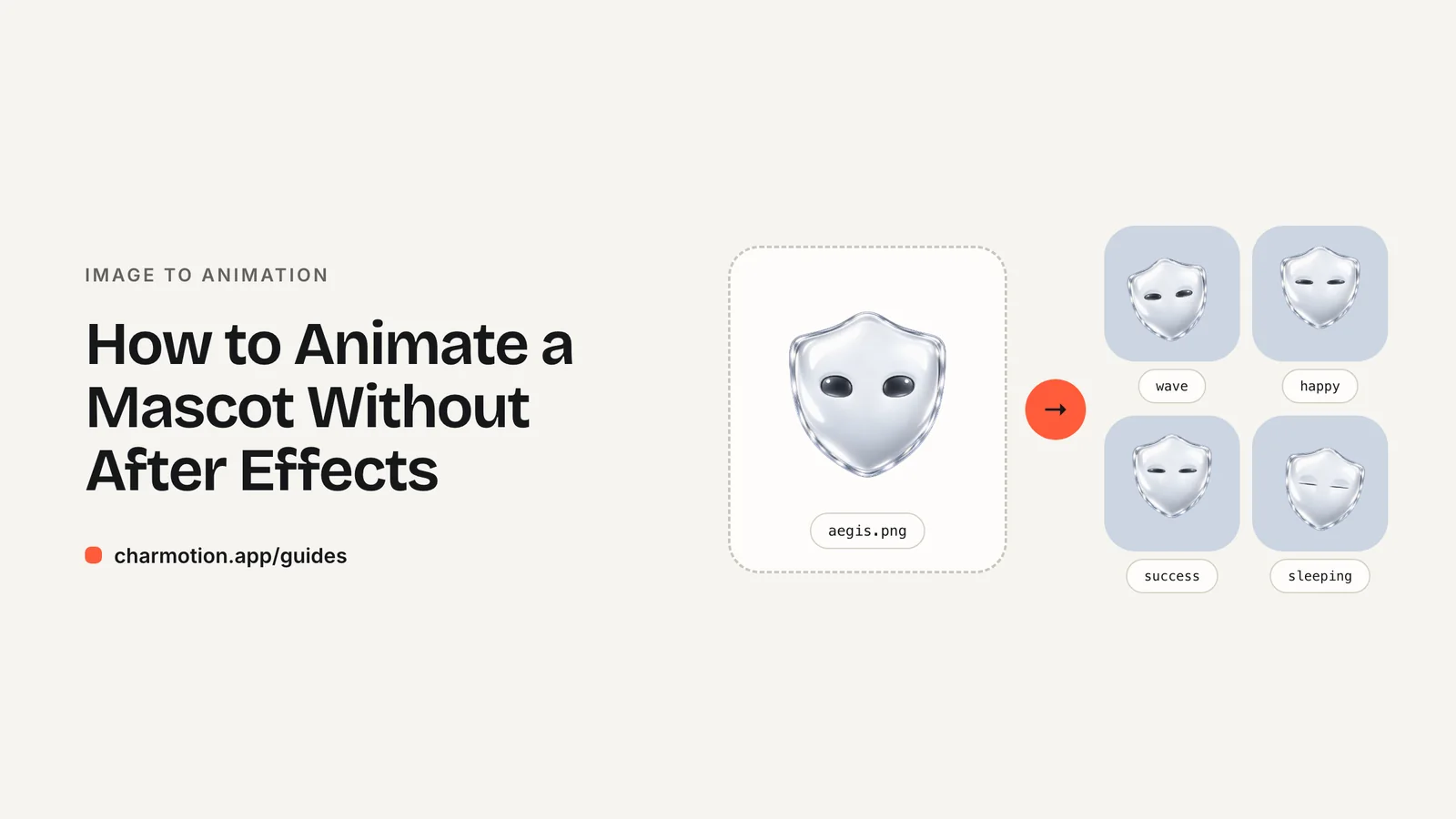
You can animate a mascot without After Effects by building it in the Rive editor, in LottieFiles' browser-based Lottie Creator, with CSS or SVG for simple motion, or by generating a ready-made animation set from one image. Pick by output: Rive for interactive app states, Lottie for designed loops, CSS for small UI touches.
Key takeaways
- After Effects is a video and motion-design tool; for interactive app mascots it is not the shortest path.
- Rive builds interactive characters with bones, meshes and state machines and runs on web, iOS, Android and Flutter.
- Lottie Creator runs in the browser and states "No After Effects required"; it imports SVG and exports Lottie.
- If you have the artwork but not the animation time, a generator can produce the whole state set from one image.
Already have a character or logo? Preview your own character animated in a phone splash, a website hero and an empty state — free, in your browser, nothing uploaded.
Why skip After Effects for a mascot?
After Effects is excellent for video, but an app mascot has different needs: it has to switch between states when something happens in the product, stay small, and look sharp at any size. With After Effects you would export each state separately (as video or as Lottie through the Bodymovin plugin) and write the switching logic yourself. It is also a subscription product on its own plan; see Adobe's plans page for current pricing.
The alternatives below either include that switching logic or skip the manual animation work entirely.
What are the alternatives?
| Option | Runs in | Best for | Effort |
|---|---|---|---|
| Rive editor | Browser and desktop app | Interactive mascots with states your code controls | Learn bones, meshes, state machines |
| Lottie Creator | Browser | Designed loops and icons, Lottie output | Timeline animation, SVG import |
| CSS / SVG | Your code | Small bobs, blinks and fades | Low for simple motion, high for character acting |
| Generate from one image | A service | A full, consistent set of states fast | Upload and pick formats |
For a deeper look at the two main file formats, see Rive vs Lottie.
How do I animate a mascot in Rive?
Import the artwork (SVG becomes editable vectors; PNG, JPEG and WebP stay bitmaps you can deform with meshes), build a bone skeleton, bind the parts to it and keyframe one timeline per state. Then connect the timelines in a state machine so your app can say "be happy" or "play success once". The PNG to Rive guide walks through each step.
When are Lottie Creator or CSS enough?
Lottie Creator suits mascots that mostly loop: a waving character on a landing page, an animated icon, a celebratory burst. It runs in the browser, accepts pasted or dropped SVG, and exports Lottie. It now has state machines too, though app support is narrower than Rive's.
CSS or SVG animation is enough when "animation" means a gentle bob or a blink on a static illustration. It needs no library at all. Anything with real acting (arms waving, expressions changing) quickly becomes impractical by hand in CSS.
Whatever you choose, respect prefers-reduced-motion and give the mascot a still pose for users who ask for less motion.
Can I skip the animating altogether?
Yes, if you already have the character. Charmotion takes one image of your mascot and produces 17 animations (idle, happy, wave, thinking, loading, success, error and more) as a Rive file with a ready state machine, MP4, transparent WebM and MOV, GIF and paste-ready React and SwiftUI code, usually within one to two hours. No After Effects or Rive skills are needed, and you can preview your mascot in real layouts first, free.
It is the right fit for flat, front-facing mascots. If your character needs bespoke acting (a story scene or lip-sync to a script), hire an animator.
Frequently asked questions
Is Rive easier than After Effects?
For interactive app characters, usually: states and transitions are built in and the same file runs on web and mobile. For linear video and compositing, After Effects is still the stronger tool.
Can I make Lottie animations without After Effects?
Yes. LottieFiles' Lottie Creator is browser based and states that no After Effects is required. It imports SVG and exports Lottie animations.
What is the cheapest way to animate a mascot?
If you have time, free tiers of Rive or Lottie Creator plus your own effort. If you have the artwork but not the time, a generator such as Charmotion starts at $4.99 a month for MP4 and GIF; Rive files are in the $29 Studio plan.
Quick answers from this guide
Sources
- After Effects plans and pricing — Adobe
- Lottie Creator — LottieFiles
- State machines are finally in Lottie Creator — LottieFiles
- LottieFiles or Rive? — LottieFiles
- Importing assets — Rive
- Bones — Rive
- State Machine — Rive
- prefers-reduced-motion — MDN Web Docs