Healthcare Chatbot Avatars: Empathy Without Cute
By the Charmotion team · Updated
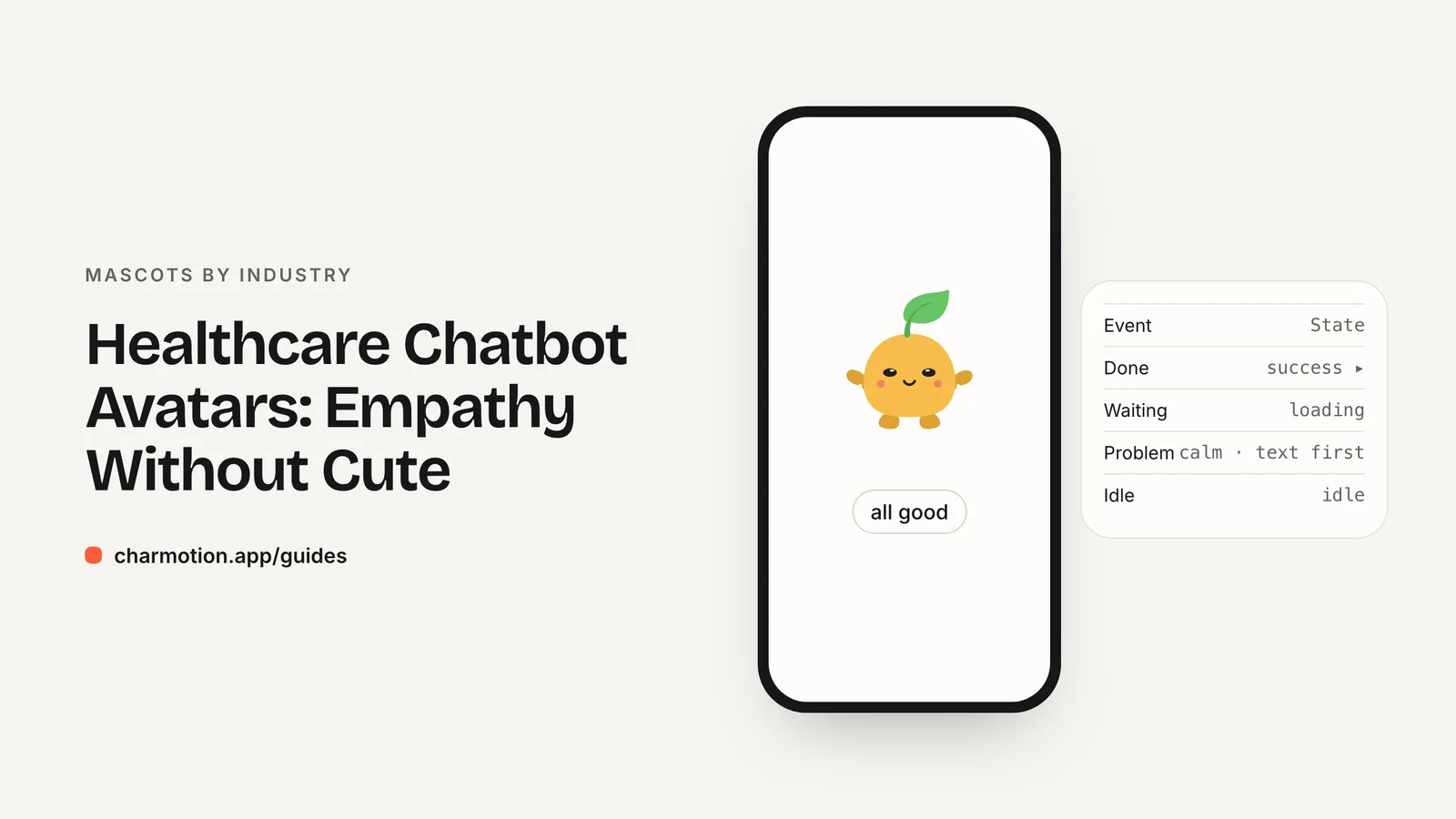
A healthcare chatbot avatar should be calm and attentive, not cute. Use listening, thinking and talking states so users see that the assistant is responding, and drop playful motion entirely around urgent advice, bad news and disclaimers. A 2025 study found human-like avatars raised trust only through perceived empathy, so restraint matters more than personality.
Key takeaways
- A 2025 experiment (n=160) found avatar human-likeness improved UX only indirectly, through perceived empathy and trust.
- Surveyed users rated humor the least wanted chatbot trait, and preferred it absent in serious contexts.
- Map the conversation to listening, thinking and talking; reserve attention for urgent messages, with text first.
- Keep disclaimers and urgent advice free of mascot motion, and never let the avatar imply a diagnosis.
Already have a character or logo? Preview your own character animated in a phone splash, a website hero and an empty state — free, in your browser, nothing uploaded.
Do avatars make health chatbots more trusted?
Possibly, but indirectly. In a 2025 experiment with 160 participants published in Frontiers in Computer Science, more human-like chatbot avatars raised perceived empathy, and through empathy and trust, improved user experience. The direct effects of human-likeness on experience were not significant (Frontiers).
That nuance is useful for design. An avatar does not earn trust by existing; it earns trust when its behavior reads as attentive. A character that visibly listens while the user types, pauses while the answer is prepared and speaks only while text is appearing signals that the system is paying attention.
The flip side is that the same avatar can damage trust if its behavior does not fit the moment. Bouncing while a user describes pain, or smiling broadly while delivering a recommendation to seek urgent care, breaks the empathy the character is supposed to signal.
For the general mechanics of assistant states, see AI assistant avatar animation. This guide covers what changes when the topic is health.
Should a health assistant use humor or playful motion?
No. In a survey of chatbot personality preferences, users rated humor lowest of all traits and preferred it absent in serious contexts that require focused interaction; gaming and story writing were the exceptions (arXiv preprint). Health questions are about as serious as everyday software gets.
NN/g's guidance on error messages points the same way: avoid humor, because it becomes stale when users see the message often, and do not blame the user (NN/g). A health app's "We couldn't process that" message may be seen by someone anxious, in pain or in a hurry.
What that means for animation:
- Prefer slow, small movements: breathing, blinking, a slight head tilt.
- Avoid celebratory reactions in the conversation. There is rarely anything to celebrate in a symptom description.
- Skip the sad state. Mirroring the user's distress with a sad face can feel performative.
- Keep a neutral expression as the default, not a broad smile.
A friendly tone in text is still fine. Calm and warm is the target; cheerful is not.
Which states fit a health assistant conversation?
A health conversation follows the same rhythm as any assistant chat, with stricter rules at the edges:
| Event | State | Loop or one-shot | Notes |
|---|---|---|---|
| Chat opened | idle (0) | Loop | No wave dance; a still, attentive pose |
| User typing or speaking | listening (6) | Loop | Subtle motion only |
| Preparing a reply | thinking (3) | Loop | Pair with a text status for longer waits |
| Reply appearing or read aloud | talking (7) | Loop | Stop when the text or audio stops |
| Form or log saved | yes | One-shot | A quiet confirmation, not a celebration |
| Urgent message (for example, seek care now) | Static, or attention (9) | Loop | No bounce; the text appears first and stands alone |
| Disclaimer or terms | No motion | — | Hide or freeze the avatar |
| Session ended | idle (0) | Loop | Avoid exit flourishes |
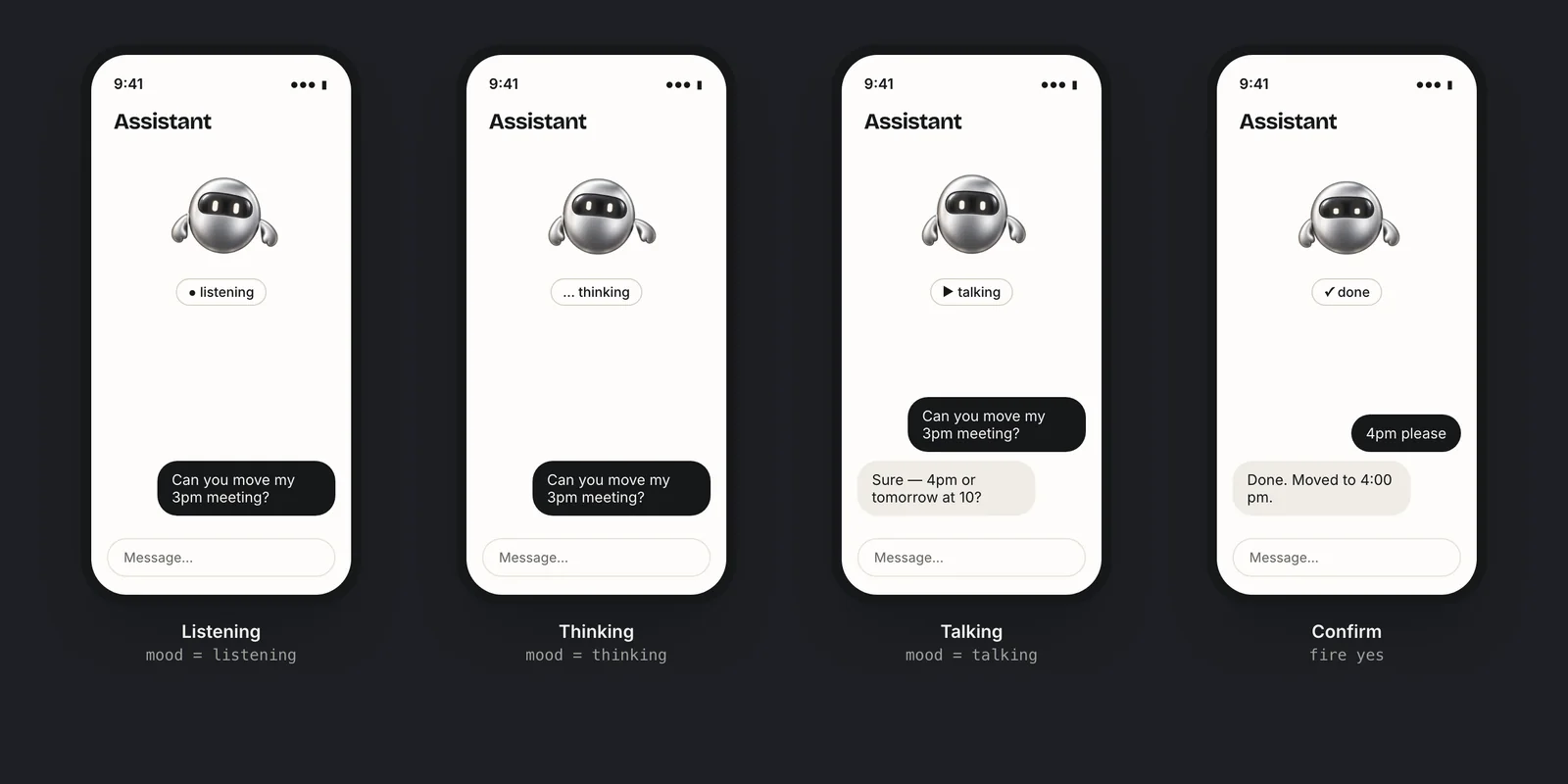
States to leave out of a health product: sad (4), happy (1) during conversations, and success on anything related to symptoms or results.
When should a health assistant not animate?
There are moments where any motion competes with information the user must absorb. Freeze or hide the avatar when:
- The reply contains urgent advice. A message telling the user to contact emergency services or a clinician should appear as plain, prominent text with no animated character pulling the eye.
- The reply delivers bad or uncertain news. Results, risk scores or "we can't help with this" messages are not the place for expression.
- A disclaimer is shown. Users need to read what the tool is and is not.
- The user is entering sensitive details. Medication lists, mental-health questions and similar inputs deserve a quiet screen.
- Reduced motion is on. Always show a static pose.
A simple implementation rule: when a message is tagged as urgent or as a disclaimer in your content model, the avatar component switches to a static pose automatically. That keeps the decision out of individual screens and away from anyone's judgment in the moment.
How do I keep disclaimers neutral and readable?
The avatar's job near a disclaimer is to get out of the way. A few rules keep disclaimers effective:
- Do not put disclaimers in the avatar's mouth. A speech bubble or talking animation makes a legal statement look like chat. Show it as regular interface text.
- No motion next to the text. Freeze the character or hide it while the disclaimer is on screen.
- Do not let the avatar imply expertise. Lab coats, stethoscopes and doctor-like framing suggest clinical authority. Unless a licensed professional is behind the conversation, keep the character neutral.
- Avoid outcome expressions. A happy reaction after a symptom summary can read as "you're fine," which is a claim the interface should not make.
Content and regulatory requirements for health tools vary by product and market. Involve your clinical and compliance reviewers in deciding where the avatar may appear, not only in reviewing the copy. This guide covers interface design only.
What accessibility rules apply to a health avatar?
Health apps have a broad audience, including older users and people with conditions that motion can aggravate. The standard rules apply strictly:
- WCAG 2.2.2: moving content that starts automatically, lasts more than five seconds and runs alongside other content needs a pause, stop or hide control (W3C). A listening loop beside a chat thread qualifies.
- Reduced motion: honor
prefers-reduced-motionand native equivalents with a static pose (MDN). - Text status: "Listening," "Preparing a reply" and similar states should also exist as text or accessible labels, so screen reader users get the same feedback.
- Decorative role: mark the avatar as decorative for assistive technology unless it conveys information not available elsewhere.
Charmotion's set includes listening, thinking and talking loops alongside idle and attention, in one .riv with a mood number, plus transparent WebM and MOV for web chat widgets. Rivet, a robot from Charmotion's demo set, or a softer character like Pip, illustrates the calm end of that range. See accessible animation for implementation.
How to set up calm avatar states for a health chatbot
- Map the conversation. Assign idle to an open chat, listening while the user types or speaks, thinking while a reply is prepared, and talking only while the reply appears.
- Tag serious messages. Mark urgent advice, bad news and disclaimers in your content model so the interface can recognize them.
- Freeze on tagged messages. Make the avatar component switch to a static neutral pose whenever a tagged message is on screen.
- Remove playful states. Leave sad, happy and success reactions out of symptom and result conversations entirely.
- Add text and motion controls. Expose each state as text for screen readers, honor reduced motion, and give long loops a pause control.
Frequently asked questions
Should a healthcare chatbot have an avatar?
It can help if the avatar stays calm. A 2025 study of 160 participants found more human-like avatars raised perceived empathy, which improved trust and experience. Use listening, thinking and talking states, and drop playful motion around urgent advice, bad news and disclaimers.
Should a medical chatbot avatar smile?
A soft, neutral expression is safer than a broad smile. Smiling or happy reactions after a symptom summary can read as reassurance the tool should not give. Keep expressions calm throughout the conversation and avoid celebratory reactions on anything related to symptoms, results or risk.
What should the avatar do during urgent advice?
Stop moving. Show the urgent message as prominent plain text first, and either freeze the avatar in a neutral pose or use a calm attention loop with no bouncing. The user's attention belongs on the advice and the action, not on the character.
Quick answers from this guide
Sources
- Anthropomorphism, empathy and trust in chatbot avatars (Ma et al., 2025) — Frontiers in Computer Science
- User preferences for chatbot personality traits (arXiv:2410.20468) — arXiv
- Error-Message Guidelines — Nielsen Norman Group
- Understanding SC 2.2.2: Pause, Stop, Hide — W3C WAI
- prefers-reduced-motion — MDN Web Docs