WhatsApp Animated Stickers: Specs and Conversion
By the Charmotion team · Updated
WhatsApp animated stickers must be WebP files of exactly 512×512 pixels and 500 KB or less. Each frame must last at least 8 ms and the animation at most 10 seconds. A pack holds 3 to 30 stickers, never mixes static and animated, and needs a static 96×96 tray icon of 50 KB or less.
Key takeaways
- Animated stickers: animated WebP, exactly 512×512 px, 500 KB or less, frames of at least 8 ms, 10 seconds or less.
- Static stickers have a lower limit of 100 KB.
- A pack needs 3–30 stickers and cannot mix static and animated ones.
- The tray icon is a static 96×96 image of at most 50 KB.
- WhatsApp ends the animation on the first frame, so the first frame must read on its own.
Already have a character or logo? Preview your own character animated in a phone splash, a website hero and an empty state — free, in your browser, nothing uploaded.
What size and file limit does WhatsApp require for animated stickers?
The requirements live in the README of WhatsApp's official sticker sample apps on GitHub. For animated packs:
| Item | Requirement |
|---|---|
| Format | Animated WebP |
| Dimensions | Exactly 512×512 px |
| File size | 500 KB or less per animated sticker (100 KB or less per static sticker) |
| Frame duration | At least 8 ms per frame |
| Total duration | 10 seconds or less |
| Frame rate | Not specified (only the 8 ms minimum frame duration) |
| Stickers per pack | 3 to 30 |
| Mixing | Static or animated, never both |
| Tray icon | Static, 96×96 px, 50 KB maximum |
The README quotes are direct: "Stickers must be exactly 512 x 512 pixels" and "Each animated sticker must be less than or equal to 500KB." The 8 ms rule effectively caps the frame rate at 125 fps, far above anything a sticker needs; 15 fps (about 67 ms per frame) is plenty for a character.
The README is written for developers building a sticker app from WhatsApp's open-source sample, which is the official way to distribute a custom pack, and the sample checks these rules when the pack is added.
Why does WhatsApp say my sticker is too large?
Either the file is over 500 KB or it is not exactly 512×512. Both are hard limits. Work through this size ladder and re-check after each step:
- Lower the frame rate. Drop from 15 fps to 12 fps.
- Lower the quality. Step
-qualityfrom 60 to 50, then 45. - Shorten the clip. Ten seconds is the maximum, not a target. Two to four seconds is typical for a reaction.
- Pad instead of upscaling details. A character that fills the full 512×512 frame has more detailed pixels to encode; a little transparent padding costs almost nothing.
Check dimensions too. A file that is 512×510 because of an odd aspect ratio fails just as surely as an oversized one, which is why the command below pads to exactly 512×512.
Also confirm the pack is consistent: one static sticker in an animated pack, or fewer than three stickers, will stop it from being added even if every file is within size.
How do I convert a transparent video to animated WebP?
ffmpeg's libwebp_anim encoder writes animated WebP with alpha. This command was run on ffmpeg 7.1.1 against a 1080×1080 transparent WebM; the output was a 512×512 animated WebP with alpha and an infinite loop, confirmed with webpinfo:
ffmpeg -c:v libvpx-vp9 -i character.webm -vf "fps=15,scale=512:512:force_original_aspect_ratio=decrease,pad=512:512:-1:-1:color=0x00000000" -c:v libwebp_anim -lossless 0 -quality 60 -loop 0 -an sticker.webp-c:v libvpx-vp9before-imakes ffmpeg read the WebM's alpha channel; the default decoder drops it.pad=512:512:-1:-1:color=0x00000000centers the frame on a fully transparent 512×512 canvas.-lossless 0 -quality 60uses lossy mode. FFmpeg's documentation states "Alpha is supported for either mode"; quality ranges from 0 to 100 (default 75).-loop 0loops forever. Thelibwebp_animdefault is 1, so leave it out and the sticker plays once.
If you prefer libwebp's own tools, img2webp builds an animated WebP from a PNG sequence. It defaults to an infinite loop and lossless mode; add -lossy -q 60 and set the per-frame duration in milliseconds with -d.
From a GIF, drop the leading -c:v libvpx-vp9. The result will keep the GIF's hard, one-bit edges.
Why does my sticker stop on the first frame?
That is how WhatsApp plays animated stickers. The README says: "the first frame should say it all - WhatsApp ends the animation on the first frame after looping." When playback stops, people see frame one.
So the first frame must be a complete, readable pose. Common mistakes:
- A loop that starts mid-blink, so the resting sticker has closed eyes.
- An entrance animation that starts on an empty or partly drawn frame.
- A reaction that starts in anticipation (squashed down) instead of on the key pose.
Fix it by starting the clip on the neutral pose, or on the most expressive frame of the reaction. With ffmpeg, -ss before the input picks the start time. For a seamless loop, the last frame should flow back into that first pose.
How many stickers does a pack need, and can I mix static and animated?
A pack needs at least 3 and at most 30 stickers, and "Sticker packs must contain either static or animated stickers, never a mix of both." If you want a still version of your character, make it a separate static pack with 512×512 WebP files of 100 KB or less.
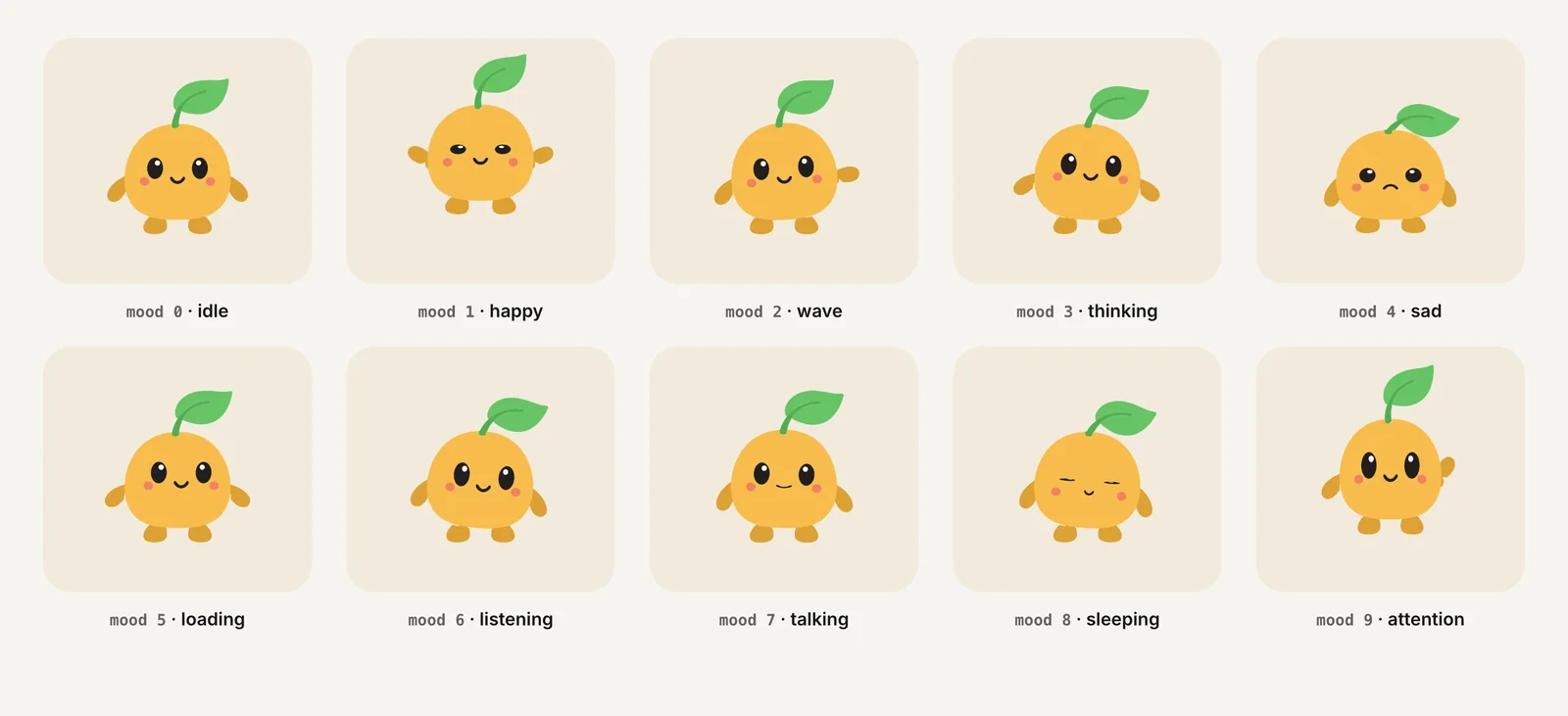
A practical animated pack for a mascot uses 8 to 15 stickers that each answer a common chat moment: hello, thanks, yes, no, laughing, thinking, celebrating, sleepy, sorry. Give each one a distinct silhouette so they are easy to tell apart in the sticker tray, where they appear small.
Keep the whole pack consistent: same scale of character inside the 512 px frame, same padding, same frame rate. Mismatched scale is the first thing users notice when stickers sit side by side in the picker.
What is the tray icon and what size is it?
The tray icon is the small image that represents your pack in WhatsApp's sticker picker. The README says "This image should be static and 96 x 96 pixels," with a maximum file size of 50 KB. In the sample apps it is a PNG.
Use a frame from your best sticker, usually the character's face or full body in its neutral pose, scaled to 96×96 with transparency:
ffmpeg -c:v libvpx-vp9 -i character.webm -frames:v 1 -vf "scale=96:96" tray.pngKeep it simple: at 96 px, a clear outline matters more than detail. Check the file size afterward with ls -l tray.png; a 96×96 PNG of a single character is normally far below the 50 KB limit, but a noisy or textured frame can surprise you.
The icon must be static even in an animated pack. Use the same frame you chose as the first frame of the hero sticker, so the tray icon and the resting sticker match.
How do I start from a Charmotion character animation?
Charmotion generates 17 animations from one uploaded character, mascot or logo in about 1–2 hours, including transparent WebM (VP9 alpha) and MOV (HEVC alpha) at 1080×1080, MP4, a 480 px GIF and a .riv file. It does not output WhatsApp packs; convert each transparent WebM (Studio plan, $29/month) with the command above. Its looping moods and one-shot reactions give you more than the 3-sticker minimum from a single set.
Before converting, check each clip's first frame, since that is what WhatsApp leaves on screen. If a clip starts mid-motion, shift the start with -ss to the neutral pose. The 1080×1080 source scales down cleanly to 512×512, and the clips are short enough to stay well within WhatsApp's 10-second cap.
How to make a WhatsApp animated sticker pack from transparent video
- Choose 3–30 clips. Pick distinct reactions; keep each to a few seconds and no more than 10.
- Set the first frame. Start each clip on a complete, readable pose, because WhatsApp ends on frame one.
- Convert to animated WebP. Run ffmpeg with
-c:v libvpx-vp9before-i, scale and pad to 512×512, then-c:v libwebp_anim -lossless 0 -quality 60 -loop 0. - Check size. Make sure each file is 500 KB or less; lower fps or quality if not.
- Make the tray icon. Export one static 96×96 PNG of 50 KB or less.
- Package the pack. Add the files to a sticker app based on WhatsApp's official sample and test adding it on a device.
Frequently asked questions
Can I use a GIF as a WhatsApp animated sticker?
Not directly. WhatsApp's sticker packs use WebP files, so convert the GIF to animated WebP at exactly 512×512 and 500 KB or less. Expect jagged edges, because GIF transparency is on or off per pixel. A transparent WebM or other alpha video source gives smoother outlines.
What frame rate should a WhatsApp sticker use?
WhatsApp's README sets no frame-rate limit, only a minimum frame duration of 8 ms. In practice 12–15 fps keeps character motion smooth while leaving room under the 500 KB cap. Higher frame rates mostly add file size without making a small sticker look noticeably better.
Why won't my animated sticker loop?
The WebP was probably written with a loop count of 1. ffmpeg's libwebp_anim encoder defaults to -loop 1, which plays once. Re-encode with -loop 0 for an infinite loop. Remember that WhatsApp still ends on the first frame when playback stops.
Is the 500 KB limit the same for static stickers?
No. Static stickers have a stricter limit of 100 KB each, while animated stickers can be up to 500 KB. Both must be exactly 512×512 pixels, and a single pack can contain only one of the two types, never a mix of static and animated stickers.
Quick answers from this guide
Sources
- WhatsApp stickers: Android README (sticker and pack requirements) — WhatsApp on GitHub
- FFmpeg codecs documentation (libwebp, libvpx) — FFmpeg
- ffmpeg loses WebM alpha with the default VP9 decoder — VideoHelp Forum