Rive in Compose Multiplatform and Ionic/Capacitor
By the Charmotion team · Updated
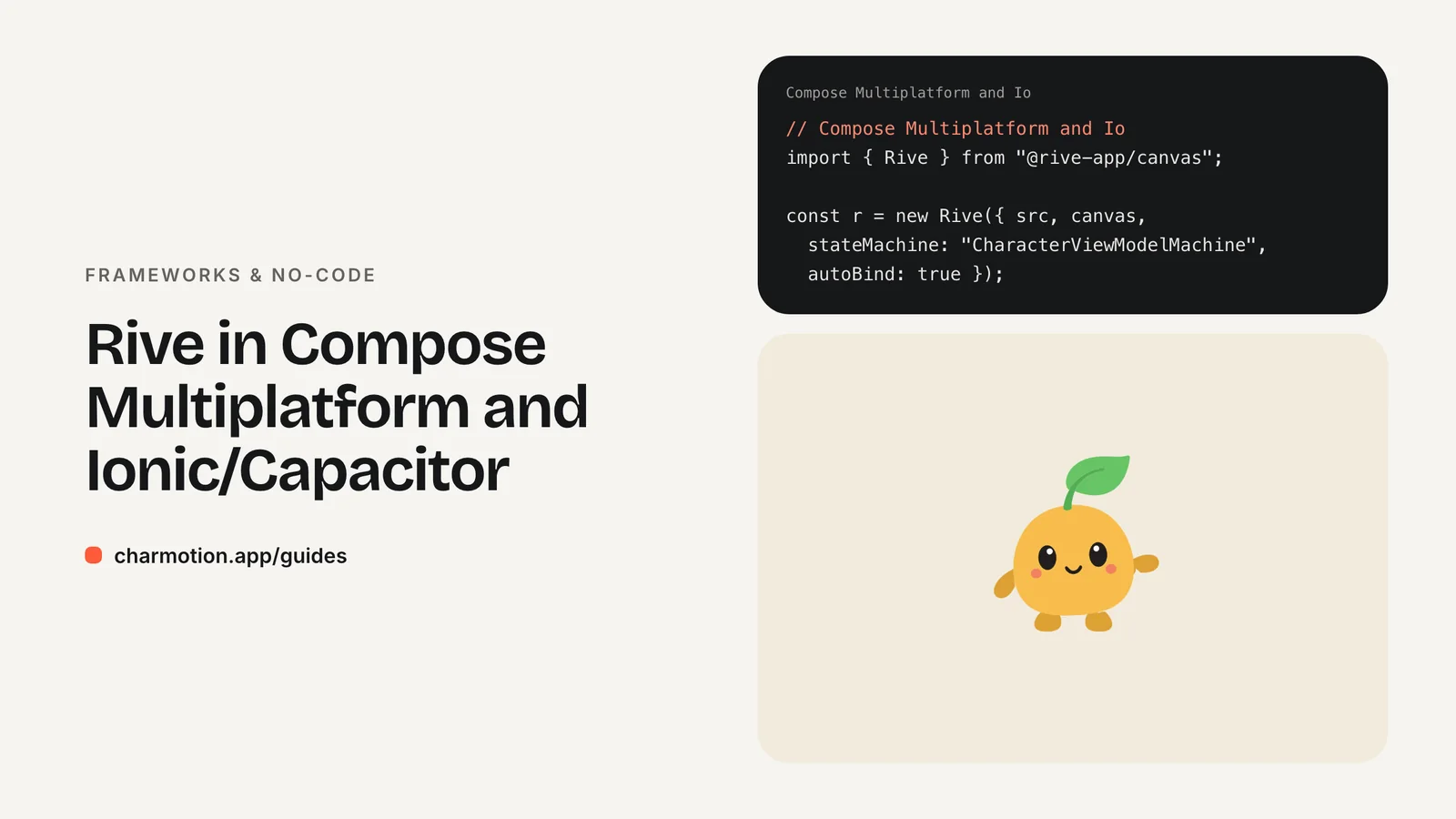
Rive has no official Compose Multiplatform runtime; the community RiveCMP wrapper, listed in Rive's docs, wraps rive-android, rive-ios and the web runtime and is labeled experimental. Ionic and Capacitor apps render web code, so they use Rive's official web runtime @rive-app/canvas directly. Bundle rive.wasm with RuntimeLoader.setWasmUrl() so the app works offline.
Key takeaways
- RiveCMP is community-maintained and experimental; Rive doesn't own it.
- On iOS, RiveCMP can't render transparent backgrounds, according to its README.
- Capacitor apps run the standard web runtime inside the native WebView.
- By default the web runtime fetches rive.wasm from unpkg; bundle it for offline launches.
- When a platform wrapper is too risky, transparent video plays everywhere.
Is there official Rive support for Compose Multiplatform?
No. Rive maintains official runtimes for Android (including Jetpack Compose), Apple platforms and the web, but nothing that targets Compose Multiplatform directly. Rive's docs list RiveCMP among the community runtimes, alongside Angular, C# and Qt, and say it is not a Rive owned or maintained project.
That leaves three options for a Kotlin Multiplatform app:
| Option | Maintainer | Platforms | Trade-off |
|---|---|---|---|
| RiveCMP | Community | Android, iOS, web | One Compose API; experimental |
Official runtimes behind expect/actual | Rive | Each platform | More glue code; fully supported |
| Video exports | None needed | All | No state machine |
The second option is worth considering for production apps. Declare an expect composable such as Mascot(mood: Int) in common code, implement it with the official Android runtime on Android, and wrap the Apple runtime's view in UIKitView on iOS. You write a little more code, but every rendering path is maintained by Rive.
What is RiveCMP and how stable is it?
RiveCMP, published on GitHub as muazkadan/Rive-CMP, gives Compose Multiplatform a single API on top of three official runtimes: rive-android on Android, rive-ios on iOS and @rive-app/canvas on the web. Rive's docs describe it as a Compose Multiplatform wrapper library and link to it.
Its README calls the project experimental. In practice that means:
- APIs can change between releases, so pin the version and read release notes before upgrading.
- Not every feature of the underlying runtimes may be exposed. Check whether the version you use supports state machine inputs and data binding before you build around them.
- It depends on one maintainer keeping pace with Rive's runtime updates on three platforms.
For prototypes, internal tools or apps that already accept some risk in their Kotlin Multiplatform stack, it's a fast way to get a character on screen everywhere. Follow the README for the current Gradle coordinates and composable names rather than copying snippets from older posts.
What iOS limitations should I expect with RiveCMP?
The main documented one is transparency. On iOS, RiveCMP hosts the native Rive view inside Compose through UIKitView, and its README notes that this can't render transparent backgrounds. A mascot that floats over your screen's background on Android may sit in a solid box on iOS.
Ways to handle it:
- Place the character on a solid surface, such as a card, whose color matches the view's background.
- Design the artboard with its own background shape so the box looks intentional.
- Use the
expect/actualapproach on iOS with the official Apple runtime, and test transparency in your own setup.
Interop views also behave differently from pure Compose content: they draw in a separate layer, so overlapping Compose elements, clipping and animations of the container can look different from Android. Test on a real iPhone, not only the simulator, and check scrolling lists where several mascots appear.
How do I use Rive in an Ionic or Capacitor app?
Use the web runtime exactly as you would on a website. Capacitor runs your web app inside the platform WebView, so @rive-app/canvas works without any native plugin, whether your Ionic app uses Angular, React or Vue.
import { Rive } from "@rive-app/canvas";

const r = new Rive({
  src: "/assets/character.riv",
  canvas: document.getElementById("mascot"),
  stateMachine: "CharacterViewModelMachine",
  autoplay: true,
  autoBind: true,
  onLoad: () => {
    r.resizeDrawingSurfaceToCanvas();
    r.viewModelInstance.number("mood").value = 0;    // idle
  },
});

// later, from app events
r.viewModelInstance.number("mood").value = 5;        // loading
r.viewModelInstance.trigger("success").trigger();    // one-shot

// when the page or component is destroyed
r.cleanup();
Create the instance in your framework's mount hook (ngAfterViewInit, useEffect or onMounted) and call cleanup() when the page is destroyed. Ionic keeps pages alive in its navigation stack, so pause off-screen mascots with r.pause() when a page leaves view and r.play() when it returns. The Angular and Vue guides show complete components.
Should I self-host rive.wasm for offline Capacitor apps?
Yes. Rive's docs explain that the web runtime downloads rive.wasm from unpkg by default. In a browser that's usually fine; in a mobile app it means the mascot fails on first launch without a connection, and an app review on a restricted network may see an empty space. Bundle the file and point the runtime at it before creating any instance:
import { RuntimeLoader } from "@rive-app/canvas";
import riveWasmUrl from "@rive-app/canvas/rive.wasm?url";

// Run once, before the first new Rive(...)
RuntimeLoader.setWasmUrl(riveWasmUrl);
With a Vite-based Ionic project, the ?url import copies the wasm into your build, and npx cap sync ships it inside the app. With other bundlers, copy the file from node_modules/@rive-app/canvas/rive.wasm into your assets during the build. Rive's docs require the wasm version to match the installed @rive-app package version, so always copy it from the installed package, never from a download.
Bundle the .riv as well. Charmotion's files are a good size for this: one .riv carries all 17 animations generated from your character or logo, with a Character view model (a mood number from 0 to 9 and six triggers) and legacy CharacterStateMachine inputs, alongside a web index.html example that runs as-is in a Capacitor WebView.
When is a video export the safer cross-platform choice?
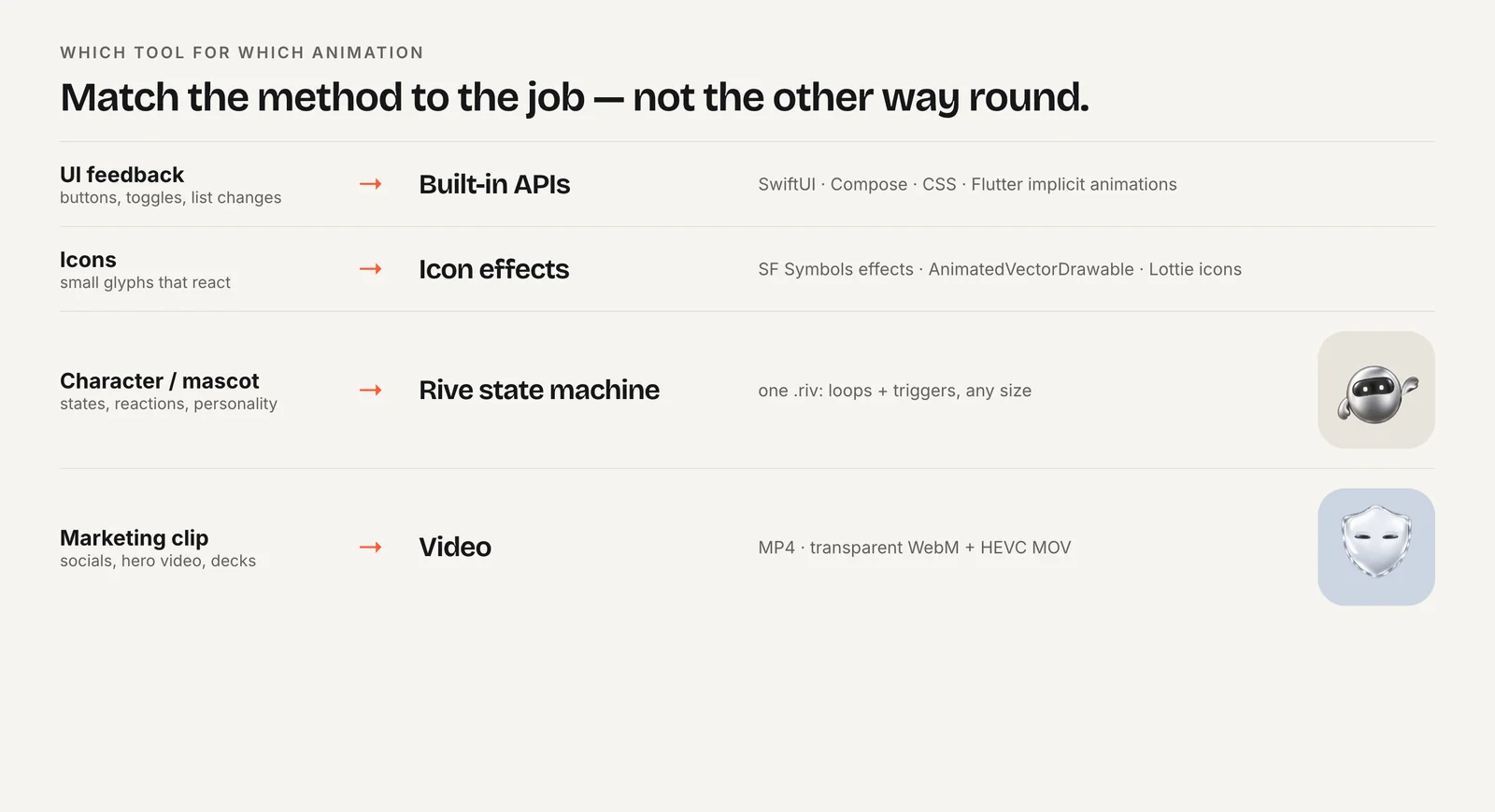
When the animation doesn't need to react, or when no runtime path is solid on one of your platforms. Video plays natively everywhere Compose Multiplatform and Capacitor run, with no wrapper to maintain.
- Splash and onboarding loops that always play the same way.
- Marketing screens where file size matters less than fidelity.
- Platforms where your Rive path is experimental, as a fallback behind a feature flag.
The trade-off is flexibility: every state is another file, and switching between them means swapping sources and accepting a visible cut. Transparent video also needs two encodes (HEVC with alpha for Apple platforms, VP9 WebM elsewhere). The format comparison covers sizes and support in detail.
A common hybrid is video for the first release on every platform, then Rive on the platforms where your runtime path proves stable.

How to run Rive offline in a Capacitor app
- Install the runtime. Run
npm install @rive-app/canvasin the Ionic or Capacitor project. - Bundle the wasm. Import
@rive-app/canvas/rive.wasm?urland pass it toRuntimeLoader.setWasmUrl()before creating instances. - Bundle the .riv. Put the file in your app assets so it ships with the build.
- Create the instance. Use
stateMachine: "CharacterViewModelMachine"andautoBind: truein the page's mount hook. - Drive and pause. Set the mood and fire triggers from app events; pause when the page leaves view.
- Sync and test offline. Run
npx cap syncand launch the app in airplane mode.
Frequently asked questions
Can I use the Rive Android Compose API in Compose Multiplatform?
Only in your Android source set. Rive's Android runtime, including its Compose support, depends on Android libraries, so common code can't call it. Use it in the Android actual implementation of an expect composable, and use the Apple runtime in the iOS implementation, or adopt the RiveCMP wrapper.
Does Rive perform well in a Capacitor WebView?
Modern iOS and Android WebViews run WebAssembly and canvas rendering well, so a mascot or two performs like it does in mobile Safari or Chrome. Use @rive-app/canvas when a screen shows many animations, and pause instances on pages that are kept in Ionic's navigation stack but not visible.
Is there a Capacitor plugin for native Rive rendering?
Rive doesn't publish one, and its docs don't list a community Capacitor runtime. The web runtime inside the WebView is the supported path. If you need fully native rendering on a screen, that part of the app is better served by a native view using Rive's official iOS or Android runtime.
Quick answers from this guide
Sources
- Community runtimes: RiveCMP — Rive
- Rive-CMP — GitHub
- Web (JS) runtime — Rive
- Preloading WASM — Rive
- Web runtime: Data binding — Rive
- Capacitor documentation — Capacitor