Rive in Astro: Islands, client:visible and Lazy WASM
By the Charmotion team · Updated
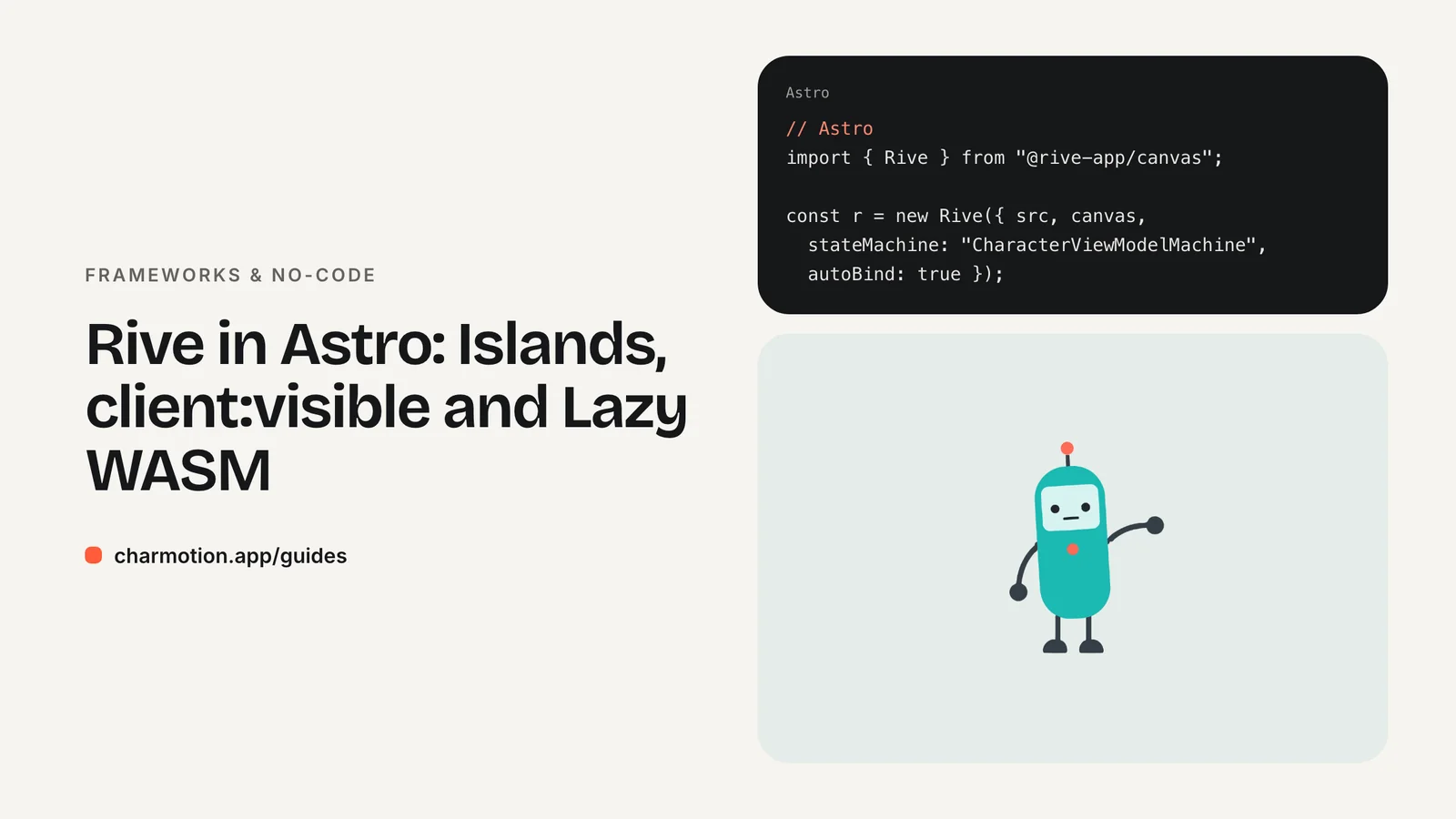
You don't need React to use Rive in Astro. Add a canvas and a <script> that imports the official web runtime @rive-app/canvas, or hydrate an existing React, Vue or Svelte mascot component as an island with client:visible. Both keep Rive's WASM off the critical path, and both drive the character with the same view model calls.
Key takeaways
- Astro has no Rive integration; the web runtime works in a plain
<script>. - Astro bundles and processes
<script>tags, soimportfrom npm works. client:visiblehydrates an island when it enters the viewport;client:onlyskips server rendering.- Use an
IntersectionObserverin plain scripts to start below-the-fold mascots lazily. - Show a poster image until the canvas is ready, and respect
prefers-reduced-motion.
Do I need React to use Rive in Astro?
No. Astro ships zero JavaScript by default and has no Rive integration, but it doesn't need one. Rive's web runtime (@rive-app/canvas or @rive-app/webgl2) is plain JavaScript that draws into a canvas. You can run it from an Astro <script> tag with no UI framework at all.
Choose the route by what you already have:
| Situation | Approach |
|---|---|
| Content site, no UI framework | Canvas plus a <script> in the .astro file |
You already have a React mascot using @rive-app/react-canvas | Render it as an island with client:visible |
| Vue or Svelte component | Same island approach with that framework's integration |
The plain script is the lightest option: no framework runtime ships at all, only Rive's JavaScript and its WASM. An island makes sense when the mascot shares state with other interactive components. The React guide, Vue guide and Svelte guide cover those components.
How do I add Rive with a plain script in an .astro file?
Install the runtime with npm install @rive-app/canvas and put the file in public/. Astro processes <script> tags by default: it bundles imports, outputs a module and includes it once per page, even if the component appears several times.
---
// src/components/Mascot.astro
---
<canvas class="mascot" width="320" height="320"
        role="img" aria-label="Animated mascot"></canvas>

<script>
  import { Rive } from "@rive-app/canvas";

  for (const canvas of document.querySelectorAll("canvas.mascot")) {
    const io = new IntersectionObserver(([entry]) => {
      if (!entry.isIntersecting) return;
      io.disconnect();
      const r = new Rive({
        src: "/character.riv",
        canvas,
        stateMachine: "CharacterViewModelMachine",
        autoplay: true,
        autoBind: true,
        onLoad: () => {
          r.resizeDrawingSurfaceToCanvas();
          r.viewModelInstance.number("mood").value = 2; // wave
        },
      });
      canvas.addEventListener("click", () =>
        r.viewModelInstance.trigger("success").trigger());
    });
    io.observe(canvas);
  }
</script>
Because the script runs once per page, it loops over every mascot canvas instead of assuming a single element. The observer delays both the runtime start and the .riv download until the character scrolls into view.
If you use Astro's view transitions (the <ClientRouter /> component), scripts don't re-run on client-side navigation. Wrap the setup in a listener for the astro:page-load event, and call r.cleanup() before the page is swapped.
When should I use client:visible vs client:only?
Astro's directives control when a framework component hydrates. For a mascot island, three matter:
| Directive | When it hydrates | Use for |
|---|---|---|
client:load | Immediately on page load | A hero mascot visible above the fold |
client:visible | When the component enters the viewport | Mascots further down the page |
client:only="react" | Client only; no server-rendered HTML | Components that touch window during import or render |
---
import Mascot from "../components/Mascot.jsx";
---
<Mascot client:visible mood={0} />
Astro's docs note that client:visible uses an IntersectionObserver internally, so it gives you the lazy start from the previous section without writing it yourself. It also accepts a rootMargin option to begin hydrating a little before the component scrolls into view.
Reach for client:only only when server rendering breaks, because it removes the server HTML entirely and the space stays empty until JavaScript runs. A well-written Rive component creates the instance in an effect or mount hook, so it renders fine on the server and works with client:visible.
How do I load the .riv and rive.wasm without hurting LCP?
The web runtime downloads rive.wasm from unpkg when the first instance is created. On a hero mascot that request, plus the JavaScript and the .riv, competes with your largest contentful paint. Three habits keep it in check:
- Don't let the canvas be the LCP element. Render a static poster image with explicit dimensions in the same spot. The headline or poster becomes the LCP candidate, and the animation replaces the poster when ready.
- Self-host and preload only above the fold. Rive's docs show
RuntimeLoader.setWasmUrl()for serving your own copy, which must match the installed package version. For a hero character, add<link rel="preload">for the .riv so it loads in parallel. - Lazy-start everything else. Below the fold, use
client:visibleor the observer pattern so nothing downloads until needed.
import { RuntimeLoader } from "@rive-app/canvas";
import riveWasmUrl from "@rive-app/canvas/rive.wasm?url";

// Run once, before the first new Rive(...)
RuntimeLoader.setWasmUrl(riveWasmUrl);
Astro uses Vite, so the ?url import copies the wasm into your build output with a hashed name. Rive recommends @rive-app/canvas when a page shows many animations, since it isn't limited by the browser's WebGL context cap.
How do I show a static poster before the animation loads?
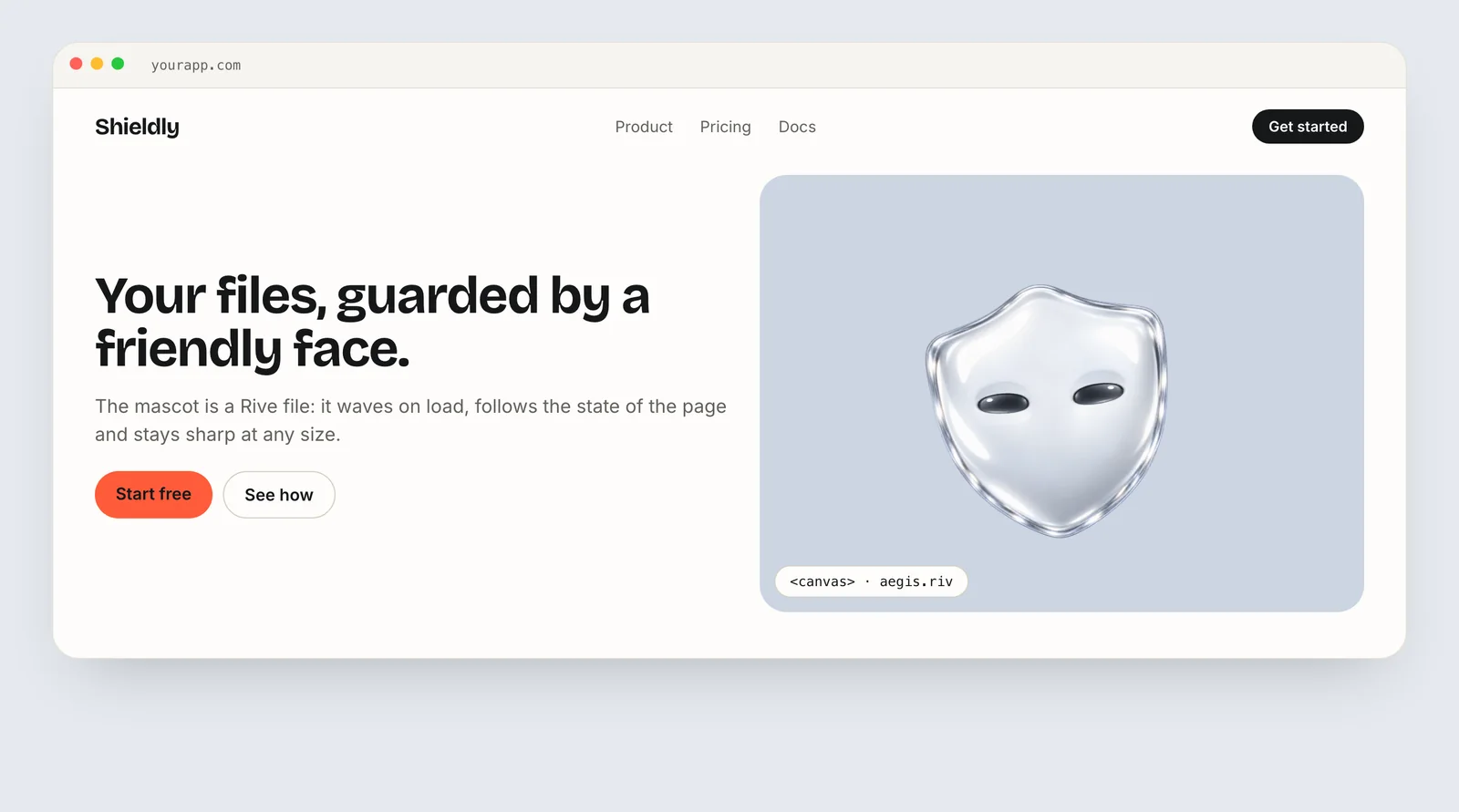
Stack an image and the canvas in the same box, then hide the image once Rive has drawn its first frame. Setting the canvas size up front prevents layout shift.
<div class="mascot-box">
  <img src="/character-poster.png" width="320" height="320" alt="">
  <canvas class="mascot" width="320" height="320"
          role="img" aria-label="Animated mascot"></canvas>
</div>

<style>
  .mascot-box { position: relative; width: 320px; aspect-ratio: 1; }
  .mascot-box > * { position: absolute; inset: 0; width: 100%; height: 100%; }
  .mascot-box.ready img { display: none; }
</style>
In the onLoad callback, add the class: canvas.parentElement.classList.add("ready"). The image should be the character's idle frame, so the switch is invisible.
Charmotion delivers the pieces this pattern needs: 17 animations from one character or logo image in about one to two hours, packaged as a single .riv with a Character view model (a mood number from 0 to 9 and six triggers), a web index.html example with data binding, and MP4, GIF and transparent WebM and MOV exports for social and email.
How do I respect prefers-reduced-motion in Astro?
Check the media query in your script and either skip the runtime entirely or start it paused.
const reduce = matchMedia("(prefers-reduced-motion: reduce)").matches;
if (!reduce) {
  io.observe(canvas);   // start the animation as usual
}
// otherwise the poster image stays visible
Skipping the runtime is the stronger choice on content sites: visitors who asked for less motion also download less. If the character carries meaning, such as a status, keep it but pass autoplay: false so the runtime draws a still frame and you can still set the mood.
The media feature has two values, no-preference and reduce, and reflects the visitor's operating system setting. The reduced motion guide covers which motion to keep.
For islands, apply the same check inside the framework component, in the hook that creates the Rive instance, so both routes behave the same way.
How to add a Rive mascot to an Astro page
- Install the runtime. Run
npm install @rive-app/canvasand put the .riv and a poster image inpublic/. - Add the markup. Create a component with a sized canvas and a poster image stacked in the same box.
- Add the script. Import
Rivein a<script>and create it withstateMachine: "CharacterViewModelMachine"andautoBind: true. - Start lazily. Use an
IntersectionObserver, or render a framework component withclient:visible. - Drive states. Set
viewModelInstance.number("mood").valueand fire triggers from event listeners. - Respect reduced motion. Skip or pause the runtime when
prefers-reduced-motion: reducematches.
Frequently asked questions
Why does my Rive script only run for the first mascot?
Astro includes a processed script once per page, no matter how many times the component appears. Select every matching canvas with querySelectorAll and loop over them, as in the example, instead of using getElementById. Each canvas then gets its own Rive instance.
Does Rive keep working after an Astro view transition?
Not automatically. With view transitions enabled, processed scripts don't re-run on client-side navigation, so new pages show an empty canvas. Run your setup on the astro:page-load event, which fires on the first load and after every navigation, and clean up old instances before the swap.
Can I use client:idle for a Rive island?
Yes. client:idle hydrates once the browser is idle, which suits a mascot that is visible on load but not essential. For anything below the fold, client:visible is usually better because it waits until the visitor actually scrolls to the character.
Quick answers from this guide
Sources
- Template directives reference — Astro
- Scripts and event handling — Astro
- Web (JS) runtime — Rive
- Web runtime: Data binding — Rive
- Preloading WASM — Rive
- prefers-reduced-motion — MDN Web Docs