AI Elements Persona vs a Custom Rive Character
By the Charmotion team · Updated
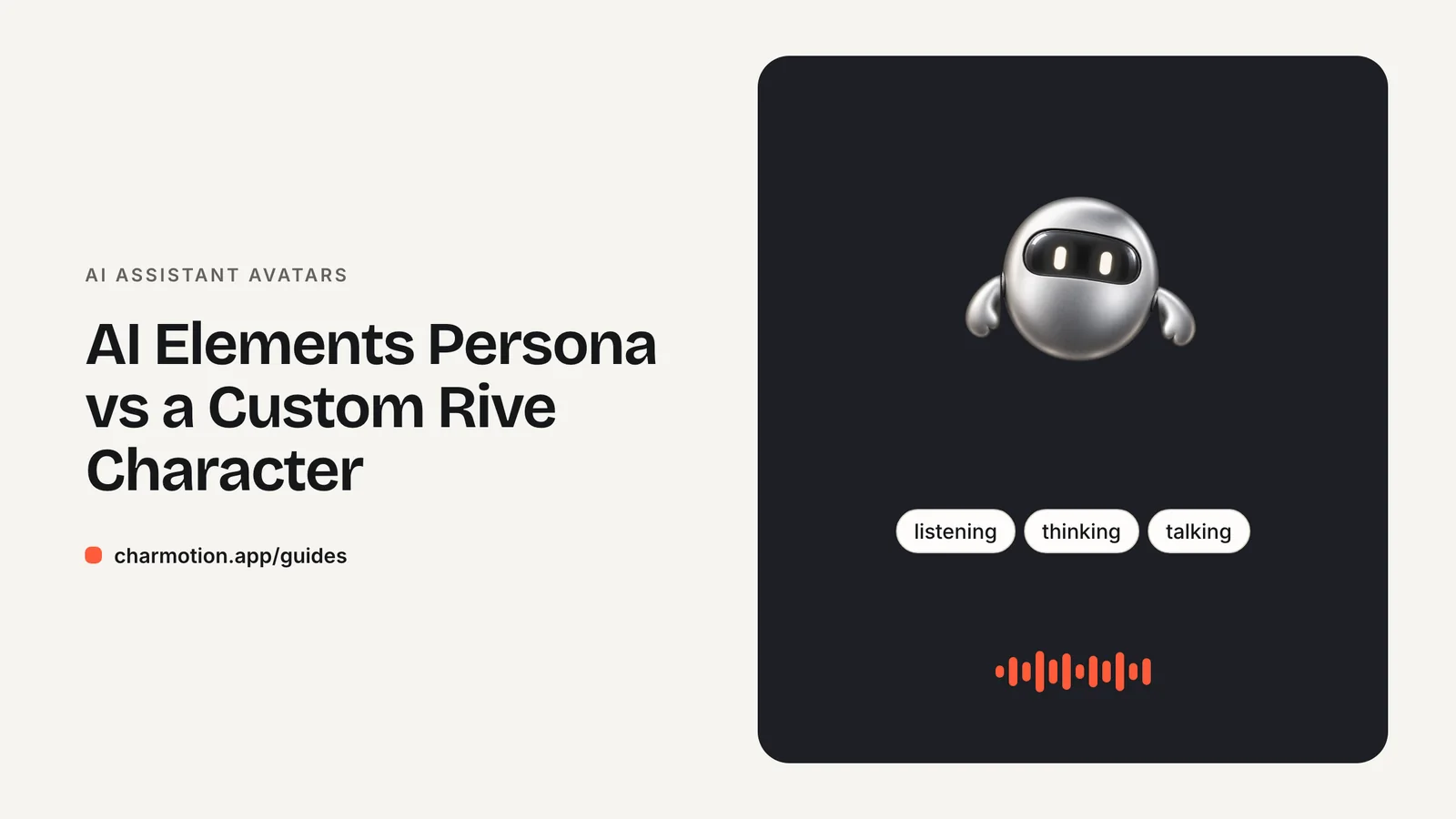
AI Elements Persona is a Vercel React component that renders an animated AI visual with Rive WebGL2. It has five states (idle, listening, thinking, speaking, asleep) and six variants, with Obsidian as the default. Its documentation doesn't describe loading your own .riv, so a branded mascot means writing a small Rive component with the same state names.
Key takeaways
- Persona's states are idle, listening, thinking, speaking and asleep; its variants are Obsidian, Mana, Opal, Halo, Glint and Command.
- The documented props are
state,variant,classNameand lifecycle callbacks. - Custom .riv files are not documented, so treat Persona as a set of abstract visuals, not a character loader.
- A wrapper that accepts the same
stateprop lets you swap Persona for a branded character without touching chat logic.
Already have a character or logo? Preview your own character animated in a phone splash, a website hero and an empty state — free, in your browser, nothing uploaded.
What does the AI Elements Persona component do?
AI Elements is Vercel's library of React components for AI interfaces, built to pair with the AI SDK. Persona is its avatar piece. The docs describe it as a component that "displays an animated AI visual that responds to different conversational states" (AI Elements: Persona).
Under the hood it renders with Rive on WebGL2, so state changes blend instead of cutting between clips. It also handles a React detail that trips up hand-rolled WebGL components: the docs mention a built-in guard that defers WebGL2 initialization by one frame, so no context is created during Strict Mode's throw-away development mount.
Like other AI Elements components, Persona is added to your project as source code rather than installed as an opaque package:
npx ai-elements@latest add persona"use client";
import { Persona } from "@/components/ai-elements/persona";
export function AssistantVisual({ state }: { state: "idle" | "listening" | "thinking" | "speaking" | "asleep" }) {
return <Persona state={state} className="size-24" />;
}Because it uses browser APIs, render it from a client component in the Next.js App Router. Omitting variant gives you the default Obsidian look.
Which states and variants does it support?
Persona supports five conversational states and six visual variants, according to its documentation (AI Elements: Persona):
| Prop | Values | Notes |
|---|---|---|
state | idle, listening, thinking, speaking, asleep | Drive it from your chat or voice status |
variant | Obsidian (default), Mana, Opal, Halo, Glint, Command | Abstract visual styles |
className | CSS classes | Size and placement |
| Lifecycle callbacks | onLoad, onReady, onPlay, onPause, onStop, onLoadError | Loading states and error fallback |
The five states line up with how assistants behave, and they match the conventions in most avatar guides: listen while the user talks, think while the model works, speak while it answers, sleep when the session is inactive.
What is not in the list is just as useful to know. There are no one-shot reactions such as success or error, and no "loading" state separate from thinking. If your product needs to celebrate a completed task or flag a failure visually, you will show that elsewhere in the UI.
Mapping from the AI SDK is short. With useChat, submitted becomes thinking, streaming becomes speaking and everything else idle (useChat reference):
const personaState = status === "submitted" ? "thinking" : status === "streaming" ? "speaking" : "idle";Can I use my own character in Persona?
Not in any documented way. Persona's docs list the props above and the six built-in variants; they don't describe passing your own .riv file or adding a variant (AI Elements: Persona). As of October 2026, treat Persona as a set of ready-made abstract visuals.
Because the component is copied into your codebase, you can read how it loads its Rive files and what it sets on them. Editing it to point at a different file is possible in principle, but it is undocumented, your file would have to expose exactly the inputs or properties the component drives, and updating the component later would overwrite your changes.
The cleaner route is a tiny component of your own that accepts the same state prop. Your chat logic keeps producing "idle" | "listening" | "thinking" | "speaking" | "asleep", and you choose at render time whether that goes to Persona or to your character. Rive's own React runtime handles the file with a few lines, as the next section shows; see Rive in React and Next.js for setup details.
How do Persona states map to a 10-mood character?
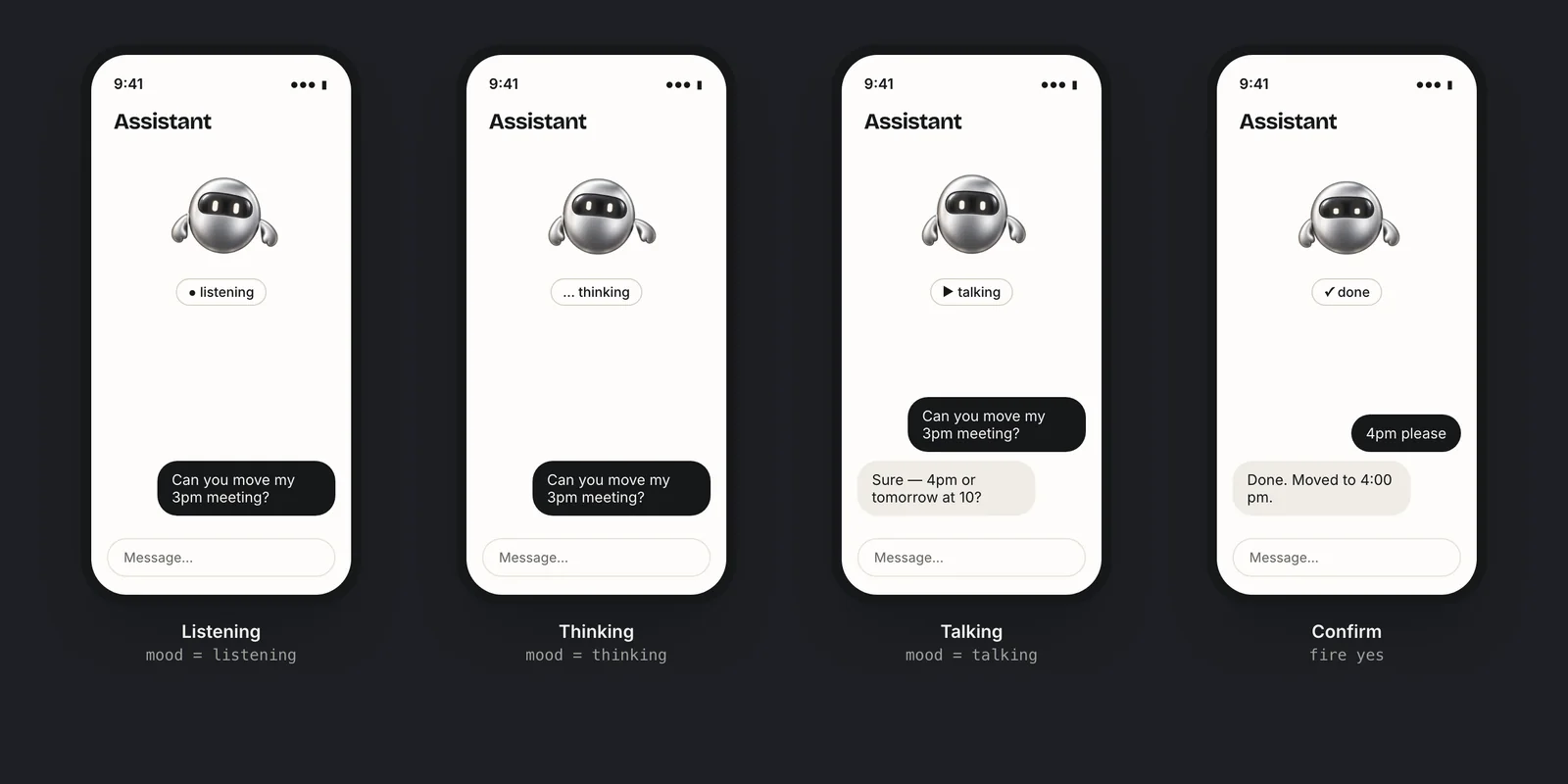
A character with numbered moods covers all five Persona states and adds room for reactions. With the ten-mood layout used elsewhere in these guides, the mapping is direct:
| Persona state | Mood | Value |
|---|---|---|
| idle | idle | 0 |
| listening | listening | 6 |
| thinking | thinking | 3 |
| speaking | talking | 7 |
| asleep | sleeping | 8 |
"use client";

import { useEffect } from "react";
import { useRive, useViewModelInstanceNumber } from "@rive-app/react-webgl2";

export type PersonaState = "idle" | "listening" | "thinking" | "speaking" | "asleep";

const MOOD: Record<PersonaState, number> = { idle: 0, listening: 6, thinking: 3, speaking: 7, asleep: 8 };

export function CharacterPersona({ state, className }: { state: PersonaState; className?: string }) {
  const { rive, RiveComponent } = useRive({
    src: "/character.riv",
    stateMachine: "CharacterViewModelMachine",
    autoplay: true,
    autoBind: true,
  });
  const { setValue: setMood } = useViewModelInstanceNumber("mood", rive?.viewModelInstance);

  useEffect(() => {
    setMood(MOOD[state]);
  }, [state, setMood]);

  return (
    <div aria-hidden="true" className={className}>
      <RiveComponent />
    </div>
  );
}
The hooks come from Rive's React data binding API (Rive React data binding). Because the props match, switching between <Persona state={s} /> and <CharacterPersona state={s} /> is a one-line change. You can then add the reactions Persona lacks with useViewModelInstanceTrigger("success", ...).
How do I handle loading and errors with Persona or a custom character?
Both options download a Rive runtime and a .riv file before anything appears, so plan for the first moments and for failure. Persona exposes lifecycle callbacks for this, including onLoad, onReady and onLoadError (AI Elements: Persona). A custom component gets the same information from useRive: the rive instance stays null until the file has loaded.
- Reserve the space. Give the wrapper a fixed size so the chat layout doesn't jump when the canvas appears.
- Show a still first. A static image of the idle pose behind the canvas avoids an empty box on slow connections.
- Fall back quietly. If loading fails, keep the still image and carry on. The assistant must work without its avatar.
- Keep status in text. Whether the visual is an orb or a mascot, a label such as "Thinking" tells everyone what is happening, including screen reader users.
For pausing offscreen, reduced motion and canvas remounts, the rules are identical for both; see accessible, fast AI avatar animation.
When is a branded mascot better than an abstract orb?
Neither is better in general. They signal different things.
| Persona (abstract visual) | Custom character | |
|---|---|---|
| Setup time | Minutes | Design and animation work, or a generated set |
| Brand recognition | Shared look across many apps | Yours alone |
| States | Five, fixed | Whatever the file has |
| Reactions (success, error) | Not included | Possible with triggers |
| Expectation it sets | "This is a system" | "This is our product's personality" |
Choose Persona when you are prototyping, when the assistant is a utility inside a larger tool, or when you want the neutral, ambient feel of an orb. Choose a character when the assistant is the product, when you already have a mascot or logo that people recognize, or when you need reactions beyond the five states, such as celebrating a completed booking.
The cost gap has narrowed. Charmotion turns an existing character or logo into a 17-animation set in about one to two hours, with the ten moods above and six triggers in one .riv (Studio plan, $29/month), plus MP4, GIF and transparent WebM/MOV exports for places a canvas can't go. Whatever you choose, keep the state logic separate from the visual, as in the wrapper above, so the decision stays reversible.
Frequently asked questions
What states does the AI Elements Persona component support?
Persona supports five states: idle, listening, thinking, speaking and asleep. It renders with Rive on WebGL2 and comes in six variants: Obsidian (the default), Mana, Opal, Halo, Glint and Command. The documented props are state, variant, className and lifecycle callbacks such as onLoad and onLoadError.
Can I load a custom .riv file into Persona?
The Persona documentation doesn't describe loading your own .riv or adding variants. Since the component's source is copied into your project, editing it is technically possible but undocumented. A small Rive component that accepts the same state prop is the more maintainable way to use a branded character.
Does Persona work with React Strict Mode?
Yes. Its docs describe a built-in guard that defers WebGL2 initialization by one frame, so no context is created during Strict Mode's throw-away development mount. If you write your own Rive avatar, keep useRive and RiveComponent in one stable component to avoid remount problems.
Quick answers from this guide
Sources
- Persona component — Vercel AI Elements
- useChat reference — AI SDK by Vercel
- React runtime: Data binding — Rive
- React runtime: Best practices — Rive