Mascot Animation Service: What to Ask For and What You Should Get
By the Charmotion team · Updated
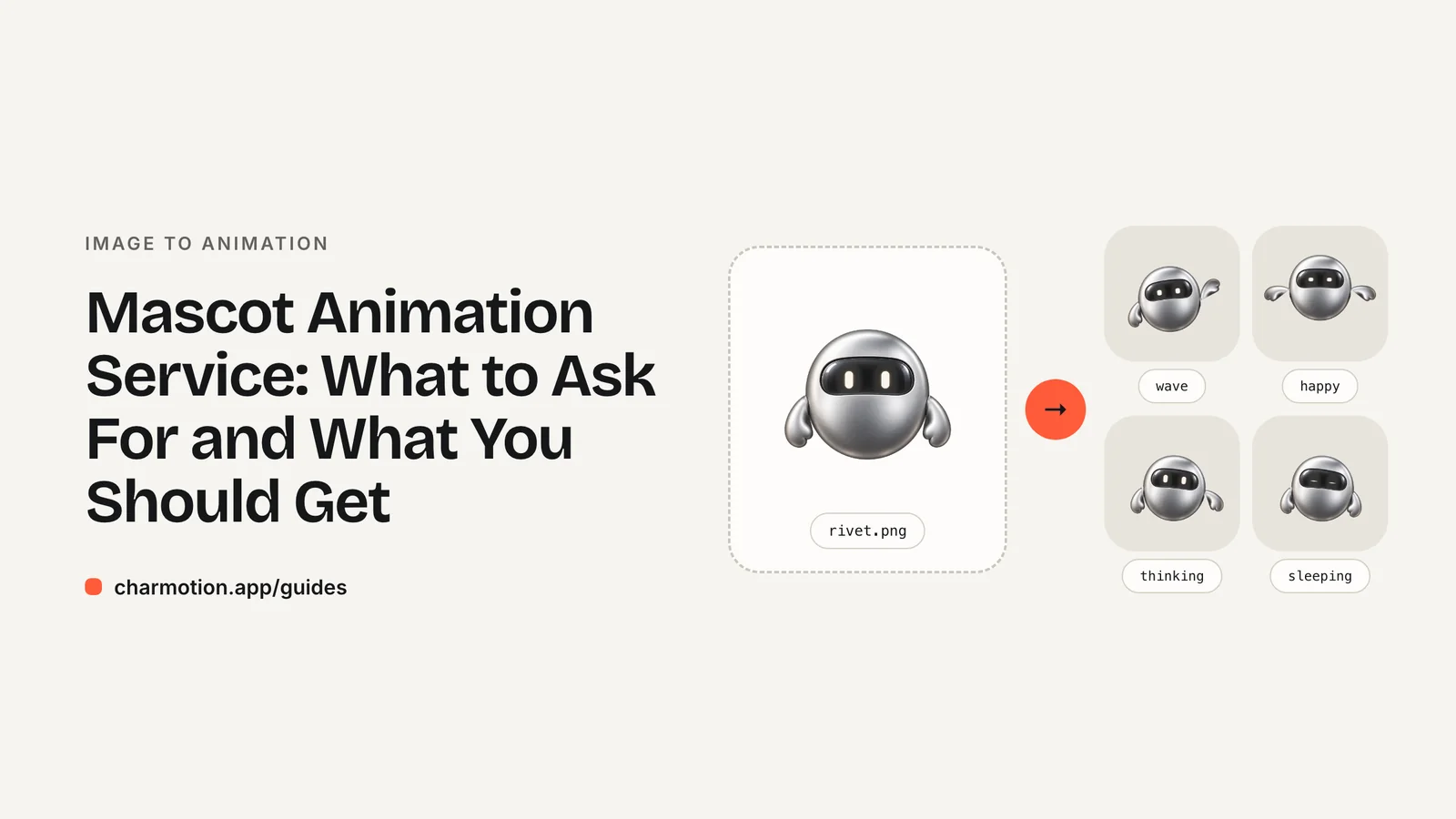
When you order mascot animation, ask for a state set, not a single clip: idle, loading, success, error and the other states your screens use, delivered as an interactive Rive file plus transparent video, MP4 and GIF, with commercial rights and a set number of revisions. That brief works whether you hire an animator or use a generator.
Key takeaways
- List the moments in your product where the mascot appears; each moment is a state.
- Ask for interactive (Rive) and transparent formats, not only MP4.
- Get commercial usage rights in writing and confirm you keep them after any subscription ends.
- Agree revisions and turnaround up front; generators trade bespoke acting for speed and price.
Already have a character or logo? Preview your own character animated in a phone splash, a website hero and an empty state — free, in your browser, nothing uploaded.
Which animations should I ask for?
Start from your screens, not from a list of cute moves. Every place the mascot appears is a state:
| State | Type | Typical use |
|---|---|---|
| idle | loop | Default on every screen |
| happy, wave | loop | Greeting, onboarding |
| thinking, loading | loop | Waiting on a request |
| sad, sleeping | loop | Errors, empty states |
| listening, talking | loop | Chat and voice assistants |
| success, error, yes, no | one-shot | Reactions to a user action |
| enter, exit | one-shot | Showing and hiding the character |
The mascot animation states guide explains each one. Loops must start and end on the same pose; one-shots should return to idle.
Which file formats should be delivered?
| Format | Where it's used |
|---|---|
| .riv with a state machine | Interactive use in iOS, Android, Flutter, React Native and the web |
| Transparent WebM (VP9 alpha) | Overlays on websites in Chrome, Edge and Firefox |
| Transparent MOV (HEVC alpha) | Safari, iOS, Keynote and video editors |
| MP4 | Social posts, decks, store videos |
| GIF | Email, chat, docs |
If your developers will integrate it, ask for the state machine's names and inputs or view-model properties in writing, plus a code sample.
What about rights, revisions and turnaround?
- Rights: commercial, worldwide, no expiry, and ownership of the character stays with you.
- Source files: the editable Rive file if you may want changes later.
- Revisions: a fixed number of rounds and what counts as a revision.
- Turnaround: ask an animator for a schedule per state; generators deliver in hours.
Should I hire an animator or use a generator?
Hire an animator when the character needs bespoke acting, a story scene, lip-sync to a script, or an art style a rig can't handle. Ask for a quote against the brief above.
Use a generator when you have a flat, front-facing mascot and need the standard product states quickly and consistently. Charmotion delivers 17 animations from one image, usually within one to two hours: Starter at $4.99 a month (MP4, GIF, 9:16 video), Studio at $29 a month (adds the .riv with state machines, transparent WebM and MOV, and React and SwiftUI code). Done with an expert, $499 one-time, adds an animator who hand-finishes the set with two revision rounds. You keep commercial rights to the files after cancelling. Preview your mascot first, free.
Frequently asked questions
How many animations does an app mascot need?
Most products use six to ten: idle, a greeting, loading or thinking, success, error, and an empty state, plus listening and talking for assistants. Charmotion's set has 17 so the common cases are covered.
Do I own the animation?
You should own the character and receive a commercial license or ownership of the files. Get it in writing, and check that rights continue after a subscription ends.
Can a service animate my existing logo?
Usually, yes. Flat logos animate best. See the guide on animating a logo from a PNG for what to prepare.
Quick answers from this guide
Sources
- State Machine — Rive
- Data Binding overview — Rive
- prefers-reduced-motion — MDN Web Docs
- Rive pricing — Rive