Google Play Feature Graphic & Promo Video Specs
By the Charmotion team · Updated
The Google Play feature graphic is 1024×500 pixels, as a JPEG or 24-bit PNG with no transparency. It is shown as the cover of your preview video. The preview video is a public or unlisted YouTube URL with ads disabled, and only its first 30 seconds autoplay. The app icon is a 512×512, 32-bit PNG up to 1024 KB.
Key takeaways
- Feature graphic: 1024×500, JPEG or 24-bit PNG, no alpha; keep the focal point centered.
- Preview video: a YouTube video URL, public or unlisted, ads off, not age-restricted, no playlists or timecodes.
- Only the first 30 seconds autoplay; Google suggests showing core features within the first 10 seconds.
- Screenshots: 2–8 per device type, 320–3840 px, long side no more than twice the short side.
- Icon: 512×512, 32-bit PNG with alpha, up to 1024 KB.
Already have a character or logo? Preview your own character animated in a phone splash, a website hero and an empty state — free, in your browser, nothing uploaded.
What size is the Google Play feature graphic?
Google Play's preview asset requirements set the feature graphic at 1024×500 pixels, as a JPEG or 24-bit PNG with no alpha. It appears as the cover image of your preview video and, for some apps and games, in a large format on the store.
| Asset | Requirement |
|---|---|
| App icon | 512×512, 32-bit PNG (with alpha), up to 1024 KB |
| Feature graphic | 1024×500, JPEG or 24-bit PNG (no alpha) |
| Screenshots | 2 minimum, up to 8 per device type; JPEG or 24-bit PNG (no alpha); 320–3840 px; long side at most 2× the short side |
| Preview video | YouTube video URL; public or unlisted; ads disabled; not age-restricted |
Google advises keeping prominent visuals and the focal point toward the center and avoiding key elements in the cutoff zones, because the graphic is cropped and overlaid differently across surfaces. A play button sits on top when a video is attached, so keep the very center free of small details.
Because alpha is not allowed, flatten any transparent mascot onto a solid or gradient background before export. In FFmpeg, -pix_fmt rgb24 writes a PNG without an alpha channel.
How do I add a preview video to Google Play?
Google Play does not take a video upload. You paste a YouTube URL into the store listing in Play Console. Google's requirements:
- Use an individual video's URL, not a playlist or channel URL.
- Do not add extra parameters such as timecodes.
- Set the video's privacy to public or unlisted.
- Disable ads (turn off monetization) for the video.
- The video must not be age-restricted.
The video appears before the screenshots on your listing, with the feature graphic as its cover. Only the first 30 seconds autoplay, and Google suggests showing core features as early as possible within the first 10 seconds.
For a mascot-led app, a good opening is the character reacting to a real in-app moment, such as completing a task, followed immediately by the real UI. Keep the brand moment brief so the first 10 seconds still show the product.
What are the Google Play screenshot requirements?
You need at least two screenshots and can add up to eight for each supported device type (phone, tablet, Chromebook, Android TV, Wear OS, Android Automotive OS and Android XR). Each must be JPEG or 24-bit PNG with no alpha, with a minimum dimension of 320 pixels and a maximum of 3840 pixels. The long side cannot be more than twice the short side.
For apps that want higher-quality placement, Google recommends at least four screenshots at a minimum of 1080 pixels: 9:16 portrait at 1080×1920 or larger, or 16:9 landscape at 1920×1080 or larger.
| Orientation | Recommended minimum | Ratio |
|---|---|---|
| Portrait | 1080×1920 | 9:16 |
| Landscape | 1920×1080 | 16:9 |
A 9:16 frame from a mascot animation can work as a branded first screenshot, but the rest should show real app screens so people know what they are installing.
What are the Google Play app icon specs?
The store icon is a 512×512 pixel, 32-bit PNG with alpha, with a maximum file size of 1024 KB. Google shows it on your store listing, in search results and in top charts.
The icon is static. If your brand has a mascot, the icon is usually its head or a simplified pose, taken from the same artwork as your animations so the two match.
Unlike the feature graphic and screenshots, the icon allows alpha. Note that this is the Play Store listing icon; the launcher icon inside your app is defined separately in your Android project.
Because the icon appears in search results and top charts next to competing apps, test it at small sizes before upload. A silhouette that is recognizable at thumbnail size, with one or two strong colors, usually outperforms a detailed illustration that turns to noise when shrunk. If the PNG exceeds 1024 KB, reduce color complexity or run it through a lossless PNG optimizer.
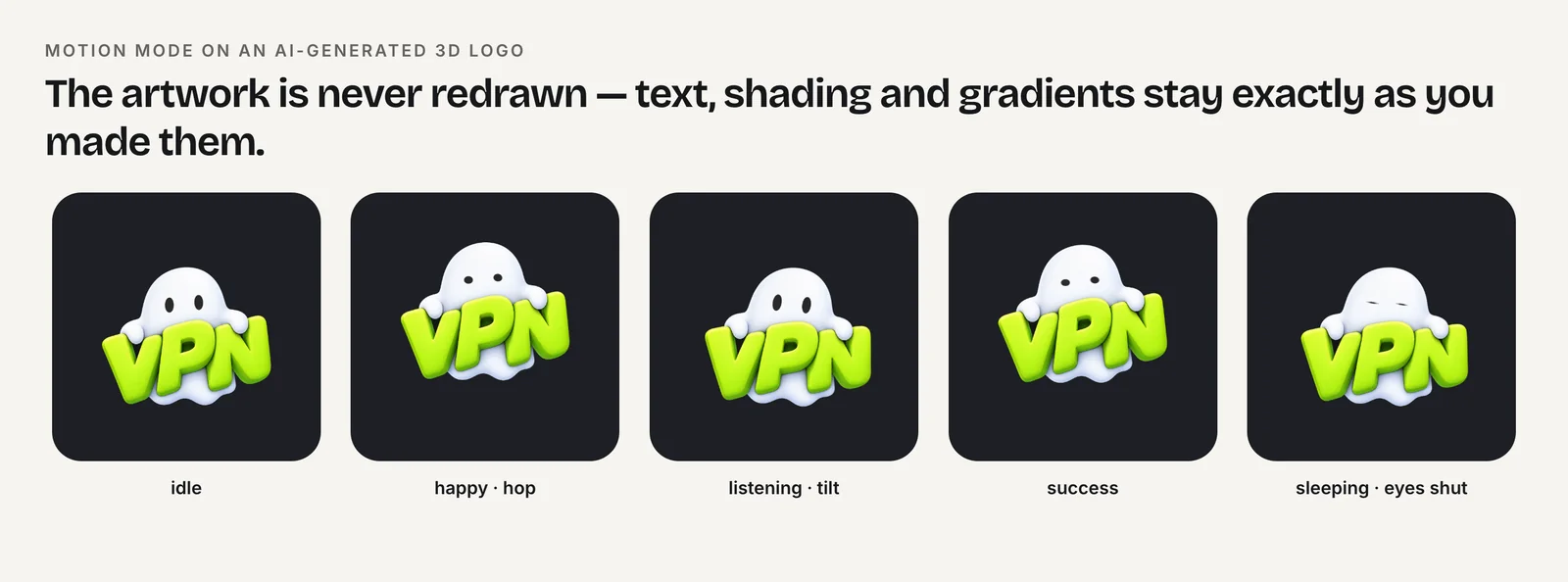
How do I use a mascot animation in Play Store assets?
Play's listing has one moving element, the preview video, so the animation does most of its work there. The rest are stills you can pull from the same animation.
- Video sting: a 1–2 second mascot reaction near the start of the YouTube preview, then the product.
- Feature graphic: a still of the character on the left or right third, headline opposite, focal point near center.
- First screenshot: a 1080×1920 frame with the mascot and one line of value proposition.
- Icon: a simplified head or pose at 512×512.
To grab a frame from an MP4 as an opaque PNG for the feature graphic layout:
ffmpeg -ss 1.2 -i wave.mp4 -frames:v 1 -pix_fmt rgb24 mascot-frame.pngCharmotion produces 17 animations from one uploaded character in about 1–2 hours, including a 9:16 1080×1920 launch MP4 that suits a vertical preview segment or first screenshot, and 1080×1080 MP4s for stills. The Starter plan ($4.99/month) covers the MP4 files.
How do Google Play assets differ from App Store previews?
The main difference is video hosting. Google Play links to a YouTube video, so the same video can serve your channel, your website and the listing. Apple's App Store takes app preview files uploaded directly in App Store Connect, under its own size and duration rules, so check Apple's current specs before reusing a Play video there.
Other practical differences:
- Autoplay: Play autoplays only the first 30 seconds of the YouTube video.
- Ads: Play requires ads disabled on the linked YouTube video.
Build a master edit with the product in the first seconds, then make store-specific versions from it rather than trying to make one file satisfy both stores. Keep the mascot sting as a separate clip in your editing project so you can place it, shorten it or drop it per store without re-cutting the whole video. The same habit helps when you later make 9:16 versions for social channels.
How to prepare Google Play store graphics and video
- Design the feature graphic. Create a 1024×500 JPEG or 24-bit PNG with no alpha, keeping the focal point near the center.
- Upload the preview video to YouTube. Set it to public or unlisted, disable ads, and make sure it is not age-restricted.
- Add the video URL. Paste the individual video's URL, without playlists or timecodes, into your Play Console store listing.
- Export screenshots. Provide 2–8 JPEG or 24-bit PNG screenshots per device type, ideally 1080×1920 or 1920×1080.
- Upload the icon. Export a 512×512, 32-bit PNG with alpha up to 1024 KB.
Frequently asked questions
Can the Google Play feature graphic be animated?
No. Google Play requires a 1024×500 JPEG or 24-bit PNG, and both are still-image formats. The listing's only moving element is the preview video, which is linked from YouTube and uses the feature graphic as its cover image until someone plays it.
Can the feature graphic have a transparent background?
No. Google Play specifies JPEG or 24-bit PNG with no alpha for the feature graphic. Flatten your mascot or logo onto a solid or gradient background before export. Only the 512×512 store icon is a 32-bit PNG that allows an alpha channel.
How long should a Google Play preview video be?
Google sets no strict length, but only the first 30 seconds autoplay, and it suggests showing core features within the first 10 seconds. Keep any logo or mascot sting brief so that the opening seconds still show the actual app in use.
Why was my preview video rejected?
Common causes under Google's rules: the URL points to a playlist or channel, includes a timecode, the video is private, ads or monetization are enabled, or the video is age-restricted. Fix the setting on YouTube, then re-enter the plain video URL in Play Console.
Quick answers from this guide
Sources
- Add preview assets to showcase your app — Play Console Help
- FFmpeg filters documentation (palettegen, paletteuse, scale, pad) — FFmpeg