Prompts de IA para agregar una mascota animada en el splash o la pantalla de carga
Por el equipo de Charmotion · Actualizado el
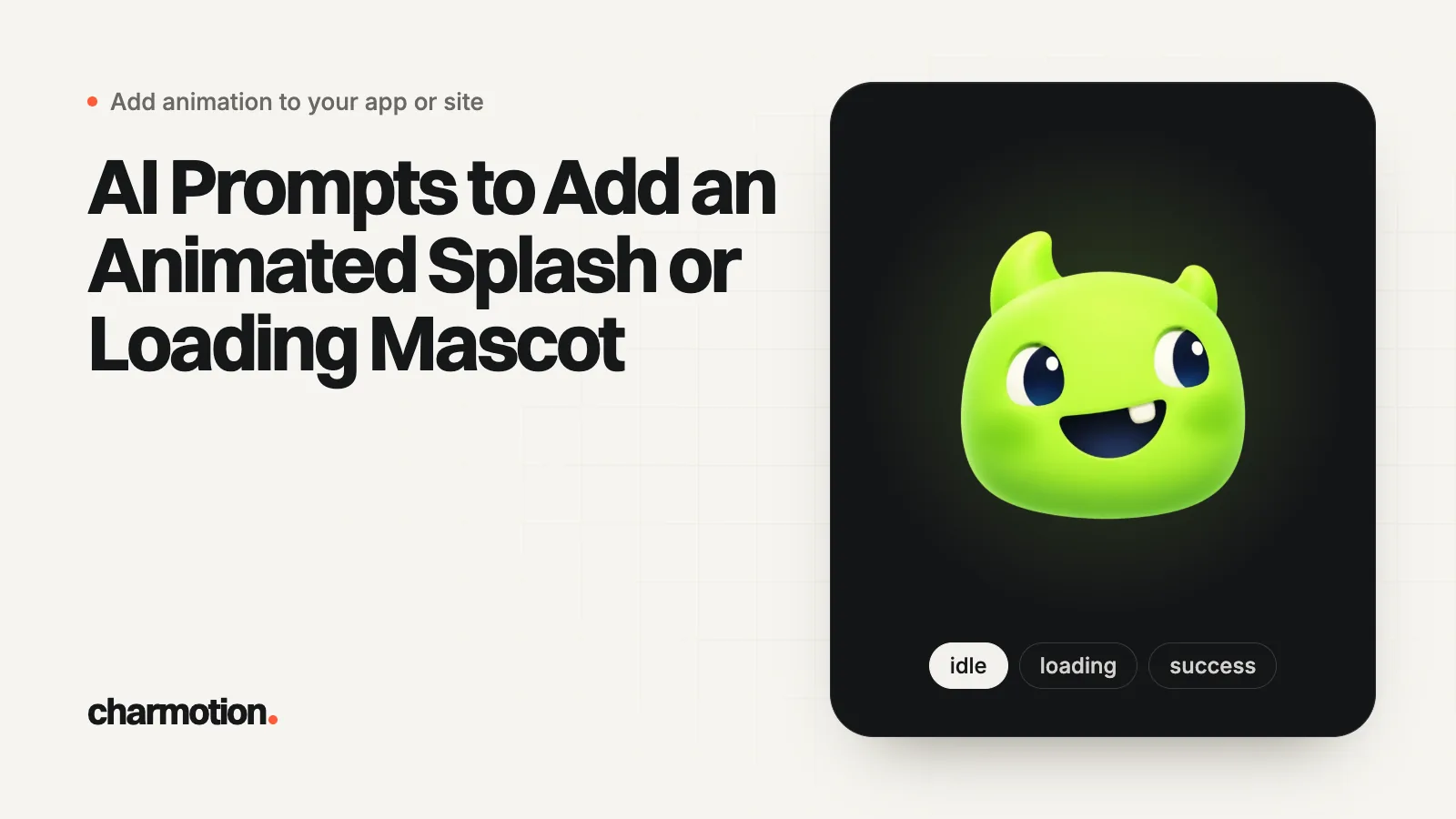
Las herramientas de programación con IA como Cursor, Claude Code, Lovable, Bolt y v0 pueden agregar una mascota animada al splash o a la carga si el prompt indica lo que suelen adivinar mal: el splash del sistema queda estático, la intro se reproduce en la primera pantalla, el nombre exacto de la máquina de estados, un temporizador de 2.6 segundos porque el archivo no dispara ningún evento de fin, un solo color de fondo y una alternativa para movimiento reducido.
Puntos clave
- Pega el bloque de reglas compartidas en el prompt o en las reglas de tu proyecto para que todas las herramientas reciban los mismos datos.
- Indícale a la herramienta que la pantalla de inicio del sistema debe quedar estática; si no, puede intentar animarla.
- Aclara que el archivo de inicio no dispara ningún evento de fin, o la herramienta inventará un callback que nunca se ejecuta.
- Indica el framework, el paquete y las rutas de archivo; los prompts vagos generan código de Lottie para un archivo .riv.
- Revisa el resultado con una lista corta: coincidencia de color, temporizador, tiempo límite de seguridad y movimiento reducido.
¿Ya tienes un personaje o logo? Mira tu personaje en pantallas reales de una app: pantallas de splash, onboarding, carga y estado vacío. Es gratis, funciona en tu navegador y no sube nada.
¿Por qué las herramientas de programación con IA hacen mal los splash screens animados?
Porque la respuesta más común en sus datos de entrenamiento es la incorrecta para tu app. Si pides "un splash screen animado" sin más detalles, a menudo obtienes alguno de estos resultados:
- Un intento de poner animación en
LaunchScreen.storyboard, que solo puede usar clases estándar de UIKit sin conexiones de código (Apple). - Un componente de Lottie apuntando a un archivo
.riv, o una nueva librería de animación que no pediste. - Un listener para un evento de "animación terminada" que el archivo nunca dispara, así que la app se queda trabada en la intro.
- Código de Rive ejecutado en Expo Go, que no puede cargar módulos nativos (Rive).
- Un destello blanco, porque el splash, la vista raíz y la intro usan colores distintos.
- Ninguna alternativa para movimiento reducido.
La solución es darle los datos a la herramienta desde el principio. Ponlos en instrucciones persistentes del proyecto para no repetirlos: Claude Code lee CLAUDE.md y puede leer AGENTS.md (Claude Code Docs), Cursor lee las reglas del proyecto en .cursor/rules como archivos .mdc y admite AGENTS.md (Cursor Docs), y Lovable tiene Knowledge de workspace y de proyecto que siempre está en contexto (Lovable Docs). En Bolt y v0, pega las reglas al inicio del chat.
¿Qué reglas debe incluir todo prompt de splash screen?
Pega este bloque antes de cualquiera de los prompts por framework de abajo y reemplaza los valores entre corchetes. Supone un archivo de inicio de Charmotion (LaunchStateMachine, intro de 2.6 segundos, sin evento de fin); si tu archivo es distinto, cambia esas líneas.
Rules for the launch animation (follow exactly):
- The OS launch screen stays static. Do not try to animate
  LaunchScreen.storyboard, UILaunchScreen, the Expo splash config
  or flutter_native_splash. The animation plays on the FIRST SCREEN.
- Asset: [assets/launch.riv]. State machine: "LaunchStateMachine".
  It plays a 2.6 s intro once and settles on the resting icon.
- The file fires NO end event. Do not listen for "introDone",
  "onComplete" or any other event. Wait 2.6 s with a timer, then
  continue. Add a 4 s safety timeout in case the file fails to load.
- Background color [#0E1116] must be identical on the native
  splash, the root view and the intro screen (light and dark).
- Show the intro at the same size and center position as the icon
  on the native splash, so there is no visible jump.
- Reduced motion: if the user has it enabled, skip the intro and
  show the still icon [assets/icon_rest.png], then continue.
- Never block the app longer than the intro. Do not add extra delay.
- Do not add Lottie or any other animation library.
Por qué importa la regla del temporizador: una máquina de estados (state machine) de Rive solo emite los eventos que su autor incorporó. Un archivo de inicio de Charmotion se reproduce una vez, se queda en la pose de reposo y no emite nada, así que la única forma correcta de continuar es esperar lo que dura. Decirle a la herramienta que no invente un nombre de evento evita el bloqueo más común.
Las descargas de Charmotion también incluyen código web, React y SwiftUI junto al .riv, así que puedes adjuntar un ejemplo funcional al prompt en lugar de describirlo.
¿Qué prompt agrega una splash screen animada en SwiftUI?
Para Cursor o Claude Code en un proyecto de Xcode:
Add a launch intro to this SwiftUI app.

[paste the rules block]

Details:
- Add the RiveRuntime Swift package (rive-ios) if it is missing.
- Bundle launch.riv in the app target.
- Create LaunchIntroView: full-screen Color("LaunchBackground"),
  centered 160x160 RiveViewModel(fileName: "launch",
  stateMachineName: "LaunchStateMachine").view().
- In the App struct, show LaunchIntroView over ContentView with a
  @State showIntro = true. After 2.6 s (Task.sleep), set it to false
  with a 0.25 s opacity transition.
- Read @Environment(\.accessibilityReduceMotion). If true, do not
  show the intro at all.
- Set UILaunchScreen in Info.plist: UIColorName = LaunchBackground,
  UIImageName = IconRest (same size as the intro's icon).
- Do not modify LaunchScreen.storyboard beyond static views.
Show me the files you changed.
La versión completa escrita a mano, incluido el nuevo runtime de Rive para Apple, está en splash screen animada en SwiftUI.
¿Qué prompt agrega una splash screen animada en Expo o React Native?
Add an animated launch intro to this Expo app (Expo Router).

[paste the rules block]

Details:
- Use expo-splash-screen: call SplashScreen.preventAutoHideAsync()
  in global scope in app/_layout.tsx. Call SplashScreen.hideAsync()
  only after the Rive file has loaded.
- In app.json, set the expo-splash-screen plugin backgroundColor,
  image (assets/icon-rest.png), imageWidth 160 and dark options, and
  the same root "backgroundColor". Install expo-system-ui if needed.
- Use @rive-app/react-native with react-native-nitro-modules, installed
  with npx expo install. This needs a development build, not Expo Go.
- Add "riv" to resolver.assetExts in metro.config.js.
- Create components/LaunchIntro.tsx: useRiveFile(require(...)),
  RiveView with stateMachineName="LaunchStateMachine", autoPlay,
  160x160, centered on the background color. Call onDone after
  2600 ms with setTimeout. Add a 4000 ms safety timeout.
- Check AccessibilityInfo.isReduceMotionEnabled(); if true, hide the
  splash and call onDone immediately.
- Do not use Lottie. Do not listen for any Rive event.
Contexto de cada paso: splash screen animada en Expo y React Native y Rive en Expo.
¿Qué prompt agrega una splash screen animada en Flutter?
Add an animated launch intro to this Flutter app.

[paste the rules block]

Details:
- Keep flutter_native_splash for the native splash (color [#0E1116],
  image assets/icon_rest.png). It stays static.
- In main(): binding = WidgetsFlutterBinding.ensureInitialized();
  FlutterNativeSplash.preserve(widgetsBinding: binding);
  await RiveNative.init();
- Add the rive package. Create IntroPage (StatefulWidget) as home:
  load File.asset('assets/launch.riv', riveFactory: Factory.rive),
  create RiveWidgetController with
  StateMachineSelector.byName('LaunchStateMachine'), render
  RiveWidget in a 160x160 SizedBox centered on the background color.
- Call FlutterNativeSplash.remove() after the file loads, wait
  2600 ms, then Navigator.pushReplacement to the existing home page.
- If MediaQuery.disableAnimationsOf(context) (or
  platformDispatcher.accessibilityFeatures.disableAnimations) is true,
  show Image.asset('assets/icon_rest.png') and navigate immediately.
- Dispose the controller and the file in dispose().
El mismo código, escrito completo y explicado: splash screen animada en Flutter.
¿Qué prompt agrega una intro animada en Next.js, Lovable, Bolt o v0?
Las apps web no tienen splash del sistema operativo, así que el equivalente es una intro en la sección hero o en el primer renderizado. Lovable, Bolt y v0 suelen generar React, así que un solo prompt sirve para todos:
Add an animated logo intro to the hero of this React / Next.js page.

Assets (in /public):
- logo-intro.webm (VP9 with alpha), logo-intro.mov (HEVC with alpha),
  logo-rest.webp (the still final frame, same size).

Rules:
- Render a <video autoplay muted playsinline> with poster="/logo-rest.webp",
  fixed width and height (no layout shift), and two sources in this
  order: logo-intro.mov with type 'video/mp4; codecs="hvc1"', then
  logo-intro.webm with type "video/webm".
- Do not loop. When it ends, keep the last frame (it matches the poster).
- If play() rejects, keep showing the poster.
- With prefers-reduced-motion: reduce, render only the poster image.
- In Next.js, make the component a client component.
- Do not add Lottie, GSAP or any other animation library.
Si quieres una mascota de marca interactiva en la web en lugar de video, pide @rive-app/react-webgl2 con stateMachine: "CharacterViewModelMachine" y autoBind: true (Rive). El orden de las fuentes y los códecs siguen el enfoque multinavegador de Jake Archibald (Jake Archibald); consulta video con fondo transparente en un sitio web.
¿Qué prompt agrega una mascota de carga en lugar de una splash screen?
El mismo archivo de personaje puede controlar estados de carga. Este prompt supone la estructura de archivo de las reglas anteriores (un view model Character); cambia el nombre de las propiedades para que coincidan con las tuyas:
Show the mascot while [the image generation request] is pending.

- File: [assets/character.riv]. State machine: "CharacterViewModelMachine".
  View model "Character" with a number property "mood" and triggers
  "success" and "error".
- Mood values: 0 idle, 3 thinking, 5 loading.
- Before the request: set mood = 5. On success: fire "success",
  then set mood = 0. On failure: fire "error", then set mood = 0.
  Triggers play once and return to the current mood by themselves.
- Only show the mascot if the request takes longer than 600 ms.
- Keep visible "Loading…" text with role="status" (web) or an
  accessibility label (native). Hide the animation itself from
  screen readers.
- Reduced motion: show the still image and the text, no animation.
- If the file has no "Character" view model, fall back to the
  legacy "CharacterStateMachine" with the same input names.
Más sobre los tiempos y la accesibilidad de los loaders en cómo agregar una animación de carga.
¿Cómo revisas lo que escribió la herramienta de IA?
Revisa esto antes de hacer merge:
- La splash del sistema operativo queda intacta o estática. Nada de código en el launch storyboard ni drawables animados fuera de
drawable-v31en Android. - Un solo color de fondo en la splash, la raíz y la intro, en modo claro y oscuro.
- Un temporizador, no un evento inventado, termina la intro, además de un timeout de seguridad.
- La splash se oculta después de que carga el archivo, no antes (sin fotograma en blanco).
- Con movimiento reducido se omite la intro (compruébalo con el ajuste del sistema activado, usando
prefers-reduced-motionen la web) (MDN). - Sin dependencias sorpresa. Elimina cualquier librería que la herramienta haya agregado por su cuenta.
- Probado en un build de release en Expo, y en un dispositivo real en todas las plataformas.
Preguntas frecuentes
¿Cuál es la mejor herramienta de IA para programar si quieres agregar una animación de splash?
La herramienta importa menos que el prompt. Cursor y Claude Code trabajan dentro de tu proyecto nativo o de Expo existente; Lovable, Bolt y v0 rinden mejor en apps web con React. Cualquiera funciona cuando le das los nombres de la máquina de estados, la duración fija de la intro, el color de fondo compartido y la regla de movimiento reducido.
¿Por qué la intro de mi splash generada con IA nunca termina?
Normalmente porque el código espera un evento de fin que el archivo de animación no dispara. Un LaunchStateMachine de Charmotion no emite ningún evento cuando termina su intro de 2,6 segundos. Reemplaza el listener por un temporizador de 2600 ms y agrega un timeout de seguridad para que la app siempre continúe.
¿Debo poner las reglas de la splash en CLAUDE.md o en las reglas de Cursor?
Sí, si más de una persona o sesión va a tocar el flujo de inicio. Claude Code carga CLAUDE.md (y puede leer AGENTS.md) en cada sesión, y Cursor aplica las reglas .mdc de .cursor/rules, así que las reglas del temporizador, del color y del movimiento reducido se mantienen en cada edición.
Respuestas rápidas de esta guía
Fuentes
- Specifying your app's launch screen, Apple Developer Documentation
- Adding Rive to Expo, Rive
- How Claude remembers your project (CLAUDE.md, AGENTS.md), Claude Code Docs
- Rules, Cursor Docs
- Knowledge, Lovable Docs
- Web (JS) runtime, Rive
- Video with alpha transparency on the web, Jake Archibald
- prefers-reduced-motion, MDN Web Docs
Guías relacionadas
- Splash screen animado en SwiftUI (patrón de código)
- Splash screen animado en Expo y React Native
- Splash screen animado en Flutter (y FlutterFlow)
- Cómo agregar una animación de carga a una app o un sitio web
- Video con fondo transparente en sitios web (incluido Safari)
- Guía de animaciones de inicio y splash screen para apps